

Ever wonder if a thin ultrabook packs enough power? These small machines use strong processors, dual-channel memory (two memory channels working together) and fast SSDs (solid state drives for speedy storage) to run many apps at once. They even come with built-in graphics and boot up almost instantly. In this post, we show you the top features of ultrabooks: quick performance, reliable work, and low energy use.
Cutting-edge performance features in ultrabooks
High-performance ultrabooks pack advanced processors and dual-channel RAM into one responsive machine. They use Intel or AMD multi-core CPUs (like 12th gen Intel or Ryzen 7) with 8–16 GB of memory, making sure heavy multitasking runs smoothly without lag.
For everyday tasks and light creative work, these devices lean on built-in graphics and super-fast SSDs. This setup helps apps open quickly and files transfer in a snap. Remote workers will appreciate the quick boot and tuned operating systems that let them jump between tasks with ease.
- CPU cores & clocks: New multi-core chips that handle tasks quickly.
- RAM capacity & speed: Dual-channel memory from 8 to 16 GB for smooth performance.
- Integrated GPU: Built-in graphics that manage daily tasks and light creative work.
- SSD throughput: Drives that read at sub-3000 MB/s speeds to launch apps fast.
- Instant boot technology: Optimized operating systems for near-instant startup.
These ultrabooks blend powerful parts with smart energy use. They easily shift from productivity to creative tasks by keeping a steady mix of processor speed and memory performance. This practical design proves that tailoring hardware to real-world needs can deliver fast multitasking and energy efficiency, setting a high standard for modern portable computing.
Exceptional battery longevity in top ultrabooks
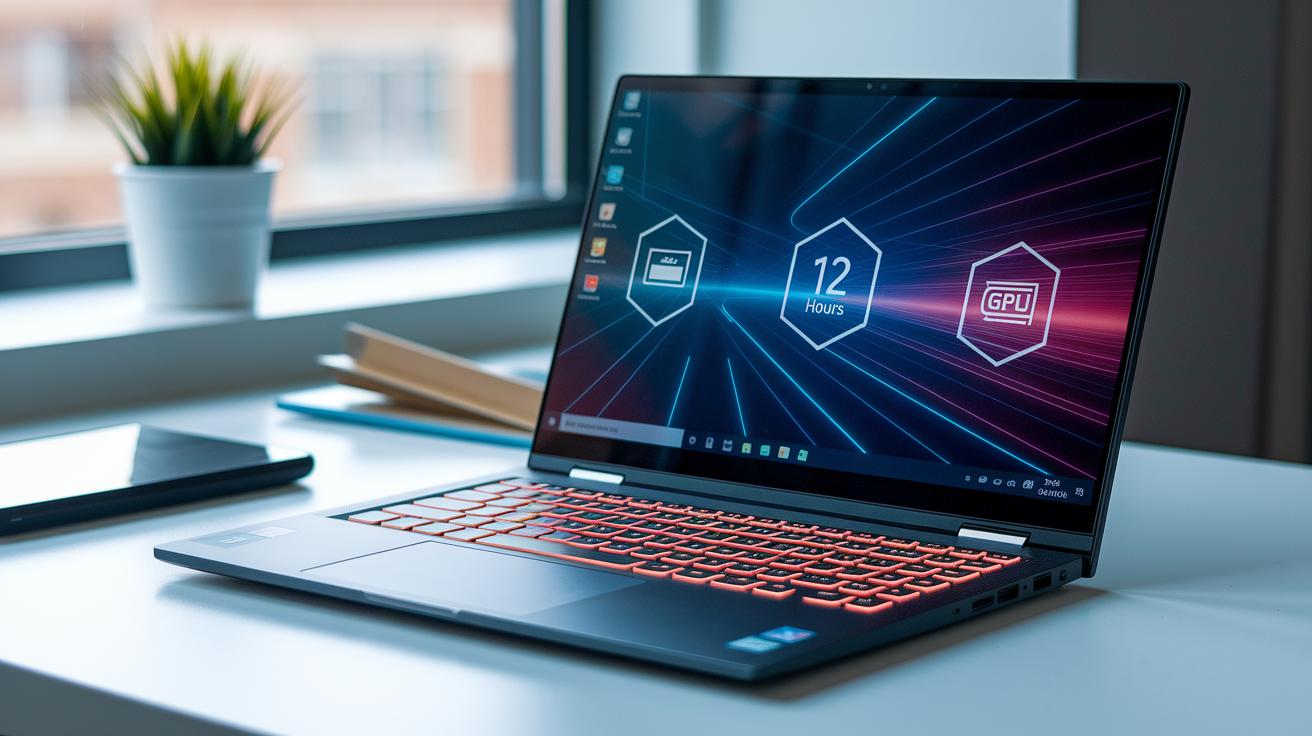
Ultrabook batteries are built to last. Most of these high-end laptops offer over 8 hours of real-world use, making it easy to get through a full day at work or on the move. Some models with ARM or Apple silicon chips can even push past 12 hours, keeping you on track without the need for a charger.
These laptops also use smart energy systems that balance power between the CPU (the device's brain) and GPU (the part that creates graphics). They adjust performance based on the workload, which helps cut down on wasted power and keeps the device cooler. Integrated sensors watch how you use the laptop and tweak the energy draw, protecting battery life even when you're doing heavy tasks.
Many ultrabooks also charge quickly. With some models, you can get to 50% battery in about 30 minutes – a lifesaver when you're short on time. Plus, universal voltage adapters mean these laptops work well around the world. All these features come together to make ultrabooks ideal for busy, on-the-go users.
Featherlight construction and robust build in ultrabooks
Top ultrabooks use slim aluminum or magnesium-alloy cases to keep the weight below 3.5 lb (1.6 kg). This makes them easy to carry all day without feeling like a burden, yet they still have a sturdy build suited for everyday tasks.
Designers work hard to reduce the overall size. Slim bezels trim down the display borders so the laptop slips neatly into bags or pockets. Many models even pass strict tests like MIL-STD-810G, which shows they can handle rough treatment on the go.
Manufacturers also pick eco-friendly materials that boost strength without adding weight. By using high-quality alloys and recycled parts, these devices prove that being light and durable can go hand in hand with responsible design.
Last, careful finishing touches give these laptops a smooth, premium look. An anodized finish and precise detailing add a layer of elegance while supporting the strong build, showing that toughness and style really can mix.
Crisp ultrabook displays and immersive audio

Ultrabooks give you sharp, clear screens that are easy on the eyes. Most come with a 14″ or larger display featuring Full HD (clear images for everyday work) panels, while some even offer QHD for extra sharp text and pictures. Many include anti-glare coatings and low-blue-light modes to help reduce eye strain during those long work days.
The built-in speakers come with integrated drivers that offer lively, balanced sound, perfect for clear conference calls and smooth media playback.
| Resolution | Use Case |
|---|---|
| FHD (1920×1080) | Everyday browsing and office work |
| QHD (2560×1440) | Better clarity for creative tasks and sharper text |
| 4K | Detailed photo, video, and design work |
We tuned the speakers to bring out balanced mids and highs. A dual mic array keeps calls clear by cutting background noise, while HD webcams ensure sharp video during conferences. Plus, voice-noise suppression minimizes unwanted interference.
Together, the display and audio features make your work space both smart and comfortable. The clear visuals and soothing sound create a setup that works well for long hours and creative projects alike.
Ultrabook connectivity and interface options
Ultrabooks give you a mix of modern ports that let you hook up all your devices easily. Manufacturers pack these laptops with options that handle data, power, and video without a fuss. They include Thunderbolt 4 (a port for fast data and charging) and USB-C, and even add USB-A for those older accessories you might still use. Need extra screens? HDMI or DisplayPort alt-mode via USB-C makes setting up multiple monitors simple for work or play.
Key connectivity features:
| Feature | Description |
|---|---|
| Thunderbolt 4 | Fast data transfer and charging |
| USB-C | Modern connection for data and power |
| USB-A | Support for older devices |
| HDMI | Easy multi-monitor setup |
| Wi-Fi 6 | Speedy, stable wireless connection up to 2400 Mbps |
| Bluetooth 5.2 | Smooth pairing with peripherals like headsets and keyboards |
On the wireless side, Wi-Fi 6 keeps your connection fast and steady even in busy areas. And with reliable Bluetooth 5.2, linking your headphones or keyboards is simple and consistent. This mix of modern and legacy ports gives you a balanced setup that works well for both work tasks and entertainment.
Hyperfast storage and memory in ultrabooks
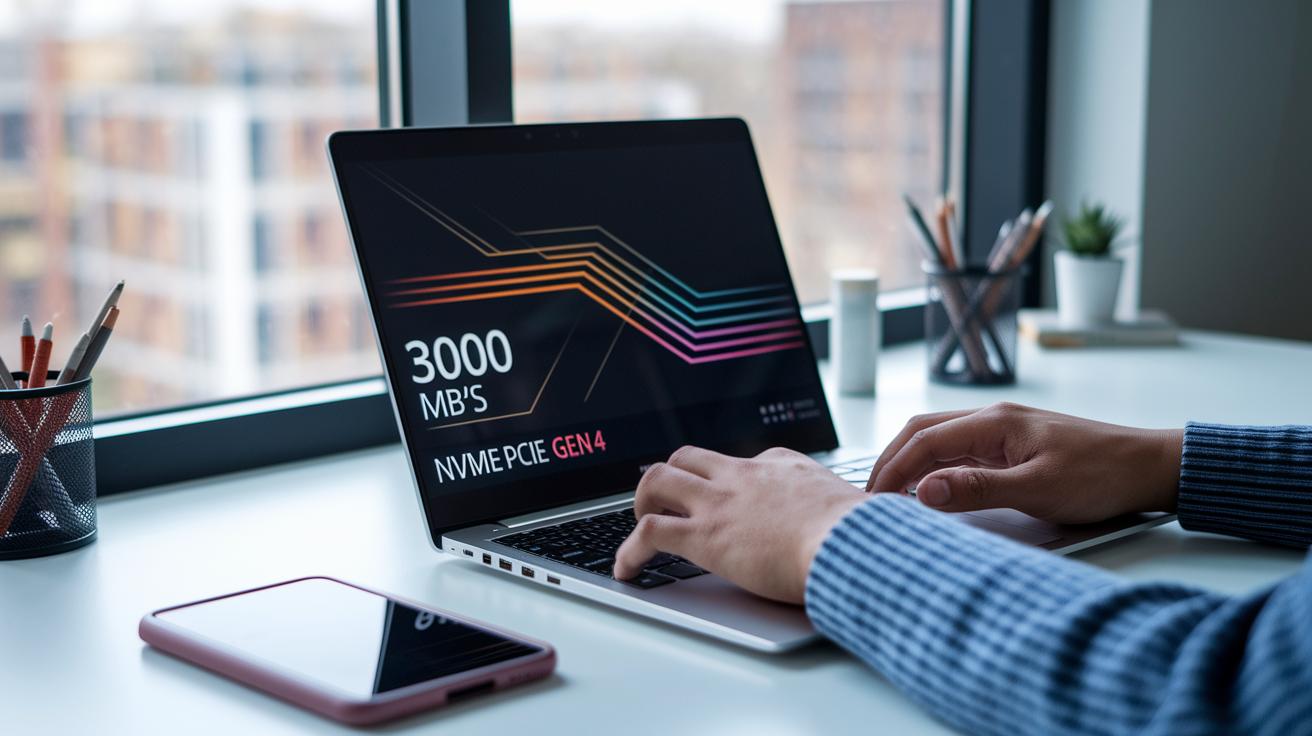
Modern ultrabooks now come with NVMe (a fast storage interface) PCIe Gen4 drives that can read data at over 3000 MB per second. Even the base models start with a 256 GB SSD, while most pro models offer up to 1 TB. This lets you load large files quickly and boot up in less than 2 seconds, keeping your work smooth during heavy editing or design.
Most models use dual-channel DDR4 (a type of memory) in 8 or 16 GB setups. Some even allow upgrades up to 32 GB. This flexible memory setup helps run demanding apps and multitasking with ease, making ultrabooks a smart choice for tech professionals.
- SSD capacity tiers
- Read/write speeds
- RAM size
- Upgrade options
Intelligent thermal management in top ultrabooks
Many fanless ultrabooks run quietly, perfect for quiet workspaces. But when you push these machines with heavy tasks, the processor heats up and the system may slow down to keep cool. Devices with active cooling instead use vapor chambers or heat pipes (tubes carrying heat away) to support the CPU and GPU, letting them work hard for longer.
Good vent design is also key. Modern ultrabooks now sport vents in smart spots that balance airflow with a slim shape. This design spreads heat evenly so the device stays cool and avoids hot spots, even during long sessions.
Noise is another factor to consider. Active cooling systems can produce a mild hum under heavy use, while fanless models stay silent. In short, if you mostly do lighter tasks, a fanless ultrabook might be just right. But for intensive work, the active cooling option keeps temperatures in check, even if it brings a bit of noise.
Final Words
In the action, we explored ultrabook power from performance to battery life, build quality, display clarity, connectivity, and storage speed. Each section broke down real-world testing and vital specs that matter for everyday work and creative tasks.
Key highlights include:
• Robust multi-core CPUs and smooth multitasking
• Extended battery life with smart energy use
• Featherlight design with durable finishes
This guide helps you sort through data and real tests to pick devices with top ultrabook features for a confident buy.
FAQ
What is an ultrabook?
The ultrabook is a slim and lightweight laptop that packs high-performance processors, fast SSDs, and long battery life into a portable design perfect for everyday multitasking.
What is the best ultrabook and what will be the best ultrabook in 2026?
The best ultrabook today and the one expected in 2026 offer rapid processing, swift SSD speeds, and sturdy build quality, all wrapped in a sleek design made for portability and everyday use.
What are the top ultrabook features and best laptop features?
The top ultrabook features include fast processors, efficient multitasking with ample RAM, rapid SSD performance, crisp displays, and versatile connectivity which elevate the overall laptop experience.
Are ultrabooks the same as Chromebooks?
The ultrabook is not the same as a Chromebook; ultrabooks run a full operating system and use high-end processors, while Chromebooks have a simpler OS designed mainly for web-based tasks.
Are ultrabooks easily upgradeable?
The ultrabook is often not easily upgradeable because its compact design usually means crucial components like RAM and storage are soldered, which limits future upgrades.
What defines a slim and lightweight laptop for work and touch screen needs?
A slim and lightweight laptop for work is defined by its portable structure, minimal weight, and available features like a responsive touch screen, making it ideal for on-the-go productivity.
What is the lightest laptop weight in kilograms?
The lightest laptops typically weigh around 1.2 to 1.6 kg, striking a balance between minimal weight and sturdy design to meet the needs of mobile professionals.
What distinguishes models like the ASUS Zenbook S 14, Asus Zenbook 14 OLED, and Asus ROG Zephyrus G14?
Models such as the ASUS Zenbook S 14, Zenbook A14, Zenbook S16, and Asus ROG Zephyrus G14 stand out with features like high-resolution OLED displays, robust processing power, and tailored designs that serve varied user needs from creative work to gaming.
What is the best lightweight laptop with a touch screen?
The best lightweight laptop with a touch screen combines a responsive, clear display with a portable frame, offering users an intuitive interface and ease of movement without sacrificing performance.
What are the features of the ASUS TUF Gaming A14?
The ASUS TUF Gaming A14 offers a unique blend of gaming performance and portability, delivering robust power and a slim design suited for both intense gameplay and everyday tasks.