

Ever wonder if your ultrabook could work even harder for you? A few smart accessories can make a big difference. A rugged case can protect your device, a fast charger keeps you powered up, and extra cables help you stay connected. These simple upgrades boost your productivity without adding extra bulk. In this guide, we break down easy ways to transform your laptop into a real work buddy.
Essential Ultrabook Accessories to Boost Your Portable Productivity
Ultrabook accessories extend what your laptop can do. They come as cases, battery packs, cables, adapters, and audio devices that boost your computer's power on the go. They work with your ultrabook's built-in features, helping it handle heavy tasks wherever you are. For example, swapping the regular charger for a GaN USB-C charger gives you much faster charging. Plus, external storage drives and ergonomic stands add extra ways to work more easily.
Choosing the right add-ons can boost your work in real ways. Better power options keep you working through long meetings or flights without a hitch. Improved connectivity lets you hook up extra screens or network tools in a snap. And a quality case not only protects your device but also brings a touch of style. Every accessory is chosen to help you build a neat, mobile workspace where efficiency matters.
Up next, you'll find clear tips on picking the gear that fits your needs. We split products into simple groups: protective cases and stylish sleeves, power accessories like travel-friendly chargers and backup batteries, and connectivity tools such as multi-port USB hubs and docking stations. We also cover stands, cooling pads, extra storage, and audio devices to make sure every part of your ultrabook is ready for smart, on-the-go work.
Protective Cases and Sleek Sleeves for Ultrabooks

When protecting your ultrabook, pick a sleeve or case made from strong materials. Neoprene, EVA foam, and ballistic nylon (a tough woven fabric) help repel spills and guard against bumps. They add protection without weighing you down, while even a simple microfiber finish can hold up for daily use.
Weigh the benefits of extra defense against extra bulk. Hardshell cases often give better drop protection but add weight and thickness. Slim laptop sleeves keep a neat look, though they might not cushion as well from hard knocks. Your choice depends on how much safety you need versus ease of carrying.
Before you buy, measure your ultrabook's length, width, and depth. A snug fit keeps your device secure without blocking any ports or buttons. Checking these numbers against the product details makes sure your case or sleeve fits perfectly while keeping your device safe on the go.
Power and Charging Ultrabook Accessories for Reliable On-the-Go Performance
A solid power setup turns your ultrabook into a mobile workstation. Fast chargers, smart adapters, and reliable backup batteries help you stay powered wherever you work.
Travel-Friendly USB-C Chargers
Pick USB-C chargers between 45W and 100W. These chargers often use GaN (gallium nitride, a more efficient material than old silicon) so they run cooler and charge faster. Many models feature foldable plugs that save space in your bag. This means even when your schedule is hectic, your ultrabook can get a quick boost.
Universal Power Adapters
Look for adapters that work with many voltages and plug styles used in over 150 countries. They come with safety certifications that give you extra peace of mind when you plug into unknown outlets abroad. This lets your ultrabook stay charged whether you’re in a meeting overseas or working from a local café.
Backup Battery Packs and Surge Protection
Battery packs come in different sizes, measured in mAh (milliampere-hours) or Wh (watt-hours). Some are small enough for your pocket, while others pack more juice but are larger. Surge protectors, rated by joules, help keep your devices safe from power spikes. For extra tips on keeping your laptop safe, check our laptop maintenance checklist.
Smart power management means balancing fast charging, adaptable adapters, and backup power so you’re always ready to work on the go.
Connectivity Expansion with Ultrabook USB Hubs and Docking Stations

Ultrabooks are made to be light, which usually means they have fewer ports. If you need to hook up several devices for work or fun, an extra hub is a smart add-on.
External hubs and docking stations provide more USB-A, USB-C, and HDMI options. They let you easily connect monitors, storage drives, and other gadgets. This boost in connectivity helps keep your setup neat while pushing data quickly and reliably.
When you’re switching between presentations, file transfers, or media streaming, an extra connector can really ease your day. Choosing the right hub starts with knowing what you need.
| Accessory | Ports Offered | Compatibility | Price Range |
|---|---|---|---|
| 7-Port USB-C Hub | 4×USB-A, 2×USB-C, 1×HDMI | macOS, Windows | $40–$60 |
| Docking Station with Dual 4K | 2×HDMI, 3×USB-A, 1×Ethernet | Windows Only | $120–$150 |
| Multi-Card Reader Hub | SD, microSD, USB-A, USB-C | macOS, Windows, Linux | $25–$35 |
When picking a hub or docking station, it helps to know your workflow needs. Perhaps you need high power delivery (up to 100W) or the ability to support one 4K display, two 1080p screens, or even dual 4K outputs. A solid hub offers quick, steady data transfers and cuts down on cable mess. Also, check that it works with your OS and that its size and weight won’t bog down your slim ultrabook.
Ergonomic and Cooling Accessories for Ultrabook Comfort
Height-adjustable, foldable stands can boost your ultrabook setup. They let you raise the screen to eye level and change the tilt to support good posture. Many models offer smooth tilt controls that keep the screen steady while staying easy to carry.
Passive stands drive better cooling without extra power. Made from materials like aluminum, they let heat escape naturally and can drop your ultrabook's temperature by about 10°F. The design improves air circulation, which helps your device hold steady performance even on busy workdays, and they operate silently.
Active cooling pads take thermal control a step further. With built-in fans and adjustable speeds (revolutions per minute), they use USB power to keep noise low. The controlled airflow helps your ultrabook run at its best during heavy app use, ensuring it stays as cool in performance as it does in feel.
Additional Enhancements: Storage, Audio, and Organization in Ultrabook Accessories
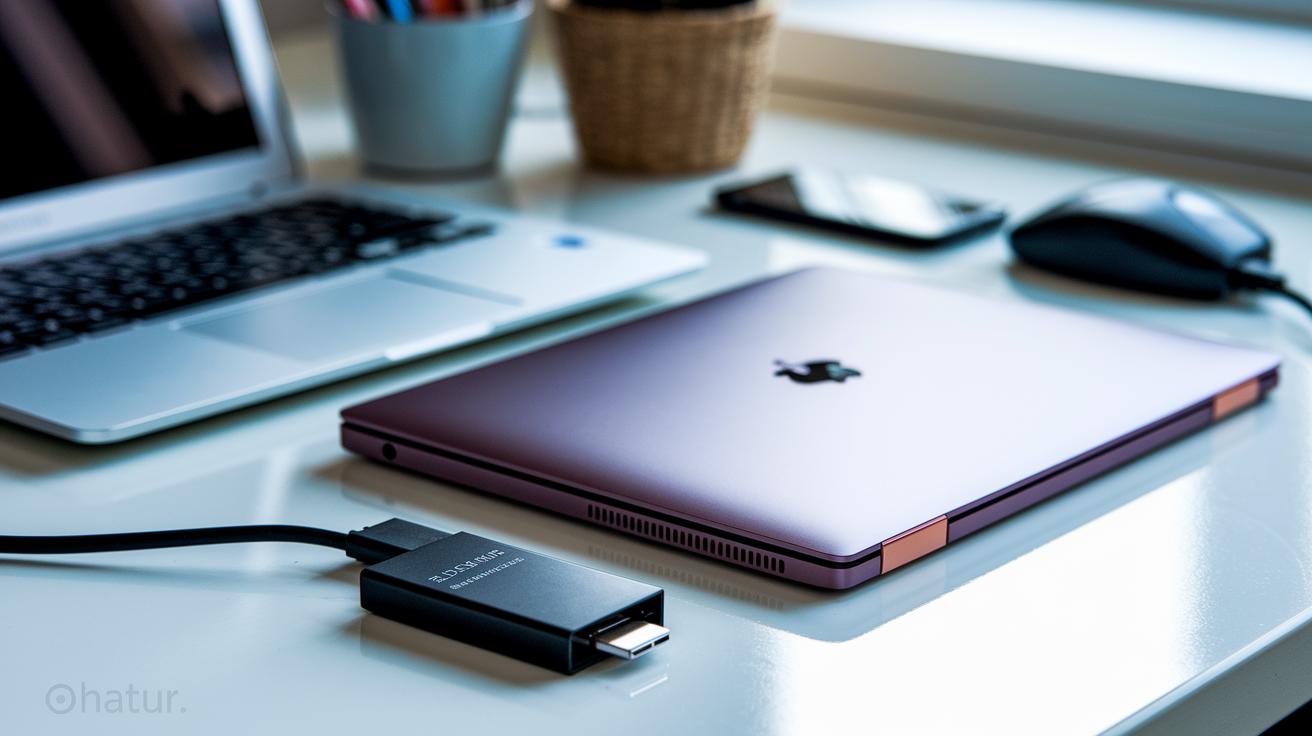
Boost your ultrabook's power with extra storage options that make a real difference. External SSDs come in sizes from 256GB to 2TB and can reach speeds up to 1,050 MB/s. You can also use SSD upgrade kits to improve the internal storage, which means quicker file transfers and smoother use when handling heavy tasks. And if you need more space in a compact form, microSD card readers let you save important media and back up files without slowing you down.
Give your ultrabook a boost in sound too. A portable Bluetooth speaker turns your device into a mini media center with crisp audio and solid wireless connection. These speakers last between 8 and 12 hours on a charge, which is great for long calls or streaming your favorite tunes. They support modern wireless codecs (short for digital sound technologies) and blend nicely with your device’s slim design, keeping your setup fun and easy to carry.
Keep your work area neat with simple organization tools. Anti-scratch screen protectors and glare-resistant films help maintain clear visuals while guarding your display from damage. Cable organizers keep cords untangled and your desk clutter-free, and cleaning kits give you safe tools to remove dust and smudges. These little extras not only protect your ultrabook's looks but also help maintain a tidy and efficient workspace.
Final Words
In the action, we broke down what counts as essential upgrade gear. We covered protective cases, power and charging solutions, connectivity hubs, ergonomic cooling stands, and extras for storage, audio, and organization.
Each section explains practical upgrades that boost everyday productivity. This ultrabook accessories guide gives you clear, hands-on tips to help select gear that makes your ultrabook work better for you.
Enjoy a smoother, more efficient setup that truly earns its keep.
FAQ
What ultrabook accessories are must-have in a comprehensive guide?
The ultrabook accessories guide lists must-have add-ons like protective cases, portable chargers, external storage, docking stations, and ergonomic stands that boost workflow and mobility.
What computer accessories does Wirecutter recommend?
Wirecutter-endorsed computer accessories include reliable power adapters, versatile docking stations, and quality USB hubs that extend connectivity while handling daily tasks with ease.
What should you look for in the best laptop privacy screen?
The best laptop privacy screen minimizes side visibility and glare while protecting sensitive data, ensuring you keep your screen confidential without sacrificing display quality.
What features define a top laptop stand suitable for long-term use?
A top laptop stand offers adjustable height, sturdy build, and efficient cooling. It improves ergonomics and performance through proper airflow and long-lasting design, ideal for everyday use.
What is meant by the “world’s most powerful laptop”?
The term refers to laptops with high-end processors, advanced graphics, and fast storage, engineered to handle heavy workloads and intricate tasks with excellent overall performance.