

Have you ever used a cooler that looks great and runs so quietly you hardly notice it? The Lian Li liquid cooler keeps even high-end CPUs at safe temperatures when they work hard. Its built-in IPS display (a screen that shows key details) lets you see your system's stats in real time. It is easy to install and combines smart features with a clean design. Our tests show it handles heavy tasks smoothly and without noise. This cooler shows how style and efficiency can work together.
Lian Li Liquid Cooler: Stellar, Quiet Performance
The Lian Li liquid cooler sports a modern look and keeps high-end CPUs like the Intel i9-14900K cool. It comes in two models: the SL-INF priced at $289 USD and a standard version at $249 USD. Both have a built-in 2.88-inch IPS LCD (a clear, small display) with a 480 × 480 resolution that shows real-time stats and custom graphics from the CPU block, making it easy to read even during heavy tasks.
It is built to handle demanding computing tasks and high temperatures without making much noise. The design makes it simpler to install compared to custom loops, saving you time and extra cost. Our tests showed that it keeps temperatures in check under full AVX loads (where the CPU works very hard). In short, this cooler offers a balanced mix of style, performance, and value.
Lian Li Galahad II 360 Liquid Cooler Design & Innovation
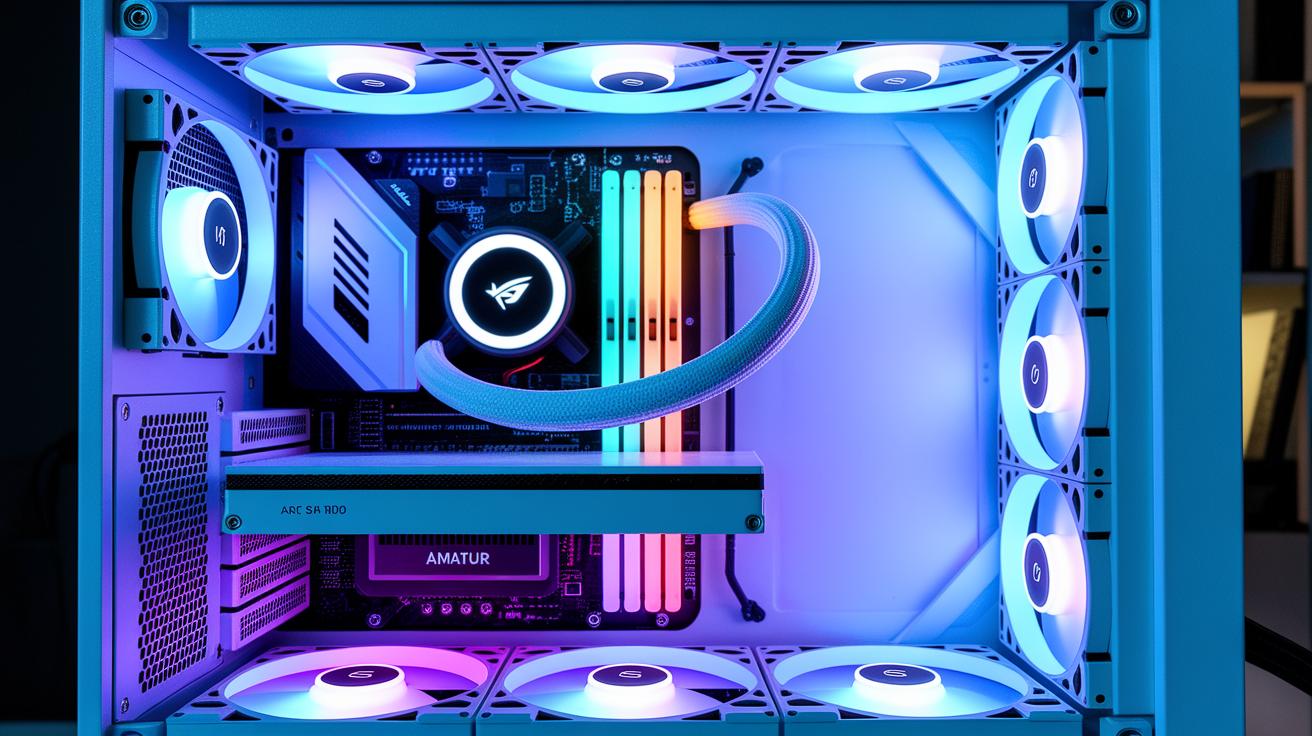
The Galahad II offers a fresh look with a built-in 2.88-inch IPS panel that shows live data in a sharp 480 × 480 resolution. It displays temperatures and fan speeds, and you can load your own graphics for a personal touch. Imagine a display that turns vital stats into a digital art piece during heavy use. This mix of function and style sets it apart.
The SL-INF models use side infinity mirror ARGB lighting that runs quietly at 29 dBA. This lighting adds a modern vibe without creating extra noise. The standard version, on the other hand, delivers up to 79.9 CFM airflow at 3.26 mmH2O, offering a clear boost in performance. Meanwhile, the SL-INF model reaches 61.3 CFM at 2.66 mmH2O, which is better if you prefer a quieter setup over maximum airflow.
The cooling block is crafted with CNC-machining (a precise manufacturing process) and comes in both black-series and white-edition finishes. Every detail, from the smooth curves to the sturdy mounting frame, is built to last. Think of it as a workstation where every part feels refined yet tough, a design that promises both durability and style for high-end systems.
The modular design makes installation simple, and every component shows careful engineering meant to handle today’s demanding workloads with ease and flair.
Thermal Performance of Lian Li 360 mm Liquid Coolers
We tested the Galahad II 360 on an Intel LGA1700 system with an i9-14900K. It managed to keep peak temperatures below the limit even during heavy AVX tasks. Under stress, the cooler performed within 5% of custom cooling loops. In other words, it kept the CPU cool even when pushed to its limits. We used standard software and real-world loads to see how it performs under tough conditions.
We found a clear difference between the two models. The SL-INF runs 1 dBA quieter than the standard version at similar fan speeds, making it a solid choice if you need a quiet system. But if you want more airflow and better static pressure (how strongly the fan pushes air), the standard model delivers. Its fans produce 3.26 mmH2O pressure and move 79.9 CFM (cubic feet per minute), while the SL-INF offers 2.66 mmH2O and 61.3 CFM. This shows you the trade-off between silent operation and raw airflow.
Overclocking tests also showed us how well the Galahad 360 handles heat. Even though noise levels didn’t change much between the models, both maintained excellent radiator efficiency. With dual fans working together, temperatures stayed controlled even at high loads. This means you can trust the cooler, even when you push your system past standard limits.
| Model | Noise (dBA) | Static Pressure (mmH2O) | Airflow (CFM) | Price (USD) |
|---|---|---|---|---|
| SL-INF | 29 | 2.66 | 61.3 | 289 |
| Standard | 30 | 3.26 | 79.9 | 249 |
Step-by-Step Installation Guide for Lian Li Liquid Coolers
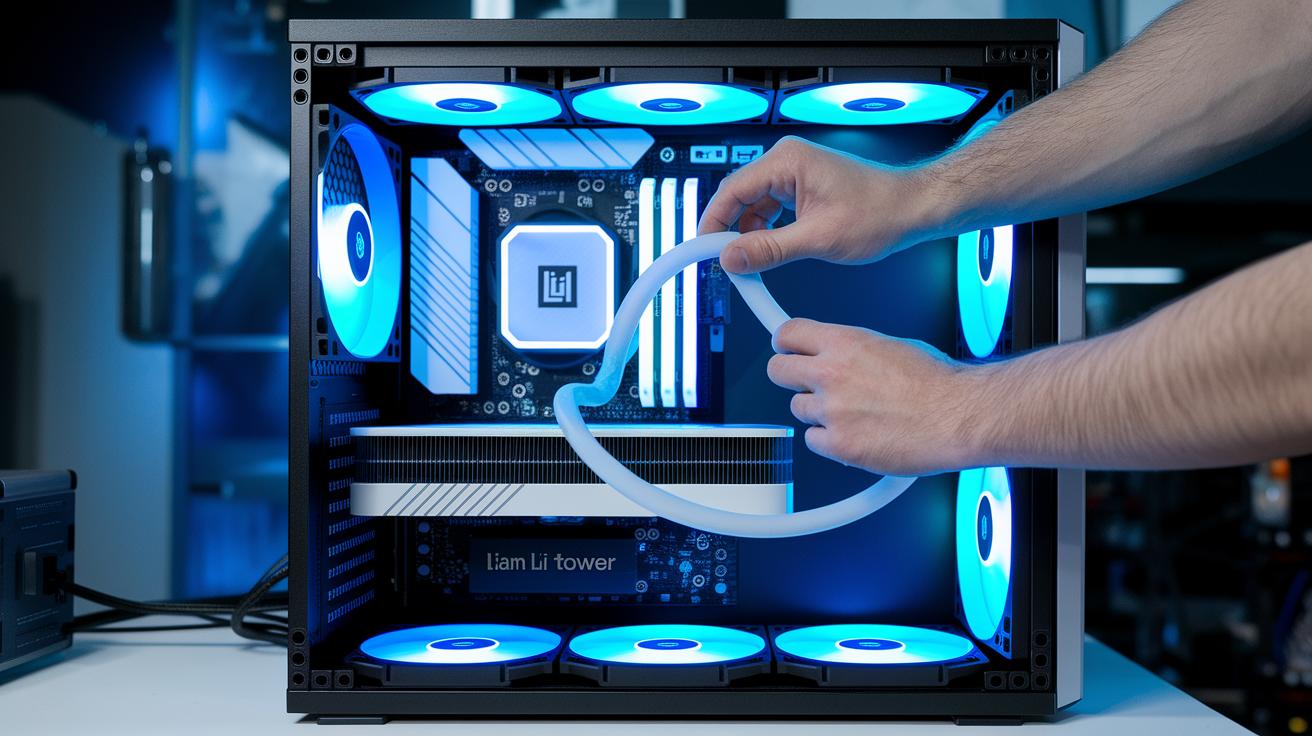
Follow these steps to set up your Lian Li liquid cooler for a smooth, plug-and-play install. This guide walks you through mounting, plumbing, and BIOS setup. If you're using an Intel build, stick closely to the LGA1700 bracket directions. Also, double-check that your 360 mm radiator fits inside your ATX or Micro-ATX case before you begin. Getting the fan direction and tubing routing right is key for good cooling. Use a thin, even layer of thermal paste as outlined in the manual for best results. Finally, plug the pump and fan cables into the CPU_FAN and AIO_PUMP headers following the diagrams provided.
Here’s how to do it in 8 clear steps:
-
Unpack and check the mounting hardware
Open the box and check that you have all the parts. Look for any visible damage. A complete kit means no unnecessary delays. -
Prep the CPU socket and apply thermal paste
Wipe the CPU clean. Then, apply the right amount of thermal paste to create a smooth, thin layer. -
Position the CPU block and secure the bracket
Carefully place the block over the CPU. Fasten the bracket tightly, following the LGA1700 instructions. -
Attach the 360 mm radiator to the top or front panel
Make sure your case has enough space for the radiator. Secure it using the proper mounting points. -
Mount the fans in a push/pull setup
This method boosts airflow and helps cool the radiator evenly. -
Connect the tubing to the CPU block
Route the tubing neatly. Avoid any kinks or sharp bends that could cause strain. -
Plug the pump and fan cables into the motherboard
Use the diagrams in the manual to connect them to the CPU_FAN and AIO_PUMP headers. -
Power on, enter the BIOS, and check pump/fan speeds
Turn the system on and enter BIOS. Confirm that the pump and fans are running at the right speeds.
Following these steps ensures your cooler runs at its best and fits perfectly with your setup. Enjoy the improved performance!
Pricing and Value Analysis of Lian Li Liquid Cooler Models
Lian Li’s liquid coolers give you great performance without breaking the bank. The regular model runs at $249, while the SL-INF model costs $289. These prices are much lower than custom cooling loops that can cost over $350. In short, they offer builders a smart, affordable way to keep their systems cool and stylish.
Both coolers back up their value with a 2-year warranty and CE/RoHS certification, which means they meet key safety and quality benchmarks. They also feature an LCD display that shows real-time cooling stats and ARGB lighting that adds a high-end look to your build. This blend of function and flair sets these coolers apart.
If you’re thinking of upgrading, moving from a 240 mm all-in-one cooler to a 360 mm LCD block is an easy switch. The larger unit boosts both performance and aesthetics. Overall, Lian Li gives you solid value for your money, matching the performance of pricier custom loops without the high cost.
Maintenance, Troubleshooting & Tips for Lian Li Liquid Coolers
Keep your cooler running smoothly with a few simple steps. Clean the radiator fins and fans every 3 to 6 months to keep dust at bay. Dust can block airflow, which makes your system run hotter. Use L-Connect 3 software to watch the LCD for any pump errors. If you see odd numbers on the display, double-check your installation or reach out to support.
When you run into issues, try these fixes:
- If the fan or case feels off balance, re-seat the fan screws to reduce vibration and noise.
- If your temperatures spike without warning, check that your case and fan setup have proper contact pressure. Loose parts can hurt performance.
- The AIO design is sealed, so you rarely need to add coolant. Its modular block makes re-aligning easy when tweaks are needed.
- It also helps to drop into a community forum for extra advice. Sometimes a small change can make a big difference, ever notice how a tiny adjustment makes things much quieter?
Final Words
In the action, we broke down the Lian Li liquid cooler, covering design, thermal performance, and installation steps. We looked at key data like airflow, noise, and pricing differences between the SL-INF and standard models. We also shared clear tips on maintenance and troubleshooting for everyday use. Our review shows that this Lian Li liquid cooler delivers real-world cooling and clear value for budget-conscious buyers. It offers solid performance and easy setup that can boost your PC's stability, even when pushing high-end CPUs. Enjoy cool, quiet operation and smart tech for your build.
FAQ
Frequently Asked Questions
What does the Lian Li water cooling kit include?
The Lian Li water cooling kit includes a pre-assembled solution built to cool high-end CPUs effectively, offering a cost-effective alternative to custom loops with streamlined installation steps.
What features make the Lian Li Galahad 360 unique?
The Lian Li Galahad 360 features an integrated 2.88-inch IPS LCD that displays real-time stats, along with ARGB lighting and a 360mm radiator designed to keep high-performance CPUs cool.
What is the price range for Lian Li liquid coolers?
The Lian Li liquid coolers are priced around $249 USD for the Standard model and $289 USD for the SL-INF version, presenting a budget-friendly option compared to custom cooling loops.
How does the Lian Li CPU cooler with two fans perform?
The Lian Li CPU cooler with two fans offers strong cooling performance, with one model running 1 dBA quieter than standard models while still delivering efficient airflow and stable temperature control.
What sets the Lian Li AIO with a screen apart?
The Lian Li AIO with a screen stands out by including a high-resolution IPS LCD panel on the CPU block that displays current cooling stats and allows custom graphics for easy monitoring.
How do the Hydroshift series models and Hydroshift LCD 360S AIO perform?
The Hydroshift series models, including the Hydroshift II-S 360 TL ARGB and HydroShift LCD 360S, deliver premium cooling with low noise levels and integrated ARGB lighting for a refined visual experience.
What benefits do the Lian Li GA II LCD models offer?
The Lian Li GA II LCD models offer premium visuals with integrated screens, high build quality in both black and white editions, and efficient cooling performance ideal for high-end processor setups.
How is the installation process for Lian Li liquid coolers handled?
The installation process is made simple with clear steps: verify mounting hardware, apply thermal paste uniformly, secure the CPU block, mount the 360mm radiator, connect cables, and verify setup in the BIOS.
What maintenance tips help keep Lian Li liquid coolers operating optimally?
Maintenance tips include cleaning radiator fins and fans every 3–6 months, monitoring the LCD diagnostics for pump errors using L-Connect 3 software, and rechecking fan alignment to prevent vibration.