

Have you ever thought a smart home might be more than just a neat gadget? Today, smart homes mix comfort, safety, and energy savings into one connected setup. Using everyday devices like locks, cameras, and thermostats, you tap into a system that makes home management simple.
These systems cut down everyday chores and can even help lower your bills while keeping your space secure. In this post, we break down what a smart home really is and share the clear benefits that make it a smart choice for any home.
2 what is a smart home: Bright Benefits
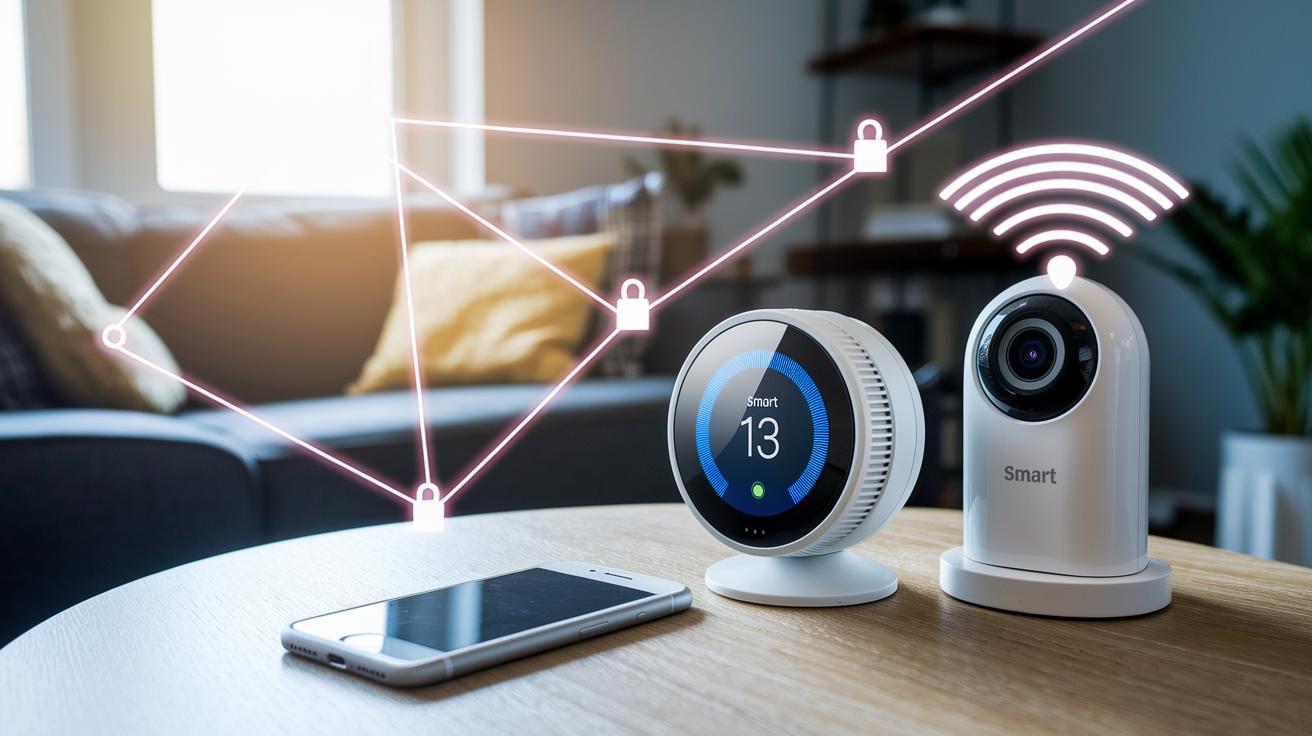
Smart homes link everyday devices to make life easier, safer, and more efficient. They use three main parts: devices like locks, cameras, and thermostats that send and take in data; wireless links like Wi-Fi that connect them; and smartphone apps that let you control everything in a snap.
You don't need a big house to enjoy smart features. Whether you live in an apartment, condo, or detached home, you can start with one device and grow your setup bit by bit. For example, a smart thermostat checks your routine and sets the temperature for comfort. Did you know that before these gadgets, people had to adjust every appliance by hand, which often wasted energy and made comfort hard to maintain?
Experts say that by 2028, over 100 million people will have smart homes, a 60% jump since 2023. This trend shows that many value a system where different tech pieces work together to simplify daily life and boost safety.
How Smart Home Systems Work: Connectivity and Control
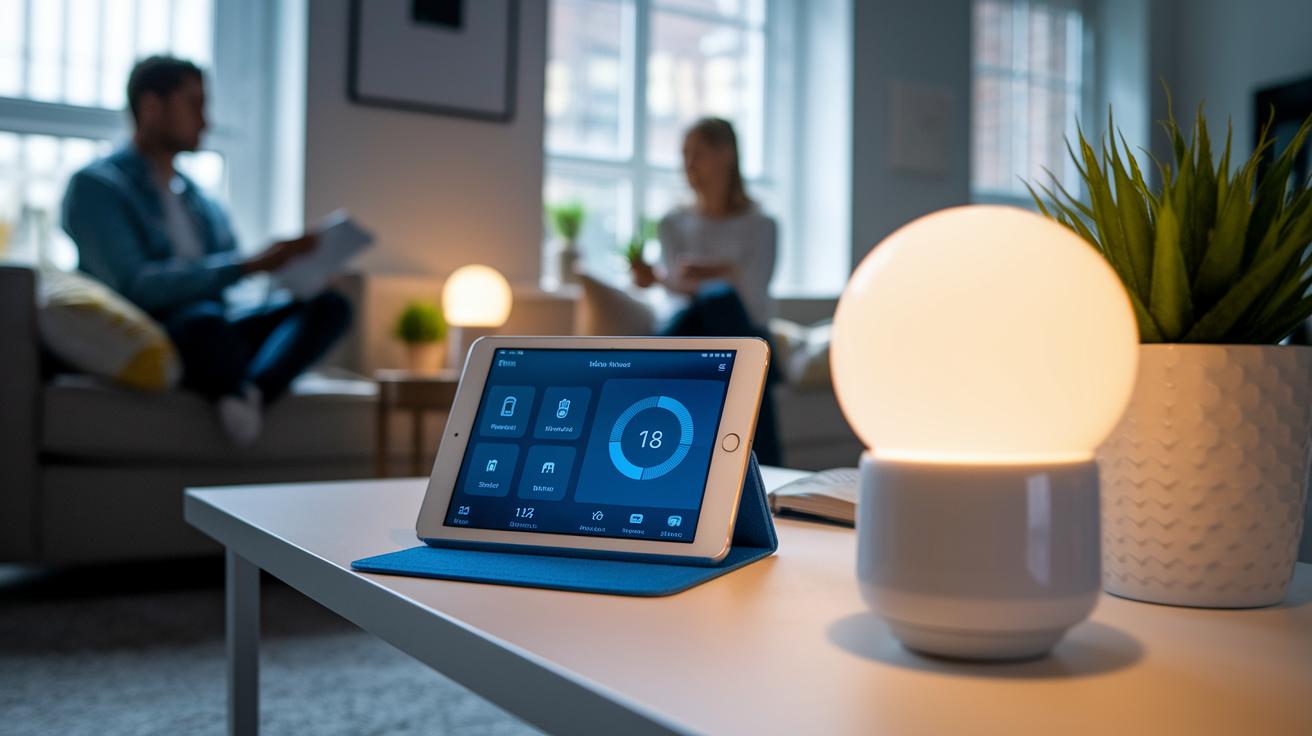
Smart home systems use wireless links like Wi-Fi and standards such as Matter (a set of rules that lets devices connect) to communicate without messy wires. For example, your thermostat and a smart light bulb work together so you can change your home's temperature and light from one control.
Each device sends and receives data over these wireless connections. We control them via our phones, tablets, voice assistants, or a central hub. If you’ve used your tablet to change your smart speaker’s volume, you know what we mean.
At the heart of these networks is the Internet of Things (IoT). IoT connects different gadgets so they share data and work as one. This setup can run routines automatically based on what a sensor sees, the time, or even your location. Think of a security camera that starts recording when it sees movement at night, or a light that turns on when you step into a room.
Automation makes these systems practical. Imagine your living room lights dimming at dusk without you doing a thing. This easy teamwork between devices shows why smart home systems are both handy and efficient.
If you want to dive deeper into hub solutions, check out Smart Home Hub at "https://circuitcritics.com?p=" and see how these systems can fit into your space.
Key Components of a Smart Home: Devices and Hubs
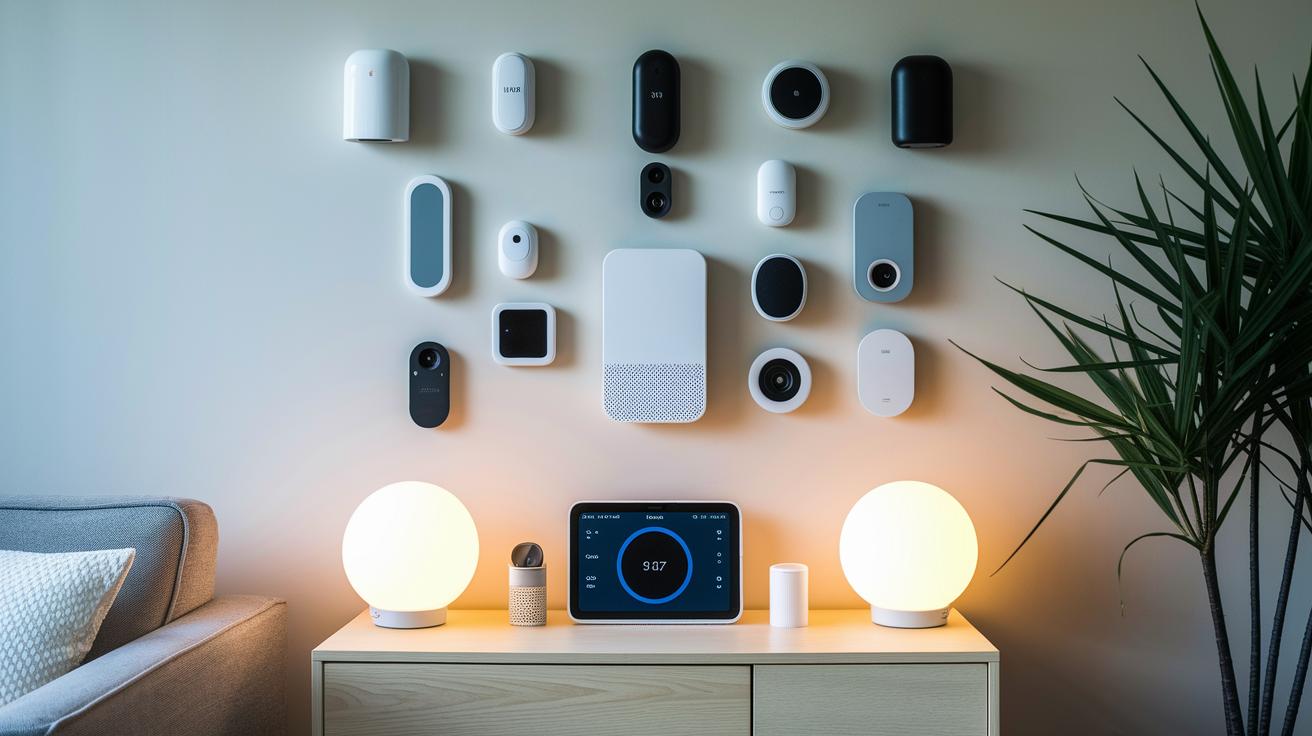
Smart home systems use devices that handle everyday tasks. You’ll find smart locks that automatically secure your door and cameras that record what's happening. Thermostats adjust the room temperature based on your routine. Lighting controls help set the mood, and speakers let you use voice commands or play your favorite tunes. Sensors also check for movement and track room temperature, keeping your home both safe and cozy. Interestingly, many start with a simple smart plug and eventually upgrade to a fully connected setup.
Central control hubs are key to tying everything together. They work like a brain, pulling data from all your devices so that equipment from different brands can work side by side. A smartphone app, built on familiar interfaces, lets you control everything from one dashboard. It's like having one remote for your entire home.
The smart home system is built to grow with you. You can begin with just one device and gradually add more elements, including features for entertainment and cross-brand compatibility through standards like Matter (a set of rules that lets different devices communicate). This means that smart homes work well for almost every lifestyle, whether you're renting or you own your home.
| Device | Main Function |
|---|---|
| Smart Lock | Secures your door and sends notifications |
| Camera | Monitors activity and records footage |
| Thermostat | Regulates temperature and saves energy |
Control hubs make it easy to oversee all your devices. They let you set up routines, check device status, and tweak settings quickly. This connected setup boosts both comfort and security while giving you the control to customize your experience.
Benefits of a Smart Home: Security, Efficiency, and Comfort
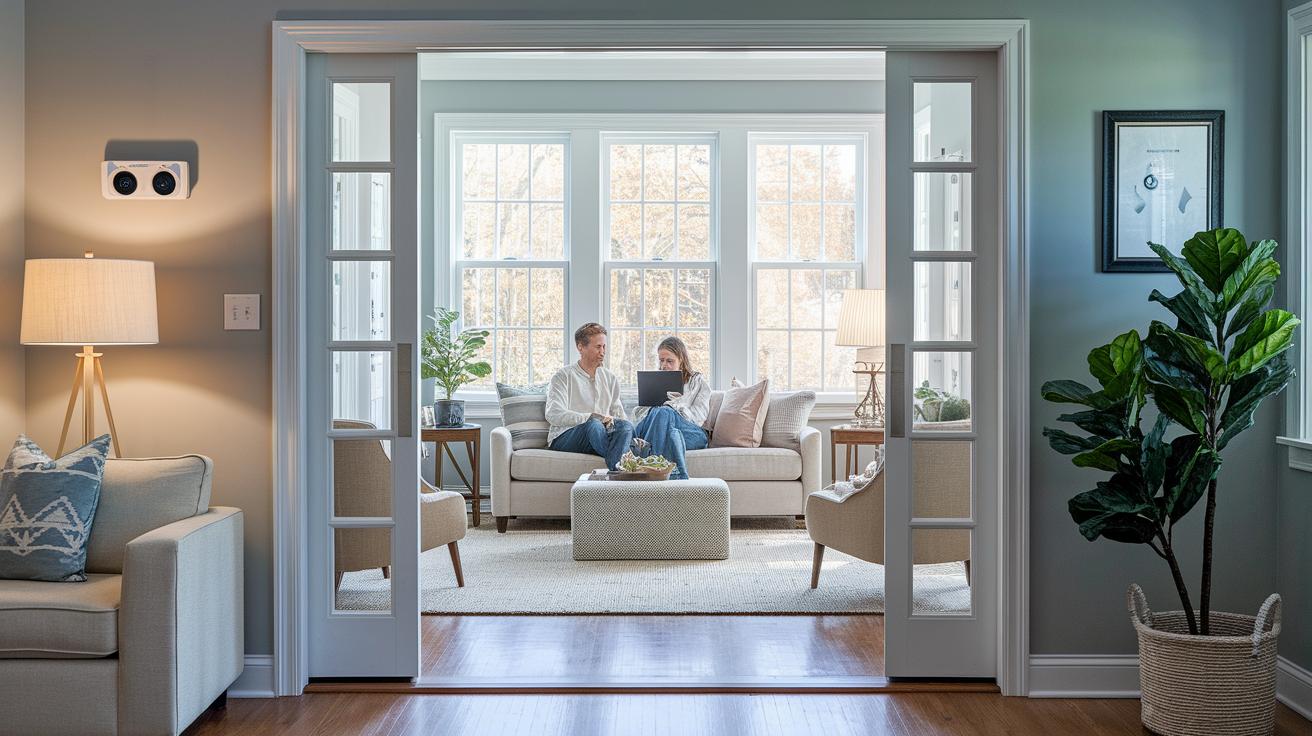
Smart home systems bring real advantages to everyday living. They combine safety checks, energy savings, and added comfort into one simple setup. With a smart system, advanced sensors, remote alerts, and automatic controls work together, streamlining daily routines. One homeowner even saw a 10% drop in monthly energy bills by setting up sensor-driven lighting and thermostat controls, imagine coming home to the perfect temperature without adjusting anything manually.
Our tests show that smart locks and cameras do more than secure your home. They send instant alerts and work with sensors to spot dangers like smoke and water leaks. This active network boosts home safety without you needing to keep an eye on it.
Plus, having one central control means your home adjusts to you. Devices change settings based on your habits, cutting wasted energy while keeping life effortless.
- Security: Quick alerts from connected devices for real-time monitoring.
- Energy efficiency: Automated controls that reduce bills by adjusting only when needed.
- Comfort: Personalized setups that maintain a cozy home without manual input.
Getting Started with a Smart Home: Setup and Considerations

Starting your smart home can be as simple as adding a smart plug or installing a smart thermostat. Many people kick off with one key device and add more later. Choose a gadget that fits your daily routine and make sure your home network can support it. Check if your smartphone app or central hub works with the device. For example, if you use Wi-Fi, confirm that your new device speaks Wi-Fi or uses Matter (a set of rules that lets devices work together).
You have two main ways to go. You can set things up yourself or hire a professional. Some companies even offer a white-glove service at a good rate. DIY projects let you control every step, which is great if you like hands-on work. But if you’re covering your whole house, expert help might make things easier. Before diving in, check the upfront cost and any ongoing subscription fees. Compare these costs with the savings you might get from smarter energy use and remote control.
Plan your setup with these key ideas in mind:
- Device compatibility: Make sure the hardware uses Wi-Fi or Matter.
- Control options: Confirm that your apps or hubs can manage them.
- Budget planning: Weigh the price of one device against potential long-term savings.
New trends like AI-powered automation and machine learning are set to predict your needs. Curious to learn more? Check out our Getting Started Guide.
Final Words
In the action, this article broke down what is a smart home. We defined smart homes, explained how devices connect, and detailed the key parts that make your space smarter. We touched on how your setup can boost security, save energy, and add ease to daily tasks.
We wrapped up with starter tips to plan your path to home automation. Enjoy making your home a more reliable and efficient place, one device at a time.
FAQ
What is a smart home and how does it work?
A smart home uses connected devices that communicate over wireless networks like Wi‑Fi. A smartphone app or hub controls these devices, automating tasks to boost convenience, security, and energy efficiency.
What is a smart home short answer?
A smart home is a residence equipped with devices that connect wirelessly and can be managed via an app, making everyday tasks easier and more efficient.
What are some smart home advantages and disadvantages?
A smart home offers benefits such as improved security, energy savings, and convenience through automation. Drawbacks can include higher initial setup costs and possible compatibility issues among devices.
What is a smart home app?
A smart home app is a user-friendly dashboard on your smartphone that connects to your devices, allowing you to monitor, control, and automate functions from one place.
What features do smart homes offer?
Smart homes offer features like remote control of devices, automation routines based on sensors and timers, real‑time alerts for security or maintenance issues, and centralized management through apps or hubs.
What are some examples of smart home devices?
Examples include smart locks, thermostats, cameras, lighting systems, and sensors that work in unison over Wi‑Fi or protocols like Matter, giving you control both locally and remotely.
What is needed in a smart home to connect devices?
To connect devices in a smart home, you need compatible hardware, a stable wireless network (typically Wi‑Fi), and a central hub or app that links all your gadgets together.
What is the difference between a smart home and a regular home?
A smart home uses interconnected, automated devices for enhanced control and convenience, while a regular home lacks these networked systems and relies on manual operation.
What are five reasons to choose a smart house?
A smart house offers improved security with real‑time alerts, energy savings through programmable devices, convenience via automation, remote management of home systems, and enhanced overall comfort.