

Ever notice how your devices seem to work alone? A smart home hub brings them together so they act as one. With a hub, your lights, thermostat, and camera sync up with a simple voice command. It uses common tech like Wi-Fi (your home's wireless network), Zigbee (a low-power way for devices to talk), and Bluetooth (short-range wireless connection) to make this happen. By cutting the clutter, a central hub makes managing your home easier and helps you live smarter every day.
Smart Home Hub: Enjoy Seamless Connectivity

A smart home hub is the brain that links all your devices. It uses Wi-Fi and other methods like Zigbee (a short-range wireless system), Z-Wave (another wireless protocol), and Bluetooth (a common short-range standard) to connect everything. Imagine your living room light, thermostat, and security camera all chatting with one central device, that's smooth connectivity.
This hub also acts as a voice control center. It works with popular assistants such as Alexa, Google Assistant, or Siri. You can simply say, "turn off the lights" or "set the thermostat to 70 degrees," and your devices will respond right away. Picture telling Alexa, "start the coffee maker," and hearing it start instantly. It really makes life easier.
These hubs are designed for plug-and-play use. You set them up with simple steps while status lights show if all devices are connected correctly. For example, brands like Aeotec or Echo Dot use light indicators so you can spot any issues quickly without needing advanced setup skills.
A good hub supports several protocols, which means you can mix and match devices from different makers and have them work together. It becomes the heart of your home network, keeping your devices in sync even as you control them by voice. With a reliable smart home hub, everyday tasks become automated and hassle-free, almost like having a helpful friend manage your gadgets around the clock.
Smart Home Hub Compatibility: Protocols, Ecosystems & Multi-Device Support
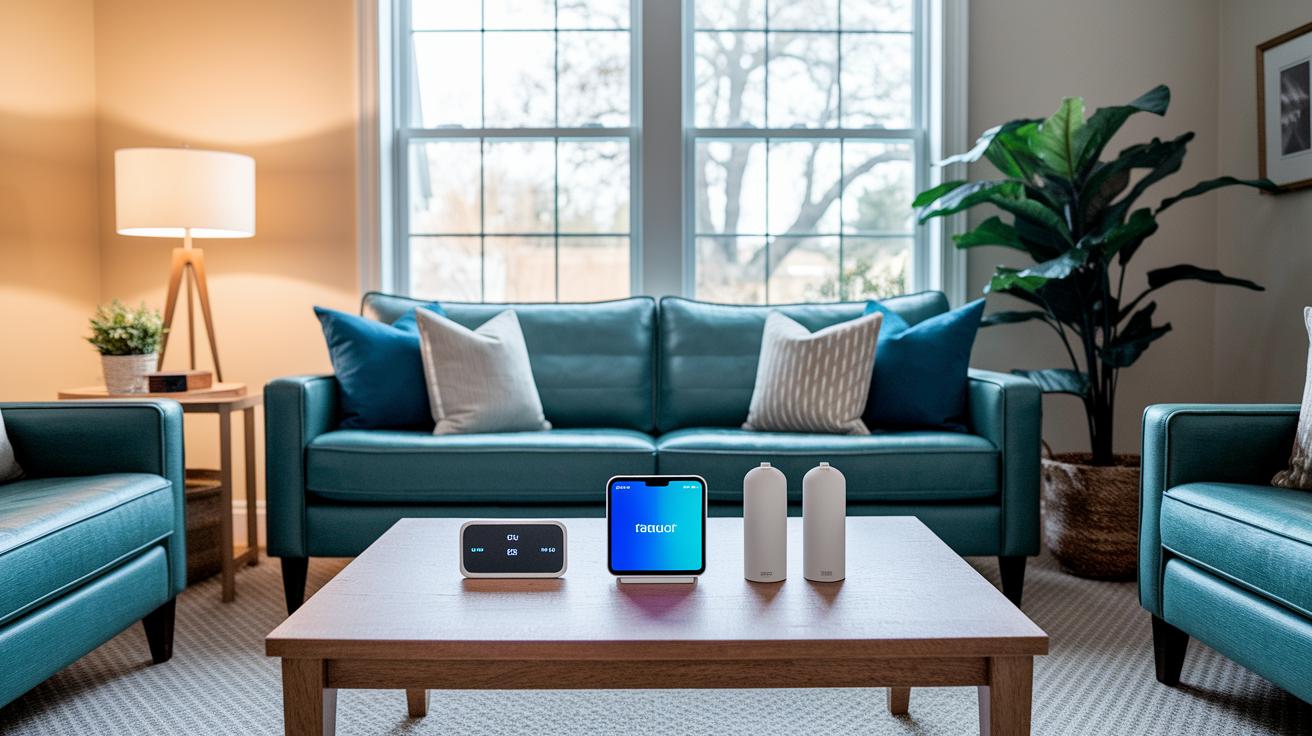
It is important to check if your smart home hub works with your gadgets. Many hubs link up with systems like Google Home and Alexa. This lets you control all your devices from one spot.
Look at hubs like the Homey Pro or Aeotec Smart Home Hub. They use many methods like Zigbee, Z-Wave, Thread, Wi-Fi, and Bluetooth Low Energy (BLE), which help devices from different brands talk to each other easily.
Some hubs come with Matter support. Matter (a new rule that helps devices work together) makes it easier for different brands to connect. Many hubs use Wi-Fi or Bluetooth and work with one app, which makes pairing and managing devices simple.
Another handy feature is supporting multiple user profiles. Devices like the Google Nest Hub or Apple HomePod mini let different family members or guests use their own accounts. This makes it easier to share control of your home network. In short, check protocol support, ecosystem fit, and user options to pick the right hub for a smart home that just works.
Smart Home Hub Setup: Step-by-Step Installation & Configuration Guide

Most smart hubs are built for simple, plug-in use. First, connect your hub to both power and your network. You can use an Ethernet cable for a solid link or go with Wi-Fi for more freedom. When the status light comes on, you know it's ready to get started.
Now, install the hub's companion app on your smartphone or tablet. The app walks you through the process. Open it, hit Setup, and follow the guided steps. You might see a message like, "Tap Start and let the wizard handle the rest," making the whole process straightforward.
Next, it’s time to pair your smart devices. Put each device in pairing mode, and the hub will pick them up one by one. The app lets you check each device and even rename them to keep things neat.
If your hub supports Thread border routing (a feature that helps stretch your network), check for any firmware updates. Updating the hub can boost its mesh networking abilities for a wider, more reliable connection. Usually, the update is done right in the app, and you might notice the light change to a steady green once it's complete.
Finally, connect your voice assistant by opening the Alexa, Google Home, or HomeKit app. With a few easy clicks, give the hub permission to control your devices using voice commands. Try saying, "Alexa, dim the living room lights," and watch it work right away.
This guide turns the setup into a quick, hassle-free process so your smart home hub is ready for everyday use.
Smart Home Hub Buying Guide: Features, Pricing & User Profiles

Budget smart home hubs offer a simple way to get started without breaking the bank. You can find these options for under $100. For example, the Aqara Hub M2 and some Amazon Echo devices give you basic control and work with voice commands. They use easy-to-read status lights that show when devices are connected and set up.
Mid-range hubs add more choices. The Aeotec Smart Home Hub at $99 and Samsung SmartThings Station at $149 let you pick between Ethernet and Wi-Fi. They also support many user profiles, so everyone in your home can control things like lights and door locks independently.
Premium hubs bring extra features. Take Homey Pro, about $299, which handles lots of protocols such as 433 MHz, Infrared, Thread, and Matter (a standard that helps devices work together). The Apple TV 4K (3rd-gen) at $179 adds Thread, Wi-Fi 6, and gigabit Ethernet while giving you Siri voice control.
When you choose your smart home hub, think about the connection options, the ability for multiple users, and Matter support. This helps you pick a hub that fits both your budget and your home's needs.
Top Smart Home Hubs of 2024: Device Comparison Table

Below is a table that compares six smart home hubs side by side for 2024. It shows key details such as supported protocols, voice control options, Matter controller status (ready for new standards), connectivity types, and price ranges. This layout helps you quickly see which hub fits your smart home setup. For example, Homey Pro and Aeotec support several protocols like Zigbee, Z-Wave, Thread, Wi-Fi, and BLE, which means they can work with many different devices. They also work with popular voice assistants like Alexa, Google Assistant, and Siri. Plus, the connectivity options, whether Ethernet, PoE, or Wi-Fi, can affect how steady your network is.
| Hub | Protocols | Voice Integration | Matter Controller | Connectivity | Price |
|---|---|---|---|---|---|
| Homey Pro | Zigbee, Z-Wave, Thread, Wi-Fi, BLE, 433MHz, Infrared | Alexa, Google, Apple Home | Yes | Ethernet, PoE* | ~$299 |
| Aeotec Smart Home Hub | Zigbee, Z-Wave, Thread, Wi-Fi, BLE | Alexa, Google (via SmartThings) | Yes | Ethernet, Wi-Fi | ~$99 |
| Apple TV 4K (3rd-gen) | Thread, Bluetooth, Wi-Fi 6 | Siri | Yes | Gigabit Ethernet | ~$179 |
| Amazon Echo Hub | Zigbee, Thread, Matter | Alexa | Yes | PoE, Wi-Fi | ~$129 |
| Google Nest Hub (2nd-gen) | Thread, Matter, Wi-Fi | Google Assistant | Yes | Wi-Fi | ~$99 |
| Samsung SmartThings Station | Zigbee, Bluetooth, Wi-Fi, Thread, Matter | Voice via SmartThings app | Yes | Wi-Fi, wireless charger | ~$149 |
Key points:
- Homey Pro supports many protocols and adds extra features.
- Aeotec gives a strong multi-protocol option at a friendly price.
- Apple TV 4K works great if you use other Apple devices.
- Amazon Echo Hub has good network stability with its PoE support.
- Google Nest Hub is a simple and reliable choice.
- Samsung SmartThings Station pairs smart device management with smart charging.
Smart Home Hub Security & Connectivity: Best Practices for Reliable Automation
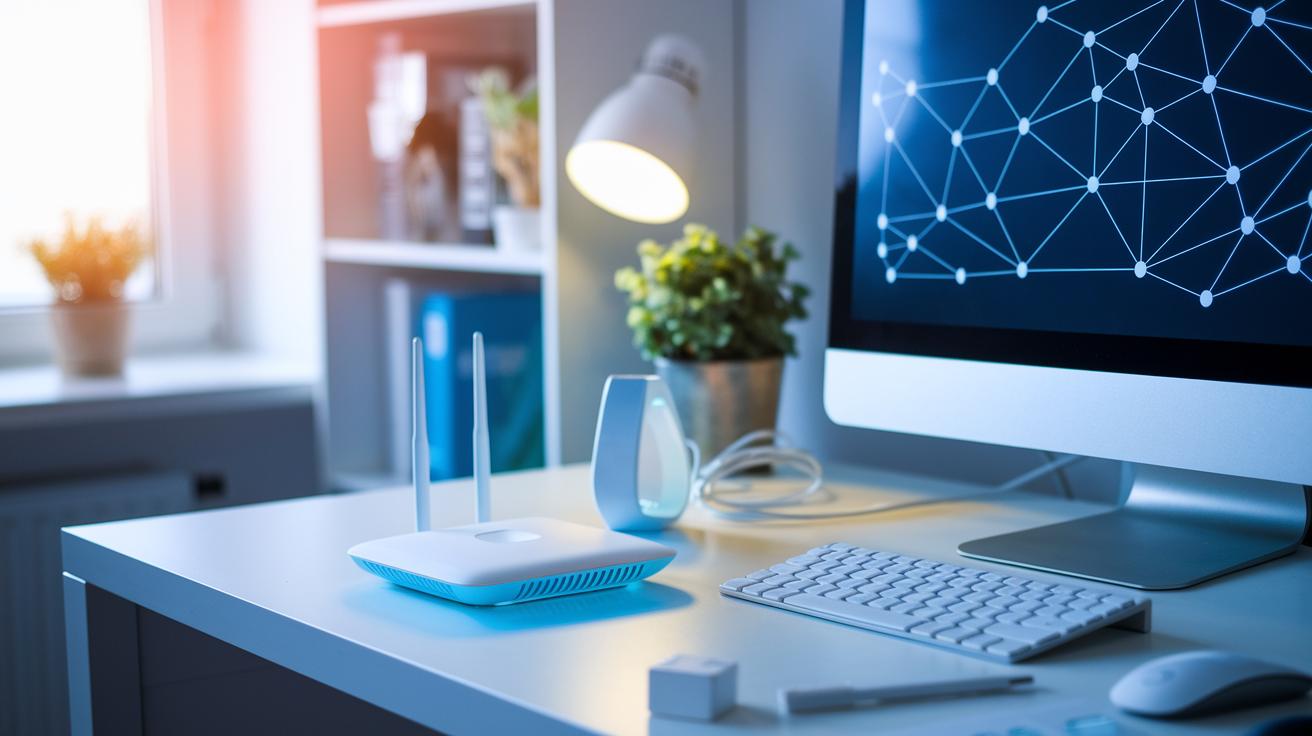
Always use strong Wi-Fi passwords along with the latest WPA3 encryption (a security standard that protects your network) to keep your devices safe. Keeping your hub's firmware updated is key since old software can make your smart home as vulnerable as leaving your front door unlocked in a busy neighborhood.
Next, keep your IoT devices on a separate network or VLAN (a dedicated network group) so that if one device gets hacked, the rest of your system stays protected. This method builds a robust network that limits potential damage. For a steady connection, Ethernet or PoE links offer reliable wired data flow.
Extend your wireless coverage with mesh Wi-Fi or Thread mesh networks. These setups help your devices stay connected even over larger areas. Use status LEDs and network monitoring apps to check for interference or dropped connections. For instance, if your hub’s light turns a steady green, it means your network is running smoothly and safely.
Lastly, review your voice assistant permissions on a regular basis. Ensuring that only authorized commands are accepted helps keep your home secure. By following these practical tips, you set up a smart home that is both future-proof and well-protected.
Final Words
In the action, this post explained how a smart home hub connects devices using various protocols and voice assistants. We walked through hands-on setup steps, compared pricing and features, and shared best practices for security and connectivity. Each section gave real-life insights into making your smart home experience seamless. Our guide makes it easier to choose the right smart home hub for your needs. Enjoy a more connected and secure home environment.
FAQ
What does a smart home hub do?
The smart home hub acts as a central device connecting your smart gadgets using Wi-Fi and protocols like Zigbee or Z-Wave. It helps devices talk to each other and links with voice assistants for hands-free control.
How does a smart home hub integrate with voice assistants?
The smart home hub works with voice assistants such as Alexa, Google Assistant, or Siri by linking your devices through a companion app, enabling you to control things like lights and thermostats by voice.
What are the best smart home hub options?
The best smart home hub varies by need and price. Options range from budget-friendly models under $100 to mid-range hubs like the Aeotec Smart Home Hub and premium solutions that support multiple protocols and Matter standards.
Is a smart home hub the same as a router?
A smart home hub is not the same as a router. The hub connects smart devices and manages their communication, whereas a router provides your devices with internet access.
How do you connect a smart home hub to Wi-Fi?
Connecting a smart home hub usually involves a plug-and-play setup. You use a companion app to follow an onboarding wizard, then select Wi-Fi or Ethernet settings until the hub displays a connectivity status light.
Can smart home hubs come with screens?
Yes, some smart home hubs come with built-in screens, like the Google Nest Hub, which display device statuses and offer visual controls, making it easier to manage your connected gadgets.
What smart home hub options does Apple offer?
Apple offers home hubs like the HomePod mini or Apple TV 4K, which work with Siri to manage and control smart devices. They integrate tightly with Apple’s ecosystem to simplify automated device control.