

Ever wonder why your smart devices sometimes fall out of sync? Matter fixes that by letting devices from different brands speak the same language. Your thermostat, lights, and plugs can all work together, even if your internet cuts out.
We looked at how clear, secure communication between devices makes managing your home much simpler. When everything talks properly, your home can react quickly to your needs. Matter shows a straightforward way to bring harmony to your smart home.
Matter Smart Home Fundamentals: What You Need to Know
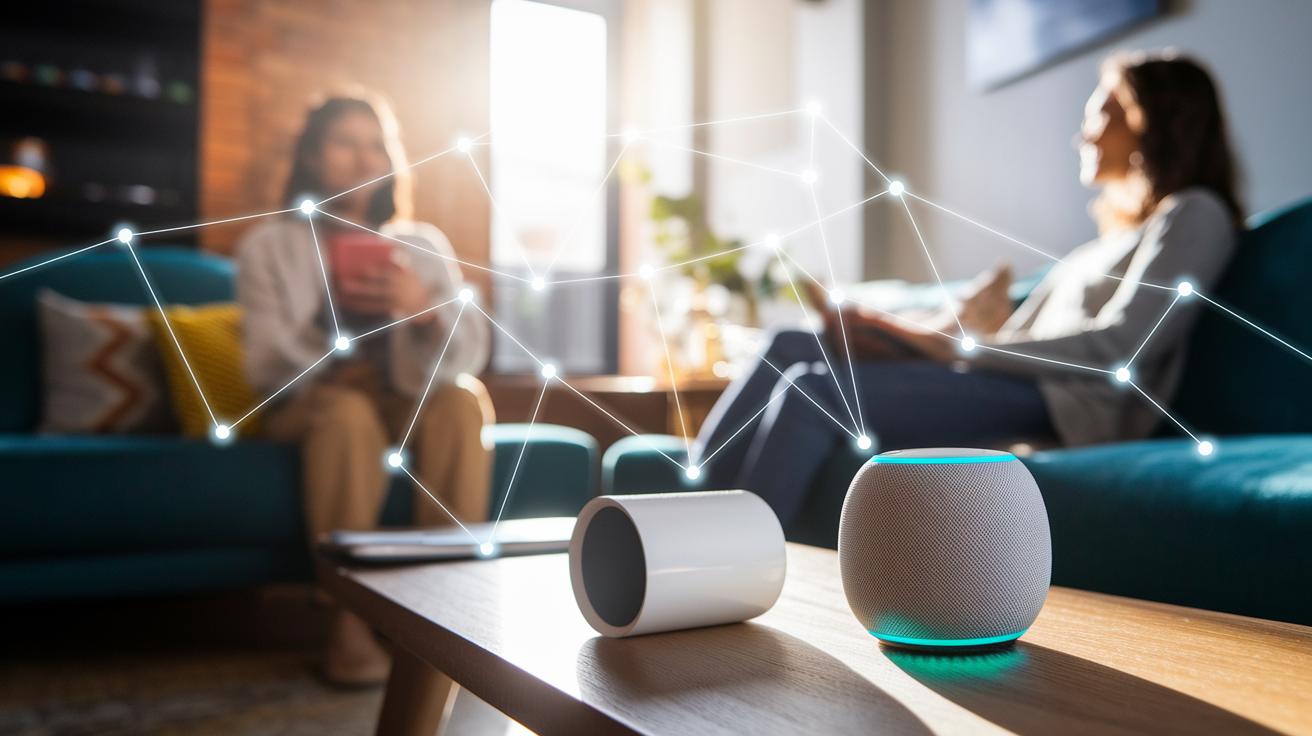
Matter is an open standard from the Connectivity Standards Alliance (CSA) that makes smart home devices work together easily. It uses a secure way of talking that stops common compatibility problems. Matter also uses end-to-end encryption (a way to protect messages from the sender to the receiver) along with access control for safe local use. This means your system can work even if your internet drops, and your private data stays private. For instance, your voice assistant can turn off your lights right at home without sending your command through several servers.
Matter lets various brands get along by speaking a common language. You can control devices like smart plugs, thermostats, or light systems using apps such as Alexa, Google Home, and Apple Home. By January 2025, four major Matter ecosystems are available. Each system needs its own hub, like an Apple TV 4K or HomePod mini with an iPhone/iPad, Amazon’s Echo Hub, Google’s Nest Hub, or a Home Assistant on a local computer. This setup brings different platforms together for a smooth, unified smart home experience.
Matter also simplifies finding and setting up new devices. With the scan-and-connect method, Matter-certified devices are quickly found and added. These devices pass strict tests for security and connection. So even if you mix brands, every device talks clearly with the others in a safe and efficient network, giving you easy, reliable control over your home.
Matter Smart Home Hub Selection and Setup Guide
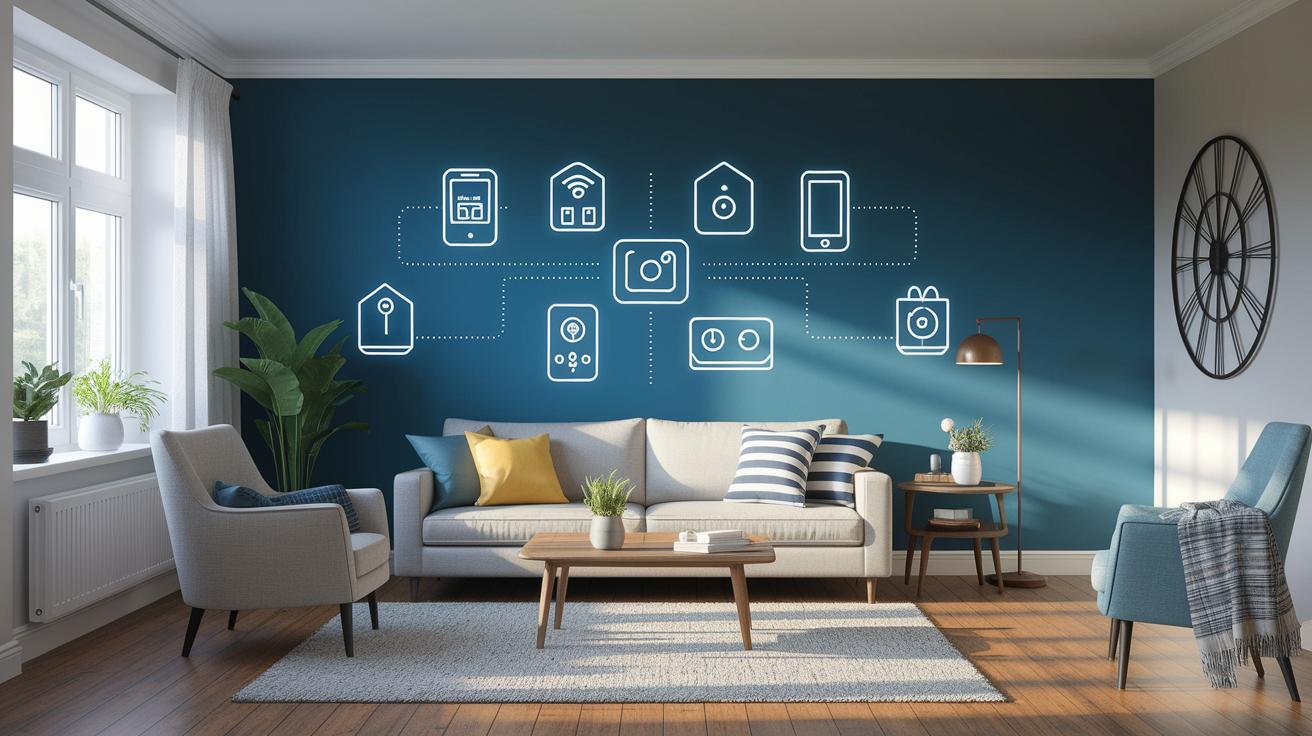
Supported Hub Platforms
The Matter Controller is the nerve center of your smart home. It connects your devices, makes sure your local network stays secure, and routes information without needing the cloud all the time. Each platform has its own hardware rules. For example, if you use Apple, you’ll need an iPhone or iPad along with an Apple TV 4K (2nd gen), HomePod 2nd gen, or HomePod mini to work as your hub. Amazon users can count on an Echo Hub, and Google fans typically use a Nest Hub. If you like flexibility, Home Assistant lets a regular computer run as the hub. Think of it like choosing the right tool for the job, select a hub that fits your ecosystem, such as pairing an iPad with an Apple TV so you can take full advantage of Matter.
Thread Border Router Setup
Devices that use Thread need a special Thread Border Router to work together and join your network. The setup is simple:
- Make sure your router supports Thread.
- Plug in the Thread Border Router and connect it to your network.
- Follow the instructions in your controller app to add the router.
- Check your dashboard to confirm the router is connected.
A good tip: Before you begin, verify your router is Thread-capable and then open the controller app, it should find the router automatically.
Commissioning Devices
The last step is to add your Matter devices to the network. Open the controller app on your hub and start the scan-and-connect process. When the app finds a new device:
- Press the pairing button on the device (if it has one).
- Follow the steps shown on-screen until the device pops up on your dashboard.
- Repeat for each new device you want to add.
For example, you might press the pairing button on a smart plug and then see the app confirm its connection in under a minute. This easy process makes sure all your Matter devices are up and running, so your smart home works smoothly and seamlessly.
Adding and Managing Matter Smart Home Devices
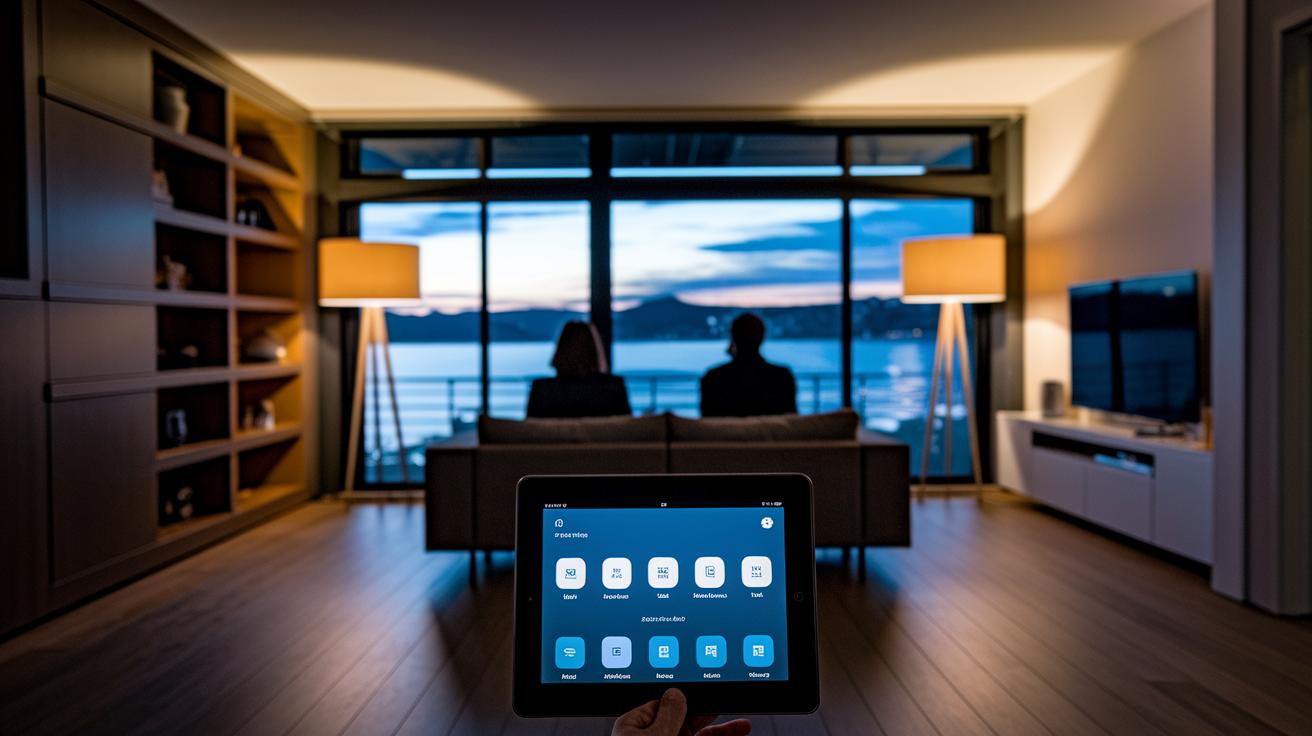
When you pair a Matter-certified device, it appears right on your control app's dashboard. From there, you can group devices by room and set up custom actions. For example, you might have your living room lights turn on at dusk or say "Turn off all the lights" to control several devices with Alexa, Google Assistant, or Siri.
Matter makes managing your smart home even easier. You can quickly check energy use and control devices without touching a button. Take the Aqara Camera Hub G3 as an example. It streams 2K video, uses local AI (a type of built-in smart recognition), works with infrared, and acts as a Zigbee 3.0 hub for up to 128 devices. This shows how Matter improves the way you organize and schedule your home's devices.
| Device Category | Example | Key Feature |
|---|---|---|
| Lighting | Philips Hue Bulb | Color, Dimming |
| Plug | TP-Link Kasa Plug | Energy Monitoring |
| Thermostat | ecobee SmartThermostat | Built-in Voice Assistant |
| Sensor | Aqara Motion Sensor | Zigbee, Battery-Powered |
| Camera | Aqara Camera Hub G3 | 2K Video, AI Recognition |
Automations and Scenes in a Matter Smart Home

Matter smart home systems let you create custom scenes that control several devices with one simple command. These scenes automate daily tasks and make your home more comfortable. For instance, one tap on your smartphone can switch on your living room lights, adjust the thermostat, and play your favorite tunes. An easy app walks you through each step as if following a simple guide.
You can even use geofencing to trigger actions based on your location. When you leave home, the system can lock your doors and turn off extra lights. Plus, voice assistants like Alexa, Google Assistant, or Siri let you control everything with your voice.
Here are five common automations you might set up:
- Turn lights on at sunset
- Lock doors when leaving home
- Adjust the thermostat based on occupancy
- Start camera recording when motion is detected
- Launch a “good morning” scene with one command
Matter makes smart home apps easier to use, so controlling your devices from your phone is both efficient and clear. Remote monitoring shows real-time status of lights, locks, and sensors, ensuring you always know what's happening at home.
Advanced Configuration and Network Optimization in a Matter Smart Home
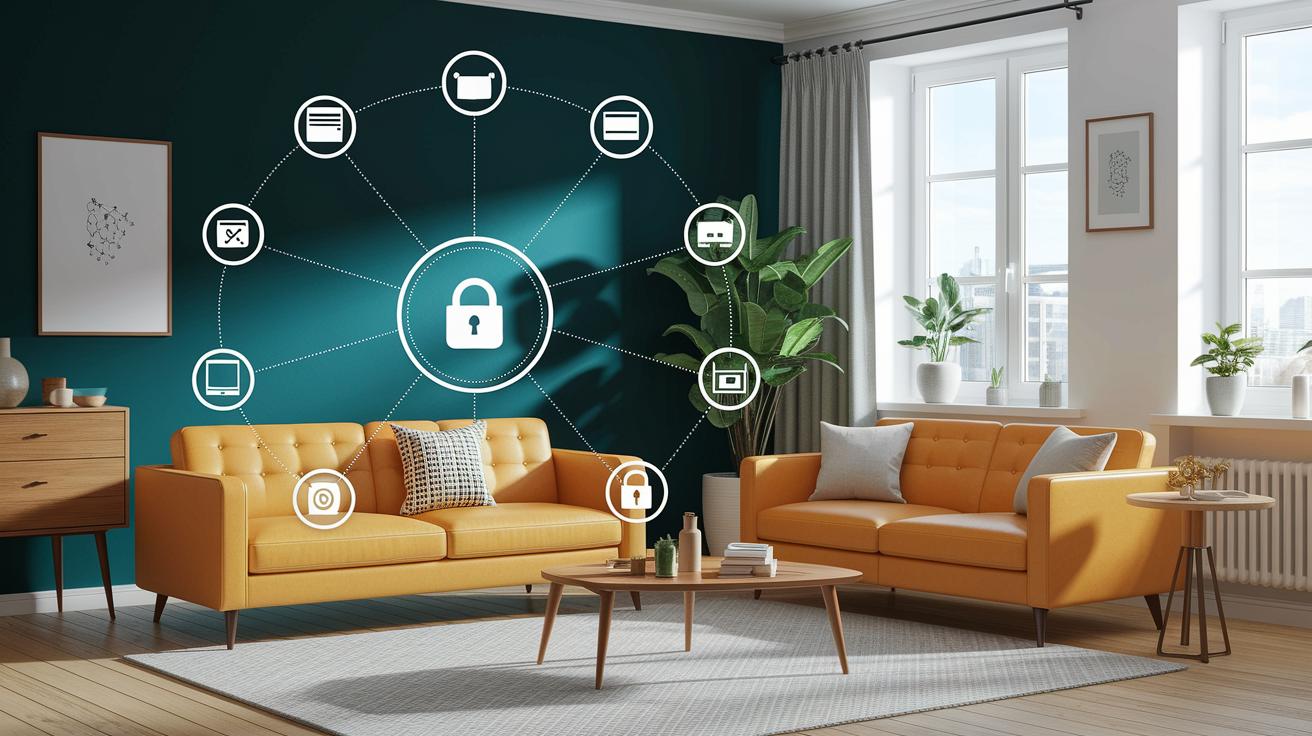
Matter smart homes use both basic network settings and more advanced rules to work well. Most Wi-Fi and Ethernet devices have simple setups, but Thread devices need a special Thread Border Router. This router links Thread devices in a mesh network so they can easily talk to each other and lessen the load on your main router.
Matter also keeps messages safe with end-to-end encryption (a way to scramble data from one device to another). With multi-admin mode, the system handles devices securely even if you control them from different platforms. This means each system keeps its own security rules, adding an extra layer of defense.
When you set up your smart home, it helps to plan ahead. First, check that your router supports the necessary protocols. A good tip is to place the Thread Border Router in a central spot so coverage is even. Running a quick test with your controller app can find weak signal areas, so you know where to put range extenders or move devices.
It’s also important to keep your firmware up to date. Over-the-air updates bring in the newest security fixes and improvements. This helps your smart home run smoothly and stay safe from network problems. Some advanced features, like custom lock schedules or detailed heating routines, may still need the manufacturer’s app. Always check these settings in your dashboard for the most accurate control.
Finally, set aside time for regular network checks. Test your connection after adding new devices and run speed tests every now and then. Keeping your network tuned up makes sure your Matter system can grow easily as you add more gadgets over time.
Future Roadmap and Developer Resources for Matter Smart Home

The CSA roadmap tells us that future Matter updates will add more device types. This means everyday gadgets will connect easily. Developers and makers can expect a richer set of Matter-compatible tools. With official SDKs and open-source code on GitHub, you get the tools to build custom features and try out new IoT ideas. This open setup lets anyone create unique smart home tweaks and smoother interactions.
Third-party apps like the Smart Life App now include Matter Bridge features. In simple terms, older devices can now work with the latest ones without hassle. Community support is strong too. The CSA resource portal, active forums, and regular webinars offer a place to learn and share ideas. Whether you're new to smart homes or a seasoned pro, these resources put you in control of building secure and efficient systems for modern living.
Final Words
in the action, we walked through matter smart home basics that bring secure and simple connectivity to your space. We broke down hub selection, device setup, and automations so you know what works for everyday use. We also addressed network tweaks and added a peek into upcoming developments. This guide gives you clear steps to avoid missteps and make the most of your investment. Enjoy building a smart home that fits your budget and needs with a solid matter smart home approach.
FAQ
What is Matter in a smart home?
The Matter standard unifies smart home device connectivity by using open-source guidelines. It improves security with end-to-end encryption and allows devices from different brands to work together through popular control apps.
What smart home devices use Matter?
Matter works with devices such as smart lighting, plugs, thermostats, sensors, and cameras. Brands like Philips Hue, TP-Link, ecobee, and Aqara offer Matter-compatible products that simplify device pairing and control.
Who owns Matter smart home?
Matter is governed by the Connectivity Standards Alliance, a group of industry leaders. They set the guidelines to ensure that smart home devices coordinate securely and work together seamlessly.
Does Matter smart home have an app?
Matter does not have a dedicated app of its own. Instead, it integrates with existing smart home control apps like Apple Home, Google Home, and Alexa, making device management simple.
How can I use Matter smart home on different platforms?
Matter operates across platforms, allowing you to manage devices on both Apple and Android through their respective control apps. Online communities, official websites, and forums like Reddit also offer support and tips.
What is a Matter smart home hub?
A Matter smart home hub, or controller, pairs and manages devices locally. Options vary across platforms with available choices from Apple, Amazon, Google, or Home Assistant to ensure smooth device connectivity.