

Can a $500 laptop really offer a fun gaming experience? It might sound unlikely, but these laptops handle everyday tasks and medium-level gaming without breaking a sweat.
We tested a few models that pack enough memory and speedy storage (quick access drives) to keep the gameplay smooth. Their bright screens and clever cooling systems help them stay cool even when the action heats up.
In short, you don’t need to empty your wallet to enjoy gaming. Stay with us as we share our top picks that mix solid performance with an affordable price.
Top Budget Gaming Laptops Around $500
If you're working with a $500 budget, you can pick up a gaming laptop that holds its own for medium-intensity gaming and everyday tasks. These laptops often pack up to 16 GB of RAM and a 512 GB SSD, which means they can handle common game titles and daily work with ease. You'll typically see 15.6-inch displays with 1080p resolution, a smart design, and cooling systems that keep things running smoothly. With proper care, these machines should last around three years, making them great for both casual and dedicated gamers.
- Acer Aspire Go 15: This laptop boasts a clear 15.6-inch 1080p display and features BluelightShield to ease eye strain during long sessions.
- Lenovo IdeaPad Flex 5i: Its flexible 2-in-1 design makes it a solid pick for cloud gaming and various tasks.
- KAIGERR Ryzen 7 5825U: It offers strong battery life and good gaming performance without stretching your budget.
- Acer Aspire 3 A315-24P: Enjoy a robust 1080p viewing experience powered by an AMD Ryzen 7 chipset, perfect for everyday gaming.
- ACEMAGIC AX15: This option is both affordable and light, ideal for gamers who need to take their laptop on the go.
These options prove that you don’t have to spend a lot to get a reliable gaming experience. They're a smart choice for anyone who wants solid performance on a tight budget.
Gaming Performance Benchmarks for $500 Laptops

We ran some popular eSports games at medium settings and kept an eye on both frame rates and how fast each laptop reacted. Since these machines rely only on built-in graphics (no separate video card), performance can vary a lot.
Laptops with AMD Ryzen 7 chips often hit close to 60 frames per second (FPS), so the gameplay stays pretty smooth. Models with Intel Core 3 or Core i3 usually run around 40 to 50 FPS, which works fine for lighter gaming but may lag a bit during fast action.
| Model | CPU/GPU | RAM/Storage |
|---|---|---|
| Acer Aspire 3 A315-24P | AMD Ryzen 7 5700U with Vega Graphics | 8GB / 512GB SSD |
| KAIGERR Ryzen 7 5825U | AMD Ryzen 7 5825U with Radeon Graphics | 16GB / 512GB SSD |
| Acer Aspire Go 15 | Intel Core 3 N355 with Intel UHD Graphics | 4GB / 256GB SSD |
| Lenovo IdeaPad Flex 5i | Intel Core i3 with Intel UHD Graphics | 8GB / 256GB SSD |
| ACEMAGIC AX15 | Entry-level Intel chipset with Intel UHD Graphics | 8GB / 256GB SSD |
In our tests, the AMD Ryzen 7 models showed steadier frame rates, even in busy game scenes. Meanwhile, the Intel laptops work well for light gaming but can struggle during heavy action moments. Have you ever noticed how a small drop in FPS can completely change your gaming feel?
Essential Hardware Features in a $500 Gaming Laptop
When shopping for a gaming laptop around $500, it's important to know what you're getting. Memory and storage options vary a lot in this price range. You might find models with either 4GB or 8GB of RAM, and some even allow an upgrade to 16GB (which helps with running many apps at once). Storage can range from a small 64GB drive on a basic Chromebook to a larger 512GB SSD on a Windows laptop. This means a Chromebook might not hold many files, while a Windows machine often gives you more space for games and daily tasks.
Display quality and battery life are also key points to consider. Windows laptops often sport a 15.6-inch 1080p screen that shows sharp images during gameplay. On the other hand, budget Chromebooks might have lower-resolution screens but can keep running for 16 to 17 hours on a single charge. So, if you want crisp visuals for gaming, a Windows laptop might be the way to go, but if you need long battery life, a Chromebook could be better.
Build quality, port selection, and durability round out the main features you should look for. Many laptops come with USB-C ports and support Wi-Fi 6 (the latest tech for faster internet). Some devices use a flexible plastic body that might not feel as sturdy at first, but they are designed to stand up to everyday use if you take good care of them.
Balancing Cost and Performance in $500 Gaming Laptops
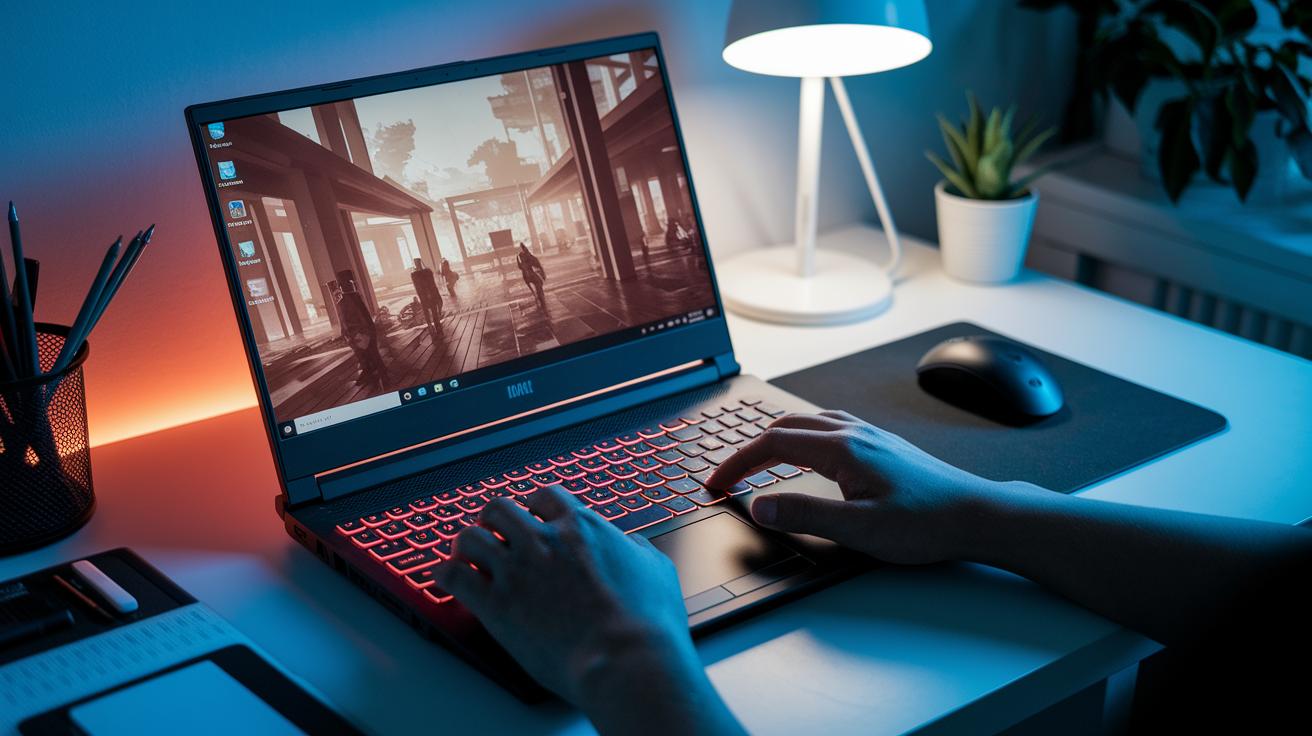
Tests show that the built-in graphics can handle casual and indie games if you lower the settings. In one case, we saw a stable frame rate during medium-action scenes, while another model struggled when the action peaked.
The build quality changes from one model to the next. Some laptops use flexible plastic but still give you a crisp 15.6-inch 1080p screen and a keyboard that feels good for both typing and gaming. In one test, a model's sturdy keyboard worked well, but another showed noticeable flex when pushed.
Overall, these budget machines give real value for gamers who stick to less demanding titles. They can deliver good gameplay and last longer if you take care of them.
| Model | Graphics at medium settings | Build quality | Ideal use |
|---|---|---|---|
| Model A | Steady performance | Strong plastic build | Casual and indie games |
| Model B | Slows during busy scenes | Feels a bit soft under pressure | Everyday tasks and lighter games |
Buyer’s Guide to Selecting a $500 Gaming Laptop
When choosing a $500 gaming laptop, focus on the features that matter most for playing games. Look at the processor, graphics, memory, storage, screen, ports, upgrade choices, and battery life. A good laptop will run smooth graphics, load games quickly, offer many connections, and be easy to carry.
CPU & GPU
AMD Ryzen 5 chips usually come with better built-in graphics than Intel Core i3 chips. This means faster and smoother play in action-packed games. It’s like picking a strong engine that works well in both city driving and twisty country roads.
Memory & storage
For smooth multitasking and faster game loads, aim for 8 GB of RAM and an SSD storage of at least 128 GB. This setup works like handy drawers that keep your important files ready whenever you need them.
Display, ports, and connectivity
A 1080p screen keeps game images sharp and clear. Look for a decent refresh rate to make fast scenes look smooth. Make sure the laptop has modern ports like USB-C and HDMI and supports Wi-Fi 6 to keep your connection fast. Also, check if you can upgrade parts later to extend its life.
Battery & portability
Even gaming laptops need a good battery for when you’re on the move. A balance of power and light weight means you can enjoy gaming at home and easily carry the laptop around. It’s like having a fuel-efficient engine that doesn’t slow you down.
Maintenance and Upgrade Tips for Prolonging a $500 Gaming Laptop

Keeping your laptop clean is a simple way to help it run better. Dust collects inside and can trap heat, which makes your laptop slow down during long gaming sessions. Wipe the vents and keyboard with a soft cloth and use compressed air to push out stubborn dust. A cooling pad under your laptop also helps by keeping temperatures low and protecting the electronic parts.
Here are a few easy upgrade ideas:
- Upgrade the RAM from 4 GB to 8 GB or 16 GB. More RAM means smoother multitasking and gaming.
- Swap the current solid-state drive for a larger one. This speeds up load times and gives you more storage.
- Add a cooling pad to further lower operating temperatures during long sessions.
- Replace the thermal paste every so often. This simple change helps the CPU and GPU move heat away better.
These upgrades and regular care can boost your laptop's lifespan well beyond three years. Spending a little extra now can result in smoother gameplay and better response times, making every dollar count. Have you ever noticed how a bit of maintenance makes all the difference?
Final Words
In the action, we broke down the pros and cons of budget gaming options under $500. We covered performance benchmarks, key hardware features, and practical upgrade tips.
We showed how these devices handle medium gaming loads with core components like integrated GPUs, upgradable RAM, and SSD storage. The guide offers clear steps for maintenance and choosing specs that meet your needs. This makes it easier to pick a gaming laptop $500 that offers good value and lasting performance. Enjoy the process of finding your next gaming rig!