

Have you ever lost your keys or handed them to the wrong person? Smart door locks let you skip that hassle with keyless entry.
A tap on your phone or a quick fingerprint scan unlocks your door from anywhere. They replace clunky key systems with a modern design and easy setup.
Read on to learn how this secure tech can fit your life and help keep your home safe.
How smart door locks improve home access and security
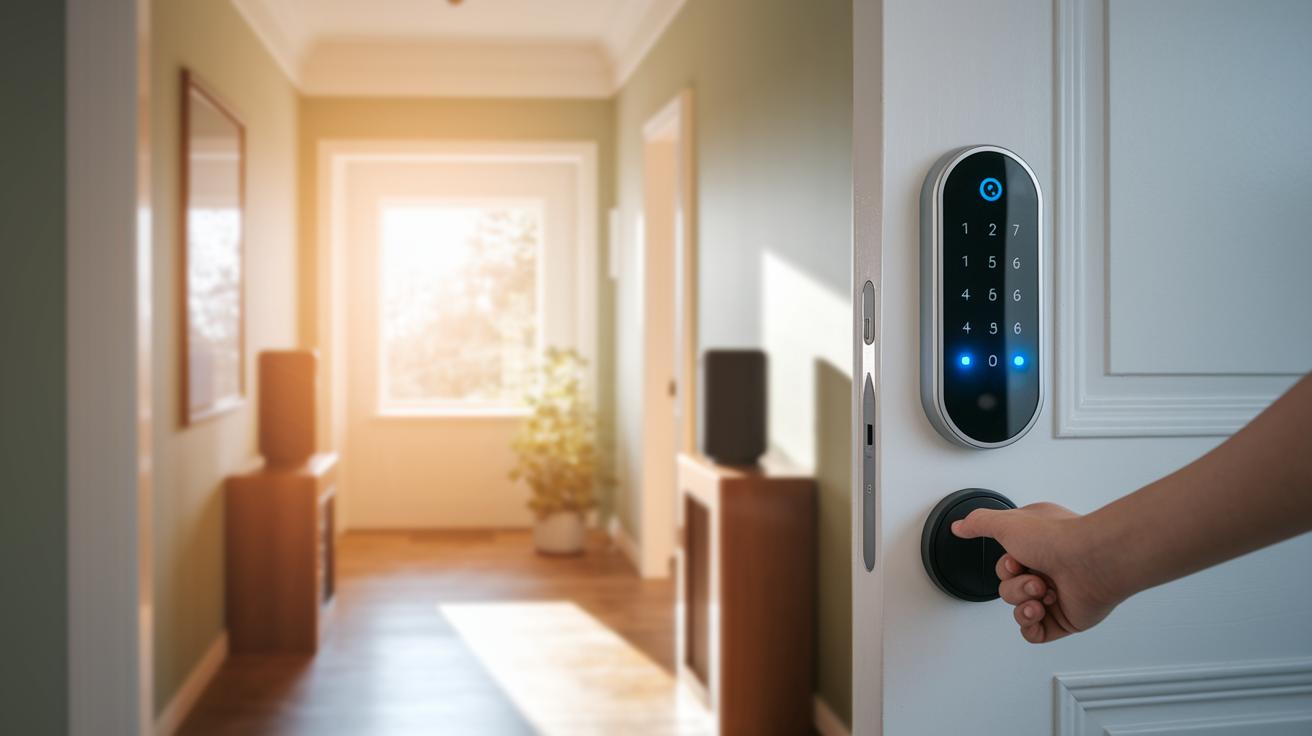
Smart door locks are modern devices that replace old-style locks with electronic ones. They let you enter your home without keys by using a mobile app, keypad codes, NFC (a wireless method to share data over short distances), or fingerprint scanning. You can lock or unlock your door with a tap on your phone, even when you're away from home.
These locks work well if you want an extra safety measure. Need to let in a friend or a service person? You can set up temporary codes. You'll also get real-time alerts that tell you about any door activity right when it happens. Some models even use fingerprint scanners to quickly confirm your identity.
Key benefits include:
- Locking and unlocking remotely with your phone
- Temporary codes for guests
- Instant alerts and a history log of door activities
- Entry using your fingerprint or NFC
- Easy setup with smart home systems
- Long battery life and low upkeep
They work with Amazon Alexa, Google Home, and Apple HomeKit, making it easy to integrate into your smart home. With batteries that last for months, you barely need to think about maintenance. Our tests show that these locks are simple to use while keeping your home secure, a smart choice for busy lifestyles.
smart door locks: Secure and Sleek Choice

Smart door locks let you upgrade your home security with a neat style and strong protection. Each door lock has its own features. Some locks have built-in Wi-Fi so you can control your door from your phone, while others work with retrofit adapters that let you replace your current deadbolt easily. With prices from $130 to $350, there’s an option for almost every budget and look.
If you want a lock that is quick and simple to set up, the Schlage Arrive Smart WiFi Deadbolt is a great pick. Its built-in Wi-Fi connects directly to your network without needing extra equipment. The Yale Assure Lock 2 has a modern design and feels very sturdy, and it costs around $155. For those who use Apple devices, the Ultraloq U-Bolt Pro with Wi-Fi supports NFC and Apple Home Key technology. And if you’re looking to upgrade your old deadbolt without a full replacement, the August Wi-Fi Smart Lock uses a retrofit adapter for an easy switch.
For a more upscale option, the Level Lock Pro offers a slim design and encrypted keyless entry that keeps your home safe. If you prefer a touchscreen with fingerprint options, the Lockly Visage Zeno Z-Series is available for about $348. Homeowners who want extra bells and whistles can look at the Eufy Video Smart Lock E330, which even works with a video doorbell for added convenience.
| Model | Price | Best For |
|---|---|---|
| Schlage Arrive | – | Built-in Wi-Fi |
| Yale Assure Lock 2 | $155 | Design & Build |
| Ultraloq U-Bolt Pro | $130 | Apple HomeKey |
| August Wi-Fi Lock | $139 | Retrofit Adapter |
| Schlage Encode Lever | $214 | Doorknob Replacement |
| Level Lock Pro | $349 | Slim Profile |
| Lockly Visage Zeno | $348 | Biometric |
| Eufy Video E330 | $250 | Video Integration |
DIY guide: installing smart door locks in under an hour
Tools required
Before you start, make sure you have a few basic tools:
- A Phillips-head screwdriver
- A drill (needed only for retrofit setups)
- A smartphone with the latest operating system
- New batteries
Preparing the door
Start by checking your deadbolt type. This helps you decide whether to fully replace it or use a retrofit option. Next, measure the backset (the distance from the edge of the door to the center of the lock) to ensure your smart lock will fit properly. Remove any old hardware. Think of this step like clearing furniture out of a room before redecorating.
Mounting the smart lock
Attach the outside part of the lock to the door first. Then, line up the interior assembly and secure it with screws. Give the deadbolt a test to see if it moves smoothly. If it feels off, check the alignment again.
Calibration and setup
Open the lock’s app and follow the on-screen steps to calibrate the latch throw (how far the latch moves). Choose your preferred PIN length and register fingerprints or NFC tags for extra security. This calibration makes sure the sensor knows when the door is open or closed.
Connecting to network
If you have a Wi-Fi model, enter your network name (SSID) and password. For locks that need a hub, sync it via a bridge or Z-Wave controller (a tool that lets devices talk to each other). This ties your lock into your network so you can control it from anywhere.
Testing and troubleshooting
Finally, test your work by locking and unlocking the door using the app, the keypad, and any biometric tools you set up. If the latch doesn’t line up, run through a quick recalibration. And if you see any error codes, check the online support for help.
Smart door locks and home automation integration
Most smart locks work with Amazon Alexa, Google Home, and Apple HomeKit. This makes controlling your door simple every day. Some locks, like Schlage Arrive and Encode, use built-in Wi-Fi so you don't need extra hubs. Other locks, such as the Eufy C34, run on a special 2.4 GHz network to keep the connection steady. And then there are hub-based models like Level Pro that connect through systems like SmartThings to offer extra features.
Technical details in these locks add both security and ease of use. Wi-Fi models are easy to set up, while those that use a hub can join more complex home routines. Bluetooth lets your smartphone send secure, encrypted signals to the lock when you're close – like a secret handshake. Cloud backups also help keep your access codes safe if the power goes out.
Security and privacy features of smart door locks
Smart door locks use tough encryption (like AES 128-256 bit) to keep unwanted visitors out. This strong code makes hacking much tougher.
Many models, such as Yale Assure 2 and Level Pro, add an extra safety layer with two-factor authentication. You unlock these locks with both an app and a PIN. That means you prove your identity two ways. For example, you set up a PIN in the mobile app and then confirm your choice at the door to stop someone from getting in without permission.
Some locks, like the Aqara U100, come with a built-in fingerprint scanner and require a six-digit PIN. This mix of fingerprint scanning and a secure PIN makes it far harder for intruders to break in. Eufy locks also lower the risk by only storing a small slice of your data, though they don’t include built-in tamper alarms.
Battery life is another handy feature. Most locks run on AA batteries that last between 6 and 12 months. In systems without door sensors, the lock might not tell you if the door is open. But adding a hub gives you extra LAN encryption for better wireless protection.
Pros and cons of using smart door locks

Smart door locks bring handy features like remote guest management, real-time access logs, and an option to tie in with your home alarm system. But they come with challenges that could affect everyday use.
Setting one up may be tricky. Even a tiny misalignment can stop the lock from working as it should. For example, a small misalignment might keep the lock from fully securing the door.
Battery life is another worry. A weak battery could shut the lock down at the worst time. Picture arriving home and finding the lock too low on power to let you in.
Mixing brands can also be a headache. Proprietary apps sometimes don’t sync well with devices from other makers, limiting full feature access.
| Disadvantage | Impact |
|---|---|
| Alignment challenges | A small misalignment can prevent proper locking |
| Battery drain | Low battery levels might cause sudden lockouts |
| Compatibility issues | Proprietary apps may not sync smoothly with other brands |
- Misalignment during installation can cause inconsistent locking
- Battery drain may trigger unexpected lockouts
- Proprietary systems might not integrate well with non-brand devices
Smart door locks FAQs
-
How do smart door locks integrate with various smart home systems?
Most smart locks work using common protocols like Z-Wave or Wi-Fi, but some need you to use the maker’s own app. This lets you mix them with other devices if they follow open standards. For example, one lock might pair with both your thermostat and your door system. -
What should I do if I encounter a rare error or connectivity issue?
Start by turning both your lock and your router off and on again. If that doesn't help, look for a firmware update or try a full system reset as explained in your manual. Often, a simple reset after a network change can bring your lock back online. -
How can I boost my smart door lock's security beyond standard measures?
Enhance security by enabling multi-factor authentication (a second way to verify your identity) and updating your PIN regularly. It also helps to check the device logs for any unusual activity. For instance, using two-step verification may alert you to unauthorized access early.
Final Words
In the action, we broke down how smart door locks improve home access and security. We detailed their key benefits like remote locking, temporary codes, real-time alerts, and biometric access. We reviewed top models, compared pricing, and walked through a simple DIY installation process. We then checked how these locks work with your connected home and highlighted vital security features and trade-offs. Smart door locks offer a straightforward way to boost safety with modern tech that stands up to real-world needs. Enjoy the ease and peace of mind these locks bring.
FAQ
What is the best smart lock for your door?
The best smart lock for your door depends on your needs and budget. For example, Schlage Arrive offers built-in Wi-Fi and simple installation, while Yale Assure provides a sturdy build and sleek design.
What are the disadvantages of a smart door lock?
The disadvantages of a smart door lock include higher upfront costs, occasional installation challenges, and potential battery drain issues that might lead to temporary lockouts if not maintained.
What is the difference between a smart lock and a keyless lock?
The difference between a smart lock and a keyless lock is that smart locks are app-controlled, offer remote alerts, and support biometric methods, while keyless locks typically rely on codes or physical keys without connected features.
Can you put a smart lock on any door?
You can install a smart lock on most standard doors, though some specialized or older door designs may require additional adapters or modifications to ensure proper fit and function.