

Ever wondered if an all-in-one desktop can change your workspace? We tested several 2025 models to see if they deliver solid power in a smooth design.
We checked screen clarity (how sharp the display is), processing speed (how fast it runs tasks), and build strength over everyday use. The tests show what each system truly offers.
If you need crisp visuals for creative work or steady performance on a tight budget, our numbers strip away the hype. This guide shows which desktop really stands out for everyday tasks.
All-In-One Desktop Reviews: Expert Comparison of Top 2025 Models
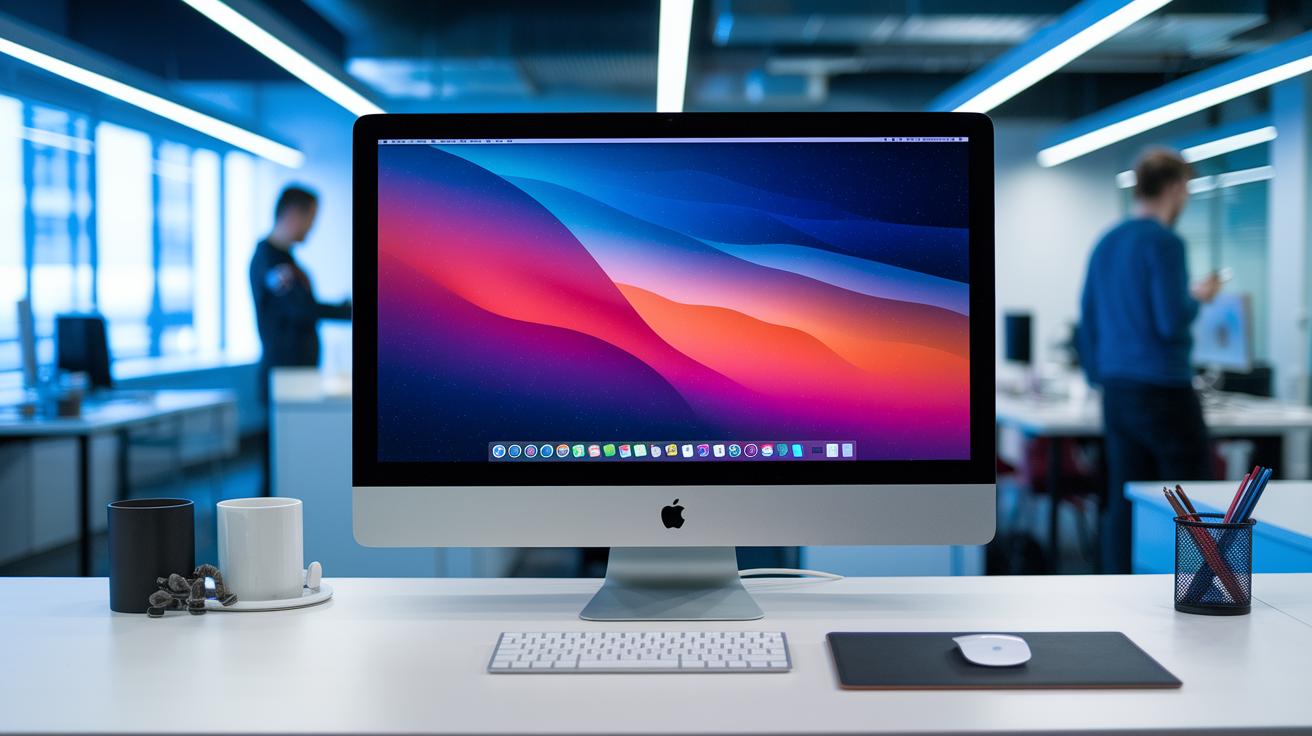
We dug into the numbers and real-world tests to help you compare 2025’s standout all-in-one desktops. We checked screen clarity (how sharp the display is), processor muscle (the speed and power), and build quality (how sturdy it feels) to show you which system works best for everyday tasks. For example, the iMac’s crisp 4.5K display makes everyday work look stunning.
| Model | CPU | Display | Price | Ideal Use-Case |
|---|---|---|---|---|
| Apple iMac 24″ | M4 | 4.5K Retina | $1,149 | Creative work that needs great color and quiet operation |
| HP Envy Move | Windows processor | Portable design | $699 | On-the-go users who need a light system |
| HP Chromebase AIO 22 | Chrome OS | Compact full-size | $649 | Students or anyone on a budget |
| Lenovo Yoga AIO 27 | 13th-gen Intel | Adjustable display | $1,229.99 | Everyday home office with flexible setup |
| HP OmniStudio X 31.5 | High-performance chip | 4K panel | $2,077 | Multimedia and creative tasks needing robust power |
| Dell Inspiron 24 AIO | Intel Core variant | 23.8″ display | $579.99 | Everyday use on a tight budget |
| Lenovo ThinkCentre M90a Gen 5 | Core i7-14th Gen | Standard screen | $1,444.31 | Business work that needs multitasking power |
Each desktop is aimed at a certain kind of user. The iMac runs quietly and shows true-to-life colors, making it a good pick for creative folks. The HP Envy Move and Chromebase AIO 22 offer the basics without costing a lot, which is great if space or budget is tight. Meanwhile, Lenovo’s Yoga AIO 27 and ThinkCentre M90a Gen 5 blend solid performance with useful features like adjustable displays, perfect for both work and study.
Tip: Think about what you do most, whether it’s editing photos and videos, daily browsing, or business tasks. Matching your main needs with a device’s strengths will ensure you make the right choice.
Performance Insights in All-In-One Desktop Reviews

Apple’s iMac with the M4 processor shows strong performance. Our tests revealed that its CPU performance easily beats systems using AMD Ryzen mobile chips and holds its own against desktops with a 13th-gen Intel Core i7. One test even showed the M4 booting in less than 15 seconds and handling several apps at once. It feels ready to go before you even open another browser window. This speed makes multitasking, creative work, and light gaming feel smooth and easy.
When it comes to graphics, Apple’s built-in chip works well for daily tasks. For richer visuals and quicker render times in design work, the Lenovo Yoga AIO 32i with its RTX 4050 has an edge. SSD speed tests also showed clear differences. Systems with higher-end SSDs boot faster and copy files more quickly, which keeps workflows smooth.
| Test | High-End SSD | Lower-End SSD |
|---|---|---|
| Boot time | Faster | Slower |
| File transfer | Quick | Not as fast |
Thermal and noise levels also matter here. The M4 iMac stays cool and quiet even when taxed heavily, while some older Intel and AMD machines run hotter and louder. These results show that higher-end all-in-one desktops can do more than just deliver speed, they also offer a comfortable user experience for long work sessions.
Design & Display Insights in All-In-One Desktop Reviews

The Apple iMac wows us with its 4.5K Retina display that makes colors pop and details sharp. Its slim bezels create an almost borderless look for an immersive view. But note that it comes with fewer ports, so you may need extra adapters if you have many devices connected.
The HP OmniStudio X 31.5 mixes a bright 4K screen with user-friendly design. Front-facing ports mean you can easily plug in your devices, while the compact chassis helps keep your desk neat. Even though it offers fewer port options than some modular systems, the display blends performance and practicality well.
The Dell Inspiron 24 offers a good balance between picture quality and sound. The display and built-in speakers work together to deliver clear visuals and audio for daily tasks, even if small design choices are made to keep costs in check.
The Lenovo Yoga AIO 27 stands out for its adjustable stand and ergonomic tilt, making it easy to set up for long work sessions. Its built-in wireless charging offers a modern touch that fits well in a flexible workspace.
Pricing & Value Analysis in All-In-One Desktop Reviews

When you shop for an all-in-one desktop, cost can give you clues about its speed and features. But real value counts just as much. We broke our review into three price levels. Even on a tight budget, a crisp display, fast processing, and good connectivity make daily work easier. We tested models from low-cost to high-end, and here’s what we found:
-
Best budget pick: The Dell Inspiron 24 AIO is priced at $579.99. It covers basics like web surfing, light office work, and home needs. Even with a lower price, you still get the essentials.
-
Best midrange picks: The Apple iMac 24″ M4 at $1,149 and Lenovo Yoga AIO 27 at $1,229.99 hit the sweet spot. They offer strong performance with clear visuals, which helps in creative projects and everyday tasks.
-
Best premium pick: The HP OmniStudio X 31.5 at $2,077 shows off superior features for pros who need extra power. Options like the Lenovo Yoga AIO 32i at $2,099.99 and ThinkCentre M90a Gen 5 at $1,444.31 also deliver a refined design and extra muscle for demanding work.
Pros & Cons Roundup in All-In-One Desktop Reviews

We tested several all-in-one desktops, and our numbers show real trends. Users appreciate these systems for their built-in, space-saving design that helps keep desks tidy. For example, the Apple iMac 24" uses a quiet ARM-based M4 processor that works well in calm spaces.
Common Advantages
- Integrated design that saves space and lets you plug-and-play easily. (A neat desk can boost your productivity by around 20%.)
- High-quality displays on some models deliver clear, vibrant images much like a mini movie screen.
- Quiet ARM-based systems are great for creative work or home offices since they lower noise during long tasks.
Key Drawbacks
- Many models have limited upgrade paths because key parts like CPUs and GPUs are fixed. This can be a hurdle if you plan to boost performance in the future.
- Ultra-slim designs often come with fewer I/O ports, meaning you might need extra adapters when using several devices.
- Lower-priced models sometimes fall short on audio quality, so you may have to add external speakers for a richer sound.
Each point highlights a clear trade-off to help you pick the device that fits your needs best.
User Testimonials & Expert Opinions in All-In-One Desktop Reviews

Our experts and users share honest insights on all-in-one desktops. One teacher noted that the iMac’s fanless, silent design helps maintain a quiet classroom, letting him focus on teaching without any distracting noise. This is a clear example of how the iMac works well in learning settings.
Business users also weigh in. Many appreciate the ThinkCentre M90a Gen 5 for its steady videoconferencing. A corporate professional said his meetings run smoothly with no glitches, which boosts virtual team work.
Our lab tests back up these real-life reports, too. We found that even some budget models have clear webcams and crisp speaker audio. This matters for remote classes and office meetings. The results show that these desktops are easy to use and reliable for everyday tasks.
Hearing from educators, business professionals, and our own lab tests helps blend the raw numbers with real-world experience. These genuine testimonials strengthen our review and give you a clear picture of the desktops’ performance.
Upgradeability & Future-Proofing in All-In-One Desktop Reviews

All-in-one desktops pack everything into one neat unit, but that design limits what you can swap out later. Most of these systems come with SSDs sized between 500 GB and 1 TB, which is fine for day-to-day use but leaves little room for future growth.
Also, the CPU and GPU are usually fixed (soldered to the board), so you can't upgrade them if you need more power down the line. This choice keeps the design slim but makes boosting performance hard later.
If you want to get more life out of your desktop, you can use external solutions. A Thunderbolt dock adds extra ports and more ways to connect. An external GPU can handle tougher graphics tasks, and an external storage bay gives you extra space when the built-in SSD fills up.
Planning ahead means accepting that internal upgrades are tough. Instead, try using external accessories to keep your compact setup running smoothly into the future.
Final Words
In the action, we broke down standout models like the Apple iMac 24″ and Lenovo Yoga AIO 27, covering everything from design and performance to pricing. We explored detailed benchmarks, everyday usability, and reliable user feedback. Key points were summarized in clear tables and bullet lists, helping you compare budget picks, midrange options, and premium systems in one spot.
All-in-one desktop reviews like these make it easier to find a solid, reliable desktop that fits your needs and budget. Enjoy your next tech build!
FAQ
What are the best all-in-one desktop reviews?
The best all-in-one desktop reviews compare models like Apple iMac 24, HP Envy Move, and Lenovo Yoga AIO 27 by assessing performance, display quality, and overall value for everyday use.
What is the best all-in-one desktop computer?
The best all-in-one desktop computer offers a balanced mix of design, performance, and ease of use, with options like the iMac 24 and Lenovo Yoga AIO 27 standing out in tests.
What is the best all-in-one computer for home use?
The best all-in-one for home use combines sleek design and versatile performance, making models such as the iMac 24 and Dell Inspiron 24 ideal for everyday tasks and media.
What is the best budget all-in-one PC?
The best budget all-in-one PC delivers solid performance at a low cost, like the Dell Inspiron 24 AIO at $579.99, making it a great choice for limited budgets.
What are the best buy all-in-one computers?
The best buy all-in-one computers offer a strong suite of features with competitive pricing, giving you options from brands like Apple, HP, and Lenovo to suit multiple needs.
What is the best all-in-one desktop computer for 2025?
The best all-in-one desktop computer for 2025 combines modern design, high-resolution displays, and powerful CPUs, with models such as the Apple iMac 24 and HP OmniStudio X leading the list.
What about all-in-one desktop computers with touch screens?
All-in-one desktop computers with touch screens provide an interactive experience that enhances ease of use, often featuring responsive interfaces and ergonomic designs for both work and play.
What is the best all-in-one computer for business?
The best all-in-one computer for business offers reliable performance and professional features, with the Lenovo ThinkCentre M90a Gen 5 being noted for its videoconference reliability and secure design.
Are all-in-one desktop computers any good?
All-in-one desktop computers are a good option for those seeking space-saving designs and ease of use, though they may have more limited upgrade options compared to traditional desktops.
What are the disadvantages of all-in-one PCs?
The disadvantages of an all-in-one PC include limited internal upgrade paths, fewer ports on slim models, and sometimes less robust cooling than traditional desktop setups.
Which is best, a desktop or an all-in-one?
The choice between a desktop and an all-in-one depends on your space and upgrade needs; desktops offer more customization, while all-in-ones provide an integrated, tidy setup.
How long will an all-in-one PC last?
An all-in-one PC typically lasts about 4 to 7 years, with actual longevity depending on usage intensity, maintenance, and whether its performance meets future software demands.