

Ever wonder which laptop fits your life best, a slim ultrabook or a versatile 2-in-1?
Ultrabooks are thin and steady performers at your desk, while 2-in-1 laptops easily switch to tablet mode for on-the-go use.
We took a close look at both to show you their real-world benefits. Read on and see which one suits your routine best.
Ultrabooks vs 2-in-1 Laptops: A Winning Option
Ultrabooks are slim, light notebooks made for standard laptop use. Their simple design makes them easy to carry, and the fixed keyboard feels comfy during long typing sessions. They pack modern parts like Intel Core chips and fast NVMe SSDs (solid state drives that boot up quickly). With at least 8 GB of RAM, they handle multiple tasks smoothly.
In contrast, 2-in-1 laptops offer extra flexibility by acting as both a laptop and a tablet. Some models feature a hinge that lets the screen flip around 360°, so you can use it just like a tablet. Others even let you remove the keyboard completely. The Microsoft Surface Pro 3 is one such example that feels light and works great in tablet mode. This shows how design choices, like weight and thickness, change the way you use the device.
| Feature | What it means |
|---|---|
| Ultrabooks | Great for regular desk work with steady performance |
| 2-in-1 Laptops | Merges laptop and tablet functions in one package |
| Both | Have at least 8 GB RAM and SSD storage for fast performance |
Each type meets modern performance needs, but they target different users. Ultrabooks suit professionals who work long hours at a desk. Meanwhile, students and busy business folks might prefer the added touchscreen and adjustable design of 2-in-1 laptops. This way, you get one device that fits many scenarios, offering both solid performance and versatile use.
Performance and Hardware Specs in Ultrabooks vs 2-in-1 Laptops
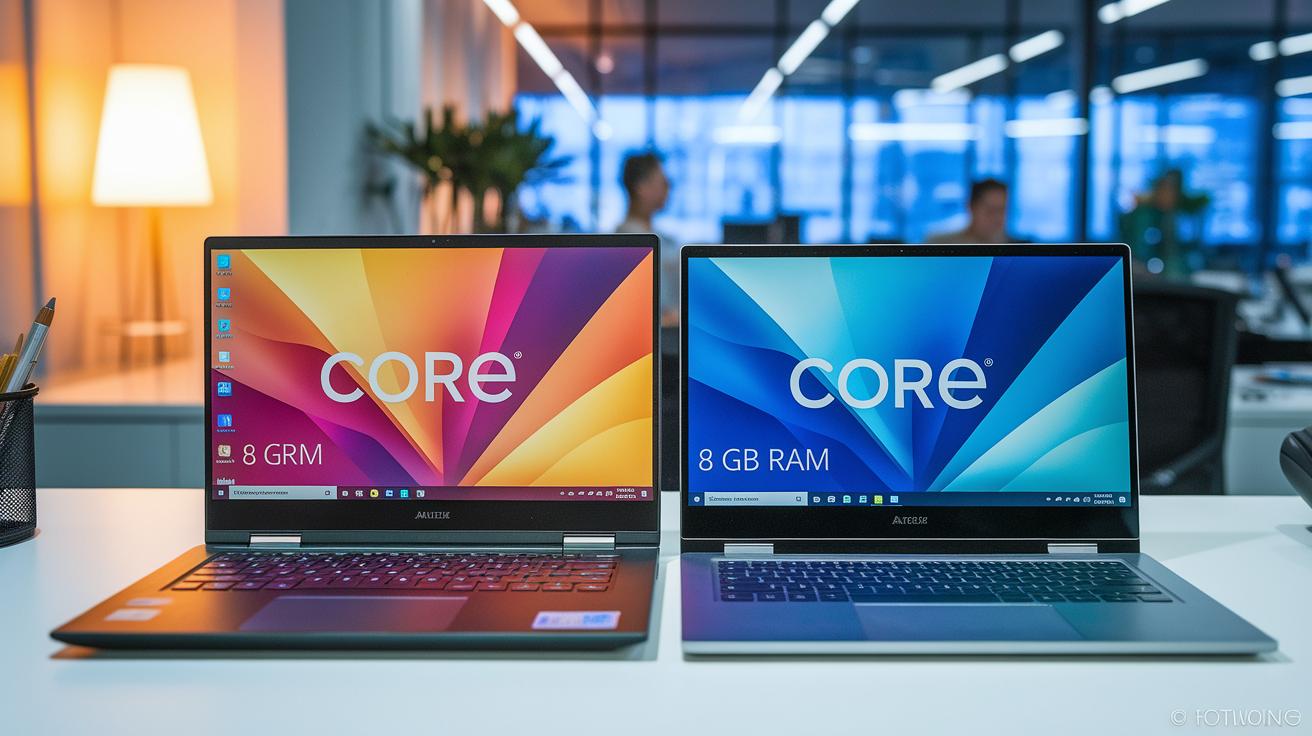
Both ultrabooks and 2-in-1 laptops are built for solid performance. They all include at least 8 GB of memory and an NVMe SSD (a fast type of storage) to help apps load quickly and run smoothly. Top ultrathin models like the Yoga 9i and HP Spectre x360 use the newest Intel Core chips, so they handle many tasks at once without slowing down.
Consider the Dell Inspiron 7000 2-in-1. It comes with a dedicated NVIDIA GeForce graphics option, which works well for light gaming, and has smart cooling built right into its slim case. This design keeps the laptop cool and efficient whether you're using it as a laptop or a tablet. Engineers made sure these cooling features work hard to prevent overheating, even under heavy use.
In real-world multitasking tests, these systems show they have what it takes to keep up. Their strong processors (CPUs), graphics units (GPUs), and fast storage all work together to deliver quick and reliable performance. A speedy NVMe SSD makes a big difference by preventing lag during long sessions.
Design, Portability, and Build: Ultrabooks vs 2-in-1 Laptops
When it comes to gadgets you carry around, weight and thickness make a big difference. For example, the Microsoft Surface Pro 3 weighs about 1.76 lbs, while an older MacBook Pro tip the scales at around 4.5 lbs. This gap means that lighter devices really shine if you’re always on the move or away from your desk. Picture holding a light tablet you can easily lift onto your lap during a quick coffee break.
Some models also step up their durability. The Dell Inspiron 7000 17 uses a tough magnesium-alloy build and even comes with a backlit keyboard for low-light settings. In contrast, the Surface Pro sports a detachable keyboard latch, showing that each design fits different needs. Plus, hinges on models like the Yoga 9i and Spectre x360 spin all the way around so you can switch from laptop to tablet mode without losing stability.
Screen sizes add yet another factor. You can choose from smaller 13–14″ models that work great in tablet mode to larger 15–17″ screens that suit full desktop tasks. This mix lets you find a computer that fits your need for both light portability and solid performance.
Battery Life and Usability in Ultrabooks vs 2-in-1 Laptops
The Dell Inspiron 7000 17 runs for more than 16 hours on a full charge. In real-world tests, the Surface Pro 3 only manages about 7 to 8 hours, which can be a dealbreaker for those who need their device to last all day.
Switching to tablet mode is smooth and practical. Windows 8 offers a split keyboard that feels natural for thumb-typing. Try it out: flip into tablet mode and enjoy quick, responsive key taps that seem custom-made for your thumbs.
Built-in speakers and backlit keys add to the on-the-go ease. They help you enjoy clear sound and comfortable typing even in low light or while outdoors. This makes working away from your desk less of a hassle.
The touchscreen is another highlight. Fast taps and smart gestures make moving through apps and documents effortless. Every design choice here, battery life, keyboard feel, and touch control, is aimed at making mobile work stress-free.
In short, better battery life paired with simple, effective touch controls makes these devices a smart choice for everyday portable use.
Price Ranges and Value Comparison for Ultrabooks vs 2-in-1 Laptops
When choosing between ultrabooks and 2-in-1 laptops, price matters a lot. Both give you 8 GB of RAM and a quick SSD (a type of fast storage), but the cost can guide you to the right pick for your needs.
If you're watching your spending, check out models like the Lenovo Flex 5i Chromebook Plus. You can get it for under $500. It gives you a touchscreen and a light design without a high price.
For a bit more money, midrange options like the Lenovo Yoga 7 14" are priced between $800 and $1,000. They work well for daily tasks, media, and note-taking. You also feel a better build quality and screen clarity compared to the cheaper models.
At the high end, options like the Yoga 9i and HP Spectre x360 14 start above $1,000. They pack the latest parts, have sleek designs, and bring a touch of class. These devices combine laptop and tablet features, which can be a wise way to get more for your money without buying two separate gadgets.
| Price Tier | Model Example | Key Benefits |
|---|---|---|
| Budget (Under $500) | Lenovo Flex 5i Chromebook Plus | Touchscreen, lightweight, cost-effective |
| Midrange ($800 – $1,000) | Lenovo Yoga 7 14″ | Solid performance, good build, clear screen |
| Premium (Above $1,000) | Yoga 9i, HP Spectre x360 14 | Modern parts, ultrathin, high-end feel |
Each price category offers clear value depending on what you need. Whether you're on a budget or ready to spend more, there's an option that gives a balance of cost and performance.
Ideal Use Cases: Ultrabooks vs 2-in-1 Laptops
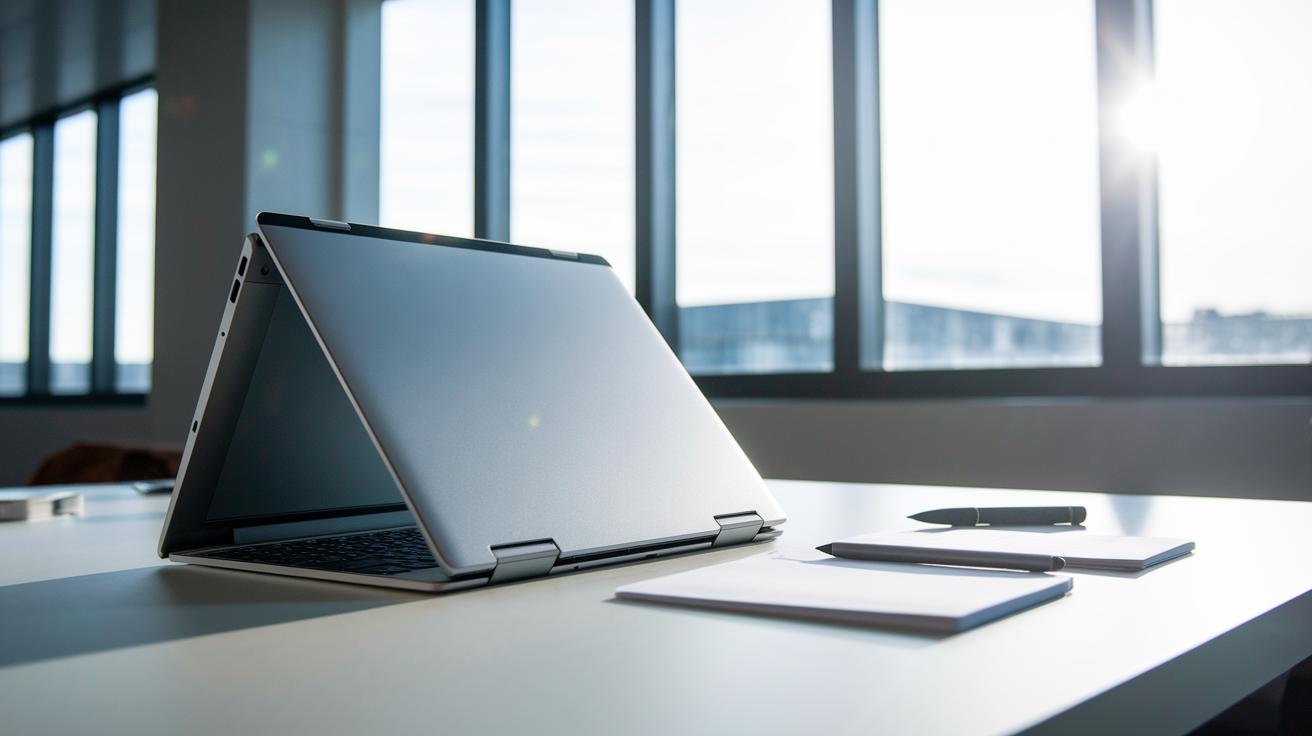
2-in-1 laptops work great when you need both a laptop and a tablet. They are handy for jotting down notes, giving quick presentations, or sketching ideas on the move. Students and pros enjoy the ease of flipping the screen to use touch and a stylus. For example, when you’re in a lecture or a meeting, you can quickly switch to tablet mode to interact with your work. The Microsoft Surface Pro is a good pick here since it is very portable and still gives you a solid desk experience.
Ultrabooks, on the other hand, are best for working in normal clamshell mode. They are built for tasks like content creation, coding, and business work that require a good keyboard and steady performance. Creatives and business professionals who tackle detailed projects appreciate the strong processing and simple design, which keeps distractions low during long typing sessions.
Key real-world scenarios include:
- Students switching easily from reading to writing notes
- Professionals using the touchscreen in meetings
- Creators and coders who need a focused work setup
- Multimedia fans enjoying light gaming and smooth media playback on models like the Dell Inspiron 7000
Each type fits specific daily tasks well. Consider a 2-in-1 for a mix of tablet and laptop features, and opt for an ultrabook when a steady, no-nonsense laptop is your best bet.
Final Words
In the action, we broke down the key differences between ultrabooks and 2-in-1 laptops. We covered performance specs, design details, battery endurance, and price points in a clear, real-world way. Each part of the comparison shows how each device meets everyday needs. Whether your focus is on a sleek clamshell or the advantages of a tablet mode, the guide helps cut through the clutter. This quick side-by-side look at ultrabooks vs 2-in-1 laptops sets you on the right path for a smart, low-risk purchase.
FAQ
Q: Ultrabooks vs 2 in 1 laptops reddit
A: The discussion on Reddit compares ultrabooks to 2-in-1 laptops by examining design, performance, and portability, helping users decide between a sleek clamshell notebook and a versatile hybrid device.
Q: Best 2-in-1 laptops for students
A: The best 2-in-1 laptops for students blend touchscreens, portability, and pen support to aid note-taking, presentations, and everyday classroom tasks while delivering solid battery life and performance.
Q: 2-in-1 Touchscreen Laptop
A: A 2-in-1 touchscreen laptop offers a convertible design where the display serves as a tablet, combining touch interaction with a keyboard for flexible productivity in various settings.
Q: 2-in-1 laptops with pen
A: 2-in-1 laptops with pen support include a stylus for drawing and note-taking, making them ideal for users who value direct touchscreen input and creative or academic tasks.
Q: Best 2-in-1 detachable laptops
A: The best 2-in-1 detachable laptops feature screens that detach to function as standalone tablets, providing a portable solution for users who need a device for both creative work and casual use.
Q: 2-in-1 Touchscreen Laptop Windows
A: A Windows 2-in-1 touchscreen laptop runs on the Windows operating system in a convertible form, offering a familiar interface with the added benefit of a tablet mode for enhanced flexibility.
Q: Best 2-in-1 laptops for gaming
A: Some 2-in-1 laptops for gaming incorporate dedicated graphics and improved refresh rates to support light gaming and multimedia, though they may not fully match the performance of dedicated gaming machines.
Q: 2-in-1 laptop tablet
A: A 2-in-1 laptop tablet is a hybrid device that combines a laptop’s productivity with a tablet’s touchscreen features, giving users a single portable package for varied use.
Q: What’s the difference between ultrabooks and laptops?
A: Ultrabooks are thin and light notebooks optimized for clamshell use, while traditional laptops often feature bulkier builds and may target different performance or durability needs.
Q: Why are 2-in-1 laptops not popular?
A: 2-in-1 laptops may not be as popular because their convertible designs can lead to higher costs and performance compromises, appealing mainly to users who need the flexibility of both tablet and laptop modes.
Q: What are the cons of a 2-in-1 laptop?
A: The cons of a 2-in-1 laptop include potential performance limitations in tablet mode, higher prices for convertible designs, and possible trade-offs in build durability and battery endurance compared to standard laptops.
Q: Is a 2-in-1 laptop better than a regular laptop?
A: A 2-in-1 laptop is better for users who value the flexibility of switching between tablet and laptop modes, while a regular laptop may offer more consistent performance and durability for focused work.