

Are you stuck choosing between a slim ultrabook and a heavy gaming laptop? They work in very different ways.
Ultrabooks are light, last a long time on a charge, and are great for day-to-day use. Gaming laptops, however, deliver top graphics and let you upgrade parts for extra power.
In this post, we break down these differences to help you pick the device that fits your real needs.
Ultrabook vs Gaming Laptop: Selecting the Right Option for Your Needs
Ultrabooks and gaming laptops serve different roles. Ultrabooks are slim, light, and built for everyday tasks like web browsing, word processing, and video calls. They offer long battery life (about 8–12 hours) and come with high-resolution screens from FHD to 4K. Their premium designs make them look and feel sleek.
Gaming laptops, however, are all about power. They come with dedicated graphics cards and support upgrades in RAM and storage. They are made to handle intense gaming and creative projects, but they are bulkier and their battery usually lasts only 3–5 hours under heavy use.
When choosing between them, keep these points in mind:
| Portability & weight | Ultrabooks are easy to carry; gaming laptops are heavier. |
| Performance & upgradability | Gaming laptops offer more power and can be upgraded. |
| Battery life & energy use | Ultrabooks generally last longer on a single charge. |
| Price & long-term value | Ultrabooks tend to be more affordable, while gaming laptops offer better performance when needed. |
Think about your top needs, whether it’s a light, all-day companion for work or a powerhouse for gaming and creative tasks. Pick the one that fits your lifestyle and workload best.
ultrabooks vs gaming laptops: Elevate Your Tech

Ultrabooks are made to be slim and light, perfect for everyday tasks. They usually weigh between 2.5 and 3.5 pounds and are only 0.6 to 0.8 inches thick. They use metals like aluminum or magnesium alloy (light, durable materials) that give them a quality feel while staying easy to carry.
Gaming laptops are built for power. They tip the scales at about 4 to 7 pounds and are thicker at around 1 to 1.5 inches. Their bodies use reinforced plastic or metal with extra vents that help manage heat during intense use. This added bulk means you get better cooling and durability, which is key for heavy gaming or demanding tasks.
| Feature | Ultrabook | Gaming Laptop |
|---|---|---|
| Weight | 2.5–3.5 lbs | 4–7 lbs |
| Thickness | 0.6–0.8 inches | 1–1.5 inches |
| Chassis Material | Aluminum/Magnesium Alloy | Reinforced Plastic/Metal |
| Portability | High | Moderate |
These differences play a big role in how easy a laptop is to carry. If you often travel or work on the go, an ultrabook’s light weight and sleek look make it a great choice. But if you need extra power and better cooling for heavy software use or gaming sessions, a gaming laptop might be your best pick.
Performance Benchmarks: Ultrabooks vs Gaming Laptops
We tested both CPU and GPU power using well-known stress tests. Our team ran Cinebench R23 (a test for multi-core tasks) to see how each computer handles heavy work. Then, we ran 3DMark Time Spy (a graphics test) to check each machine's graphics strength. Finally, we measured average frames per second (FPS, how many images the system can show in one second) while playing popular AAA games at medium-high settings. This mix of tests shows raw power as well as day-to-day performance when the systems work hard.
| Metric | Ultrabook Model & Score | Gaming Laptop Model & Score |
|---|---|---|
| Cinebench R23 multi-core | 12,000–14,000 (Dell XPS 13 / HP Spectre x360) | ~12,000–14,000 (High-end CPUs) |
| 3DMark Time Spy graphics | 4,500–5,000 (integrated graphics) | 6,000–8,000 (MSI GF63 Thin / Razer Blade 14) |
| Average FPS in AAA titles | 30–40 FPS (casual titles) | 60+ FPS (medium-high settings) |
These numbers tell a clear story. Ultrabooks have great multi-core power for everyday tasks like browsing and editing documents. Their built-in graphics work well for apps that do not require heavy visuals. On the other hand, gaming laptops shine when handling tough graphics tasks. Their higher scores in 3DMark and better FPS numbers show they can handle smooth, immersive gaming and creative work. If you need a computer for smooth gameplay and the option to boost performance later, a gaming laptop has long-term benefits. But if you mainly work in the office or need a system that is light to carry, an ultrabook handles daily work easily.
Battery Life Evaluation of Ultrabooks and Gaming Laptops
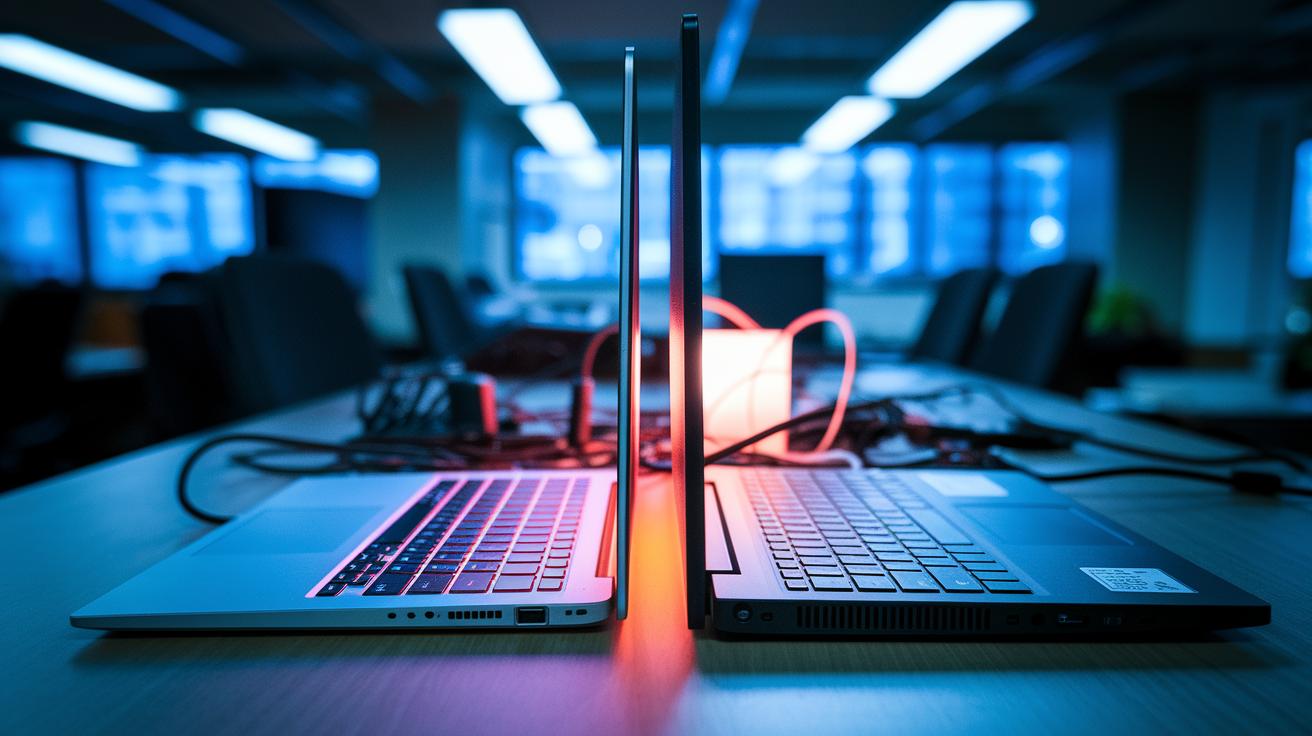
Ultrabooks usually last for 8 to 12 hours with mixed use, making them great for all-day work. Gaming laptops, however, tend to deliver just 3 to 5 hours when playing games or running heavy tasks. This difference is because ultrabooks have batteries in the range of about 50 to 80 watt-hours (Wh), while gaming laptops pack around 70 to 99 Wh. Plus, gaming machines need extra power for their dedicated graphics cards.
Key reasons battery life changes include:
- Processor and GPU load, which use more power during heavy work.
- Display brightness and resolution, as brighter screens use more energy.
- Battery cell size, which shows how much energy can be stored.
If you travel a lot or need to work without frequent charging, an ultrabook is a smart choice. On the other hand, if you enjoy intense gaming or creative work that needs high graphics, you might have to deal with shorter battery life.
Thermal and Noise Management in Ultrabooks vs Gaming Laptops
Gaming laptops come with bigger fans or even vapor-chamber cooling that keeps their temperature below 85 °C even during tough tasks. They tend to be louder, usually between 50 and 55 dB. In contrast, ultrabooks use smaller fans or no fans at all. They run at cooler temperatures, typically between 40 and 65 °C, and the noise stays low, around 30 to 35 dB. However, ultrabooks might slow down the CPU or GPU if they get too warm.
Here are the key points we looked at:
- Average operating temperature
- Fan noise levels in dB
- Risk of thermal throttling
- Complexity of the cooling system
Your choice really depends on what matters most to you. If you value a quiet machine with steady battery life, an ultrabook might be the way to go. But if you need to run heavy applications without slowing down, a gaming laptop offers the robust cooling you require, even if it makes a bit more noise.
Price and Value Comparison: Ultrabooks vs Gaming Laptops
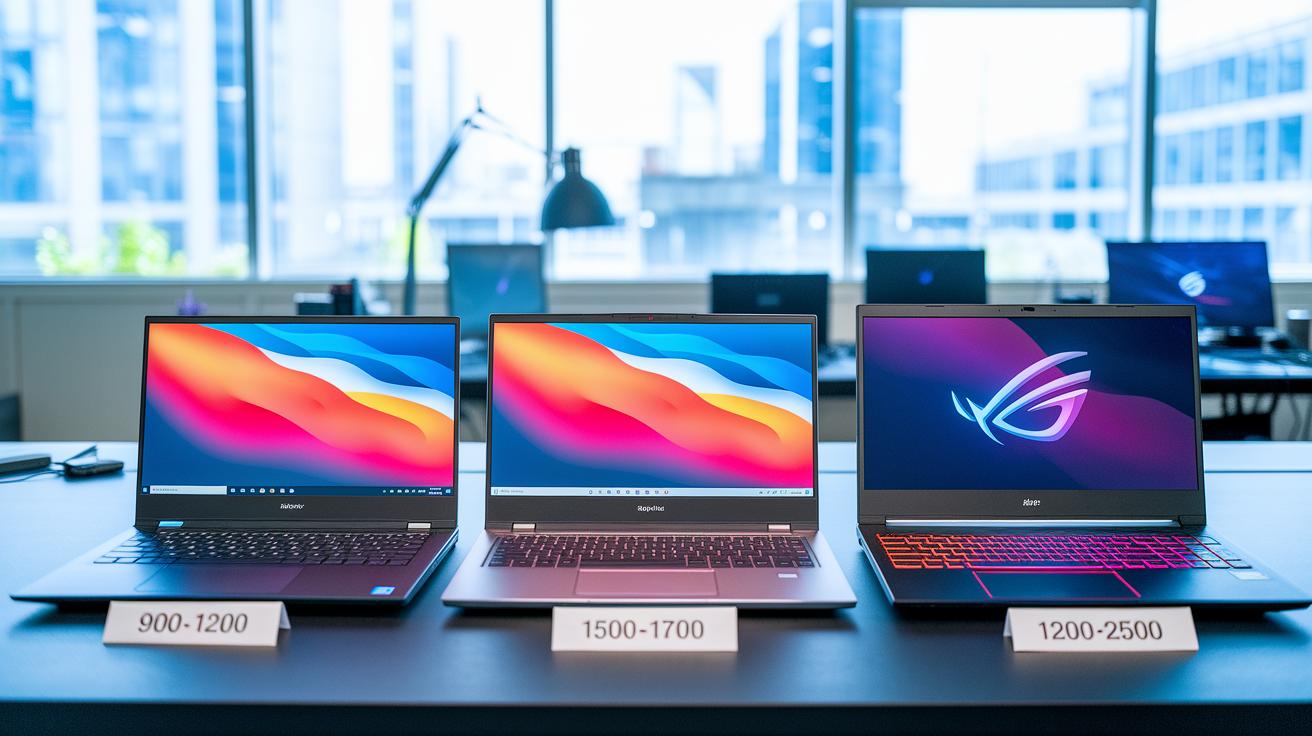
Entry-level ultrabooks generally cost between $900 and $1,200. They offer a good mix of portability and everyday functionality. Premium ultrabooks, priced around $1,500 to $1,700, come with a slick design, longer battery life, and crisp high-res displays. In comparison, gaming laptops start at roughly $1,200, with high-end models easily hitting $2,000 to $2,500 thanks to their powerful parts and advanced cooling systems.
Over four to five years, ultrabooks tend to be cheaper for users focused on productivity. Their efficiency means you won’t need to upgrade or replace them as often, which saves money in the long run. Gaming laptops, though more expensive upfront, can be a smart investment for intense gaming or creative work. Their upgradeable components and strong performance help them keep up with demanding software.
If you’re on a budget, consider what you really need. For tasks like office work, browsing, and light multimedia, an ultrabook offers lower upfront costs and reliable long-term savings. But if you require cutting-edge graphics and heavy processing for gaming or creative projects, spending extra on a gaming laptop might be worthwhile.
Real-World Usage Scenarios for Ultrabooks and Gaming Laptops
Think about your daily routine when choosing a laptop. Do you need a light, portable device for trips or meetings? Or do you work with design software and need tough hardware for video editing or gaming? Ultrabooks are ideal for students, office workers, and travelers who need long battery life and a small, easy-to-carry design. In contrast, gaming laptops are built for tasks that require high-refresh screens, strong graphics cards, and the ability to upgrade memory for long sessions of video editing, 3D work, or competitive gaming.
- On-the-go professionals: Ultrabooks are lightweight, quiet, and offer long battery life, making them perfect for moving between meetings or working away from the office.
- Casual content creators: These laptops bring enough power for photo edits, streaming, and multitasking, all while staying portable.
- Hardcore gamers: Gaming laptops pack high-refresh displays, robust graphics performance, and efficient cooling systems to keep up during intense gaming sessions.
- Creative power users: Devices that allow upgrades in RAM and offer strong GPU acceleration are great for video editors and artists who need steady, high-end performance over long work periods.
Match your device to your routine. If your day is full of travel, quick note-taking, and minimal fuss, an ultrabook is the way to go. But if your work involves graphic-intensive software, high-speed gaming, or creative projects that need future-proof performance, a gaming laptop will serve you much better.
Final Words
In the action, we broke down key differences in design, performance, battery life, cooling, and price. We highlighted four main factors to consider when weighing your options:
• Portability & weight
• Performance & upgradability
• Battery life & energy use
• Price & long-term value
When comparing ultrabooks vs gaming laptops, choose the device that suits your daily tasks and long-term goals. Keep the focus on what works best for you, and move forward with confidence.
FAQ
How do ultrabooks compare to gaming laptops for work and student use?
The choice for work or school depends on your needs; ultrabooks offer battery longevity and light portability for everyday tasks, while gaming laptops bring extra power for graphic-intensive applications.
What defines the best discrete gaming laptops?
Best discrete gaming laptops feature separate graphics cards that enhance performance in gaming and creative tasks, offering a balance between power and portability backed by focused reviews and test data.
What are some options for compact and travel-friendly gaming laptops?
Models in the 12-inch to 13-inch range offer travel-friendly design with reduced weight and size while still providing robust gaming performance, making them ideal for gamers on the move.
Are ultrabooks good for gaming?
Ultrabooks are tailored for everyday use with long battery life and slim builds; they run light games well but typically lack the dedicated graphics power needed for high-end gaming.
What are ultrabooks, and how do they differ from other laptops?
Ultrabooks are slim, light laptops built for everyday tasks with long battery life and high-resolution displays, differing from heavier laptops by prioritizing portability over raw performance.