

Ever wondered if your smart fridge or oven could give hackers a way in? Many smart devices use default settings that let unwanted guests slip in easily. Changing these settings helps protect your personal data and makes your home safer. In this guide, we explain simple steps to change factory passwords and turn off unused features. Try these tips to build a stronger shield for your smart home.
Core Steps to Secure Your Smart Appliances
Smart appliances, like connected fridges and ovens, need real security steps to keep unwanted guests out. Changing the default login details and using strong, unique passwords are simple yet crucial ways to protect your home. When you set up custom settings and keep your passwords updated, you give hackers fewer ways to sneak in.
- Change every factory-set password to one that mixes letters, numbers, and symbols so that nobody can guess it.
- Turn on multifactor authentication (a system that asks for two or more proofs of identity) on devices that support it to add an extra check when logging in.
- Switch off any remote access features you don’t need to reduce the chance of someone hacking in from afar.
- Update default user names and details so each device uses its own hard-to-guess login.
- Manage your passwords actively by updating them regularly and watching for any signs of a breach.
Following these steps can really strengthen your network. Each measure you take adds another layer of defense against hackers. By wiping out default settings and keeping your devices updated, you build a safer network for all your smart systems. Stay on top of your updates and monitor your connections regularly to keep those cyber intruders at bay.
Secure Wireless Setup for Your Smart Appliances

Many routers come with default names (SSIDs) and weak passwords that hackers can guess easily. To help protect your network, choose a unique network name and use WPA3 encryption (a modern way to secure your connection). Changing these basic settings is your first defense against intruders.
Setting up your router with custom settings also helps keep your smart devices separate from your main network. This extra step makes it much harder for hackers to slip in. Regular firmware updates keep your router safe from known security holes, and turning off features like WPS and guest networks cuts off extra access points for nearby attackers.
If you're using an older router, consider replacing it with a model that supports modern security standards. This upgrade will help block many common hacking techniques. And don't forget to check trusted sources for the latest tips on keeping your router secure. Staying on top of your router settings builds a strong, secure network that can adapt to new threats.
- Pick a unique network name that does not reveal personal details or the router brand.
- Create a strong password using letters, numbers, and symbols.
- Enable WPA3 encryption to keep your wireless traffic safe.
- Turn off WPS and guest network features to cut down on extra risks.
- Update your router firmware from reliable sources.
- Choose a router that supports the latest security protocols and network separation.
Firmware Patch Routines for Smart Appliances
Keeping your smart devices updated is key to protecting your home. Outdated firmware on gadgets like smart thermostats or refrigerators can leave you open to attacks. Regularly checking for updates, whether by hand or through alerts, lets you take advantage of the latest fixes and safer settings. This simple habit cuts risks and keeps your network stronger.
Making firmware updates a regular task is a smart move. Auto-downloads and notifications help you stay on top of patches, but it's wise to double-check each update. Look at version numbers and test your device to be sure everything works right. Mixing both auto and manual checks builds a solid defense against hackers.
- Set reminders to check for firmware updates on your smart devices.
- Turn on automatic downloads or alerts if your device allows it.
- Verify each update by checking version numbers and testing performance.
- Record your update schedule and results to keep things clear and organized.
Segmented Network Design to Protect Smart Appliances
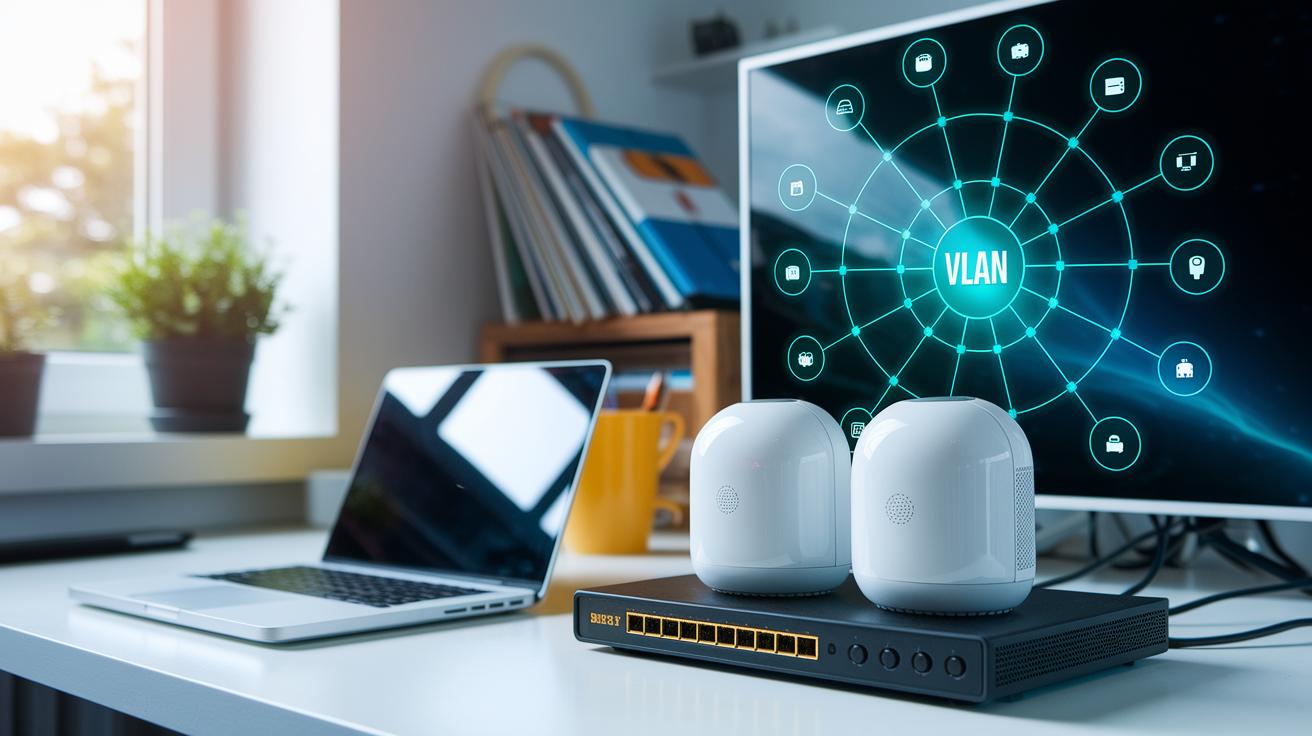
Smart appliances make life easier, but they also open new targets for hackers. Keeping them on a separate network stops a breach from spreading to your main systems. This smart setup, paired with strict firewall rules and tight access controls, acts like a strong safety barrier. It lets your devices talk only to trusted services, cutting down the risks of unwanted access.
VLAN setup guidance
Start by putting your smart devices on their own network group. Set up a unique subnet using your router or managed switch. This way, if one device is compromised, hackers can’t easily jump into your main network. By isolating these gadgets, you lower risks from default passwords and outdated software, helping keep your important data safe.
Firewall configuration
A solid firewall stops bad traffic before it reaches your smart devices. Adjust your firewall settings so that only key cloud services and approved connections can pass through. This approach limits threats and ensures controlled access across your network.
- Create separate subnets for your smart appliances.
- Set strong firewall rules that block all unsanctioned inbound traffic.
- Allow only necessary cloud connections and approved services.
- Regularly check and update your access-control settings.
- Keep remote control traffic limited to critical services only.
Advanced Threat Detection for Your Smart Appliances
Smart appliances face real risks from cyber attacks. Hackers target these devices, so it's smart to set up systems that catch issues early. We use simple tools to watch network traffic and notice when something is off. For instance, if a smart oven or fridge shows unexpected data transfers, the system raises a flag.
Adding intrusion alerts on your router gives you real-time warnings. This helps you check your network quickly and stop small issues before they become big breaches.
Here are three steps to boost your smart home security:
- Use a network scanner that shows all connected devices. This tool helps you spot gadgets that don't belong.
- Set up an intrusion detection system (IDS) that sends alerts when unusual data flows occur.
- Invest in an IoT security suite that keeps an eye out for odd patterns and cyber threats.
Imagine your smart refrigerator starts sending more data than usual during busy hours. The system notices the change and alerts you right away, prompting an investigation. This hands-on monitoring builds confidence in your smart home and lets you act fast when needed.
Supplemental Security Measures for Smart Appliances

When setting up smart appliances, changing the default settings is just the start. Turn off remote-control features you don't need to block extra entry points for attackers. Using encrypted pairing (a secure way to link devices) keeps your setup private. Tightening each gadget's settings and handling them carefully lowers your risk of breaches. A password manager helps you keep unique, strong logins for each device. Plus, turning on device-specific encryption makes sure the data sent over your network stays safe.
- Disable any remote-control features you don't use to limit entry points for hackers.
- Use encrypted pairing during setup to keep outsiders from eavesdropping.
- Store your device logins in a secure vault or password manager.
- Activate device-specific encryption to protect data during transmission.
- Customize default settings to cut down on exposure.
- Run regular scans with trusted security tools to catch issues early.
Do regular security checks along with your firmware updates. Reviewing your device settings and privacy controls often can reveal new vulnerabilities. With these periodic audits, you can adjust your configurations to stay ahead of evolving cyber threats and keep your smart home secure.
Final Words
In the action, we reviewed key steps to secure your smart appliances. We showed you how to boost credential strength, disable default logins, apply multifactor authentication, and adopt custom configuration settings. We covered setting up a secure Wi-Fi network, keeping firmware updated, and using network segmentation to prevent unauthorized access.
These tips help you fight off common risks. Following how to secure your smart appliances builds strong defenses and gives you a safer, more reliable connected home.
FAQ
How can I secure your smart appliances and devices at home?
The process to secure smart appliances and devices involves changing default credentials, enabling multi-factor authentication, disabling unnecessary remote access, and regularly updating firmware. These steps strengthen device protection and ward off unauthorized access.
What are the common smart home security concerns?
The common smart home security concerns include weak password practices, outdated firmware, and open remote access. Addressing these areas with custom settings and regular updates helps reduce your overall cyber risk.
What security risks do smart thermostats face?
The smart thermostat security risks include default passwords and outdated firmware that can expose sensitive data. Upgrading security settings and applying timely patches minimize these vulnerabilities.
Are smart devices safe?
The safety of smart devices relies on proper security measures like strong passwords, regular updates, and secure network configurations. Securely set up, they offer convenience with manageable security risks.
How do I secure my internet connection?
The approach to secure your internet connection involves using a strong, unique Wi-Fi password, updating router firmware, setting a custom SSID, and applying robust encryption settings to prevent unwanted intrusions.