

Have you ever wondered if your smart TV could perform better with a bit of extra care? Dust and skipped software updates might seem small, but they can blur your picture and shorten your TV’s life. A simple clean, a quick update, and guarding against power surges can make a big difference. In this guide, we explain how minor, routine actions can protect your investment and keep your screen clear. Taking care of your smart TV is easier than most think.
Essential Smart TV Maintenance Tips for Longevity & Performance
Keeping your smart TV in good shape is simpler than you might think. Regular care not only gives you bright colors and sharp images, but it also helps your TV last longer. A little routine work can stop dust from clogging up vents and screens. It also shields key parts from sudden voltage surges and keeps air flowing around your TV. Simple steps like dusting, checking for software updates, and handling cables with care make a big difference.
- Cleaning: Dust the screen and vents often. This stops dirt from building up and helps prevent overheating and blurry images.
- Software updates: Stay on top of updates. New software improves performance, fixes security issues, and sometimes adds neat features.
- Power protection: Use a surge protector. It helps guard the TV’s internal parts against unexpected power spikes.
- Environment control: Set up your TV in a spot with good airflow. Avoid direct sunlight or close heat sources to prevent overheating or moisture problems.
- Cable handling: Plug and unplug cables gently. Use ties or sleeves to reduce stress on connectors, which keeps your connections strong and steady.
A steady maintenance routine means you’ll face fewer problems over time. Regular cleaning keeps vents clear and software updates ensure your TV performs at its best. Adding quality surge protection and arranging your media setup wisely not only protects your TV but also gives you peace of mind. This practical approach makes sure your smart TV stays reliable and delivers a clear, crisp viewing experience every day.
Smart TV Cleaning Guidelines and Screen Care Best Practices
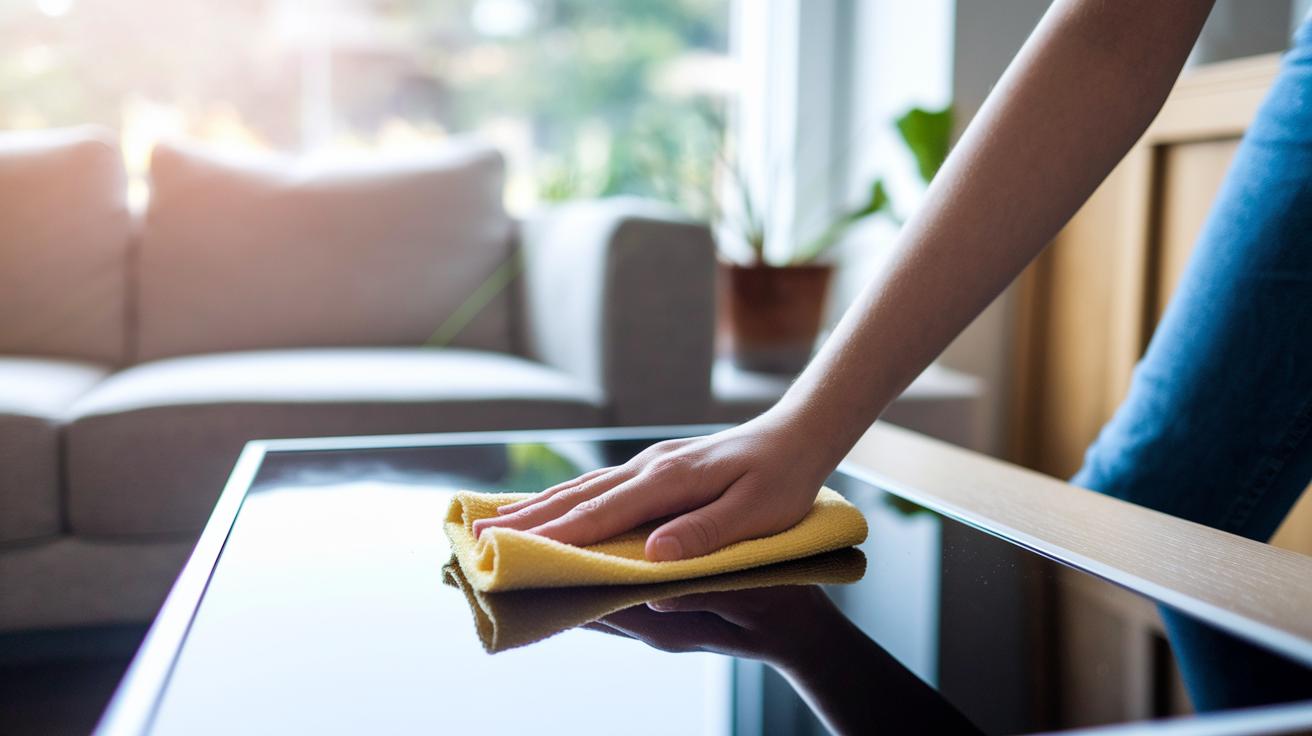
A clean screen gives you a clear picture and can even help your TV last longer. Treat your screen gently to steer clear of scratches and other damage while keeping colors bright and images sharp.
- Use a dry, soft microfiber cloth to gently wipe the screen in a small circle. This lifts off dust and smudges without harsh rubbing.
- For tougher spots, dampen one corner of your cloth with a bit of distilled water. Clean lightly and avoid pressing too hard.
- Stay away from harsh chemicals like alcohol, benzene, ammonia, or paint thinner since these can damage the screen's coating.
- Make sure your cleaning area is free of other objects that could scratch or bump your screen.
Always use just a little moisture when cleaning. Never spray water directly on the screen. Cleaning every two weeks can help prevent buildup and keep dust from harming your TV. Handle it with care, and a light touch will keep the screen in tip-top shape for crisp images over time.
Smart TV Software Refresh Steps to Optimize Performance
Smart TV updates keep your TV running smoothly. They bring in security fixes, bug patches, and even new features. Since your smart TV works much like a computer, staying current can stop glitches and boost performance every day.
First, hook your TV up to a strong Wi-Fi network. Then, head to the settings menu and find the system update option. Many TVs let you turn on automatic updates or send monthly reminders to update. This means your TV can automatically grab the latest improvements without any extra effort from you.
Another handy tip is to clear the TV cache. In the settings, look for the clear cache option and follow the simple steps. Removing old and temporary files can free up memory and help your TV feel snappy again when things slow down.
Overall, software updates give your TV a performance boost and unlock fresh features. By checking for updates and clearing the cache regularly, you keep your TV in top shape, which may help it last longer and deliver a consistently sharp viewing experience.
Power Management & Circuit Health Evaluation for Smart TVs

Smart TVs need steady power to work well. When they experience power fluctuations, you might see a sudden rise in power usage. Catching these early signs can help you fix problems before they worsen.
A surge protector keeps voltage jumps and power changes in check. It shields the sensitive parts inside your TV and gives you a peek into long-term power stability.
Turning on energy-saving modes and auto shutoff helps reduce heat buildup and stress on the parts. For example, a TV that dims itself when not in use not only saves energy but can also hint at potential power issues. Watching how much power it uses in these modes can tell you a lot about its overall circuit health.
Handling cables with care is important too. Tidy up HDMI, USB, and power cords with ties or sleeves to lessen the strain on connectors and allow for better airflow. This small step can help keep your TV's power system in good shape and spot subtle circuit changes.
Optimal Smart TV Placement & Environmental Control Strategies
To keep your smart TV working well, set the room temperature between 60°F and 80°F (15°C–27°C). This range stops unwanted condensation and helps the TV perform at its best. Also, keep humidity below 60% to avoid moisture buildup that can hurt the circuits.
Place the TV where it can get plenty of air. Leave a few inches of space from walls, radiators, and direct sunlight. This small gap lets air flow freely. Make sure the vents are clean and free of dust so the TV stays cool and its parts last longer.
In warm or humid areas, you might want to add extra controls. An air conditioner or dehumidifier can lower heat and moisture around the TV. Regularly check that dust isn’t blocking the airflow. These steps help create a safe, stable spot for your smart TV to work reliably every day.
Smart TV Screen Burn-In Prevention & Picture Refinement Techniques

OLED and similar screens can suffer from burn-in if the same images or logos stick around too long. This happens when static images cause uneven wear on pixels, leaving behind ghost images that can become permanent. Even a small shift in the picture can help keep pixel wear uniform.
Using features like pixel shifting or screensavers is a smart way to avoid burn-in. These settings nudge the image by a few pixels or darken the screen when it's not in use. It may seem small, but these tweaks help ensure no single spot on your screen works too hard.
Lowering brightness and contrast during static displays also keeps your screen in good shape. Changing other settings like hue and saturation from time to time makes sure that colors stay accurate and details remain clear. A quick calibration now and then helps distribute wear evenly.
Following the manufacturer's advice to run pixel-refresh or dot-revival cycles can add years to your TV's life. Running these routines during downtime smooths out pixel wear and helps keep your display performing well over the long run.
Visual System Fault Fixes & Troubleshooting Common Smart TV Issues
Smart TVs sometimes show early signs of problems, like a little flicker or colors that seem off. These small clues can mean parts are under stress or starting to fail. Spotting them early and acting quickly can help your TV run well and avoid bigger issues later.
Begin with some basic checks. Make sure all cables are tightly connected and free of dust. Try unplugging your TV for a few minutes before plugging it back in. If you still see flickering, resetting the TV to its factory settings might clear up any software glitches. Also, watch out for any LED flashes or on-screen codes, and check your manual to understand what they mean, they can tell you which part is having trouble.
If the simple fixes do not work, take a closer look. Notice if error codes repeat or follow a pattern; this can point to a recurring issue. Simple glitches can be fixed easily, but persistent errors may signal a deeper problem. It’s best not to try complex DIY repairs that could void your warranty since these require special tools and know-how.
When the basic steps and error checks fail to clear the issue, it’s time to get help from a professional technician. Knowing when to call an expert can protect your TV from further damage and help extend its life.
Professional Servicing and Proactive Maintenance Scheduling for Smart TVs

Sometimes, a quick check-up from a pro can catch small issues before they become big problems. Skilled technicians look over important parts like power boards, backlights, and cooling fans (the parts that help keep your TV from overheating). This simple step helps keep your TV running smoothly and saves you from costly repairs later on.
It also makes sense to follow the service schedule that comes with your TV. By booking routine appointments and servicing parts in advance, any problems can be handled before they grow. Experts usually explain the repair steps and give clear cost estimates so you know what might come up.
A pro calibration can boost both picture and sound quality while also extending your TV's life. Regular calibration makes sure your TV performs at its best, giving you a steady viewing experience and clear ideas about maintenance costs. This way, your investment in smart TV technology stays protected over time.
Final Words
In the action, we covered practical smart TV maintenance tips that keep your screen sharp and your system running smoothly. We broke down cleaning routines, software refresh steps, power protection methods, placement strategies, burn-in prevention, troubleshooting guidance, and even professional servicing tips.
Regular care like dusting, updating software, and managing cables means fewer issues and a longer life for your TV. Following these smart TV maintenance tips makes your device last and perform at its peak every day. Enjoy your enhanced viewing experience!