

Ever thought about whether smart speakers live up to the hype? They do more than blast your favorite playlists. Picture this: you ask your smart speaker to play a tune, and the room fills with clear, rich sound while your lights and thermostat adjust seamlessly. These devices turn a plain room into an interactive space. We tested a few popular models and compared them based on real-world use, clear features, and price. Our review cuts through the buzz and gives you straight data to help decide if a smart speaker should be part of your home.
Key Features and Benefits of Smart Speakers
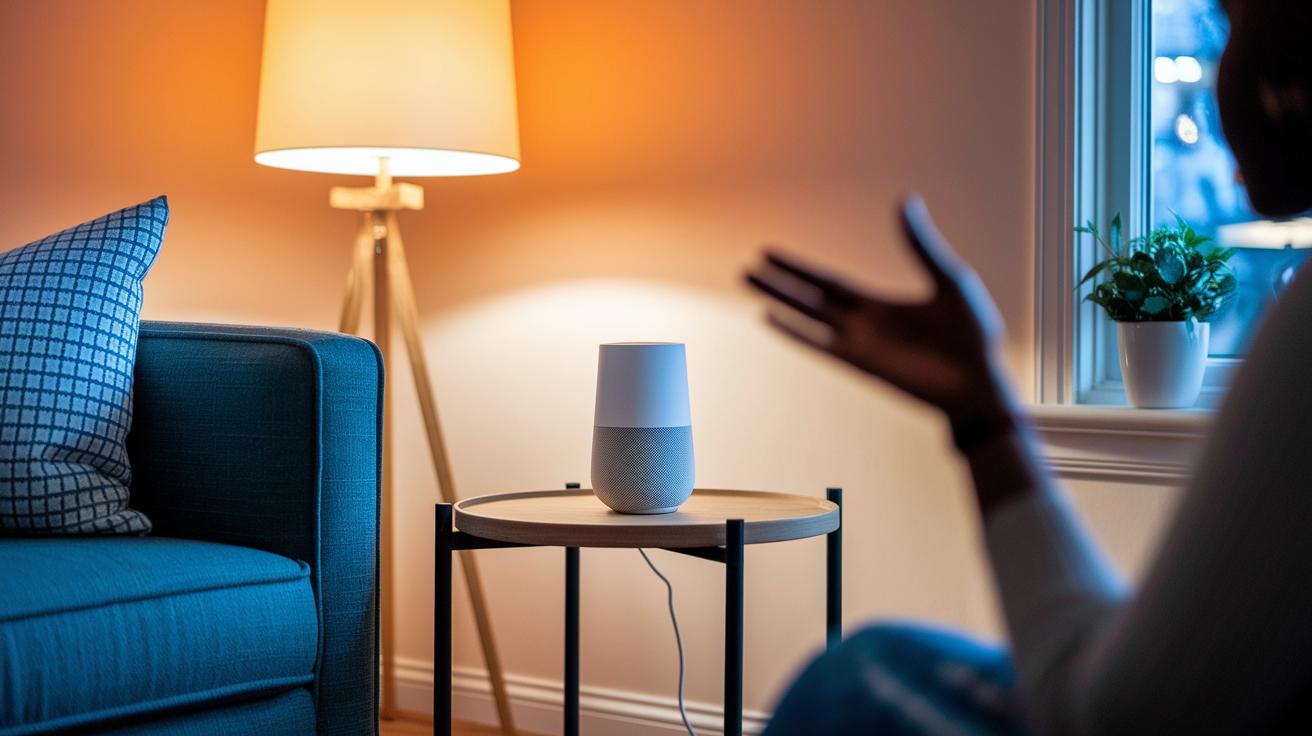
Smart speakers mix voice assistants with smart sound systems that turn any room into a lively, connected space. They pump clear, balanced sound with deep bass, like the Nest Audio, so you always catch every beat. They also let you control lights, thermostats, and other devices by voice, making your home smarter and easier to run.
You can stream music, listen to podcasts, or make calls without lifting a finger. One user said, "I said, 'play my favorites,' and the whole room filled with music, almost like a live mini concert." This smooth experience comes from clever features like the Echo Dot Max’s built-in Thread and Zigbee antennas and the extra help of Alexa+ generative AI.
Many models also work together for multiroom sound. This means you can sync several speakers throughout your house for a true surround sound experience. With voice calling options like Alexa Drop In and Google Assistant’s free calling, these speakers double as handy communication tools. The HomePod mini adds precise voice control with Siri, ensuring every command is heard and acted on right away.
Comparing Top Smart Speaker Models and Pricing
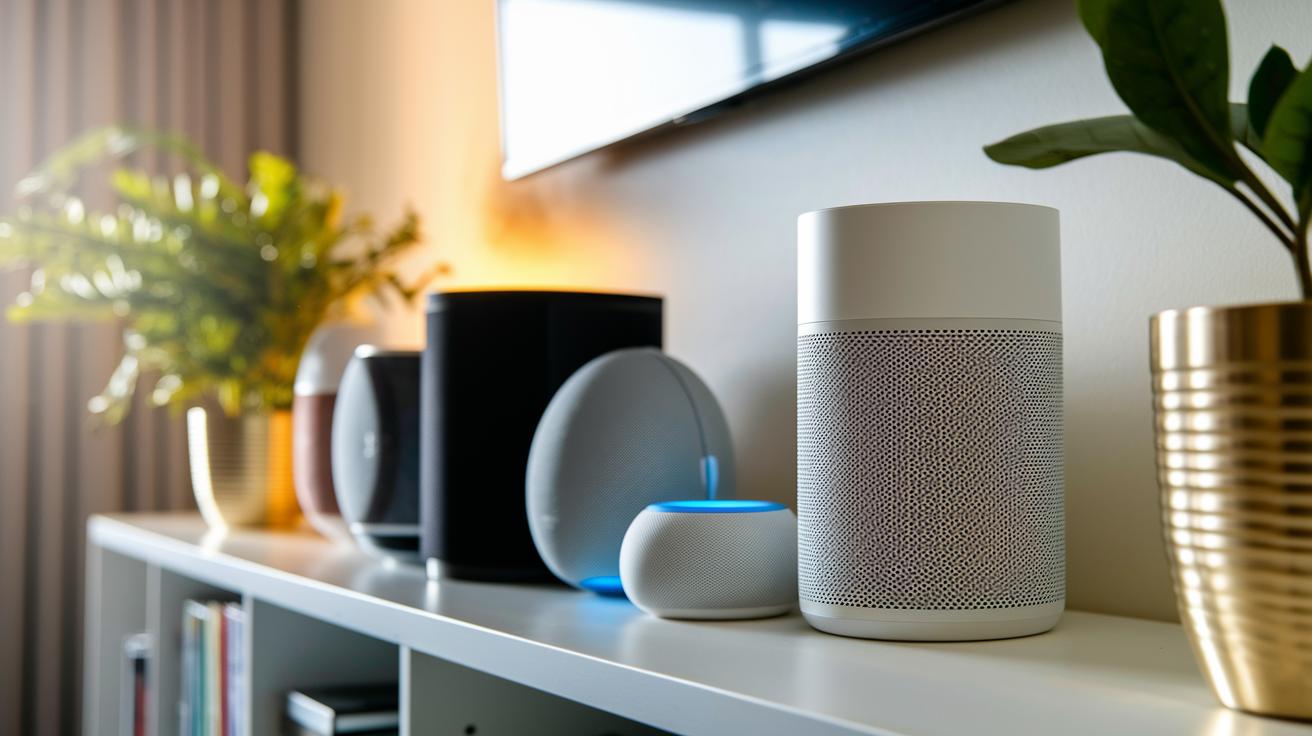
We looked at several smart speakers to help you find one that fits your home. Options range from wallet-friendly voice devices to gadgets that bring a rich audio experience. Each speaker offers clear sound and smart features that make them stand out. For example, the Sonos Era 100 costs about $279 and fills your room with big, open sound. If you want a bit more, the Sonos Era 300 at $379 comes with Dolby Atmos (3D sound that creates an immersive experience) that turns your space into a mini movie theater.
The Echo Dot Max is priced around $80 to $100 and features a built-in smart home hub that makes controlling other devices easy. Apple users can check out the HomePod 2 for roughly $299, which delivers strong bass and crisp highs. Meanwhile, the Google Nest Audio at $69.99 offers clear, balanced sound for those who love Google home assistants. Budget-conscious buyers will appreciate the Echo Pop Kids at about $21.99, complete with a tough silicone skin and a six-month Amazon Kids+ subscription.
| Model | Price | Voice Assistant | Notable Features |
|---|---|---|---|
| Sonos Era 100 | $279 | Multiple Integration | Large, open sound |
| Sonos Era 300 | $379 | Multiple Integration | Dolby Atmos spatial audio |
| Echo Dot Max | $79.99–$100 | Alexa | Built-in Smart Home Hub |
| HomePod 2 | $299 | Siri | Rich bass and clear highs |
| Google Nest Audio | $69.99 | Google Assistant | Clear, balanced sound |
| Echo Pop Kids | ~$21.99 | Alexa | Protective silicone skin and Amazon Kids+ access |
This side-by-side overview makes choosing a smart speaker simpler. It shows clear differences in pricing and features so you can pick what fits your home best.
Setting Up Your Smart Speaker and Connecting to Smart Home Devices
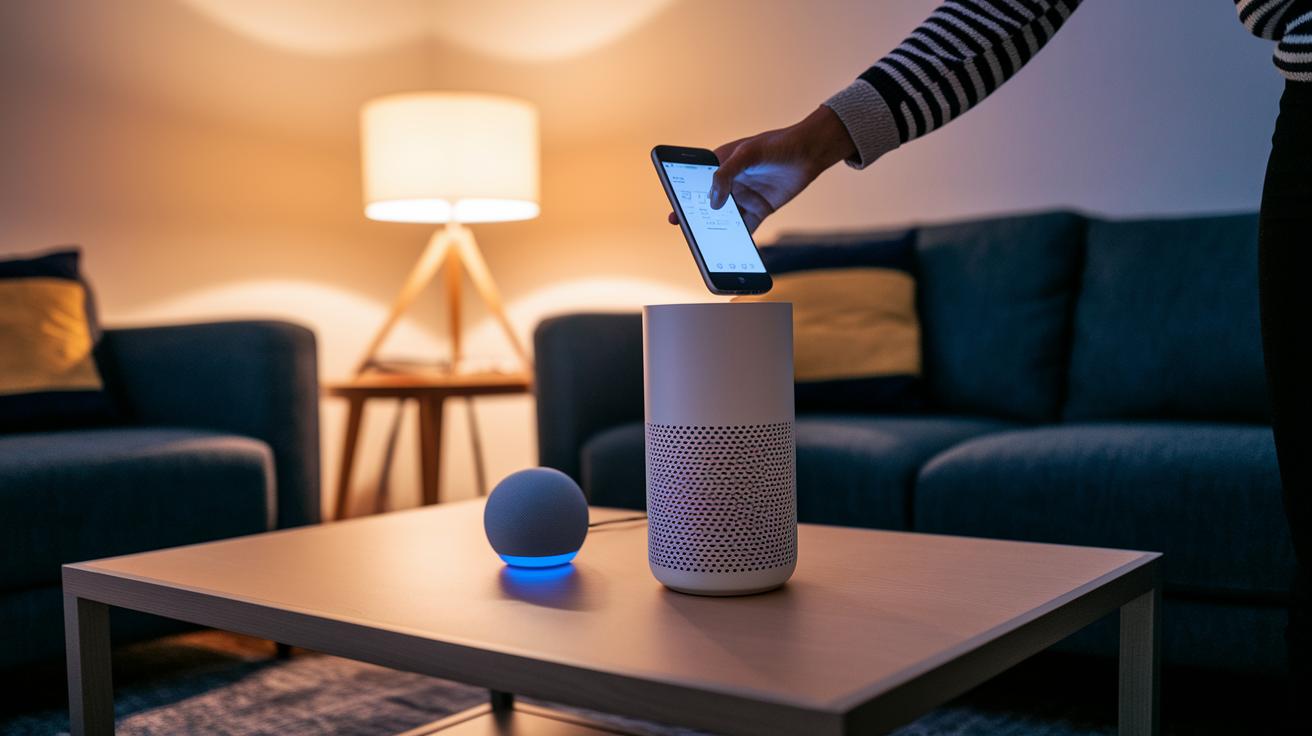
Start by downloading the maker's app from your device store. Check the "Getting Started Guide" for clear, step-by-step help. Once the app is installed, connect your speaker to your home Wi-Fi so it can link to the cloud. Then, sign into your Amazon, Google, or Apple account, whichever matches your device.
Next, follow the app's prompts to pair your smart devices. For instance, the Echo Dot Max automatically finds nearby devices using Thread or Zigbee (two common wireless standards). In contrast, the Nest Audio pairs through the Google Home app, which makes it simple to join with your other Google gadgets.
After you log in, try using voice commands to control your setup. In the app settings, you can turn on features like Alexa Drop In or Google free calling to enable hands-free communication. This basic process helps your smart speaker sync smoothly with remote control apps and other connected devices.
- Download the app and sign in
- Connect to your Wi-Fi network
- Pair with your smart devices
- Activate voice call features
Following these steps leads to a hassle-free smart home setup.
Audio Performance and Voice Assistant Capabilities of Smart Speakers
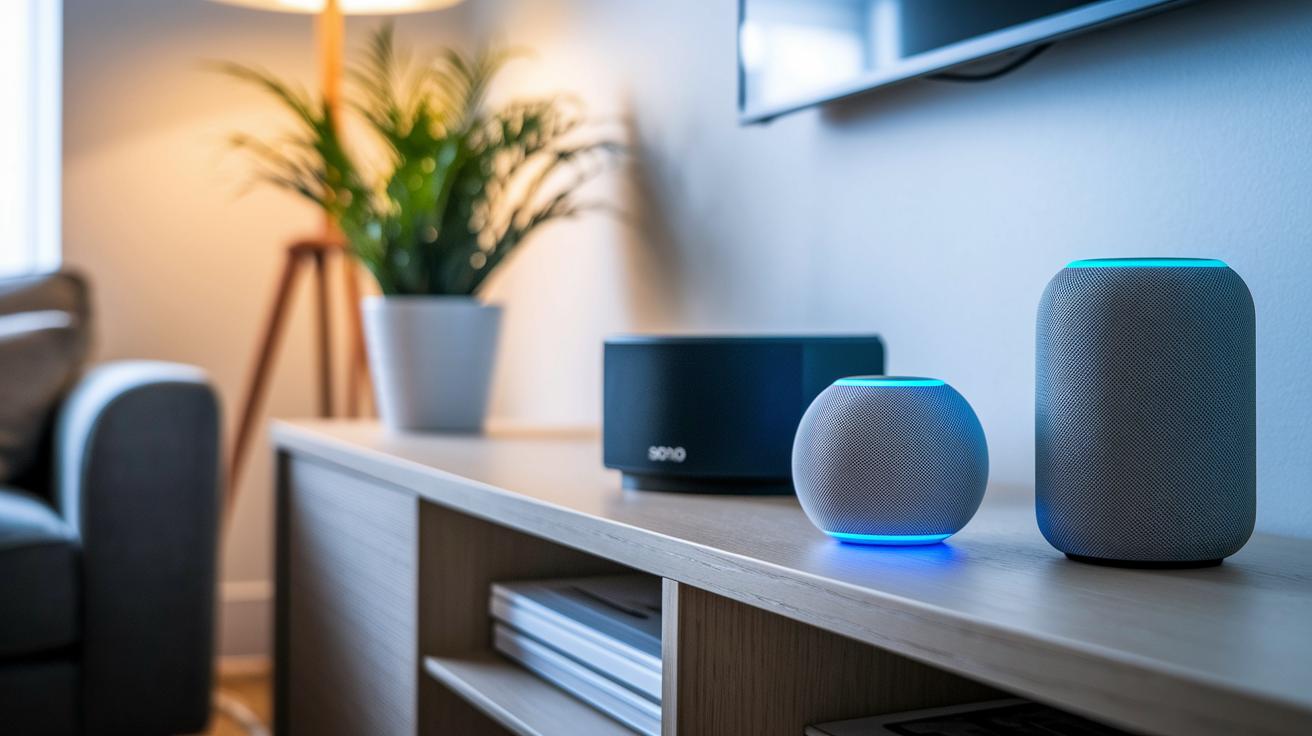
Echo Studio Gen 2 comes in at $189.99 and offers a room-filling, immersive sound with detailed mids and highs. Its bass is light, which suits those who enjoy a clearer high-frequency tone.
Sonos Era 300 creates a broad, enveloping sound experience thanks to Dolby Atmos technology. Nest Audio, on the other hand, pushes strong bass that music lovers find perfect for an extra punch when playing tunes.
HomePod mini stands out with clear, balanced audio and tight Siri integration. It works smoothly for those who rely on voice commands for everyday smart home tasks. Alexa+ builds on this by providing natural, engaging conversational responses using generative AI. Google’s Gemini for Home improves how it understands context and speeds up its replies, offering a refined and responsive experience.
Each of these speakers uses smart sound technology that adapts to different environments. Their voice recognition accuracy and response times differ, so there’s a good option for almost every need, whether you want sound that fills the room or quick, smart voice responses. They also keep your interactions secure with robust voice tech and audio encryption.
Advanced Smart Speaker Features: Multi-Room Audio, Portable Options, and Privacy
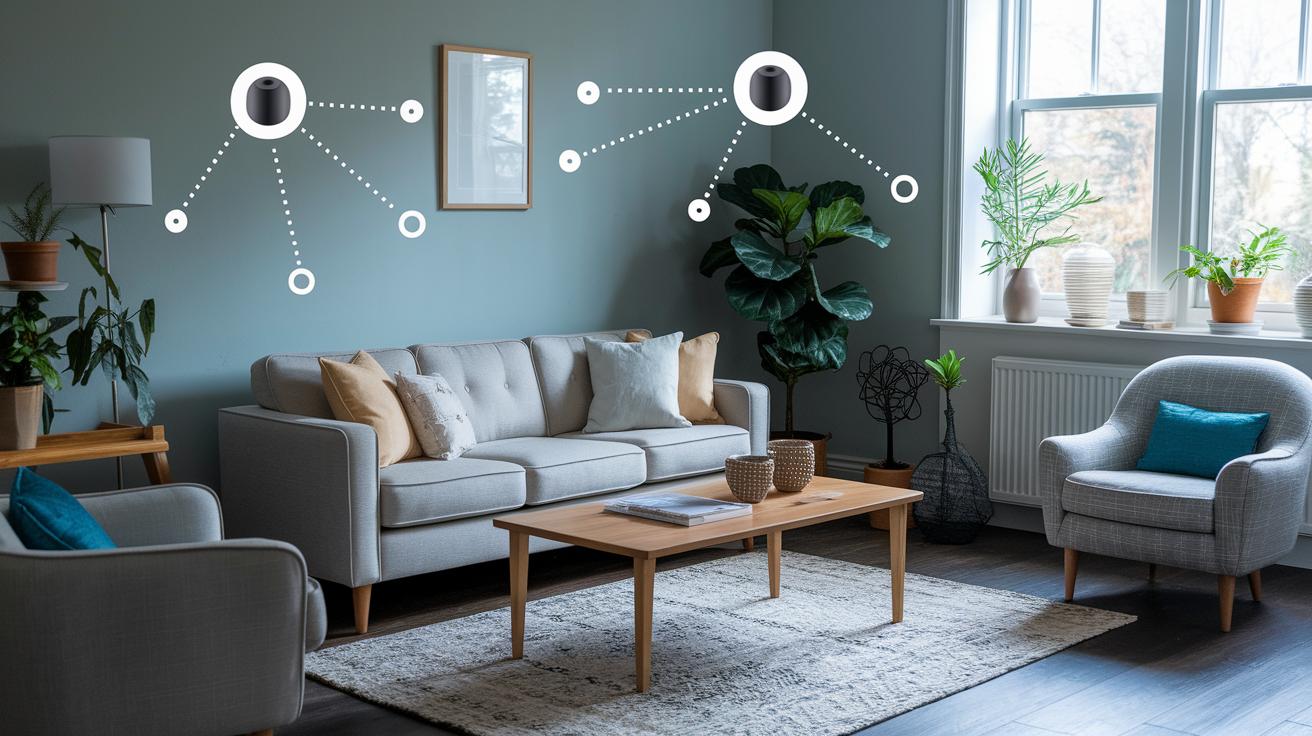
Smart speakers do more than just play tunes. They now let you send music to every room using mesh networks (a way for devices to talk to each other). Products like the Echo Dot or Sonos systems work together so your music sounds equal all over the house. One user said setting up speakers in every room turned their home into a personal concert hall.
Portable smart speakers add more flexibility. The Sonos Move 2, for example, runs on a 24-hour battery and is built tough with an IP56 rating (it can handle a bit of rain) and costs about $399. There’s also the Echo Pop Kids with a sturdy silicone cover that fits well in busy family settings.
Privacy is a top deal too. Smart speakers now come with mic-off buttons and local data locks to keep your commands safe. Devices from Alexa or Google let you easily delete recordings and change wake words so your voices stay private.
Choosing the Best Smart Speaker for Your Ecosystem
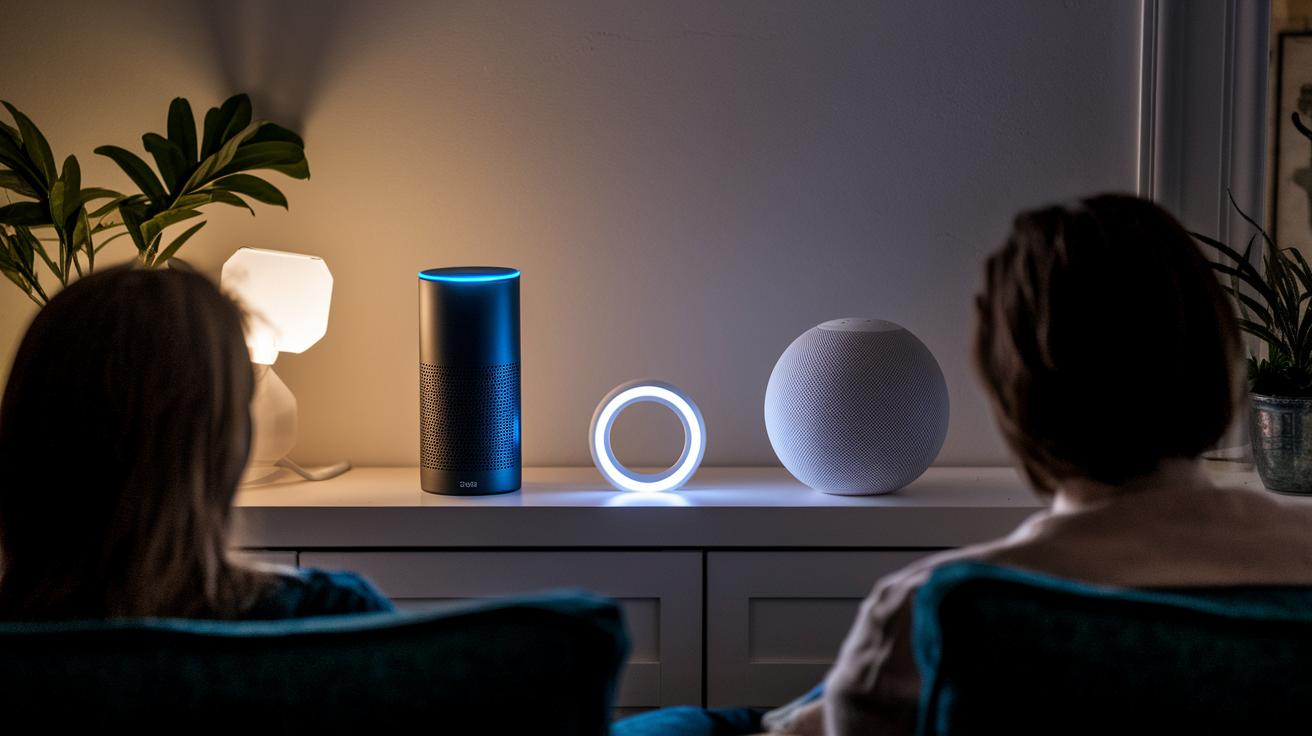
When it comes to smart speakers, you want one that blends well with your home system. If you mainly use Amazon devices, an Echo speaker could be your go-to. It lets you set up Alexa routines (automated tasks) and run third-party skills that make daily chores simpler. Plus, it streams music, manages your smart gadgets, and handles routines with ease.
Google lovers will find a good match in Nest speakers. These work smoothly with Google Home, so your voice commands and smart controls all speak the same language. It makes connecting to your other Google-supported devices hassle-free.
Apple fans should check out HomePod models. They hook up perfectly with HomeKit, which lets you control lights, thermostats, and more right from your iPhone. The tight integration with iOS means it fits neatly into an Apple-based setup.
If you need flexibility, consider speakers like the Sonos Era 100 or the Authentics 300. These work with several voice assistants and services. Think about your current devices, what subscriptions you have, and your hub options before making a choice.
- Match with your main digital ecosystem
- Look at cross-platform options for multiple voice assistants
- Check hub and subscription service needs before buying
Final Words
In the action, we dug into key features and side-by-side comparisons, setup ease, and voice assistant performance. You saw how each model handles smart home pairing and delivers room-filling audio.
We broke down pricing and extra functions like multi-room setups and privacy settings. Our discussion showed how smart speakers tie into your smart home ecosystem, making it easier to pick the right gadget for your needs.
Happy listening and smart speakers that really work for you!
FAQ
Which smart speakers are best?
The best smart speakers deliver clear audio, voice control, and smart home integration. Models like Echo Dot Max, Sonos Era 300, and Nest Audio combine excellent sound quality with user-friendly features for everyday use.
What are Google smart speakers?
Google smart speakers use Google Assistant to stream music, answer questions, and manage smart devices. They integrate with home routines and control Nest speakers for a smooth, connected experience.
What do smart speakers do?
Smart speakers handle music streaming, voice commands, and smart home controls. They allow you to adjust lights, locks, and thermostats by simply speaking, making daily tasks more convenient.
How do portable smart speakers work?
Portable smart speakers offer battery-powered audio and voice control on the go. They provide wireless connectivity and durable builds, making them ideal for outdoor use and room-to-room listening.
How does Bluetooth function in smart speakers?
Smart speakers using Bluetooth can wirelessly stream audio from your phone or other devices. This feature lets you play music without a network connection, offering flexibility for personal entertainment.
What are leading smart speakers brands?
Leading smart speaker brands include Amazon, Google, Sonos, Nest, and Apple. Each brand offers distinct features, from smart home hubs to high-fidelity sound and ecosystem integration.
Which smart speaker is best for music?
The best smart speaker for music combines rich bass, clear highs, and room-filling sound. Devices like Sonos Era 300 and Nest Audio offer detailed audio performance that suits music lovers well.
What are Amazon smart speakers?
Amazon smart speakers, such as Echo Dot Max and Echo Pop Kids, use Alexa for voice commands and smart home controls. They also support features like generative AI responses and built-in smart home hubs.
What are the disadvantages of smart speakers?
Smart speakers may raise privacy concerns and require Wi-Fi for full functionality. Some models can have occasional lag in voice recognition and depend on their ecosystem for optimal performance.
Do smart speakers need Wi-Fi?
Smart speakers do need Wi-Fi to access voice assistants, stream music, and control smart home devices. Without Wi-Fi, most features will be limited or unavailable for daily use.