

Ever wonder how to start your morning on a smoother note? Smart speakers with clock features do more than just show the time. They gently wake you up with soft alarms and clear screens that help you get moving.
We checked out top models that make mornings easier. Some offer voice controls and smart alarm settings, while others focus on simplicity and ease of use. Each one has its own twist to help keep your day on track.
smart speakers with clock Brighten Your Daily Routine
Below is a clear side-by-side table that shows top smart speakers with a built-in clock. Each device has its own mix of features, from display size to voice assistant support and handy alarm options. Imagine waking up gently with an alarm that slowly increases in volume.
| Model | Display Size | Clock Functionality | Voice Assistant Integration | Unique Alarm Features |
|---|---|---|---|---|
| Echo Dot with Clock (2nd Gen) | LED Clock Face | Clear digital time display | Broad Alexa support | Custom alarms via routines, radio streaming |
| Echo Spot (2nd Gen) | 2.5″ Circular Display | Round, voice-command clock | Alexa-powered | Voice-activated alarm control, volume ramp-up |
| Nest Hub (2nd Gen, 2021) | 7″ Touchscreen | Custom sunrise-style clock | Google Assistant integrated | Sleep tracking, playlist-based alarms |
| Echo Show 5 (3rd Gen) | 5.5″ Touchscreen | Adjustable digital clock display | Alexa routines | Multiple alarm tones, on-screen snooze controls |
Each model aims to meet different needs. The Echo Dot with Clock is a solid choice if you're on a budget and want a straightforward LED display with Alexa. The Echo Spot has a cool, round design and responds to your voice commands. If you want features like sleep tracking and a sunrise alarm to ease you awake gradually, the Nest Hub is a great pick. And the Echo Show 5 stands out with its bright touchscreen, varied alarm sounds, and simple on-screen controls.
This quick side-by-side guide makes it easier to choose the smart speaker that fits your daily routine.
Key Features to Evaluate in Smart Speakers with Clock
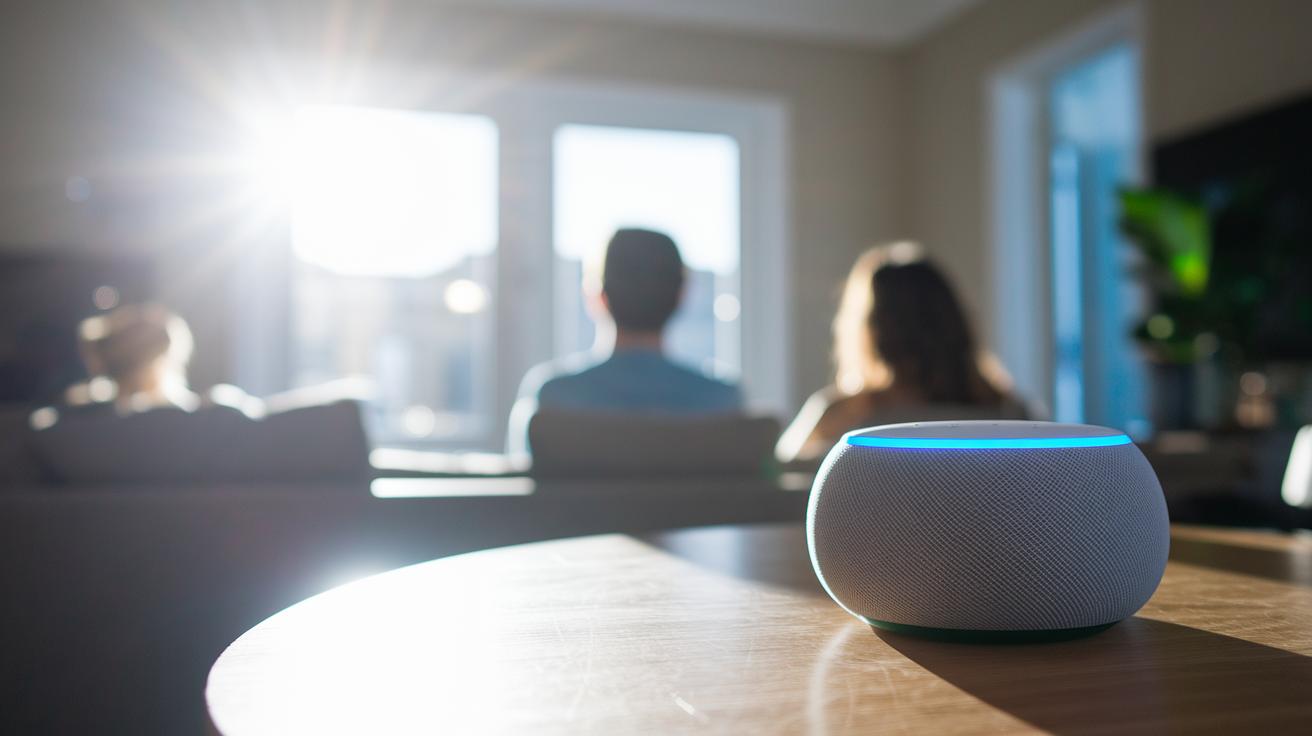
When you're picking a smart speaker with a clock, don't just focus on the numbers, look at how each feature helps in everyday life. For example, instead of just comparing sizes of displays, see how they work under different lighting. A full-screen display might shine in a bright room, while a ring display offers a softer look in dim spaces. Imagine a clock that gently brightens as your room wakes up with you; that small touch can make mornings much friendlier.
Consider these points:
Display characteristics
Look closely at the display design. Full-screen models might work best in sunlit settings, while ring displays could be easier on the eyes in low light. Also check how the brightness changes. Picture a display that starts off dim at night and brightens in the morning for clear updates.
Alarm customization
Make sure the speaker gives you alarm options that suit your sleep habits. Look for features like different tones, alarms that slowly grow louder, and a sunrise effect (a gradual light increase). This is a great way to help heavy sleepers wake up more naturally.
Voice assistant integration
See how the speaker works with voice assistants such as Alexa or Google Home. Find out if it can easily join routines with other devices in your home. Imagine your speaker syncing with others so that your schedule updates as you move around the house.
Power and connectivity
Think about what keeps your speaker running. Check if it supports Wi-Fi 802.11ac, offers battery backup, or relies on mains power. For instance, a device that switches to battery backup during brief outages ensures your alarm always goes off on time.
These tips can help you pick a smart speaker with a clock that fits smoothly into your daily routine.
Enhancing Mornings with Digital Alarm Audio Technology in Smart Speakers with Clock
Digital alarm audio tech gives you a smoother wake-up. The sound gradually grows louder while the built-in display shows clear info, helping you transition from sleep naturally. Think of a tone that slowly rises with soft lighting, it nudges you awake without the shock of a sudden beep.
Our tests found that mixing custom routines with smart sound cues makes mornings feel more tailored. Users say they feel more at ease when the alarm starts gently instead of blasting a fixed noise.
These insights help us better understand how digital alarm sound works without rehashing the details already noted in key features.
Integrating Your Smart Speaker with Clock into Your Smart Home
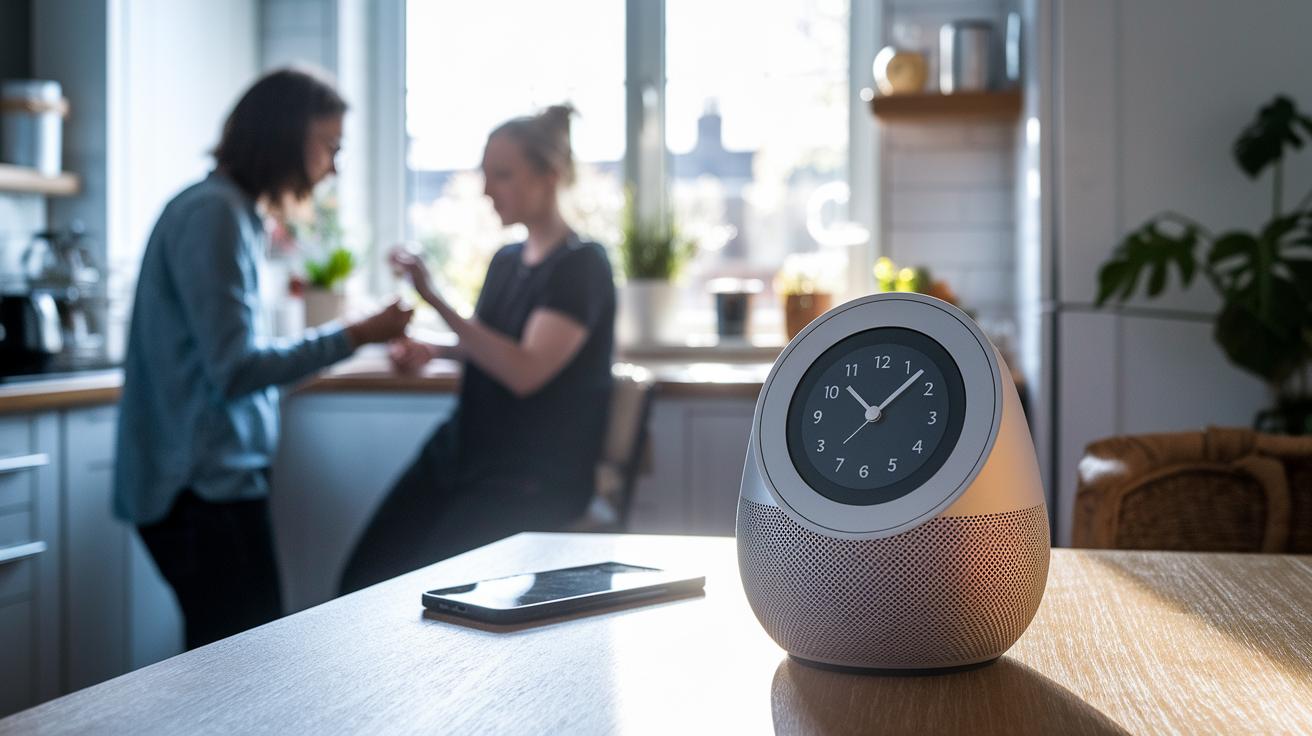
Smart speakers with a clock do more than just show the time. They help tie your smart home together by linking different devices. For example, Amazon Echo devices like the Dot with Clock and the Show 5 work with the Alexa app on both iOS and Android. You can set them up to turn on lights, adjust your thermostat, or even start your coffee maker when your alarm rings.
Google Nest Hub 2 pushes features even further. It uses the Google Home app and works with Matter (a standard for smart device connections). This allows the hub to sync your alarms with smart bulbs and smart plugs so your room can slowly light up as you wake. With voice routines, you can also set it to lock your doors or brew coffee simply by speaking a command.
Here are some key features you can enjoy:
- Link your alarms to smart locks.
- Turn on lights and heating exactly when you need them.
- Sync alarm clocks in different rooms for a smooth wake-up experience.
You can easily manage it all through your chosen smart home hub (smart home hub). This approach makes it simple to set up a routine where your morning schedule works hand in hand with your home automation.
Setup and troubleshooting for smart speakers with clock functions
Begin by pairing your smart speaker with its matching app, like Alexa or Google Home. You can set your time zone and alarms quickly in the app. The clock will keep showing the correct time even if your Wi-Fi goes out, but note that voice commands, streaming, and routines need an active connection.
Remember that firmware updates may clear your alarms. After a big update, check your app to make sure your routines are still set correctly. A quick voice calibration can also help the speaker better understand commands like "snooze" or "stop alarm."
Here are some simple tips:
- Use the app for your initial setup, including setting your time zone and alarms.
- Verify your alarms after any firmware update.
- Calibrate the speaker’s voice recognition to get it to catch clock commands better.
These steps should help your smart speaker clock work reliably as part of your daily routine.
Price Guide: Budget to Premium Options for Smart Speakers with Clock
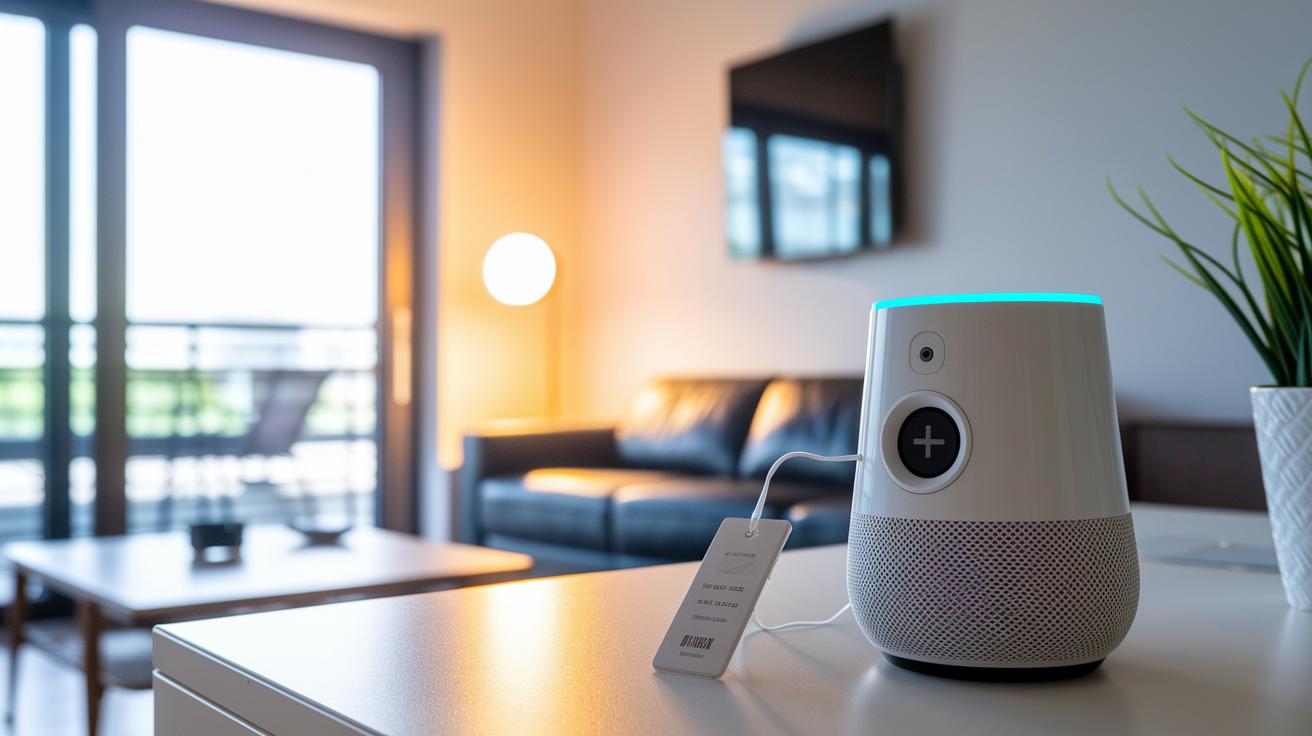
When choosing a smart speaker with a clock, price helps narrow down your choices. For those watching their budget, the Echo Dot with Clock is a strong pick. It often drops below $50 during sales and gives you clear LED alarm displays plus basic voice help.
The Nest Hub (2nd Gen) sits in the mid-range. Since its 2021 launch, it has kept a steady price. It features a 7-inch touchscreen that tracks your sleep and offers sunrise alarms you can adjust to your routine.
If you like a bit more visual style, the Echo Show 5 (3rd Gen) might be right for you. Its bright 5.5-inch touchscreen displays fun clock views and plays several alarm sounds. It adds a modern touch to your scheduling needs.
For a more upscale design, the Echo Spot (2nd Gen) offers a refined feel but comes with a higher price tag. Its round screen and smart alarm control make it feel premium and extra easy to use.
| Model | Price Tier | Key Features |
|---|---|---|
| Echo Dot with Clock | Budget | Sub-$50, LED display, basic voice control |
| Nest Hub (2nd Gen) | Mid-range | Steady MSRP, 7″ touchscreen, sleep tracking |
| Echo Show 5 (3rd Gen) | Competitive | 5.5″ touchscreen, interactive clock views |
| Echo Spot (2nd Gen) | Premium | Circular design, smart alarm control |
Smart Speakers with Clock: Frequently Asked Questions
Smart speakers with clock displays add a welcome convenience to your mornings. They can also prompt a few questions. Here are some common queries to help you decide if a clock-enabled speaker fits your needs.
-
Do smart speaker clocks work without Wi-Fi?
Yes, the clock still shows the right time even when you're offline. But keep in mind, alarms and voice commands need a Wi-Fi connection to work fully. It’s like having a clock that keeps ticking even if the internet drops. -
Are alarms programmable across multiple devices?
Yes, you can set alarms on several devices at once. Both Alexa and Google Home routines let you sync your alarms across all connected clock units. This means your whole home can wake up together. -
Which app controls the clock settings?
For Echo devices, you use the Alexa app to adjust the clock. Google Nest Hub users manage clock settings with the Google Home app. This way, you have all your preferences in one spot for easy changes. -
Can I disable continuous listening?
Yes, you can mute the microphone to stop continuous listening. Even if it’s muted, your pre-set voice alarms will still work. This helps protect your privacy while keeping your scheduled routines active.
Final Words
In the action, we compared top smart speakers with clock, highlighting features like display size, alarm customization, and voice assistant integration. We broke down key factors, from setup tips to price points, to help you choose a device that fits your needs and budget. Our review offers a clear side-by-side look at each model so you can see which option performs best for everyday use. Smart speakers with clock enhance mornings and integrate easily into a connected home. Enjoy a smoother start to your day with the right pick.
FAQ
What are the best smart speakers with a clock?
The best smart speakers with a clock include devices like Amazon Echo Dot with Clock and Google Nest Hub, which offer clear displays, reliable alarm features, and easy voice assistant integration.
How do wireless and Bluetooth-enabled smart speakers with a clock work?
Wireless and Bluetooth smart speakers with a clock combine app control with seamless connectivity. They let you set alarms, stream audio, and access voice controls without tangled wires.
What does it mean for a smart speaker to have a clock app?
A smart speaker with a clock app uses a companion app to adjust display settings and alarms. This makes managing wake-up schedules and personalized alerts straightforward and efficient.
Which Amazon smart speakers offer clock features?
Amazon smart speakers such as the Echo Dot with Clock and Echo Spot come with built-in displays and intuitive Alexa controls. They provide clear alarms, smart routines, and seamless home integration.
What features do the Lenovo Smart Clock and JBL Horizon offer?
The Lenovo Smart Clock and JBL Horizon deliver compact displays with integrated smart home controls. They offer Bluetooth connectivity, easy app integration, and customizable alarm features to suit everyday needs.
What are the benefits of an alarm clock with a Bluetooth speaker?
An alarm clock with a Bluetooth speaker combines clear time display with wireless audio streaming. It lets you easily manage alarms, stream music, and integrate with smart home routines for a modern wake-up experience.