

Think your smart speaker is the smartest choice? Not so fast. Without a clear rundown, you might end up with one that doesn't match your phone, your home's style, or your daily needs.
We put several smart speakers to the test. We looked at how they play music and handle voice commands, focusing on the things that really count. In our guide, we cover sound quality, design, and connectivity (how the speaker links with your devices).
Our tests are real and simple. We help you see which speaker fits your lifestyle and makes your day easier. Ready to find the device that really works for you?
Choosing the Best Smart Speaker for Your Needs
A smart speaker is more than just a speaker. It’s a tool that blends a regular speaker with a built-in microphone and computer. In simple terms, it uses voice assistants like Google Assistant, Alexa, Siri, or Cortana so you can control your smart devices and ask questions without lifting a finger.
These speakers do two main jobs. They pump out music and media clearly, and they let you use voice commands to manage daily tasks. The right choice often depends on your phone. For instance, iPhone users might lean toward the HomePod mini, while Android fans may prefer Alexa or Google devices.
Here’s what to look for:
- Sound: Choose a speaker that offers clear audio. Keep in mind, no single unit can equal a full multi-speaker system with a separate subwoofer.
- Voice assistant: See which assistant comes built-in and if it has the features you want.
- OS compatibility: Make sure the speaker works well with your phone’s system.
- Microphone: A powerful built-in mic means you won’t need to repeat your commands.
- Easy setup: Models like HomePod mini, Google Nest Audio, and Echo (4th Gen) are known for their quick, plug-and-play setup.
- Design: Pick a speaker that fits in well with your home style.
Think about how you plan to use your speaker. If you are all about great sound, you might spend more for better audio quality. But if you need something that connects easily with your phone and home devices, choose a model that sets up quickly and works smoothly.
Evaluating Sound Quality and Acoustic Performance in Smart Speakers
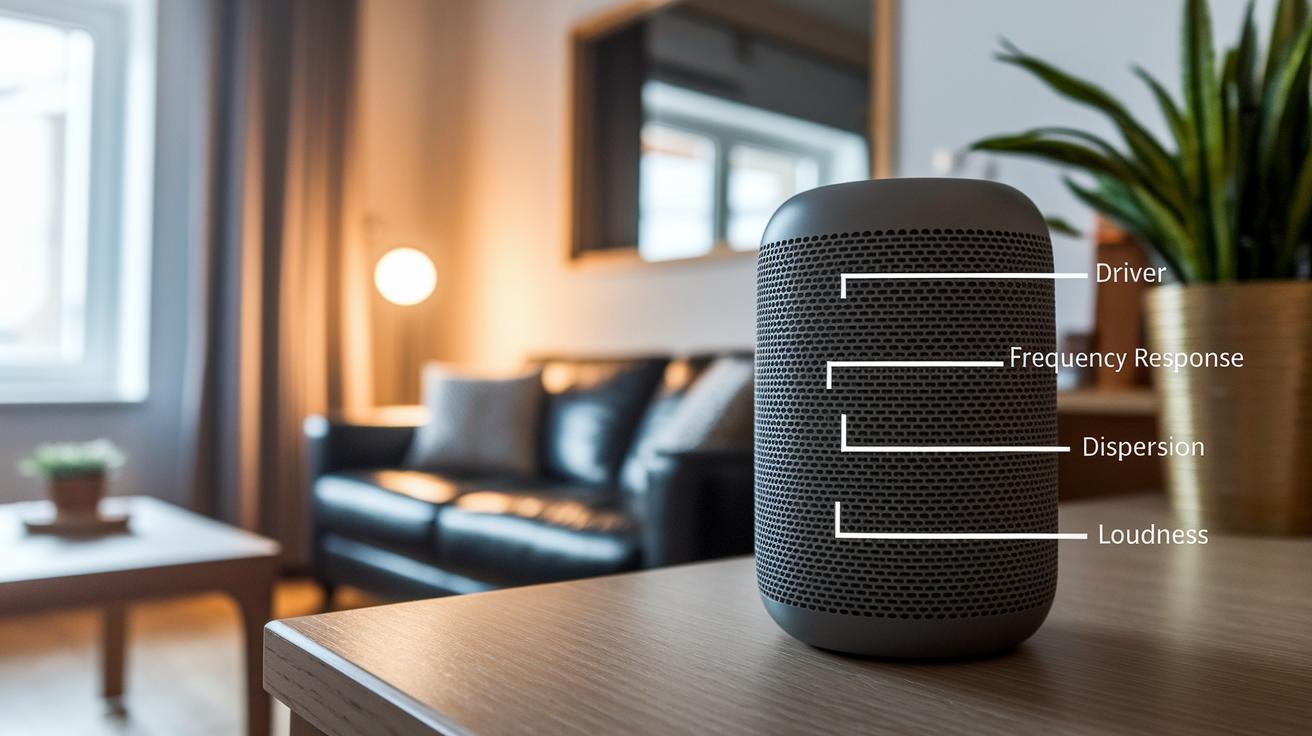
When you check a smart speaker, look at a few key things: driver size (the main part that makes sound), frequency response (how low and high the sounds go), dispersion pattern (how sound spreads out), and loudness levels (how strong the sound is). A bigger driver gives you a fuller sound, and a wide frequency response means you get both deep bass and clear highs. How sound spreads out tells you if the speaker fills your room well, while loudness shows you its power. None of these features alone beats a system with separate subwoofers, but together they help you judge if a speaker fits your room and sound needs.
Different models show real sound differences. For example, an entry-level model like the Echo Dot has a modest bass that works in small spaces but sometimes feels a bit thin. By contrast, the Sonos One offers a richer sound with clear vocals and a balanced midrange, which is great if you love music. The Nest Audio sits in between, with better bass than basic speakers yet still keeping things clear. Testing them in your own space really shows those small differences that matter for your listening habits.
Before you decide, give the speakers a spin in a store or try them at home if you can. That way, you make sure the sound is just right for you.
Voice Assistant and Ecosystem Compatibility for Smart Speaker Integration
Your choice of voice platform sets the tone for how well your smart speaker works in your home. The right assistant listens to your commands and links smoothly with your gadgets and services. Picking a speaker that fits your current devices and accounts can make life a lot easier.
Amazon Alexa Integration
Alexa stands out with a huge library of skills and support for many third-party devices. It works easily with lots of home gadgets, so you can control everything from lights to thermostats without a fuss. Plus, Alexa has subscription features that add extra functions, which can help if your setup is varied.
Google Assistant Ecosystem
Google Assistant fits right in with the Nest system, Chromecast, and even native Android commands. It connects simply with many smart home items, making it a solid choice if you already use Google products. Whether you’re playing music or adjusting your thermostat, its smooth connectivity keeps your home devices in sync.
Apple Siri and HomeKit
If you’re deep into Apple, Siri on the HomePod mini links well with HomeKit and your iOS apps. This close connection means you can handle security, lights, and more straight from your iPhone or iPad, giving you a neat and unified smart home setup.
Microsoft Cortana and Others
Microsoft Cortana works best for those who stick mainly to PCs and Windows. It has fewer options for smart speakers and is ideal if you need voice control mainly for your computer rather than a full smart home system.
Connectivity Options: Wi-Fi, Bluetooth, and Multi-Room Audio for Smart Speakers
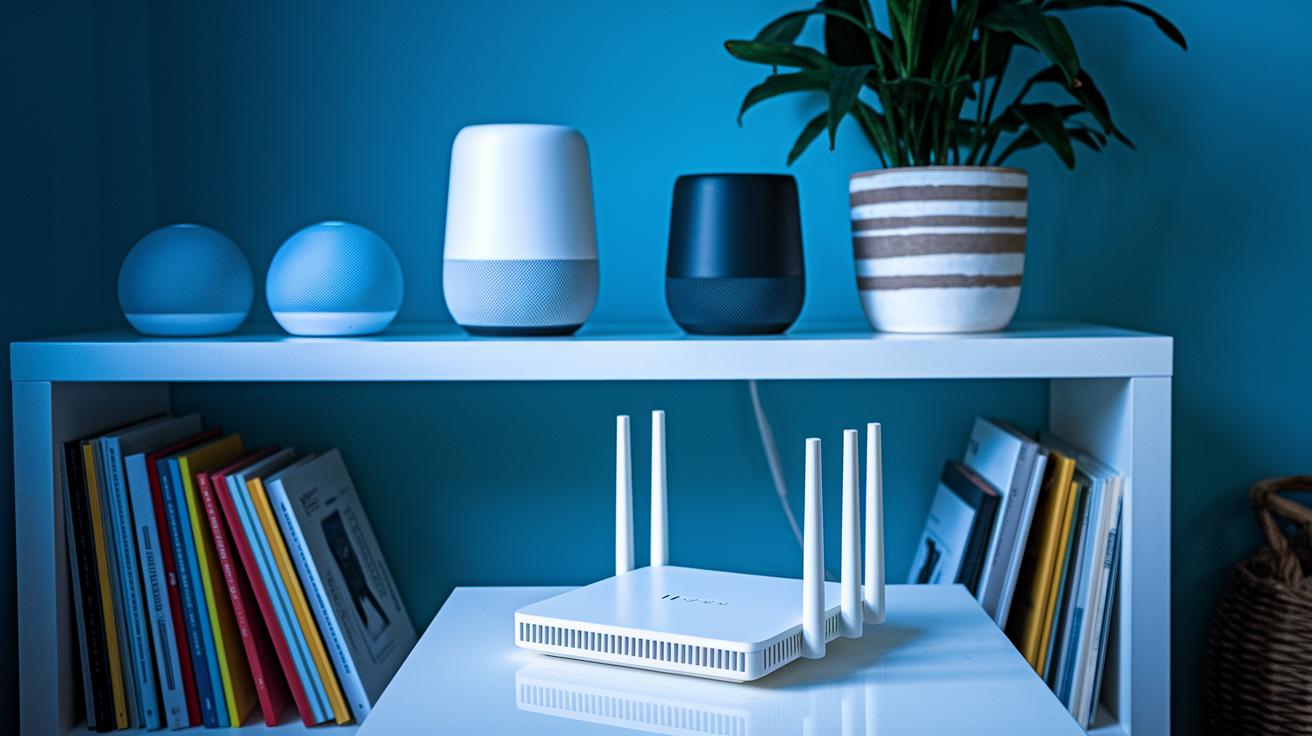
Bluetooth offers a quick connection between devices but can drop out if you wander too far. It also struggles with range. On the other hand, Wi-Fi streams music more steadily by using your home network. It has lower delay and covers more ground, though it relies on a stable network.
For playing music in many rooms at once, a Wi-Fi mesh network is key. This system makes all your speakers sync up without noticeable gaps. It might need a special app to coordinate everything. Think about your home's layout and how strong your Wi-Fi is to keep the tunes flowing smoothly.
If you hear dropouts or skips, check your network settings and router placement to help smooth things out.
Setup, Design, and Daily User Experience of Smart Speakers
Setting up these speakers is easy. Many models, like the HomePod mini, Nest Audio, and Echo 4th Gen, work on plug-and-play. You unbox the speaker, plug it in, and the mobile app walks you through the steps with simple on-screen prompts.
Every day, you can choose how to control your speaker. Use the mobile app to see a clear dashboard where you can set routines, change sound settings, or group devices with just a few taps. If you prefer using your voice, you can speak commands for quick tasks, though you might miss the visual details that an app shows. Many users like the dashboard because it makes life easier by giving a clear view of your settings and connected devices.
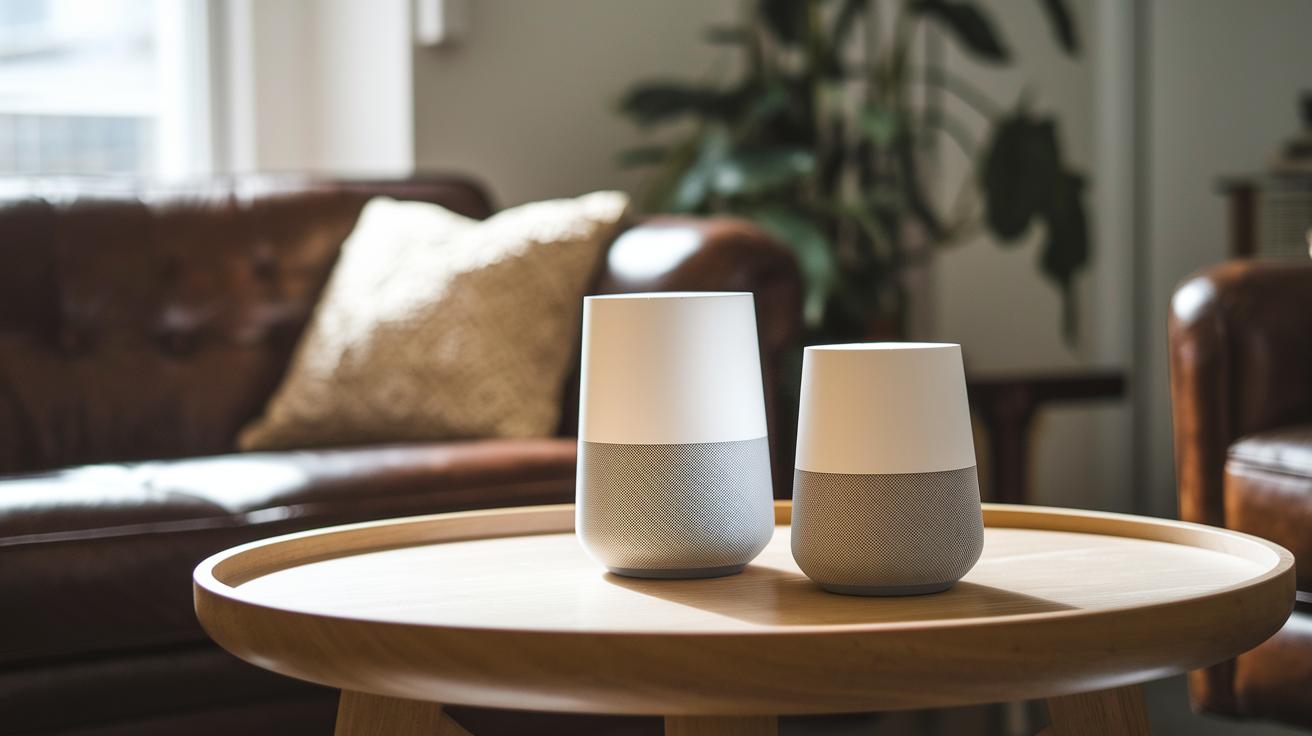
When you pick a smart speaker, think about how it will look in your home. Styles range from fabric-wrapped shapes to sleek, matte, and compact designs. Find one that fits your tech needs and looks right in your living room.
Privacy and Security Considerations in Your Smart Speaker Choice
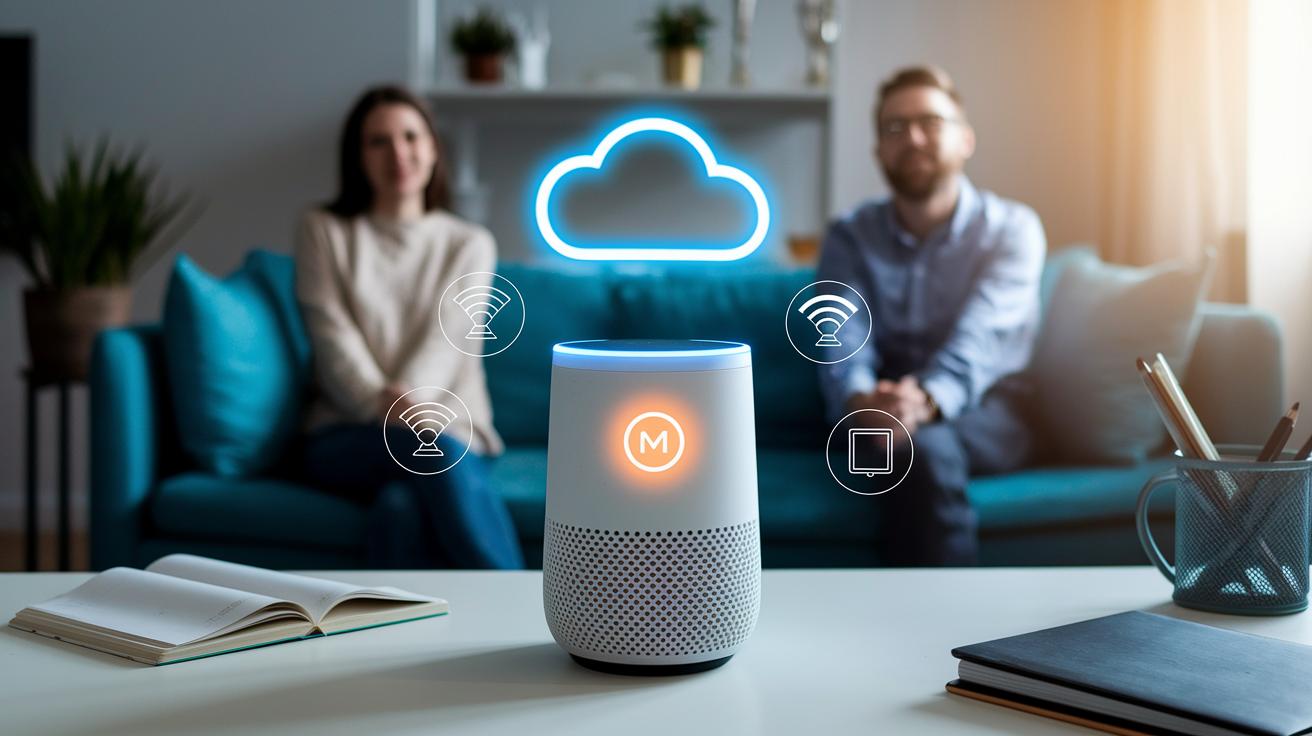
Most smart speakers today have a mute button. You can simply hit it to turn off the mic instantly. It’s a neat feature if you're worried about your voice being overheard.
Many newer speakers don't process your voice on the device anymore. Instead, they send your voice data to cloud servers for interpretation. For example, Amazon now handles all voice processing on their remote servers. This setup means your voice commands are stored off your device, so the safety of your data depends on how secure those servers are. Even with encryption and other safeguards, some users might feel uneasy knowing their recordings are out there.
It’s a good idea to keep an eye on firmware updates. Regular updates can fix issues and protect your device from new threats.
Budget Tiers and Top Smart Speaker Recommendations
Smart speakers can be sorted into three price groups: affordable models under $75, midrange devices between $75 and $150, and high-end speakers over $150. Each group has its own benefits and compromises that may shape your overall experience.
Budget-Friendly Picks: Under $75
If you are looking to save money, the Echo Dot and Google Nest Mini are solid picks at about $50 each. The Echo Dot uses Alexa, making voice commands easy and simple. Its sound works well in small rooms, but it may struggle to fill larger spaces. The Nest Mini is small and connects easily with Google services, though its low-end sound can feel a bit weak.
- Pros: Low cost, easy to set up, reliable voice control.
- Cons: Basic sound quality and limited bass.
Midrange Options: $75–$150
Moving up in price brings us to the Google Nest Audio and HomePod mini. These models improve sound and connectivity. The Nest Audio offers balanced sound and better bass, making it fit well in medium-sized rooms and work nicely with other Google devices. The HomePod mini is great for those using iOS. It works well with HomeKit and offers clear voice control while staying compact.
- Trade-offs: They cost more, but you gain better sound and better integration with your smart home. They may not have the fine-tuned audio details of expensive speakers yet excel for everyday use.
Premium Speaker Choices: Above $150
If you want great sound that fills a room, check out the Sonos One and Echo Studio. The Sonos One gives rich sound and clear vocals, while the Echo Studio brings deep bass and powerful overall performance, especially in larger spaces.
- Strengths: Top-notch sound and advanced features that blend smart controls with high performance.
- Weaknesses: They come with a higher price tag and might be more than needed if you only want basic smart functions.
Comparison Table of Popular Smart Speakers in 2024
| Model | Assistant | Price Range | Sound Quality Score | Connectivity | Key Pros | Key Cons |
|---|---|---|---|---|---|---|
| Google Nest Audio | Google Assistant | $100 | 8/10 | Wi-Fi, and works in multiple rooms | Good sound balance and smooth integration | Bass might feel weak |
| Amazon Echo 4th Gen | Alexa | $100 | 7/10 | Wi-Fi, Bluetooth | Smart control that works with many devices | Design might not match every space |
| Apple HomePod mini | Siri | $100 | 7.5/10 | Wi-Fi, Bluetooth | Seamless connection with iOS and HomeKit | Works best only with Apple devices |
| Sonos One | Alexa/Google Assistant | $200 | 8.5/10 | Wi-Fi | Top-notch sound and strong build | More expensive |
| Echo Dot | Alexa | $50 | 6/10 | Wi-Fi, Bluetooth | Low cost and easy to set up | Average sound performance |
Final Words
In the action, this smart speaker buying guide breaks down key factors for choosing the right device. We covered smart speaker basics, audio performance, assistant and ecosystem ties, connectivity, setup, privacy, and budget picks. Each section gave clear points to help you weigh features like sound quality, ease of use, and cost. Our side-by-side comparisons round out the details, making it easier to see trade-offs. Feel confident in picking a model that fits your needs and enjoy the hands-free benefits it brings.
FAQ
What is the best smart speaker for music?
The best smart speaker for music delivers rich sound with clear highs and deep bass while offering hands-free control through voice assistants, making it ideal for immersive music playback at home.
What is the best smart speaker with a screen?
A smart speaker with a screen combines voice control with visual displays, allowing you to view album art, videos, weather, and more, giving you both audio and visual interaction.
What smart speaker is like Alexa?
A smart speaker like Alexa uses the Amazon assistant to manage routines, control smart devices, and access a wide skill library, making it a versatile option for home automation.
What is the best smart speaker for privacy?
The best smart speaker for privacy includes a physical mute switch and local processing options, ensuring that you have control over when your device is listening and offers regular security updates.
What is a good budget smart speaker?
A good budget smart speaker, such as the Echo Dot or Google Nest Mini, provides reliable voice control and decent sound quality at a low price, making it suitable for basic smart home needs.
Are there portable smart speakers available?
Portable smart speakers are designed with battery power and compact builds, allowing you to easily move them around your space or take them on trips while still offering voice control and quality sound.
Which smart speaker works best for kids?
The best smart speaker for kids features easy parental controls, safe content filters, and a resilient design, ensuring that it provides a fun and secure experience for young users.
What is unique about Sonos smart speakers?
Sonos smart speakers stand out with excellent audio performance and seamless multi-room playback, integrating voice assistants while delivering a clean, balanced sound ideal for home music systems.