

Ever imagine a kitchen that practically runs itself? Samsung brings you smart appliances that use AI (artificial intelligence that adapts to your habits) and voice control to make your home feel up-to-date. You can ask your fridge to set the perfect temperature while it learns your daily routine. This easy-to-use system offers tangible benefits for everyday tasks, though it still has a little room to improve. Let’s explore what it does well and where it falls short, so you can decide if it fits your modern lifestyle.
Samsung Smart Appliances: Complete Overview
At CES 2026 and KBIS, Samsung showed a new way to use AI in your kitchen. The system uses SmartThings as the hub so you can easily control your gadgets. You can use Bixby to speak commands like "Set the fridge to 38°F," and it acts right away. Gemini, the AI running on the Family Hub, learns from your everyday habits and suggests smart tweaks. This setup gives a smooth, hands-on feel for anyone curious about a connected home.
Right now, the design watches only the main fridge section. It doesn't cover the door bins or freezer, so inventory tracking is limited. Also, it doesn't work with assistants like Google Assistant or Alexa. Without a clear timeline for extra AI features, kitchen designers might feel a bit unsure about future plans. Still, using SmartThings for control, Bixby for voice, and Gemini for learning makes Samsung's system a steady, if still growing, option for modern home automation.
Samsung Advanced Kitchen Solutions: Refrigerators, Ovens, and Beyond
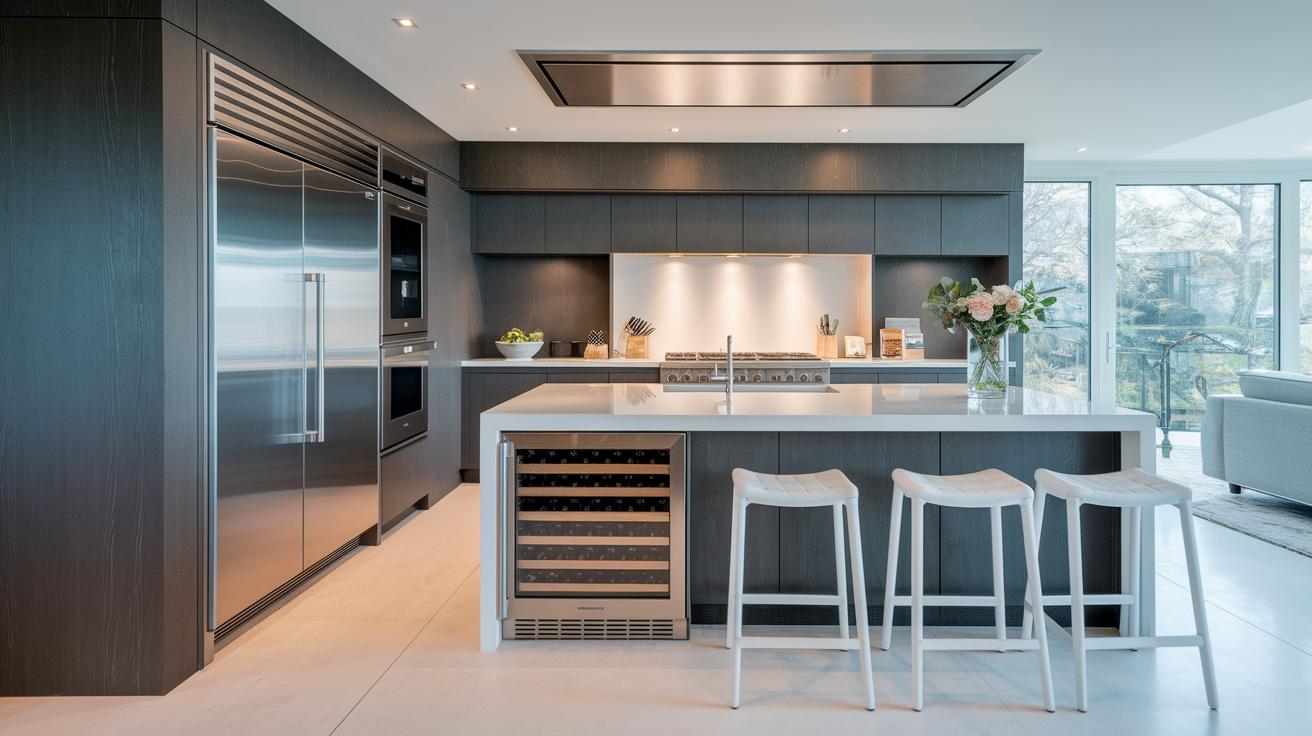
Samsung uses smart technology to make your kitchen more efficient and simple. At KBIS, they showed off three key units from the Dacor Collection that bring modern ideas to life. First up is a 24-inch undercounter wine cellar that keeps your bottles at just the right temperature. Next is a wine column that mixes practical storage with a stylish look. And then there’s a built-in dispenser that holds four bottles, with two temperature zones and one-touch pouring to make serving wine easy.
The Family Hub on these refrigerators comes with AI-powered cameras that watch only the main area, keeping things clear and focused. The fridge uses an app to help you track your groceries easily. However, tracking for the door and freezer isn’t available yet; that will come with a future update.
The ovens in this lineup join the smart kitchen club by connecting to SmartThings. With these ovens, you can preheat remotely and get alerts about your cooking. They work smoothly with your phone, so you can finish setting up meals without staying in the kitchen.
Together, these appliances build a smart kitchen ecosystem. They offer accurate temperature control, real-time alerts, and easy-to-use designs that simplify daily cooking. This mix of high-tech features and friendly interfaces shows Samsung’s new approach to making modern cooking both smart and fun.
Samsung Smart Appliances: Voice and App Integration
Samsung ties together voice control and app features in a simple way. The SmartThings mobile app (v1.7+) lets you control your devices from your phone. For example, just say, "Turn the fridge to 36°F" and you get an instant response from the app. A detailed guide (NX9000T_NX60T8511SS_AA_DG68-01221A-06_EN-MES-CFR.pdf) walks you through every step of setting up your devices.
Control now moves from the old Smart Home web portal to the SmartThings cloud. If you hit a snag, the Get Help section on Samsung's website offers quick troubleshooting tips and FAQs. Everything is laid out step by step to make starting with voice commands and app control a breeze.
- Update your Samsung SmartThings mobile app to version 1.7 or later.
- Open the app and go to the SmartThings skill setup.
- Follow the guide in the NX9000T_NX60T8511SS_AA_DG68-01221A-06_EN-MES-CFR.pdf.
- Connect your smart appliances using the SmartThings cloud.
- If you still use the web portal, make sure your browser is up to date before it retires.
- Check the Get Help section if you need troubleshooting or FAQs.
Voice commands work smoothly with the SmartThings platform and Samsung’s built-in voice assistant, Bixby (a built-in system for voice control). However, some users may encounter glitches unless they use the latest app or browser version. Also, integration with other voice assistants can be limited, so plan your smart home setup keeping these points in mind.
Building a Unified Samsung Smart Appliance Network
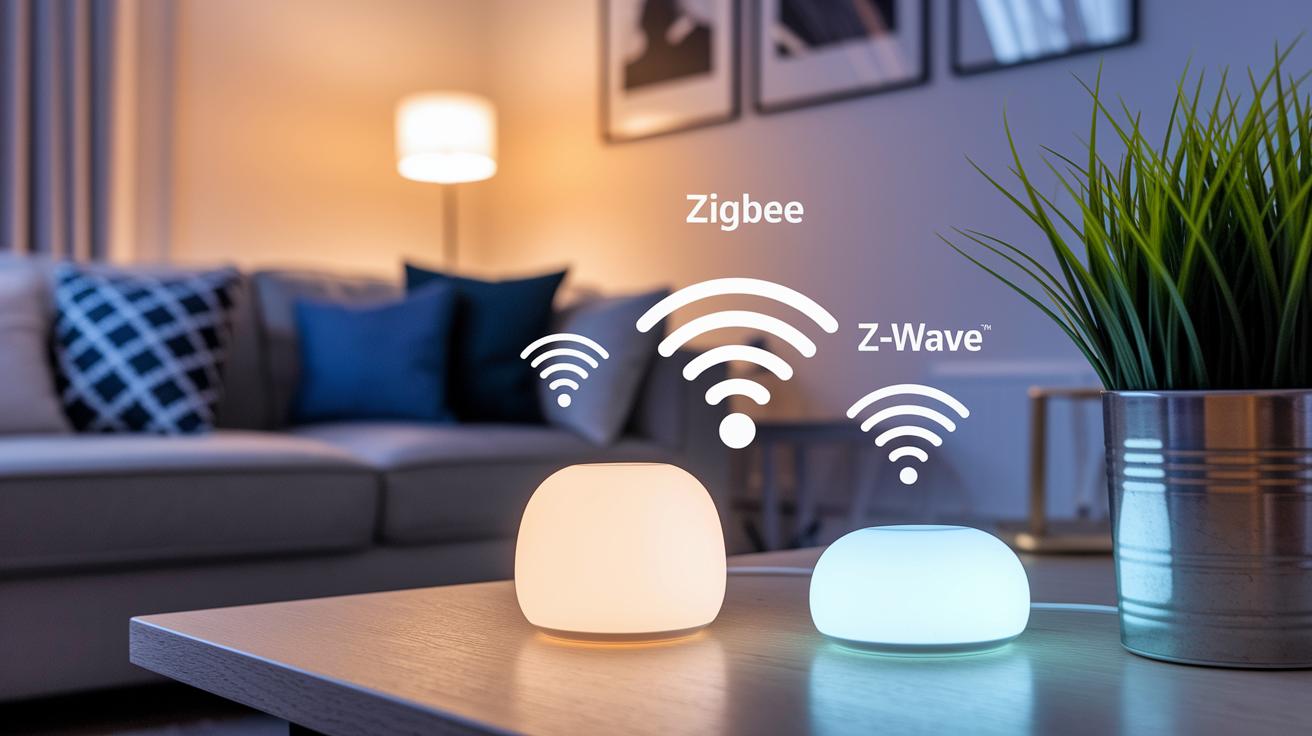
Samsung's smart appliances join together on one reliable network that keeps everything connected. Each device signs up with SmartThings using secure OAuth 2.0 authentication (a method that uses strong encryption to prove a device's identity), so they can trust one another.
The Smart Hub works double duty. It boosts local Zigbee and Z-Wave signals (two common wireless methods) and acts as a bridge to the cloud. This mix of local and cloud connections helps your devices talk to each other even when your internet slows down.
The setup is simple. A step-by-step wizard guides you while showing the privacy policy and terms of service. This process tells you that the system meets high security and privacy standards. Plus, firmware updates are sent automatically during off-peak hours to keep your appliances running the newest software without overloading your network.
Overall, the cloud-based system makes your appliance network both flexible and safe. With Samsung's focus on strong data links and smart design, your home stays protected and responsive. It's a clear, dependable way to create a smooth, connected smart home.
Market Trends and Competitor Comparison for Samsung Smart Appliances
Samsung's smart-kitchen tech stands out with its low price. Its list price is 15-20% lower than some boutique brands. This makes it a strong pick for shoppers who want good performance without a high cost.
Many users mention that the system only works with Bixby (Samsung's voice assistant). This means you can't use Alexa or Google Assistant. If you want a more flexible setup, this might be a drawback.
Customer reviews show that Samsung's AI works well but only scans the main fridge compartment. Other brands, like Dacor, use AI to check the whole fridge for better inventory tracking. Even with this shortcoming, Samsung wins many buyers with its simple design and lower cost.
Firmware updates set the two apart too. Samsung does not follow a fixed update schedule, which can leave users unsure about when new AI features will come. In contrast, Dacor provides updates every quarter. Samsung also offers a one-year warranty on parts and labor, with an option to extend for three more years with Samsung Care+.
| Feature | Samsung | Dacor |
|---|---|---|
| AI capabilities | Main compartment only | Full interior scan |
| Voice control | Bixby only | Supports multiple assistants |
| Update schedule | No fixed timeline | Quarterly rollouts |
Feedback and pricing confirm that Samsung is a value-driven choice in the competitive smart appliance market.
Choosing the Right Samsung Smart Appliances for Your Home
Registration and Secure Setup
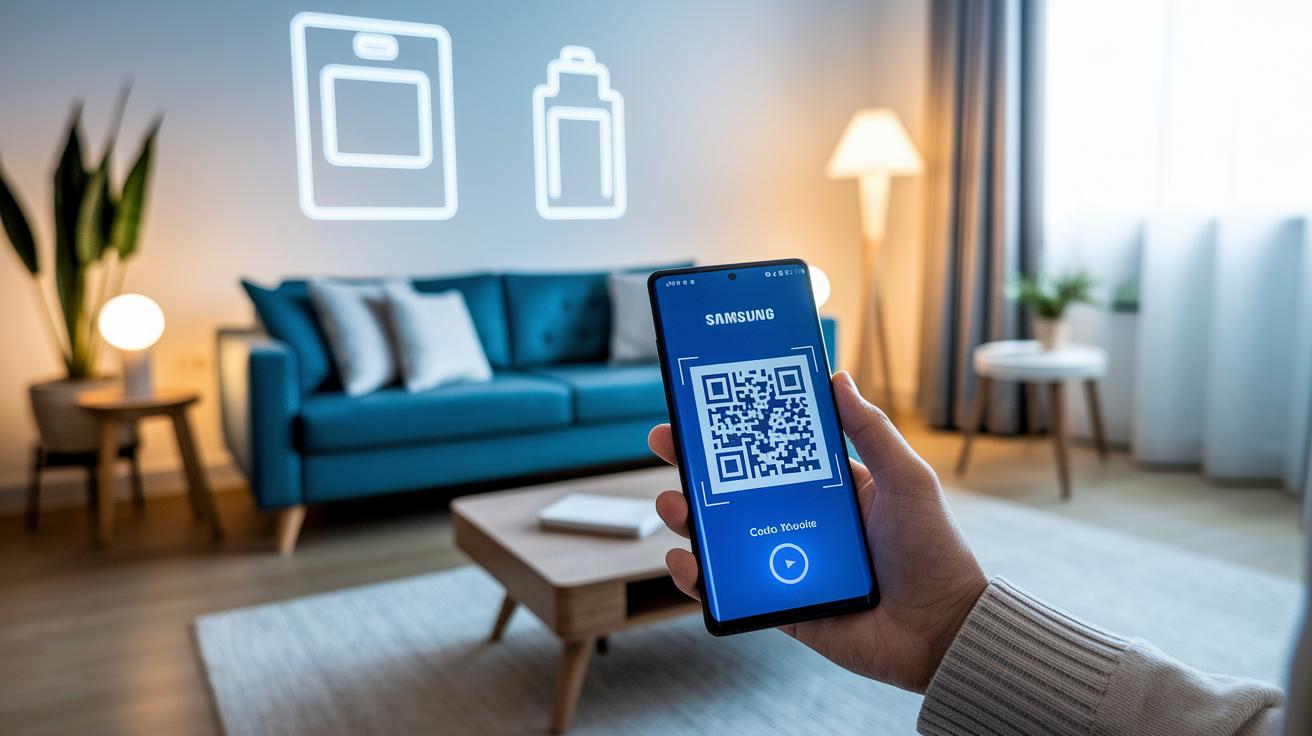
Start by linking your Samsung Account with a quick QR-code activation. Make sure you use the latest browser (Chrome 90 or Safari 14 or newer) so you don't hit any setup snags. If you need, you can enter your Wi-Fi details by hand. Also, check that your appliance meets the firmware needs (for example, the Family Hub requires at least 2 GB free storage) during registration.
Troubleshooting and Support
If you run into issues during setup, head over to the Get Help portal. The NX9000T guide shows you how to complete the secure registration with clear, step-by-step instructions from its installation PDF. You’ll also find FAQs, privacy details, and terms of service to help answer any questions.
Warranty, Updates, and Future-Proofing
Samsung Care+ along with over-the-air firmware updates give you extended warranty and repair support. These updates keep your appliance ready for new AI features and ensure it stays in sync with smart-lock, smart-lighting, and other connected services.
Final Words
In the action, the post walked through Samsung’s detailed smart kitchen lineup and connected setups. We covered Family Hub’s AI features, voice control via Bixby, and SmartThings’ secure network setup. The review also compared cooking solutions and market trends to help you weigh your options. It highlighted both strengths and current limits for a smart approach to your tech upgrade. Smart appliances samsung offer clear value and performance that fit well into many homes. Enjoy making your next upgrade with confidence.
FAQ
Q: What is the smart appliances Samsung price?
A: The smart appliances Samsung price varies by model and features, generally positioned in the mid-to-premium range. This provides a balance of smart technology and value for home users.
Q: What are Samsung AI home appliances?
A: Samsung AI home appliances integrate voice commands (using Bixby) and AI inference (via Gemini) to help automate tasks, making everyday home management simpler and more efficient.
Q: What does the Samsung home appliances products list include?
A: The Samsung home appliances products list spans refrigerators, ovens, dishwashers, and more. Each item integrates with SmartThings for a unified and seamless smart-home experience.
Q: What is Samsung SmartThings?
A: Samsung SmartThings serves as a central hub that connects various smart devices. It lets users manage appliances, set routines, and control settings remotely for a smarter home.
Q: What can I find on the Samsung SmartThings website?
A: The Samsung SmartThings website offers setup guides, tutorials, and troubleshooting resources. It is a go-to source for information on connecting and managing smart home devices.
Q: What defines a Samsung smart home?
A: A Samsung smart home refers to a network of connected appliances managed through SmartThings and voice assistants. This integration streamlines daily tasks and improves overall home efficiency.
Q: What is the Samsung Family Hub Refrigerator price?
A: The Samsung Family Hub Refrigerator price depends on features and size. It is competitively priced against premium models, offering advanced AI capabilities and smart app control.
Q: Which devices are compatible with the Samsung SmartThings app?
A: The Samsung SmartThings app supports a broad range of devices from lights to security systems. Its compatibility helps build a fully connected and easily manageable home environment.
Q: What are the pros and cons of smart appliances?
A: The pros of smart appliances include remote control, energy management, and convenience. The cons can involve setup challenges and occasional firmware issues that might affect performance.
Q: What exactly does SmartThings do?
A: SmartThings centralizes control of connected appliances by offering remote monitoring, automation routines, and real-time notifications to simplify daily household management.
Q: Is there a monthly fee for SmartThings?
A: There is no standard monthly fee for SmartThings. While basic connectivity is free, optional premium services or add-ons might incur extra charges based on additional features.
Q: What is the most common problem with Samsung refrigerators?
A: The most common problem with Samsung refrigerators is that the AI vision only covers the main compartment, leaving door bins and freezers less monitored, which can limit comprehensive functionality.
Q: What is included in the Samsung Bespoke package?
A: The Samsung Bespoke package offers customizable appliance designs with interchangeable panels, allowing users to match their appliances with their home décor without compromising smart features.
Q: What does the Samsung Bespoke AI Dishwasher offer?
A: The Samsung Bespoke AI Dishwasher uses smart technology to optimize cleaning cycles and water usage. It fits into the stylish Bespoke lineup, combining functionality with personalized design.
Q: What is the Samsung Bespoke appliance package White?
A: The Samsung Bespoke appliance package White features a sleek, modern design with customizable panels. It is designed for a minimalist look that still delivers advanced smart functionality.
Q: What features does the Samsung Bespoke AI oven provide?
A: The Samsung Bespoke AI oven connects to SmartThings for remote preheat and cooking notifications. It is part of a design-focused lineup that blends modern aesthetics with smart operations.
Q: What are Samsung Bespoke panels?
A: Samsung Bespoke panels allow users to personalize appliance exteriors with various colors and materials. This customization helps appliances fit better with different interior design styles.
Q: What does the Samsung Bespoke AI Family Hub offer?
A: The Samsung Bespoke AI Family Hub combines advanced artificial intelligence with a customizable design. It delivers smart monitoring, connectivity, and a modern look to enhance home interactions.