

Ever wondered if a sealed liquid cooling system can really give your PC a boost? AIO coolers (all-in-one liquid coolers) drop CPU temperatures even when your rig is pushed hard. Our tests on models like the Arctic Liquid Freezer III Pro show they run quietly and do the job well. In this piece, we'll break down how these coolers work, share what they mean for everyday use, and explain why they make sense for gamers and heavy users. Let’s dive in to see how this solution keeps key parts running cool.
AIO Cooler Explained: How Closed-Loop Systems Manage CPU Heat
An AIO cooler is a sealed liquid cooling system. It moves a liquid coolant from a pump block clamped to the CPU over to a radiator filled with fins. This design soaks up heat from the processor and dumps it into the radiator. In real-world use, it cools your CPU more efficiently than many air coolers when the processor works hard.
You can see this in models like the Arctic Liquid Freezer III Pro 360mm. We tested it and found it keeps CPU temperatures very low, even without fancy extras like RGB lights or LCD screens. Imagine your computer staying much cooler during long, heavy tasks; that’s the power of a dedicated liquid system working all day.
While modern air coolers perform well for regular use, AIO coolers really shine when you overclock or push the computer under sustained loads. For example, Thermalright’s Grand Vision 360 has set a high standard with top processors like the Core Ultra 9 285K and Core i7-14700K. Similarly, Lian Li’s Galahad II Trinity 240mm, at about $119.99, leads its class by offering quiet and efficient operation that gives both strong performance and a sleek look.
Liquid cooling not only removes heat powerfully but also runs quietly. It cuts down on noise and requires little upkeep, making it a smart option for gamers and performance fans who want to keep their systems cool and reliable.
Benchmarking AIO Cooler Performance: Thermal & Noise Metrics
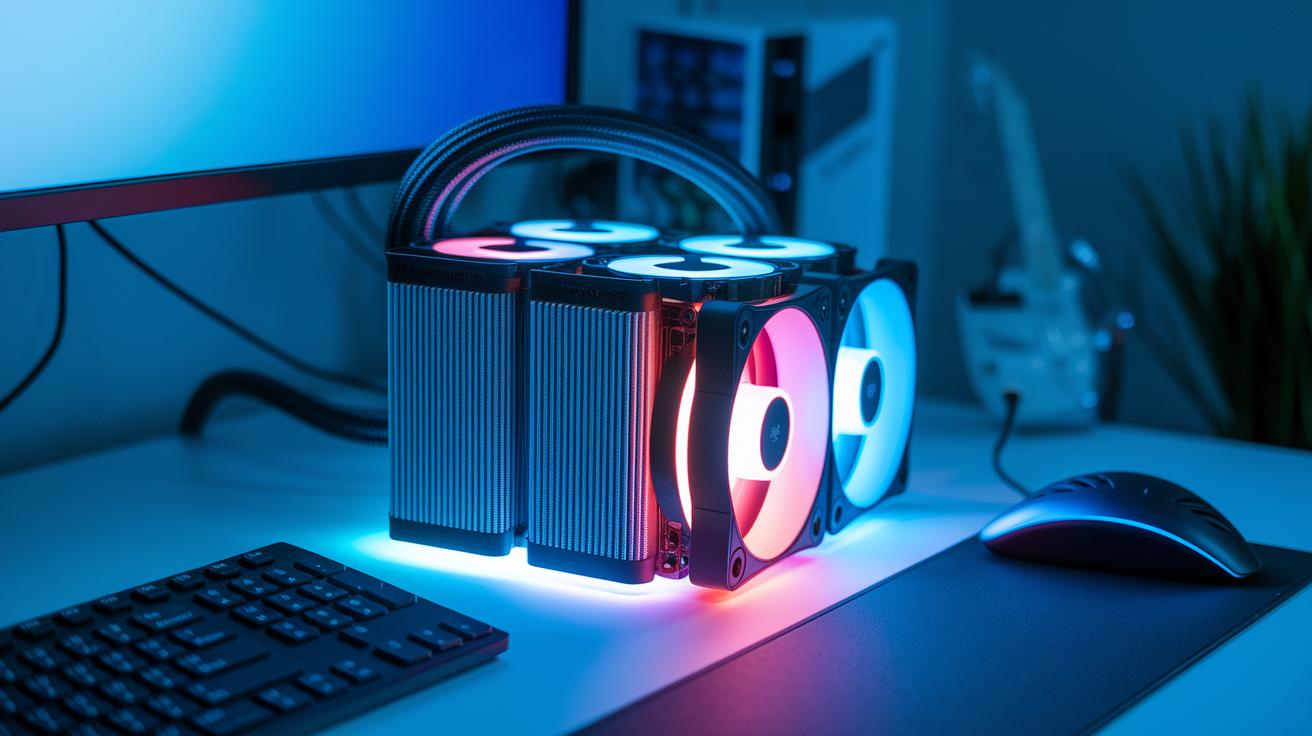
We ran hands-on tests to see how well these AIO (All-In-One) coolers lower CPU temperatures. We measured how much the temperature dropped, tracked decibel levels under load, and checked the coolant flow. One clear point: the pump noise is generally quieter than the fan noise. For example, the pump in the ID-Cooling FX360 INF works quietly, while its addressable RGB fans get a bit louder when they hit full speed. In our tests, the system temperature fell by about 8-10°C during heavy gaming sessions.
Radiator performance was also a big factor. The FX360 INF, which costs around $80, kept things cool thanks to its high-grade thermal paste and mirror-effect CPU block (a design that helps spread heat evenly). Meanwhile, Silverstone’s IceMyst system offers extra fans at $16 each. This setup targets the VRMs, RAM, and storage too. The improved airflow helps keep noise levels down even when the system is under long, intense loads.
Cooler Master’s MasterLiquid 240 Atmos did a great job keeping an i7-13700K cool while staying very quiet. Lian Li’s Galahad II LCD 280mm stands out with a vibrant display and efficient cooling. It’s a great choice if you want both strong performance and visual feedback from your cooler.
| Model | Price Range | Key Cooling Feature | Noise Observation |
|---|---|---|---|
| ID-Cooling FX360 INF | $80 | High-grade thermal paste, mirror-effect block | Low pump noise, moderate fan noise |
| Silverstone IceMyst | Variable | Modular extra fans | Competitive overall noise with added airflow |
| Cooler Master MasterLiquid 240 Atmos | Premium | Dual-chamber pump | Consistently low noise under load |
| Lian Li Galahad II LCD 280mm | Mid-range | Vibrant display plus efficient cooling | Excellent noise control with cooling balance |
Our tests show that a smart mix of pump efficiency and fan noise control gives you top gaming performance while keeping decibel levels in check.
Installing Your AIO Cooler: Steps & Compatibility
Start by clearing a workspace and gathering your basic tools: a screwdriver, thermal paste, and cleaning wipes. Arrange your parts so you have room to work, and then follow these steps carefully.
- Secure the pump block on your CPU with the right brackets. Tighten all screws evenly.
- Position the radiator in a spot that fits your case layout and lets air flow easily.
- Neatly route the tubes away from sharp edges and obstructions.
- Set up the fans so they move air from the radiator into the case. Your case design may call for using them as either intake or exhaust.
- Bleed any trapped air from the system by following the cooler’s instructions.
- Organize your cables to keep them from interfering with moving parts.
- Boot your PC and check the BIOS to make sure your temperatures are within the expected range.
Watch out for common issues like mismatched sockets or a case that doesn’t fit the parts. Before you start, double-check that you have the right bracket kit and that your motherboard’s CPU socket matches the cooler’s specs. This small check can save you time and trouble later.
Radiator Size Impact: Comparing 120mm to 360mm AIO Coolers
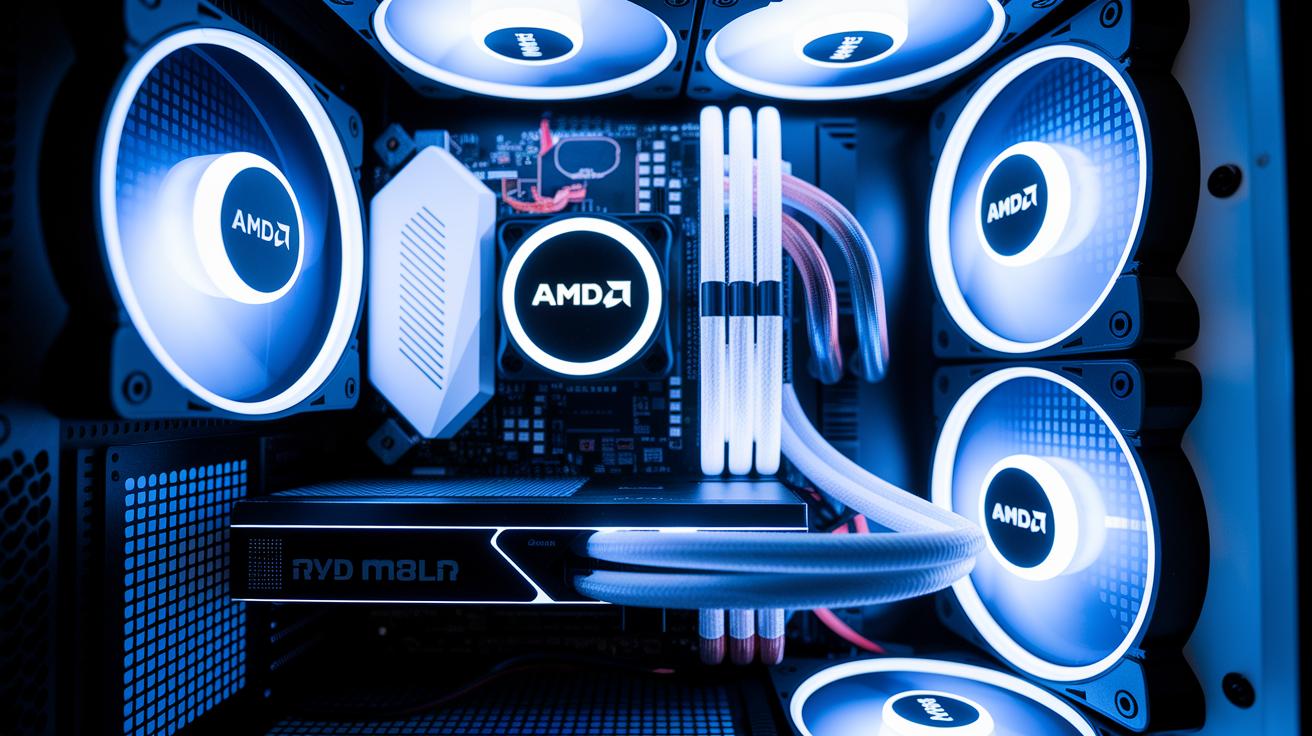
When picking an AIO cooler, the radiator size matters a lot. Smaller radiators like the 120mm ones work best in builds with tight space constraints. They fit well in mini-ITX cases and other compact setups. Bigger radiators such as the 360mm models bring more cooling power because they use more fans and have extra surface area to shed heat. This means lower CPU temperatures even during demanding tasks.
The 240mm models hit a nice middle ground. Take Lian Li’s Galahad II Trinity 240mm, priced around $119.99. It offers a good blend of cooling and quiet operation. Silverstone’s IceMyst also stands out. Its modular design lets you add extra fans for about $16 each. This extra airflow helps cool key parts like VRMs (voltage regulator modules) and RAM, making it a smart plug-and-play upgrade.
| Radiator Size | Fan Count | Ideal Use Case | Cooling Performance |
|---|---|---|---|
| 120mm | 1 fan | Compact builds, tight clearance | Basic cooling |
| 240mm | 2 fans | Mainstream systems | Strong, quiet cooling |
| 280mm | 2-3 fans | Mid-tower cases | Enhanced cooling performance |
| 360mm | 3 fans | High-performance rigs | Superior cooling efficiency |
Choosing the right radiator size can make a big difference in both performance and fit. Consider your space and how much cooling you need before you decide.
Leading AIO Cooler Brands & Model Reviews
We have gathered key insights on top AIO cooler brands to help you choose the right one. Each brand has its own design style that fits different user needs.
Arctic sticks to a simple, workhorse design focused on performance. They cut the extra frills so your heavy tasks get the best cooling possible.
Corsair blends reliable performance with a modern look. Their cool settings and customizable RGB lighting, managed with iCUE, work well for anyone who wants both speed and style.
NZXT puts the spotlight on a steady, quiet pump. Their designs keep noise low while offering dependable cooling, which is great if you value a silent system.
Cooler Master tunes into efficient coolant flow and less vibration. Their smart pump and radiator tweaks make them a good pick for users who run heavy loads and want smoother operation.
In the value sector, brands like ID-Cooling and Silverstone offer down-to-earth and expandable options. Their designs let you control airflow for your CPU and other parts without a high price tag.
Lian Li takes a creative route with an integrated high-resolution display that shows real-time stats. This extra detail adds usability and a bit of visual flair.
| Brand | Design Philosophy | User Focus |
|---|---|---|
| Arctic | Performance-first, simple design | Users needing solid cooling for heavy tasks |
| Corsair | Mix of performance and style | Users who want power with modern looks |
| NZXT | Quiet operation with steady pump | Users who value low noise and consistent cooling |
| Cooler Master | Efficient coolant flow and low vibration | Users pushing their system with heavy loads |
| ID-Cooling / Silverstone | Practical and expandable design | Cost-aware buyers needing flexible airflow |
| Lian Li | Innovative design with real-time display | Users looking for added monitoring and style |
Maintenance & Troubleshooting for AIO Coolers

AIO coolers are meant to be set up and left alone, but a few regular checks go a long way. Listen for odd pump noises and take a look at the radiator often to spot any dust that might block airflow. Check your tube connections closely for signs of wear or leaks. It’s also smart to keep an eye on BIOS thermal readings so you can catch any unexpected temperature hikes early.
If you start hearing louder pump noises or it stops working altogether, first check that all power cables and mounting brackets are secure. If you notice the coolant turning murky or discolored, this could mean there’s some contamination or a small leak. In that case, replace the coolant carefully and consider a system flush. Also, if your fans seem to be running unevenly, dust or misalignment might be the cause. Regular cleaning can help avoid these issues, take a look at the desktop maintenance best practices and electronics cleaning guide for more details. Keeping up with these checks will help your system stay quiet, efficient, and reliable while preventing sudden shutdowns and overheating.
Selecting an AIO Cooler: Price, Value & Warranty Insights
When picking an all-in-one (AIO) cooler, it helps to sort them by price. This approach makes it easier to hit the right balance between cooling power and cost.
Budget models, like the ID-Cooling FX360 INF, cost around $80. They give you solid cooling without extra frills and work great for those who don't need fancy add-ons.
Mid-range coolers, such as Lian Li’s Galahad II Trinity 240mm at about $120, mix good performance with a refined design. These models usually come with longer warranties, quieter operation, and extra features like RGB lighting or display outputs. Think of it as buying a car that runs smoothly without the high cost of constant repairs.
Premium options cost more but focus on reducing pump noise and leakage risks thanks to smart design tweaks. For example, Silverstone’s IceMyst lets you add extra fans for an additional $16 each. This lets you boost airflow and cool key parts like the VRMs and RAM when your system is under heavy load.
Checking the warranty is very important. Most coolers offer warranties between 2 and 5 years, and a longer warranty might justify a bit more spending. Compare these details to pick the best value for your needs, whether you want to save money, get extra features, or have longer support.
Final Words
In the action, we've seen how an aio cooler works through closed-loop systems that move coolant from the CPU block to the radiator. We broke down key benefits over air solutions and compared size and noise differences with real-world test data. The guide covered everything from installation tips to maintenance checks, helping you weigh price, performance, and warranty details. This honest look makes it easier to choose the right unit. Enjoy a smoother computing experience with trusted performance and value.
FAQ
What does an AIO cooler mean?
The term AIO cooler means an all-in-one, closed-loop liquid cooling system that uses a pump, radiator, and fans to manage and dissipate CPU heat efficiently.
How does an AIO cooler work?
The way an AIO cooler works is by circulating coolant between a CPU block and a radiator; the pump drives the liquid to absorb heat while fans cool the heated liquid.
Which is better, an AIO cooler or a CPU air cooler?
The comparison shows that an AIO cooler generally offers improved cooling and quieter operation under load, while air coolers are simpler and lower the risk of leak issues.
Do AIO coolers need to be refilled?
The answer is that AIO coolers are sealed, closed-loop systems, which means they do not need refilling and are designed for nearly maintenance-free operation.
What are the downsides of AIO coolers?
The downsides of AIO coolers include the possibility of pump noise, a slight risk of leaks, higher cost compared to air coolers, and a more intricate installation process.
What features do AIO coolers with screens offer?
AIO coolers with screens offer the benefit of built-in displays that show temperatures, fan speeds, or system stats, combining visual flair with practical system monitoring.
How do 240mm and 360mm AIO coolers differ in performance?
The answer is that 240mm coolers suit compact or mid-sized builds with solid performance, while 360mm coolers typically lower CPU temperatures further in high-performance setups due to their larger radiators.
What does an AIO cooler with three fans imply?
An AIO cooler with three fans implies enhanced airflow and cooling capacity, which can be especially beneficial for systems that run at high loads or are overclocked.
Which popular AIO cooler models are available?
Popular models include options from Corsair, NZXT, Cooler Master, Arctic, and Lian Li, each bringing unique features such as RGB lighting, built-in displays, or optimized pump designs.