

Ever wonder if you can pack serious gaming power into a small, light laptop? Portable gaming laptops prove you don’t need a heavy machine to game smoothly. They pack strong processors, fast memory, and crisp graphics into a slim design that’s easy to carry. In our tests, we gathered real data and hands-on insights to show how these machines blend high performance with great portability. Ready to see if they truly give you the best of both worlds?
Essential Features of a Portable Gaming Laptop
Today’s portable gaming laptops pack serious power into a small frame. They’re made for gamers who need performance without lugging around extra weight. Prices start at about $800 for budget models (like some Acer and Dell systems with RTX 3050 graphics cards) and can go up to nearly $5,000 for high-end machines with RTX 5080 or equivalent AMD GPUs. Typically, you’ll find at least 8 GB of RAM and an SSD for quick boots and fast game loads.
These laptops merge strong performance with easy portability. They usually use Intel 14th Gen or AMD Ryzen 8000 series processors paired with efficient graphics cards, from Nvidia’s RTX 4050 up to the RTX 5080 series. Battery life can range from about two hours to over six, depending on the GPU load and screen brightness. Plus, you can pick a display that suits your needs, whether a clear 1080p screen with up to 300 Hz refresh or a crisp 3K OLED panel for brighter visuals on the move.
- CPU & GPU performance tiers
- Battery life & power profiles
- Weight & chassis materials
- Display resolution & refresh rate
- Portability-focused build quality
These devices prove you don't have to sacrifice power for lightness. They deliver a solid gaming experience at home or on the go, with fast system response and excellent visuals. In short, portable gaming laptops show that cutting-edge graphics and speed can come in a sleek, travel-ready package.
Performance Benchmarks for Portable Gaming Laptops

We ran tests on gaming laptops made for esports and high-demand play. We looked at how these laptops handle heavy games in 1080p and above. In our tests, we checked graphics quality, CPU speed (the brain of the computer), and how well the systems keep cool under real use.
For example, the MSI Katana 15 HX features an Nvidia RTX 5050 with DLSS 4 (a tech that sharpens image quality) and pushed smooth 60 fps at 1080p even with a 512GB SSD. On the other hand, the HP Victus 15 uses an AMD Ryzen 7 8845HS along with an RTX 4050, giving a brighter screen and a 1TB SSD. This shows that even entry-level gaming laptops can keep a steady frame rate. Still, storage and display quality play big roles in the overall experience.
Our tests also found that the Asus ROG Strix Scar 16 stands out. It uses an Intel Core Ultra 9 275HX with an RTX 5080 and sports a 240 Hz 1600p mini LED panel for fast responses in competitive play. Similarly, the Razer Blade 14 offers a 3K OLED at 120 Hz along with better battery life when not plugged in. Their slim designs also help them manage heat, letting these light machines compete with thicker models that have even more powerful RTX 5090 chips.
In short, the latest graphics cards and efficient CPUs help make today’s portable gaming laptops ready for high-stakes esports action.
Battery Life and Energy Efficiency in Portable Gaming Laptops
Battery life on portable gaming laptops can be very different from one model to another, usually lasting between 2 and 6+ hours. This depends on things like the battery's size, how much power the graphics card (GPU) uses, and even the screen brightness. In our hands-on tests, high-end graphics laptops usually need to be plugged in to hit the top frame rates. Meanwhile, laptops built for flexibility tend to do better when not plugged in.
The GPU load and screen tech are big factors here. For example, the Razer Blade 14 offers a longer unplugged playtime when you use moderate settings because of its smart power management. On the other hand, cloud-gaming laptops like the Acer Chromebook Plus 516 GE have shorter battery lives. Their design puts more focus on display quality and connectivity than on saving energy. These results show the clear trade-off between performance and how long the battery lasts.
If you need extra playtime on the go, try energy saving modes. Lowering the brightness and adjusting your GPU power can really boost battery performance without making a huge difference in how the game looks or runs. It’s a good trick for gamers who need both power and portability when time is tight.
Design and Durability of Slim and Lightweight Gaming Devices
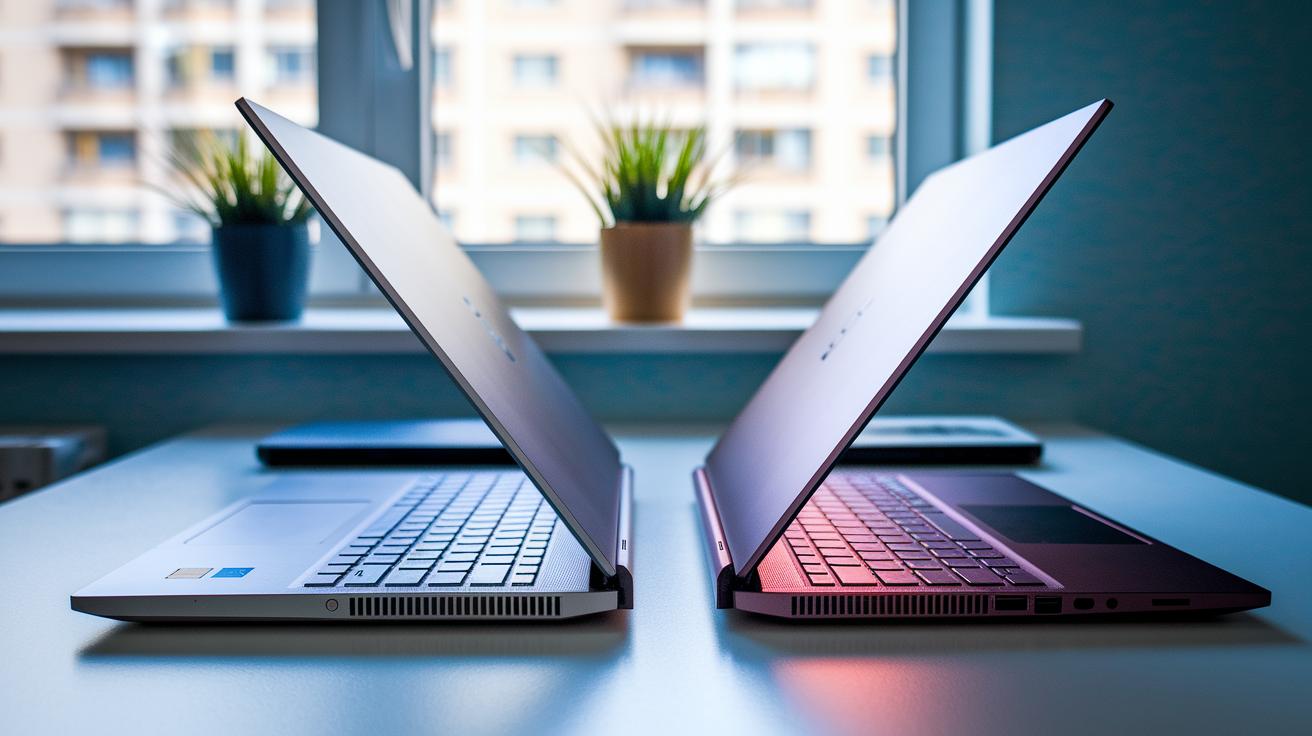
Slim gaming devices mix power with a sleek build. Lighter parts and smart design let you carry a strong system without extra weight.
The Alienware 16X Aurora shows off a slim aluminum lid and a strong frame. This metal (aluminum is known for being light and tough) not only makes the device feel high-end but also helps keep it cool during long sessions or travel. This makes the Aurora a good choice if you move around a lot.
On the other hand, the MSI Raider 18 HX AI uses a heavier plastic frame. It still delivers good performance, but the frame can be a bit noisier. This might bother you if you need a quieter setup for work or study.
The ROG Zephyrus G16 takes a different route with a lift-hinge design. This design helps air flow through its 16-inch body and makes it easier to carry around. Even a small change like this can help keep the machine cool and balanced, which is key during intense gaming or long trips.
Overall, these designs show that choosing the right materials and hinge systems is important. Metal parts often offer better strength and cooling, while plastic can cut costs but may not feel as premium. Each choice has its trade-offs, and knowing what matters to you will help in picking the right device.
Top Portable Gaming Laptop Models Comparison
We tested six laptops that mix power with easy portability. They range from affordable entry-level models to high-powered machines for serious gaming. Check out the table below to see how each one performs in key areas.
| Model | CPU | GPU | Display | Price |
|---|---|---|---|---|
| MSI Katana 15 HX | Entry-level, efficient | RTX 5050 | 1080p, high refresh | ~$1,000 |
| HP Victus 15 | Ryzen 7 8845HS | RTX 4050 | 1080p, bright panel | ~$950 |
| Alienware 16X Aurora | Core Ultra 7 255HX | RTX 5060 | 1600p, crisp visuals | ~$1,800 |
| Asus ROG Strix Scar 16 | Core Ultra 9 275HX | RTX 5080 | 240Hz, 1600p mini LED | ~$3,000+ |
| Asus ROG Zephyrus G16 | High-performance Intel option | RTX 5070 Ti | 1600p OLED | ~$2,700 |
| Razer Blade 14 | Optimum mobile CPU | RTX 5070 (up to 115W) | 3K OLED, 120Hz | ~$2,400 |
This side-by-side guide shows that each laptop brings its own strengths to the table. The MSI Katana and HP Victus work well for gamers on a tight budget who still need good performance. On the other hand, the Alienware 16X Aurora and Asus ROG Strix Scar 16 offer sharper visuals and smoother refresh rates for those ready to spend more. Then there are the Asus ROG Zephyrus G16 and Razer Blade 14, which blend strong performance with easy portability for gamers who want the best of both worlds. Have you ever thought about which balance of power and price fits your gaming style best?
Portable Gaming Laptop Buying Guide
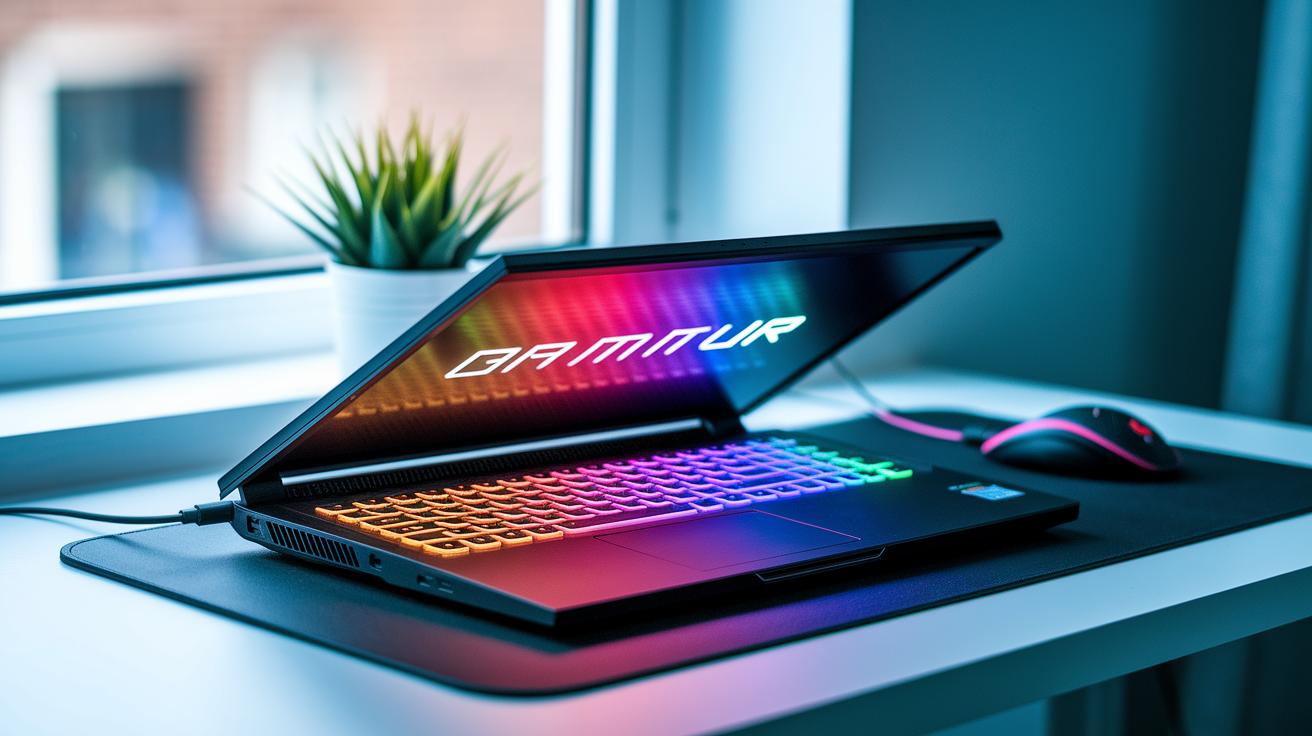
When choosing a gaming laptop, there is more to consider than just the specs. It’s important to look for solid post-purchase support, clear warranty terms, and trustworthy reviews about how the device cools off when you play on the go.
Here are the key points to keep in mind:
- Compare GPU speeds and CPU generations based on how you actually game.
- Check warranty details and user feedback for long-term support.
- Review thermal ratings to ensure the laptop stays cool during mobile gaming.
- Look at memory and storage options to meet today’s needs and tomorrow’s upgrades.
- Consider the display quality and battery life in relation to your gaming sessions.
Balancing your budget with performance is crucial. Laptops around $1,000 usually have entry-level components that may run cool but can struggle with heavy loads. Models near $2,000 tend to offer better cooling and improved screen quality. Meanwhile, devices priced above $3,000 often combine strong performance, top-notch cooling, and reliable after-sale support. This blend of features helps you pick a laptop that fits both your gaming style and your need for mobility.
Final Words
In the action, we broke down the core features of a portable gaming laptop that meets different budgets and play styles. We compared CPU and GPU performance, battery endurance, and design materials in a friendly, clear way. Our guide outlines key buying steps and real-world tests that show each model's strengths and needed trade-offs. Honest data and step-by-step advice help you choose a system that stands up in both gaming and daily use. Enjoy your search and happy gaming!
FAQ
What is the best portable gaming laptop?
The best portable gaming laptop combines strong CPU and GPU performance with a lightweight, durable build. Models like the Razer Blade 14 and ASUS ROG Zephyrus G14 are frequently recommended on Reddit.
What affordable gaming laptops are available under $1000?
Affordable gaming laptops under $1000 typically feature entry-level GPUs such as the RTX 3050 and offer balanced performance and battery life, making them a solid choice for budget-conscious gamers.
What features make a gaming laptop portable?
A gaming laptop is portable when it offers high-performance CPU and GPU tiers, efficient battery life, a high-refresh-rate display, lightweight design, and sturdy yet travel-friendly chassis materials.
How do Razer Blade laptops perform in portable gaming?
Razer Blade laptops deliver sharp OLED displays, powerful processing, and solid build quality, catering to gamers who need both high performance and a sleek, travel-ready design.
How does the MSI Titan 18 HX compare to other portable gaming laptops?
The MSI Titan 18 HX provides robust specs with a larger screen, but its size may limit portability. It suits users seeking extra screen space over ultra-light travel convenience.
What should buyers consider before choosing a portable gaming laptop?
Buyers should review CPU/GPU benchmarks, battery endurance, display quality, chassis weight, and price range to ensure the laptop meets their gaming and mobility needs.
How does Reddit view portable gaming laptop options?
Reddit users favor models such as the Razer Blade 14 and ASUS ROG Zephyrus G14 for their mix of performance, design, and portability, sharing real-world insights and personal experiences.