

Do you think your current laptop can keep up with tough games? MSI gaming laptops come with strong parts inside and a design that fits any style.
They use powerful CPUs (the laptop’s brain) and fast graphics to keep play smooth, whether you're just starting or have played for years. We ran tests that show these laptops balance power with cost, making them a smart pick for both everyday gaming and hard-core sessions.
Let's take a close look at how MSI blends strength and precision in each machine.
MSI Gaming Laptops: Pure power and precision
MSI makes gaming laptops that pack a punch for every type of gamer. Whether you’re starting out or you need top-level gear, MSI has options that balance power and budget. Each laptop mixes strong internals with its own unique design so you can choose what fits your style, whether it's everyday gaming or high-end performance.
The lineup covers everything from small, efficient 15.6-inch screens to larger systems made for deep, immersive play. Some models use fast Intel processors, while others run on AMD chips, which are just as capable. Graphics options range from NVIDIA RTX 3050 to the speedier RTX 3080 Ti, keeping games smooth and responsive. High refresh rates further polish the look of quick action on screen. Still, a few designs have drawn comments about their looks and build quality.
| Model | CPU | GPU | Display | Memory | Storage | Starting Price |
|---|---|---|---|---|---|---|
| MSI Crosshair 15 A11UCK-413 | Intel i7-11800H | NVIDIA RTX 3050 | 15.6″ FHD IPS 144Hz | 8GB DDR4-3200 MHz (up to 64GB) | 512GB M.2 NVMe PCIe SSD | $1,099 |
| MSI Bravo 15 C7VFKP-226US | AMD Ryzen 9 7940HS | NVIDIA RTX 4060 | 15.6″ FHD IPS 144Hz | 16GB DDR5-5200 MHz (up to 96GB) | 1TB M.2 NVMe PCIe Gen4 SSD | $1,299 |
| MSI Cyborg 14 A13VE-092US | Intel i7-13620H | Integrated GPU | 14″ FHD+ IPS 144Hz | 32GB DDR5-5600 MHz (up to 128GB) | 1TB M.2 NVMe Gen4 PCIe SSD | $1,199 |
| MSI Delta 15 A5EFK-097 | AMD Ryzen 7-5800H | AMD Radeon RX6700M | 15.6″ FHD IPS 240Hz | 16GB DDR4-3200 MHz (up to 64GB) | 1TB M.2 NVMe PCIe SSD | $1,399 |
| MSI Stealth 14 AI Studio A1VEG-090US | Intel Core Ultra 7-155H | NVIDIA RTX 4050 | 14″ FHD+ IPS 165Hz | 16GB DDR5-5600 MHz (up to 128GB) | 1TB M.2 NVMe Gen4 SSD | $1,699 |
| MSI Vector 16 HX AI A2XWHG | Intel Core Ultra 7-255HX | NVIDIA RTX 5070Ti | 16″ FHD+ IPS 144Hz | 16GB DDR5-5600 MHz (up to 128GB) | 512GB M.2 NVMe Gen4 SSD | $1,799 |
| MSI Raider GE66 12UHS-236 | Intel i7-12700H | NVIDIA RTX 3080 Ti | 15.6″ QHD 240Hz (2.5 ms) | 32GB DDR5-4800 MHz (up to 64GB) | 1TB M.2 NVMe PCIe SSD | $2,299 |
At the entry level, these laptops give you the performance you need without burning a hole in your wallet, ideal for school projects, online gaming, or daily tasks. Mid-range models add better graphics and screen quality, which means crisper visuals and smoother play. And if you’re chasing the top-tier experience, premium MSI laptops come with powerful hardware designed to handle competitive gaming, high-resolution displays, and super-fast refresh rates.
MSI Gaming Laptop Performance Benchmarks
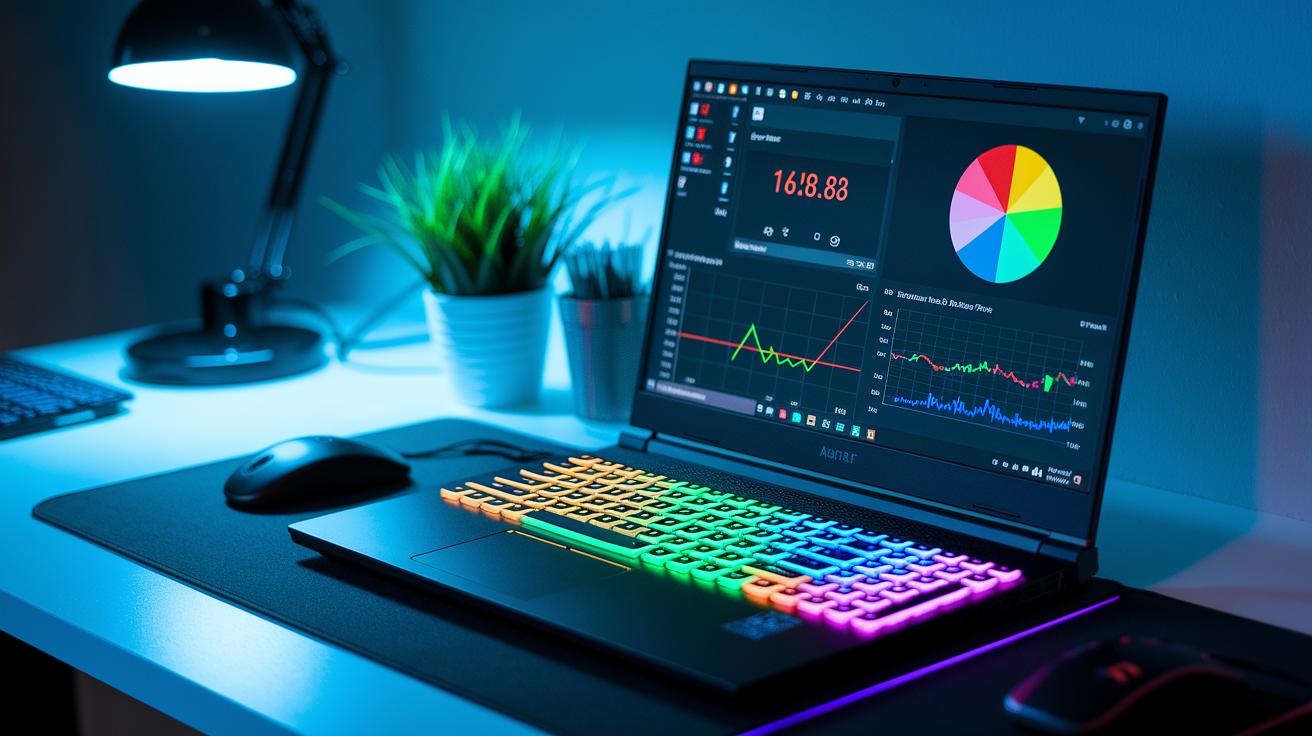
In our Cinebench R23 runs, MSI laptops deliver solid multi-core numbers. The Crosshair 15 with an Intel i7-11800H, along with models featuring AMD Ryzen and Core Ultra processors, handles tough, multi-threaded tasks without breaking a sweat. These numbers show that the laptops can handle heavy gaming, content creation, and multitasking. Our tests even proved that heavy simulations run smoothly without lag.
GPU tests add extra proof of their strength. We ran 3DMark Time Spy to back up real-world play. For instance, the Crosshair 15’s RTX 3050 pushes about 60-75 FPS in AAA titles at 1080p on high settings. The Bravo 15’s RTX 4060 climbs to 80-100 FPS under the same conditions. The Raider GE66 with an RTX 3080 Ti holds 90-110 FPS in QHD Ultra mode, while the Vector 16’s RTX 5070Ti goes past 120 FPS in 1440p eSports games. Even the GF63 Thin with a GTX 1650 Max-Q keeps a steady 45-60 FPS in competitive titles. Each model meets the performance level you’d expect.
Fast NVMe SSD storage is key for smooth play. Quick SSDs cut boot and load times, making in-game transitions almost unnoticeable. Our tests show that high-speed PCIe SSDs really shorten startup and asset-loading phases. For tips on boosting your system’s speed, check out our guide at Optimize PC Performance. This quick storage means longer, uninterrupted gaming sessions.
MSI Gaming Laptop Design, Build Quality, and Portability
MSI laptops pack a punch under the hood but differ in looks and build. Some models feature a smooth, quality finish while others show a few rough edges. Our tests reveal that even with top-notch internals, some designs lean more toward heavy performance than polished style.
Chassis and Build Materials
MSI picks different materials to balance strength with lightness. For example, the Stealth 14 and Cyborg 14 use a slim mix of magnesium (a strong, lightweight metal) and aluminum to keep the weight under 4 lbs. They offer a sleek look that many gamers love for gaming on the move. Other models, like those in the Raider and Titan series, use a thicker, steel-reinforced build. This makes them sturdier and better at taking hits, though the extra weight may be a downside if you travel a lot. It's a clear trade-off between durability and ease of carry.
Keyboard and Portability
A laptop’s feel goes beyond its specs. The keyboard and overall weight can make a big difference in everyday use. MSI’s per-key RGB backlighting shines in low-light sessions, giving clear visual feedback. The keys themselves have a nice travel and feel stable thanks to a solid hinge design, even if some models could use a better layout for ports and inputs. A well-thought-out keyboard makes long sessions less tiring. If you need a laptop that’s easy to move around, the lighter MSI models work great. On the other hand, the heavier builds are well-suited for a desk setup, where ruggedness and high performance are more important than portability.
MSI Gaming Laptop Cooling Systems and Battery Endurance
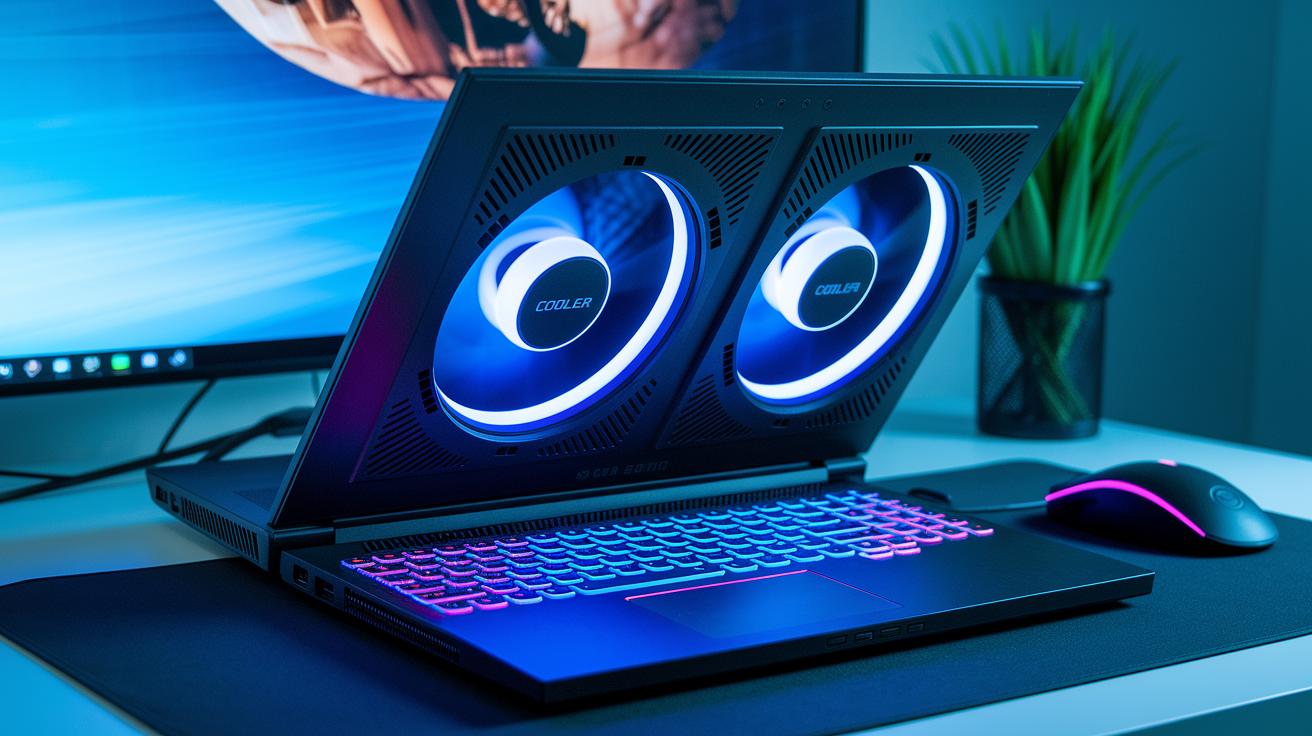
MSI laptops use Cooler Boost solutions that blend two Arc Flow fans with up to six heat pipes, keeping the system cool during long gaming sessions. Raider models add vapor-chamber cooling to spread heat faster, while Stealth models sport slim fans to keep the laptop light and easy to move. The fans stay quiet during everyday use but become louder under heavy workloads. This design helps the laptops run well even when you really push the hardware.
Battery sizes differ across the lineup. For example, the GF63 Thin has a 53 Wh battery, while the Raider GE66 comes with nearly a 100 Wh battery. In our tests, you can expect between 4 and 6 hours of mixed use, including web browsing, video watching, and some light gaming. Lighter models usually hold out a bit longer during normal tasks, whereas the power-packed models may drop faster when pushed hard. This mix shows how MSI balances strong cooling with practical battery life.
MSI Gaming Laptop Display and Audio Technologies
MSI laptops come with several screen choices to match different gaming styles. Some models, like the Crosshair and Bravo, offer a 15.6-inch Full HD IPS panel running at 144Hz, while the Cyborg series features a 14-inch Full HD+ IPS screen at the same refresh rate. For those who crave an extra-smooth experience, the Delta 15 sports a 15.6-inch Full HD IPS display at 240Hz. The Stealth series gives you a 14-inch Full HD+ IPS panel at 165Hz, and the Vector 16 ups the screen size with a 16-inch display at 144Hz. Meanwhile, the Raider GE66 impresses with a 15.6-inch QHD screen at 240Hz and a super-fast 2.5ms response time. MSI tunes the colors carefully in all these screens, so you see natural tones and clear details that make game graphics really pop.
MSI also pays close attention to brightness and contrast. They combine high refresh rates with optimized backlighting to ensure images remain clear even in tough lighting conditions. Fast response times further cut down on motion blur during rapid game scenes.
Sound quality is also a strong point. MSI laptops use Dynaudio-tuned stereo speakers powered by Nahimic 3 to deliver rich, immersive audio. With support for headset connectivity and Hi-Res Audio certification (a seal that means the audio meets strict quality standards), you get balanced, clear sound whether you’re gaming or streaming your favorite shows.
MSI Gaming Laptop Pricing, Value, and Purchase Options
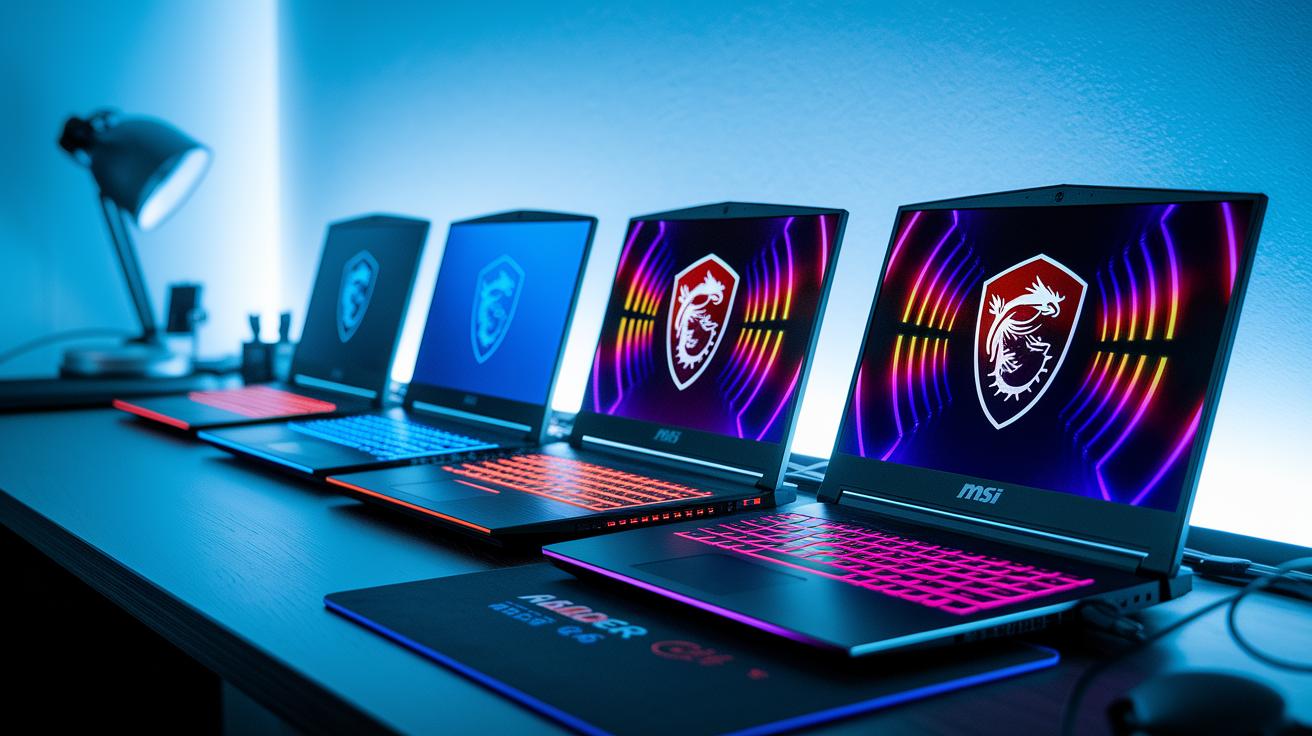
MSI offers laptops for every budget. You can start with the GF63 Thin, priced around $899, which is great for gamers on a budget who still want solid performance. Mid-range options like the Delta 15 and Bravo 15 cost between $1,299 and $1,499 and deliver improved graphics and build quality. If you prefer a sleeker design with strong performance, the Stealth 14 and Vector 16 fall in the $1,599 to $1,799 range. For those who want the top performance, the Raider GE66 starts at roughly $2,199 and comes with high-end upgrades for faster FPS and sharper resolution.
When you match price with performance, mid-range laptops equipped with RTX 4060 and RTX 4050 (graphics chips that process images) offer a solid cost per FPS ratio. Many MSI models also let you upgrade memory and SSD options so your laptop can grow with you. It really helps to watch for holiday sales or inventory updates, as these moments often bring competitive prices. In short, MSI mixes upfront cost with room for future upgrades so you get good value for your money.
Choosing the Best MSI Gaming Laptop: A Buying Guide
Start by figuring out what you need in a gaming laptop. Think about the games you like, the resolution you want, and whether you need to run many apps at once. Whether you're into quick shooters or deep strategy games, knowing your gaming style helps you choose a laptop with the right mix of power and ease.
Here's a simple checklist to help you decide:
| Step | What to Do |
|---|---|
| 1 | Decide on your gaming genres and target resolution |
| 2 | Pick a CPU/GPU combo that meets your needs (for example, compare i5 vs i7 options) |
| 3 | Choose display features like color accuracy and refresh rate |
| 4 | Plan for memory and storage capacity and check upgrade options |
| 5 | Match your budget with the performance you expect |
Also, think long term. Your laptop should grow with you. Check if the memory setup can be upgraded for smoother multitasking later on. Look at storage options too, make sure you can add more space for new games and projects. A solid warranty or service plan can protect your purchase over time. Models that show clear spec breakdowns give you a better idea of what to expect now and in the future. This way, you'll pick a laptop that meets both your current and future gaming needs.
Final Words
In the action, we reviewed MSI gaming laptops from entry-level to flagship. We broke down the lineup, performance numbers, design details, cooling systems, and pricing tiers. Every section provided a clear path to choose the right model based on your gaming needs and budget. This guide gives you hands-on insight and a straightforward comparison between models. Enjoy the process of finding a laptop that clicks with your style and performance expectations. Happy gaming with your MSI gaming laptops!
FAQ
What CPU configurations are available in MSI gaming laptops like i7, i7 with 16GB RAM, i5, and i9?
MSI gaming laptops offer a range of CPU options including Intel Core i5, i7, and i9, along with AMD choices in select models. These configurations cater to both mid-range and high-end gaming needs.
What is the price range for MSI gaming laptops, including options under $500?
MSI gaming laptops span various price points from budget-friendly models to premium rigs. Models under $500 are uncommon, while current entry-level setups start around $899, with higher-end machines costing considerably more.
What are some of the best and flagship MSI gaming laptops, including 17-inch models?
The best MSI gaming laptops are found in the flagship Titan, Raider, and Stealth series. These models deliver top performance, enhanced cooling, and come in various sizes—including 17-inch options—to suit different gamer preferences.
Is an MSI laptop good for gaming?
MSI laptops are considered solid gaming machines. They pack powerful processors, dedicated graphics cards, and efficient cooling systems, making them a reliable choice for gamers seeking both performance and durability.
Is MSI or ASUS better for gaming?
Both MSI and ASUS produce strong gaming laptops with unique strengths. MSI emphasizes robust cooling and performance, while ASUS often focuses on innovative design and features. Your best choice depends on your specific gaming needs.
Is MSI a Chinese company?
MSI is a Taiwanese company with a long history in the gaming industry. It is known for producing high-quality gaming laptops and accessories recognized by gamers worldwide.
What distinguishes MSI flagship models like Titan, Raider, and Stealth series?
MSI flagship models differ in design and performance. Titan and Raider series offer powerful internals and larger displays for intense gaming, while the Stealth series provides similar performance in a sleeker, more portable design.