

Think your phone only takes selfies? Think again. With a few smart tweaks, everyday views can become art. For example, using a trusty tripod can improve up to 85% of your shots. When you treat each photo as a crafted image, you pay more attention to framing and lighting. In this post, we share simple steps to help your smartphone work smarter. Get ready to see familiar scenes in a whole new way with practical, hands-on tips.
Core Mobile Landscape Photography Tips
Did you know one smart tripod setup can change your whole shooting game? In one session, a well-placed tripod helped create an amazing panorama, all because of the right smartphone settings. Mobile photography gets a boost when you think of every shot as a crafted image. Plan your frame carefully. Think about how the foreground and background work together. Using the rule of thirds (a guide where you split the image into nine equal parts) helps you place key spots in your shot, guiding the viewer’s eye naturally.
Next, make your smartphone work for you. Switch to shooting in RAW (a file format that saves all the image details) so you can tweak the exposure later. Give HDR mode a try too; it takes several images at different brightness levels and blends them, which can even out the sky and dark areas. For example, when capturing a sunrise, HDR steadies the bright sky against a darker landscape.
A tripod is a must for nearly 85% of your shots, especially in low light or while creating smooth panorama videos. Rely on simple tweaks like tapping to focus. That single tap locks in sharp detail, even if the lighting is changing fast. Think of it as a way to control where your phone puts its clarity.
Finally, back up your photos right away since smartphones embed GPS data (location info) with each shot. This helps you remember exactly where you captured your favorite views. While smartphones offer great portability and smart features, keep in mind their limits: like a fixed focal range and sometimes extra noise in dark settings.
Composition Strategies for Mobile Landscape Shots

Begin by thinking of your scene as a crafted image, not just a quick snapshot. Imagine your screen split into a grid. Place your key subject at one of these grid intersections. For instance, if you're shooting a sunset, move the sun off-center to balance the image.
Look for natural lines like roads, rivers, or fences that draw the eye into your scene. These lines add depth and make the picture feel inviting. If you see symmetry, like a calm lake or evenly spaced trees, use it to create balance.
Add a strong element in the foreground to boost depth. This could be a rock formation or a bright flower that stands out. Keep your horizon straight, or tilt it slightly on purpose to set the mood.
Sometimes, change your view by getting low or high. This fresh angle can reveal texture details or clusters of wildflowers you might miss at eye level. Have you ever tried a different angle and discovered something new? Give it a go.
Working with Natural Light on Your Mobile Landscape Photography
Sunrise and sunset are the best times to capture your mobile landscapes. In the early morning, the light is soft and warm. The quiet helps reveal gentle shadows that make your photos feel inviting. Try to balance bright areas with darker ones so they work well together.
As the sun sets, give dusk a try. Evening light brings dramatic color changes that can add a special mood to your scenes. Use HDR blending (a method that merges several photos taken at different brightness levels) to ease the harsh contrast between bright skies and dark land. This trick is great for small phone sensors when light is low.
Exposure bracketing means snapping several photos at different brightness settings. This way, if one shot is too dark or too bright, you’ve got options. Adjusting shadows and highlights helps keep every detail clear. Have you noticed how a small tweak in exposure can change the whole mood of a scene? Experimenting with these settings lets you work with nature’s light, not against it.
Optimizing Mobile Camera Settings for Landscape Shots
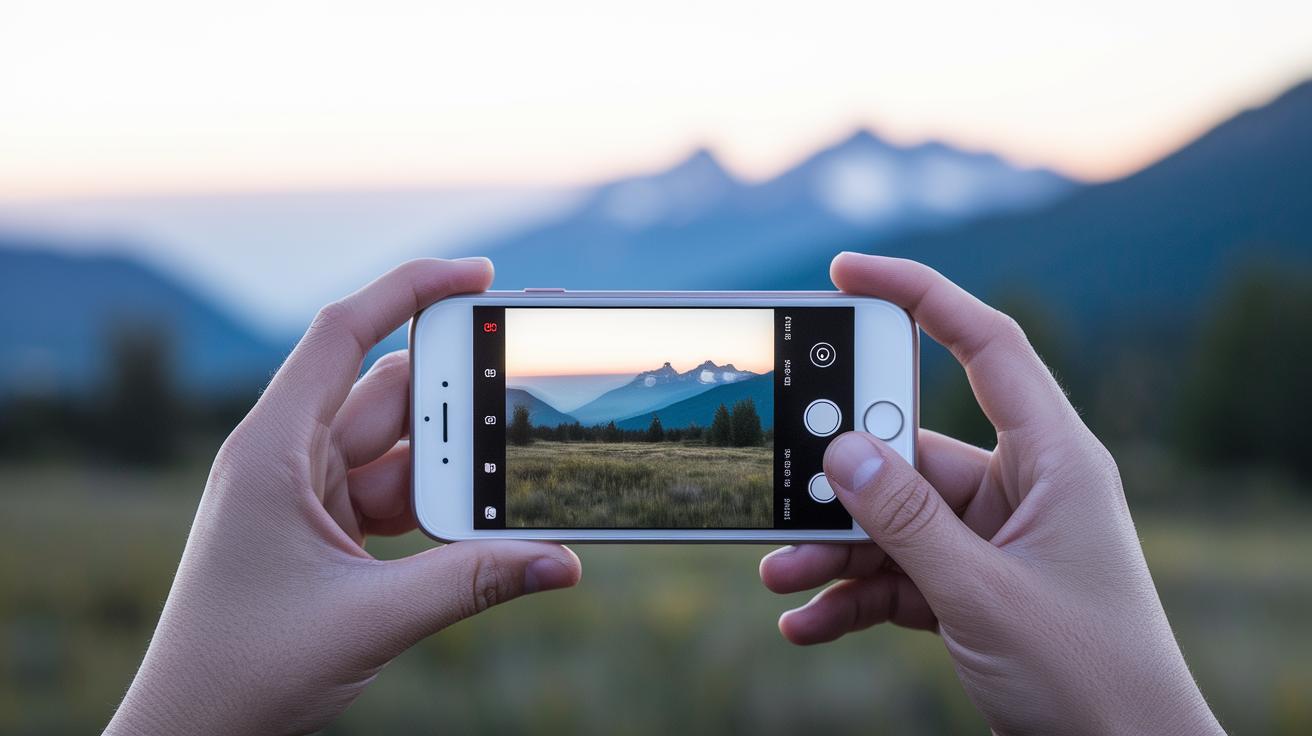
Take charge of your smartphone camera to capture stunning landscapes. Instead of sticking with auto mode, try adjusting settings like ISO (sensor sensitivity to light), shutter speed (how long the sensor captures light), and HDR (merging different exposures) for better detail and less noise. Keeping the ISO between 100 and 200 helps you get clear images. For handheld shots, a shutter speed of 1/60 to 1/125 sec keeps your photo stable even if you don't have a tripod.
Turning on HDR lets your phone mix different light levels. It balances bright skies and darker land so nothing gets lost. Shooting in RAW (a file format that saves all your image data) also gives you more room to edit later. And when lighting is uneven, using exposure bracketing to take 3 to 5 frames helps cover the full range of light. This means you avoid overly bright areas or deep shadows.
| Setting | Recommended Range | Notes |
|---|---|---|
| ISO | 100–200 | Clean images |
| Shutter Speed | 1/60–1/125 sec | For handheld stability |
| HDR | On | Balances light levels |
| RAW | Enabled | Saves all image data |
| Exposure Bracketing | 3–5 frames | Covers full tonal range |
Try these settings based on your light conditions and experiment a bit. Even small tweaks can make your landscape photos look amazing.
Essential Accessories for Enhanced Mobile Landscape Photography
Extra tools can really boost your mobile photography skills. Clip-on lenses, like macro or wide-angle, let you explore fresh views and capture nature in new ways. A macro lens helps you see tiny details, while the wide-angle option fits more of the scene into your shot.
Using a sturdy tripod makes about 85% of your pictures sharper. It keeps the camera steady in low light or during long exposures. And if you want smooth water or soft cloud movement, a neutral density filter works wonders for those dramatic effects.
Remote shutter triggers and smartphone clamps also make a big difference. They let you take pictures without worrying about camera shake. This means even tricky conditions won’t mess with your shot.
Below are five must-have accessories to think about:
| Accessory | Why it’s useful |
|---|---|
| Clip-on macro lens | Captures close-up details |
| Wide-angle lens attachment | Fits more of the scene |
| Sturdy tripod | Reduces motion blur |
| Neutral density filter | Softens movement effects |
| Remote shutter trigger | Prevents unwanted shakes |
Every accessory adds a bit of sharpness and new style to your photos. Try one at a time to see which upgrade clicks with your way of shooting. Have you ever noticed how a small change can make a big difference?
Post-Processing Smartphone Landscape Images

Mobile apps like Snapseed, Lightroom Mobile, and VSCO let you refine your RAW (DNG) photos directly on your phone. They make it easy to adjust your shots. Start by fixing the exposure (how light or dark the image is) and white balance (the overall color tone). When working on a sunrise, try boosting warm tones and lowering the highlights a bit. Even a little contrast change can bring a flat image to life.
Next, give your colors a boost. Increasing saturation (how strong the colors appear) can turn a dull scene into one bursting with life. A smart crop can remove extra details and focus the eye on the main parts, like a winding river in the distance. I often save a few different versions of my edits so I can compare the results later.
After editing, back up your photos to cloud storage. This helps keep your GPS-tagged images neat and easy to find. Organizing your pictures into albums also lets you track your progress and locations. This smooth workflow, from capture to final tweaks, makes your landscape photos truly shine with clarity and mood.
Planning and Scouting for Mobile Landscape Photography Success
Plan your outings with intent. Begin by marking your favorite spots with GPS tags so you can easily return for that perfect angle later. Check your weather app for clear conditions or dramatic skies that add mood to your shots. For example, you might see a forecast that reads, "Clear skies with scattered clouds promise a stunning sunset."
Before you head out, use your smartphone's grid to preview your composition. This simple step helps you line up natural guides in the scene. It's best to scout during quiet times when the light is soft and the area is calm, as this can reveal hidden details you might miss during busy hours.
Keep in mind that seasonal changes can completely alter a scene’s mood. Try visiting the same spot more than once to catch different lighting and weather. By planning your locations, checking the forecast, and experimenting with new angles, you'll capture mobile landscape photos that truly reflect the scene's essence.
Final Words
In the action, this guide has laid out clear tactics for mobile photography, from setting the right camera parameters and framing shots smartly to making the best use of natural light and accessories. It shows you how to fine-tune settings like ISO and shutter speed, capture expansive vistas, and back up images with GPS data. The mobile landscape photography tips shared here aim to boost your skills, making each shot count. Enjoy experimenting and watch your images come to life.
FAQ
What are some top mobile landscape photography tips for beginners, including free and best practices?
The top mobile landscape photography tips for beginners include planning your composition with gridlines, using HDR or manual modes, and ensuring clear light. These free practices help you capture balanced, engaging outdoor scenes.
How do you take great landscape photos with an iPhone?
The advice for iPhone landscape photography recommends using gridlines to maintain the rule of thirds, activating HDR mode for balanced light, and shooting during golden hours to take advantage of warm, natural lighting.
What tips can help improve wildlife, nature, and outdoor photography with a smartphone?
The tips for wildlife, nature, and outdoor photography advise using fast autofocus, planning shots during optimal natural light, and employing accessories like clip-on lenses or a tripod to capture sharper images in dynamic settings.