

Have you ever wondered if the liquid in your PC is the secret to its smooth performance? Think of it like a river that carries heat away from your parts. The fluid moves through your system, keeping your CPU and GPU cool even under heavy use. This simple coolant drops temperatures and cuts down on wear and tear. Here, we look at how different coolants work in real setups and explain why they matter when you push your PC to its limits.
liquid cooling coolant Powers Peak PC Performance
Liquid cooling coolant flows through sealed loops to pull heat away from your CPU and GPU and then dump it into a radiator. This liquid is key when your PC is under heavy loads. Water, for example, holds heat very well (its specific heat capacity is about 4.18 joules per gram per Kelvin) and moves heat away much faster than air. Its low thickness also means the pump doesn't work too hard, keeping your system running efficiently.
There are a few types of coolants you can choose from. Plain water gives the best heat transfer and is pretty cheap. However, pure water needs extra care. When water is deionized (having its minerals removed), it works the same way but can turn corrosive when mixed with air. That’s why you end up needing corrosion inhibitors and special parts like nickel fittings to keep everything safe.
A water and glycol mix is another option. A 30% mix of ethylene glycol, for example, gives you freeze protection with only a small hit to performance. For those worried about safety, propylene glycol offers similar results with less toxicity. Then there are dielectric fluids. They don’t conduct electricity, so they help prevent shorts if a spill happens, though they usually don’t transfer heat as well and can cost more.
Choosing the right liquid cooling coolant is all about matching the liquid's traits to what your PC needs. In our lab tests, we found that pairing the right fluid with your system can help lower temperatures and extend component life.
| Coolant type | Key features | Considerations |
|---|---|---|
| Water | High heat transfer and low cost | Needs corrosion inhibitors, careful handling |
| Glycol–water mix | Provides freeze protection | Slight drop in thermal performance; choose ethylene or safer propylene glycol |
| Dielectric fluids | Nonconductive; prevents electrical shorts | Lower thermal performance and higher cost |
Types of Liquid Cooling Coolant and Their Properties
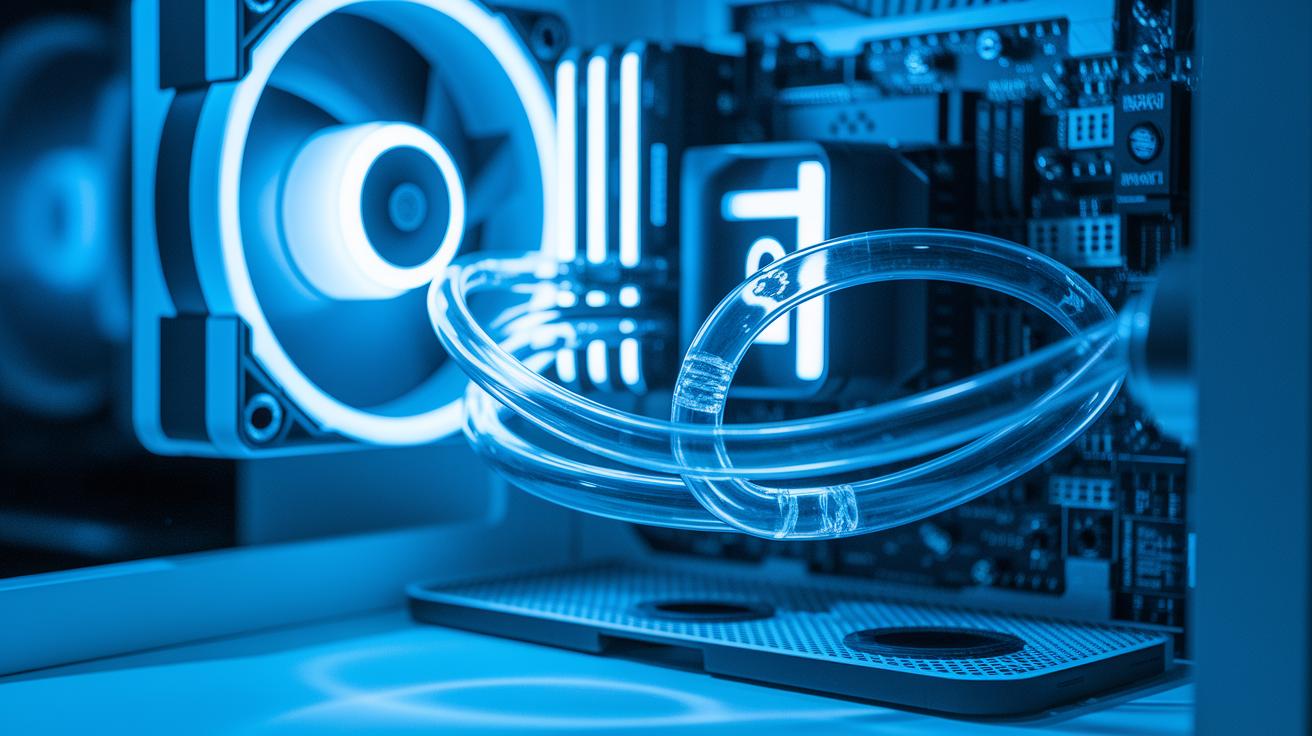
Liquid cooling fluids help your PC keep cool by drawing heat away from important parts. These fluids come in different varieties that affect how well heat is moved and how easily they flow. Water is a common choice. It has good heat transfer (0.59 W/m·°C) and flows easily (around 1 cP), plus it freezes at 0 °C so pumps don’t need extra power. Deionized water flows just the same, but its pH can drop from 7.0 to about 5.0 when it meets air. This drop means you need to add a corrosion inhibitor and use stainless steel or nickel fittings to protect your cooling loop.
For systems in very cold settings, a mix of 30% ethylene glycol with water lowers the freezing point to about –34 °C. This mix loses around 3% of its heat transfer ability compared to pure water and is a bit thicker (about 2 cP). Another option is a 30% mix of propylene glycol, which offers similar freeze protection. It has a slightly higher thickness (around 3 cP) and is picked if reducing toxicity is important. Both types of glycol mixes not only protect from freezing but also act as biocides, keeping the loop safe from microbes.
When you need extra safety from electrical shorts, dielectric fluids like Fluorinert FC-77 are used. This fluid does not conduct electricity, which helps keep your components safe. However, its heat transfer is lower (about 0.063 W/m·°C) and its flow is a bit thicker (around 1.3 cP). It can stay liquid at temperatures as low as –100 °C, but its higher price means it’s usually reserved for special uses, such as immersion cooling in servers where electrical safety is a big concern.
| Coolant Type | Thermal Conductivity (W/m·°C) | Freezing Point (°C) | Viscosity (cP) |
|---|---|---|---|
| Water | 0.59 | 0 | 1 |
| Deionized Water | 0.59 | 0 | 1 |
| Ethylene Glycol 30% | 0.57 | –34 | 2 |
| Propylene Glycol 30% | 0.53 | –32 | 3 |
| Fluorinert FC-77 | 0.063 | –100 | 1.3 |
Performance Metrics for Liquid Cooling Coolant
When it comes to your cooling loop, four main numbers matter. First is specific heat capacity, which tells you how much heat the liquid can store. For example, water can hold about four times as much heat as air because its specific heat is around 4.18 J/g·K. This extra storage is vital when every degree counts.
Next up is thermal conductivity. This measures how fast heat moves from your PC components into the coolant. A higher number here means the liquid can pick up heat more quickly, helping to keep your system temperature steady during heavy use.
Viscosity also plays a key role. It tells you how thick or thin the liquid is. Coolants with viscosity less than 2 cP flow smoothly. This makes it easier for the pump to push the liquid through the loop without extra strain.
Finally, the flash or boiling point shows how high a temperature the coolant can handle before breaking down. A coolant that stays stable above 100 °C can manage higher heat loads without problems.
By checking these metrics, you can choose a coolant that keeps your PC protected, even under heavy use. Small changes in these values can really impact overall performance, especially when your system is pushed to the limit.
Material Compatibility and Corrosion Protection in Coolant Selection

Keep your coolant mix in sync with the loop's parts to prevent rust and keep things running smoothly over time. If you have copper or brass, adding tolyltriazole (a chemical that forms a protective film) helps guard these surfaces. For systems with stainless steel or aluminum, phosphate inhibitors work fine, just be cautious in hard water areas because extra minerals can cause these inhibitors to settle out. When aluminum is in play, organic acids can add extra defense against corrosion, even with constant fluid flow.
Deionized water loops can be very sensitive. When water meets air, it can turn a bit acidic. That means fittings and plumbing should be nickel-plated or made of stainless steel to stand up to the lower pH. Key parts like cold plates, heat exchangers, pump units, tubes, and quick-disconnects need smart material choices to last and perform well.
Choosing the right corrosion inhibitor is a balancing act. If your loop uses a lot of copper components, using tolyltriazole is a focused way to reduce wear. Matching your coolant chemistry with the materials you use is what keeps your cooling loop effective and reliable over the long haul.
Maintenance and Replacement Guidelines for Liquid Cooling Coolant
To keep your liquid cooling loop running strong, change your coolant every 6–12 months. Check the deionization cartridges often and swap them when needed. Keeping the glycol concentration at 25–30% not only shields your system from freezing but also helps stop bacteria and corrosion.
When it's time to switch out the fluid, start by draining the old coolant completely. Then, flush the whole system with distilled or deionized water to wash away any leftover gunk. After that, add the necessary corrosion inhibitors and fill the loop back up. Bleed any trapped air from the system and run the pump for around 10 minutes to get the new fluid circulating well.
Finally, dispose of the old coolant safely according to your local rules. This step is key to protecting the environment and staying compliant with regulations. Regular maintenance like this goes a long way in extending the life and performance of your liquid cooling setup.
Selecting the Best Liquid Cooling Coolant for Your PC

Here's a quick guide to help you pick the right coolant. Look at how well it cools (thermal performance), its cost, freeze protection, safety (toxicity), and if your system can handle its thickness.
Water cools very well and is cheap, but you must add inhibitors to prevent corrosion. Ethylene glycol offers freeze protection but loses about 3% efficiency at a 30% mix. Propylene glycol is safer for home PCs since it has low toxicity, though it makes the liquid thicker. Dielectric fluids are great if you need to avoid electrical shorts, but they cost more and don’t cool as efficiently.
Use the following comparison table as a quick guide:
| Coolant | Thermal Performance | Cost | Notes |
|---|---|---|---|
| Water | High | Low | Needs inhibitors |
| Ethylene Glycol | Good | Low | Freeze protection; 3% drop at 30% mix |
| Propylene Glycol | Good | Moderate | Safer for home; thicker mix |
| Dielectric Fluids | Lower | High | Nonconductive for sensitive setups |
Before choosing, check your room's temperature and risk of freezing. Decide if you need a nonconductive fluid to protect your components. Weigh the cooling power against the price, and keep an eye on how the fluid’s thickness might affect flow.
In one test, a gaming PC in a cold room performed well with an ethylene glycol mix. Even though there was a small drop in efficiency, it kept the system running smoothly.
Final Words
In the action, we broke down liquid cooling coolant basics by explaining how these fluids move heat away from key components. We compared types like water, glycol mixes, and dielectric fluids, highlighting their thermal properties and flow rates in an easy-to-read table.
We also discussed vital performance metrics, material compatibility, and practical maintenance tips. This guide helps you weigh performance, cost, and ease of upkeep. The insights here empower you to choose the right liquid cooling coolant for your PC with confidence.
FAQ
What is the best liquid cooling coolant or PC coolant?
The best cooling fluid usually is a water-based mix with inhibitors that boost heat absorption and protect parts. It balances cost, performance, and safety for most PC cooling loops.
Where can I buy liquid cooling coolant?
Liquid cooling coolant is available from major online retailers and specialized computer hardware stores. Check trusted e-commerce sites and manufacturer websites to compare options and prices.
What is PC coolant made of and what coolant is used in liquid cooling?
PC coolant is mainly water enhanced with glycols and corrosion inhibitors to improve freeze protection, flow, and component safety, making it ideal for circulating heat through the loop.
What is Koolance 702 Liquid Coolant?
Koolance 702 Liquid Coolant is a coolant made for PC loops. It offers a mix designed for effective thermal performance along with additives that help reduce corrosion and build-up in the system.
What is the role of a liquid cooling pump?
A liquid cooling pump moves the coolant through the loop. It helps carry heat from the CPU and GPU to radiators, ensuring consistent and efficient cooling for your PC.
What are the disadvantages of liquid cooling and is it still worth it?
Liquid cooling can be more expensive, require regular maintenance, and carry a leakage risk. Yet, it provides quieter operation and superior cooling performance, making it a good choice when set up right.
Does liquid cooling actually use liquid?
Liquid cooling systems indeed use a liquid, typically a water-based solution. The liquid absorbs heat from components and transfers it to the radiator, making the cooling process efficient.