

Ever wonder if your house is really safe when you're not there? Modern home security systems do more than add another lock. They connect sensors, cameras, and smart lights so you can keep an eye on your home from anywhere. You can set one up yourself or ask a pro for help. Either way, you get a system that is both simple and secure. In this post, we test and compare popular systems so you know how to boost both security and smart convenience in your everyday life.
Home automation security systems: integrated defense solutions overview
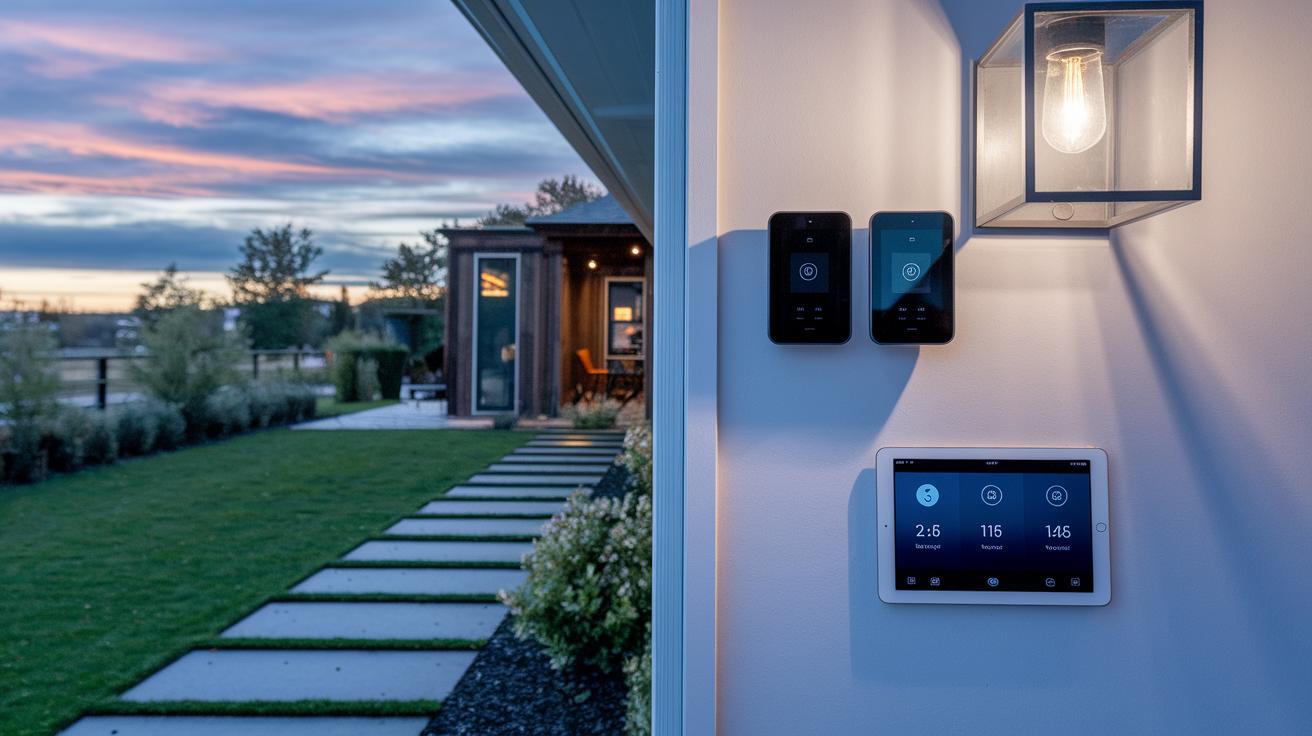
Home automation security systems connect sensors, cameras, locks, lights, and thermostats using the internet of things (IoT). This setup lets you control your security from anywhere with a mobile app. You get custom alerts and can arm or disarm your system remotely, so you always know what’s happening at home.
Many makers offer kits at different price points. For example, SimpliSafe has DIY-friendly kits priced from $150 to $300. The Arlo Home Security System comes as a 5-piece kit for about $220 and supports other devices seamlessly. Abode Wireless Smart Security Kits start at $200 and include connections for Z-Wave, Zigbee, and Wi-Fi, which is handy if you already own smart devices. The Ring Alarm provides an 8-piece kit around $250, working great with Amazon and Alexa. For those wanting more advanced features and a touch of professional help, systems like Vivint Smart Home and ADT Command are available.
Most systems now offer flexibility with monthly plans that cost between $20 and $30. You can choose to monitor your home on your own or opt for professional support, with installations ranging from simple DIY adhesive mounts to full-service setups.
Overall, these systems mix smart home convenience with tighter security. They serve both casual users and tech-savvy fans looking for a reliable, scalable solution. Stay tuned as we break down the details even further in our upcoming comparisons.
3. home automation security systems: Safe and Smart
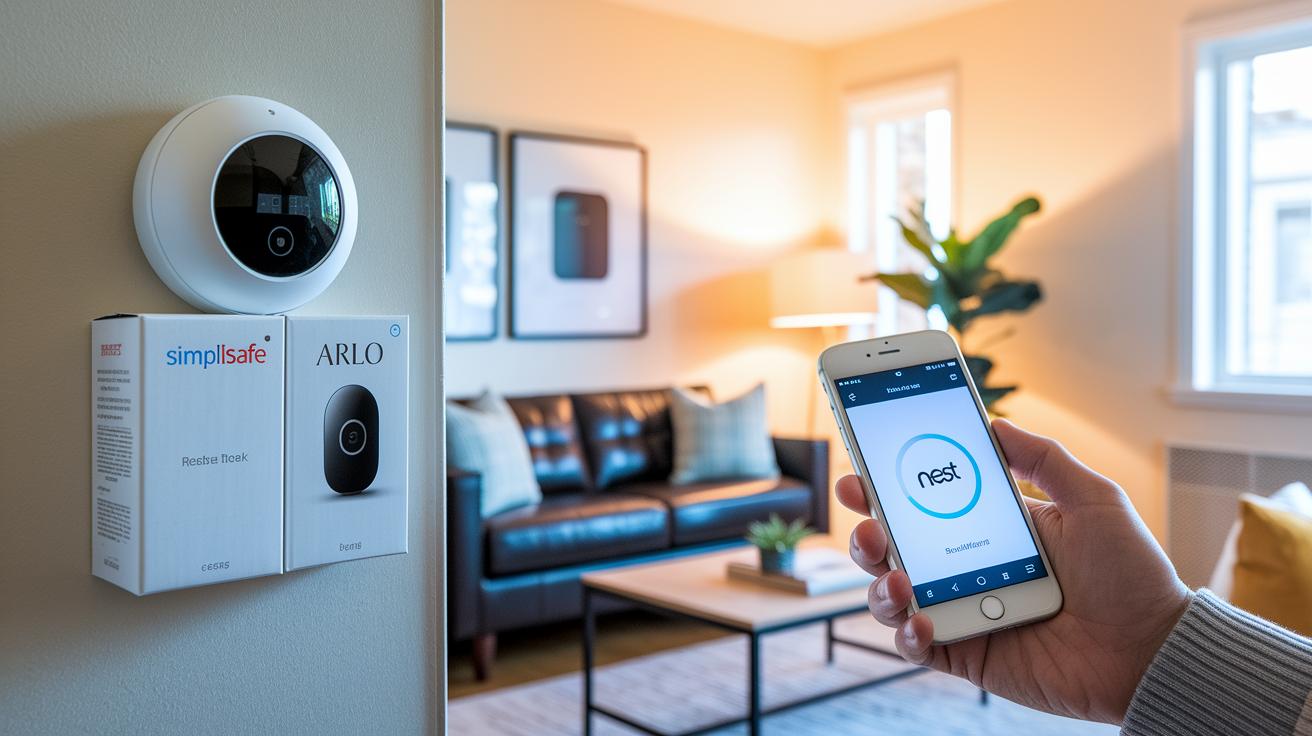
Smart security systems come in two flavors: set it up yourself or let the pros handle everything. We compared six well-known systems to help you find the right match. Below is a table that shows the starter kit price, main features, and monitoring options for each system.
| System | Starter Kit Price | Key Features | Monitoring Options |
|---|---|---|---|
| SimpliSafe | $150–$300 | DIY entry sensors; limited third-party support | Self-monitoring; optional pro plan |
| Arlo Home Security System | $220 | Multi-sensor design; third-party integrations | Choice of free self-monitoring or paid upgrades |
| Abode Wireless Smart Security Kit | $200 | Built-in Z-Wave, Zigbee, Wi-Fi radios | Flexible self-monitoring; pro option available |
| Ring Alarm | $250 | Amazon/Alexa ecosystem integration; DIY or professional | Free self-monitoring; optional professional support |
| Vivint Smart Home | Varies | 7-inch touchscreen panel; complete device control suite | Primarily professional monitoring |
| ADT Command | Varies | White-glove professional install; full Z-Wave integration | Mandatory professional monitoring |
Each of these systems brings its own perks. They are built for easy installation and work smoothly with Alexa, Google Home, and HomeKit, giving you a real connected home feel. Whether you’re a DIY fan or you’d rather have a professional set it up, there’s a solid option to suit your budget and needs for monitoring.
DIY vs professional setup in home automation security systems
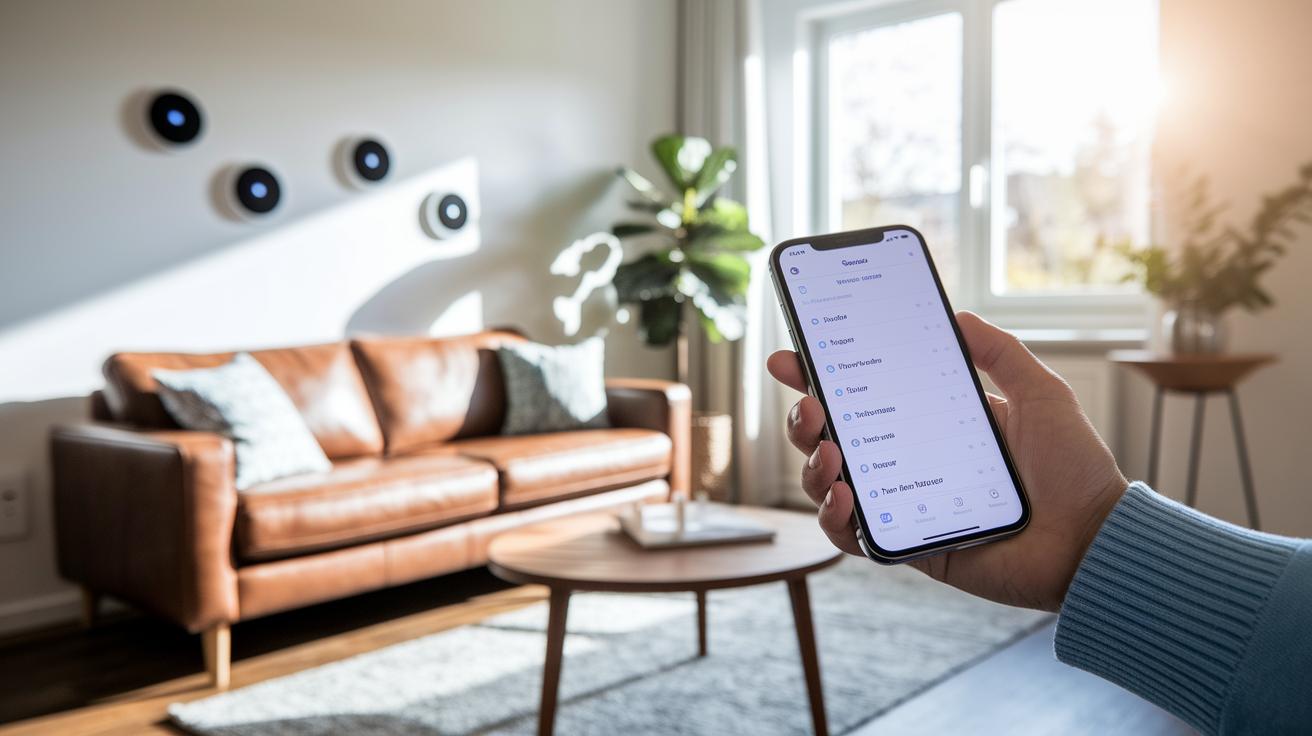
DIY installations can be quick and save money. However, a few extra steps to check sensor performance can make your system more reliable. If you’ve done the initial comparison with professional setups like Vivint and ADT, here are some simple tips to get the best sensor results:
- Test each room to find any weak signal spots. Move sensors around until you get a firm wireless connection.
- Check batteries often and update the sensor firmware. This keeps everything running smoothly.
- Open your mobile app to look at sensor logs. It can help you fix any delays or missed alerts.
- Place sensors away from big appliances or metal objects. This reduces interference so your sensors can communicate clearly.
- Do regular checks to make sure sensors are still paired. Adjust or reattach mounts if needed for steady performance.
DIY saves you money and gives you control, while professional setups bring expert placement and streamlined service.
Feature analysis: integrating sensors and smart locks in home automation security systems
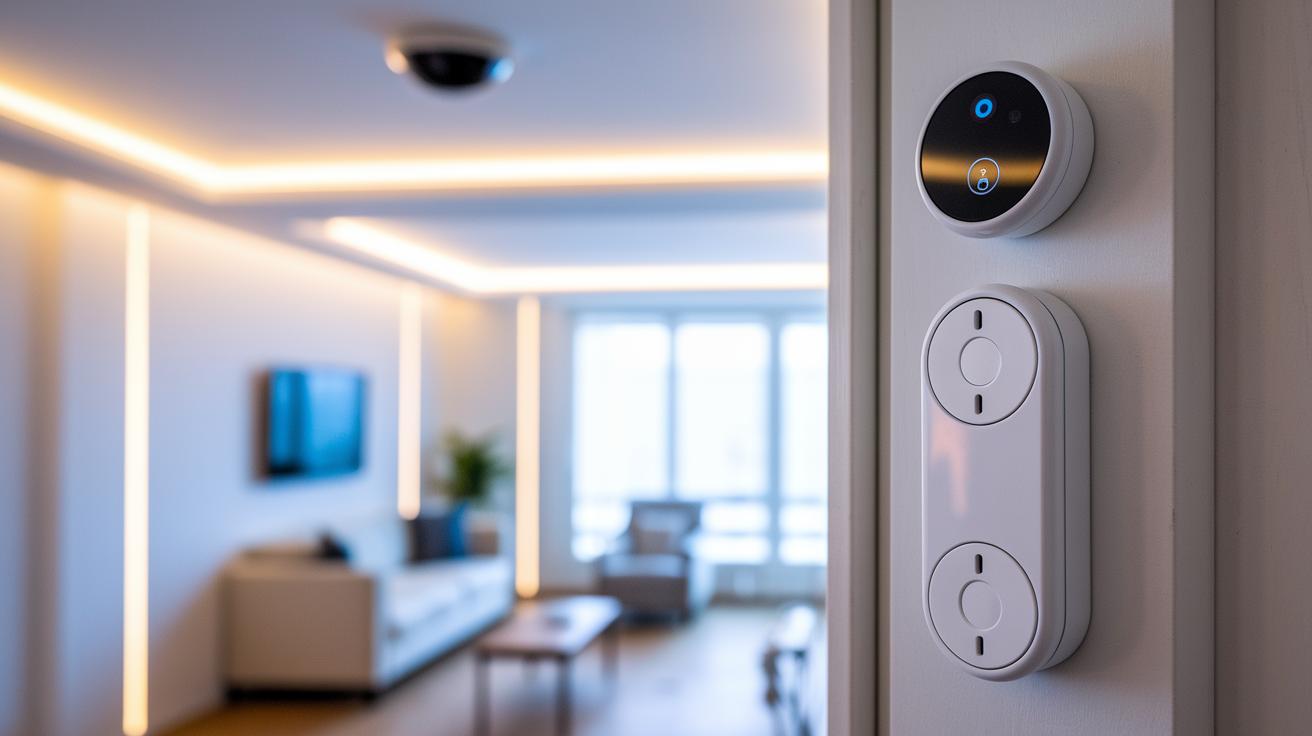
Sensors are the heart of your smart security system. Motion detectors, door and window contacts (which tell you if something is open), leak sensors, and others collect real-time data to keep your home safe. They work like a hub that passes info to your system so unusual activity is noticed right away.
Smart locks give you digital control over your door access. They use tech like Z-Wave, Zigbee, and Wi-Fi to connect your lock to your network. Well-known brands like Yale and August let you lock or unlock doors from anywhere. This adds an important piece to your connected system, making everyday security management simpler.
Voice alerts add another layer of interactivity to your setup. They pair with Alexa routines and Google Assistant notifications to inform you instantly when a sensor is triggered. With brands like Ring and Abode, you get real-time, audible updates that keep you in the loop, even when you're out.
When all your devices work together, they create smart flows that boost security. For example, a motion sensor might turn on a light while also triggering a smart lock to secure a door if it detects a breach. At the same time, HD cameras can start recording so every action is captured and added to your digital safety record.
Cost breakdown and monitoring plans for home automation security systems
When you set up a home automation security system, the costs come in two parts: one-time fees and recurring charges. DIY kits cost about $150 to $300. But if you pay for a professional setup, you could spend over $1,000 once you add extra equipment, contract buy-out fees, or installation costs. For example, if you choose a professional install with advanced intrusion alert features, expect to pay more than you would with a DIY kit.
Monitoring fees are a recurring cost that depends on your chosen service level. You can opt for free self-monitoring or pay for a professional plan that usually costs between $20 and $30 a month. Some plans, like ADT Plus, might even be around $30, while others can go up to about $39.99. With professional plans, you get features like push notifications, live view access, and settings that let you tailor alerts to your daily routine.
Security and privacy considerations in home automation security systems
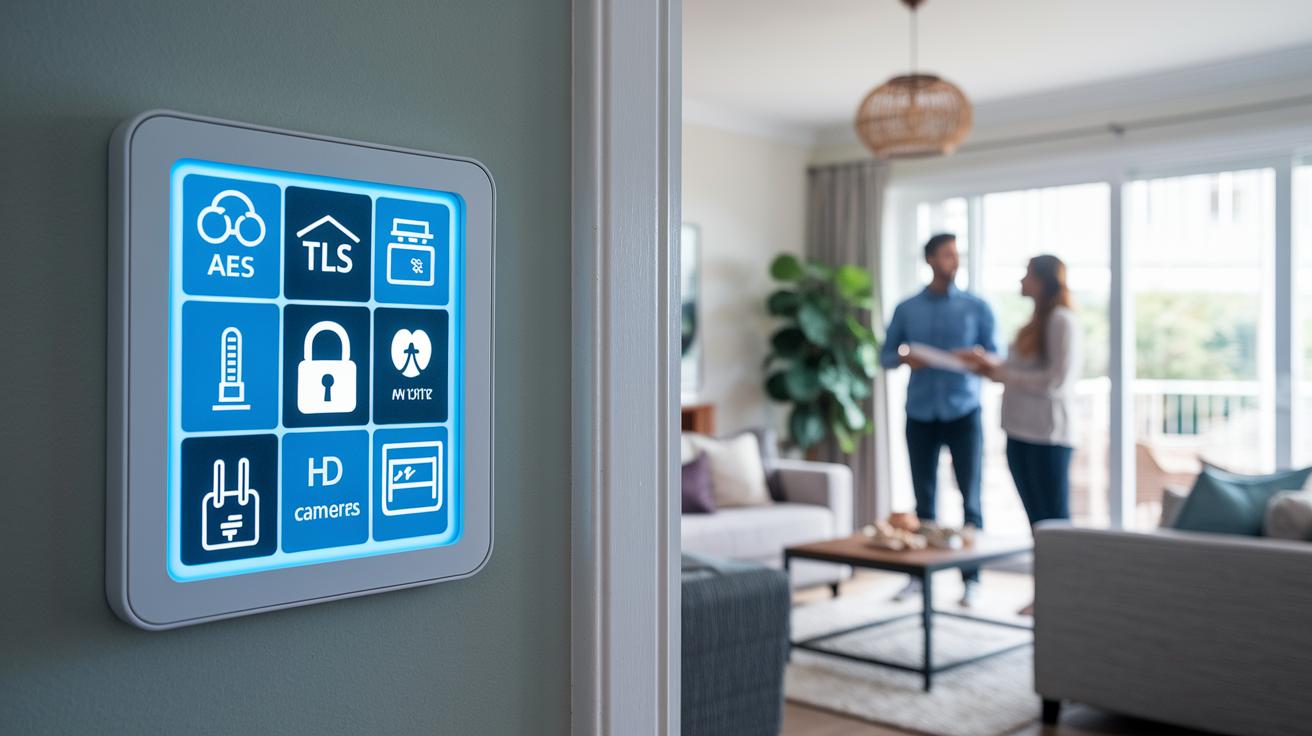
Encryption protects your smart security system. Using strong standards like AES-128 and TLS (which links your devices to the cloud securely) helps keep unwanted eyes away. Regular firmware updates fix security holes and boost your system's defenses. Backup methods like cellular connections and batteries keep your devices active during power cuts. High-definition cameras with smart AI help spot actual intrusions while cutting down on false alarms.
Changing your default passwords is a must. Swap the weak, factory-set codes for strong, unique ones to lower your breach risk. It also helps to put your smart gadgets on a separate network. This way, if one device is hacked, the damage stays limited. Keep an eye on device activity and update your passwords often to keep your home safe from common threats.
Choosing the right home automation security system for your needs
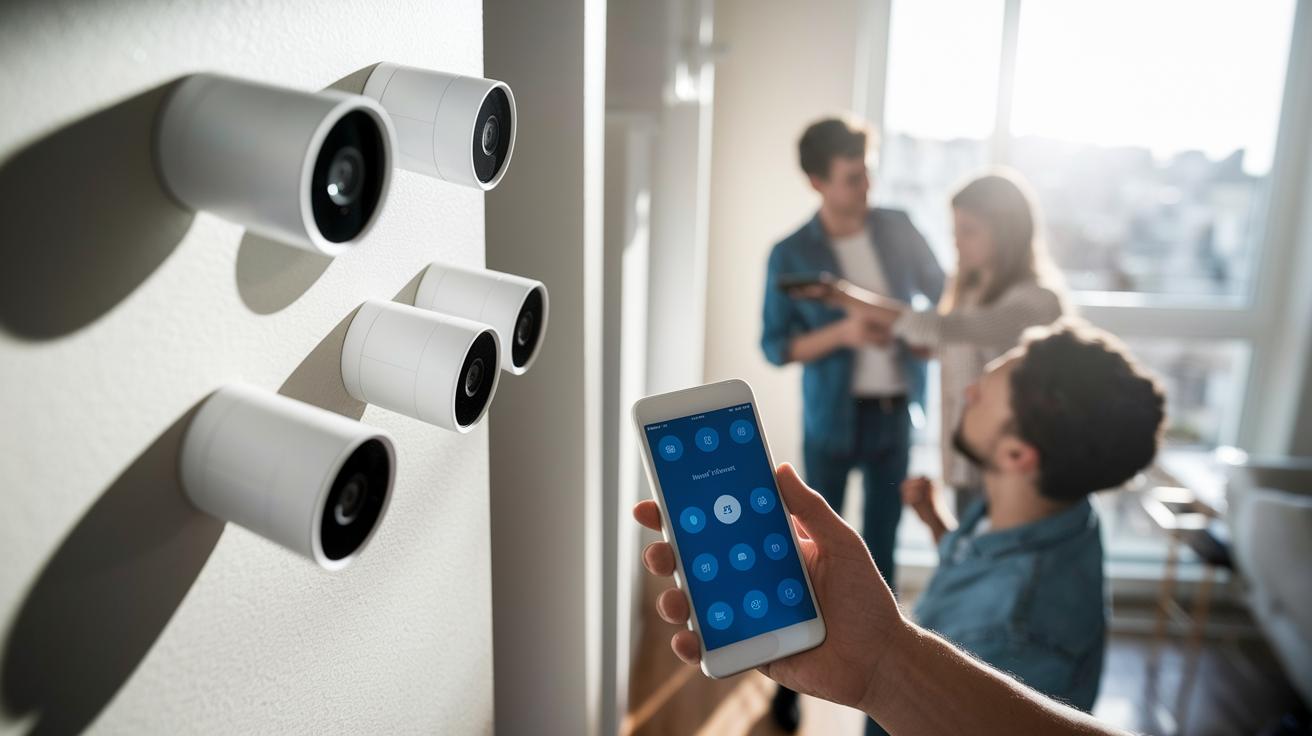
Begin by choosing a system that fits your home. For example, small apartments or single-family homes work well with starter kits that include a few sensors and cameras. Bigger homes might need a setup that grows with you. Modular systems let you add devices over time without replacing everything.
Next, think about how you'll control your system. Some companies, like SimpliSafe and Ring, offer simple mobile apps that make arming or disarming your system as easy as a few taps. Others, like Vivint, provide a touchscreen panel, and ADT Command uses a console. Imagine opening an easy-to-use app on your phone and quickly checking real-time alerts.
Also, check if the system works with other smart devices. Many newer models pair with products like Nest, Philips Hue, or other gadgets using Z-Wave and Zigbee (wireless tech for smart devices). This means you can later add cameras, locks, or extra sensors without expensive rewiring. Choose a system that grows with your needs, whether you’re upgrading for clearer images or adding smart locks for better access control.
Final Words
In the action, we broke down home automation security systems. We walked through the key features, pricing examples, and set-up options. We compared DIY and professional installs and examined smart sensors and monitoring plans. We also looked at data security and practical tips to keep your network safe. This guide aims to help you pick a system that fits your space, budget, and specific needs. Enjoy stepping into a smarter, safer setup with home automation security systems.
FAQ
What is the best security system for home automation?
The best security system for home automation depends on your home layout, budget, and feature needs. Options like Ring, Vivint, and SimpliSafe offer a mix of DIY and professional monitoring plans.
How do wireless home automation security systems work with cameras?
The wireless home automation security systems with cameras use IoT networks to connect sensors and cameras via Wi-Fi or cellular, enabling remote monitoring and smart alerts directly to your mobile device.
What are reviews saying about home automation security systems?
The home automation security systems reviews reveal that many users appreciate the easy setup, reliable wireless connections, and seamless integration with other smart home devices offered by these systems.
What is the best home security system without subscription?
The best home security system without subscription provides free self-monitoring while still delivering strong device performance. DIY kits like SimpliSafe and Ring allow you to control your system without monthly fees.
What security system do burglars hate?
The security system burglars dislike typically features bright, active cameras, clear alarms, and visible deterrents. Such systems, with noticeable sensors and active monitoring, help scare off potential intruders.
How much does a full home automation system cost?
The cost for a full home automation system ranges from about $150 for basic DIY kits to over $1,000 for professional setups, along with potential monthly fees if you opt for professional monitoring.
What is the difference between home security and home automation?
The difference lies in focus—home security centers on protection and monitoring, while home automation integrates smart devices to manage lighting, locks, and thermostats for added convenience.
What defines a smart home security system project?
A smart home security system project involves planning device placement, selecting compatible cameras, sensors, and locks, and setting up remote monitoring and alert systems using IoT platforms.
What is the best professional home security system?
The best professional home security system includes expert installation, 24/7 monitoring, and full smart device integration. Systems like Vivint and ADT Command offer managed services for enhanced reliability.
What is the truth about home security systems?
The truth about home security systems is that their effectiveness varies based on installation quality, connectivity, and maintenance. Real-world feedback shows that proper setup and routine checks are key for optimal performance.