

Need a boost for your PC? The G.Skill Trident Z RAM might be just what you need. It runs at 3600 MHz and offers fast read and write speeds with low delay. Gamers and those who push their limits will likely feel the difference.
The memory sticks come with a sleek look and programmable lights that add a modern touch to any setup. We put this RAM through real-world tests to see if it lives up to its high-speed promise. If you’re looking to spark up your computer’s performance, the Trident Z RAM could be the right pick.
g.skill trident z ram review: Stellar Speed
The G.Skill Trident Z RAM is built for top-notch performance in a cool design. This 16GB kit (2 × 8GB) runs at 3600 MHz and lets you choose from two timing sets. One option sports timings of 17-18-18-38 for about $150, while the other with timings of 18-22-22-42 costs around $110.
When we ran AIDA64 Extreme tests, we saw read speeds over 51 GB/s and write speeds near 29 GB/s. The latency came in at just 62.3 ns, edging out some other modules. This means you get a noticeable bump in speed that gamers and overclockers will appreciate.
The build quality is solid. The kit features aluminum heat spreaders that not only look sharp but also help keep the RAM cool during long sessions. Plus, the RGB lighting is fully programmable. Whether you use G.Skill Lighting Control or your motherboard's software, you can easily set the colors to match your setup.
Installation is a breeze. Simply snap the modules into your DDR4 DIMM slots, enable the XMP profile in your BIOS, and you’re running at full 3600 MHz. With tight timings, strong test scores, and a design that works as hard as it looks, this RAM is a smart pick for anyone looking to boost their PC performance.
G.Skill Trident Z RAM Technical Specifications and Design Details
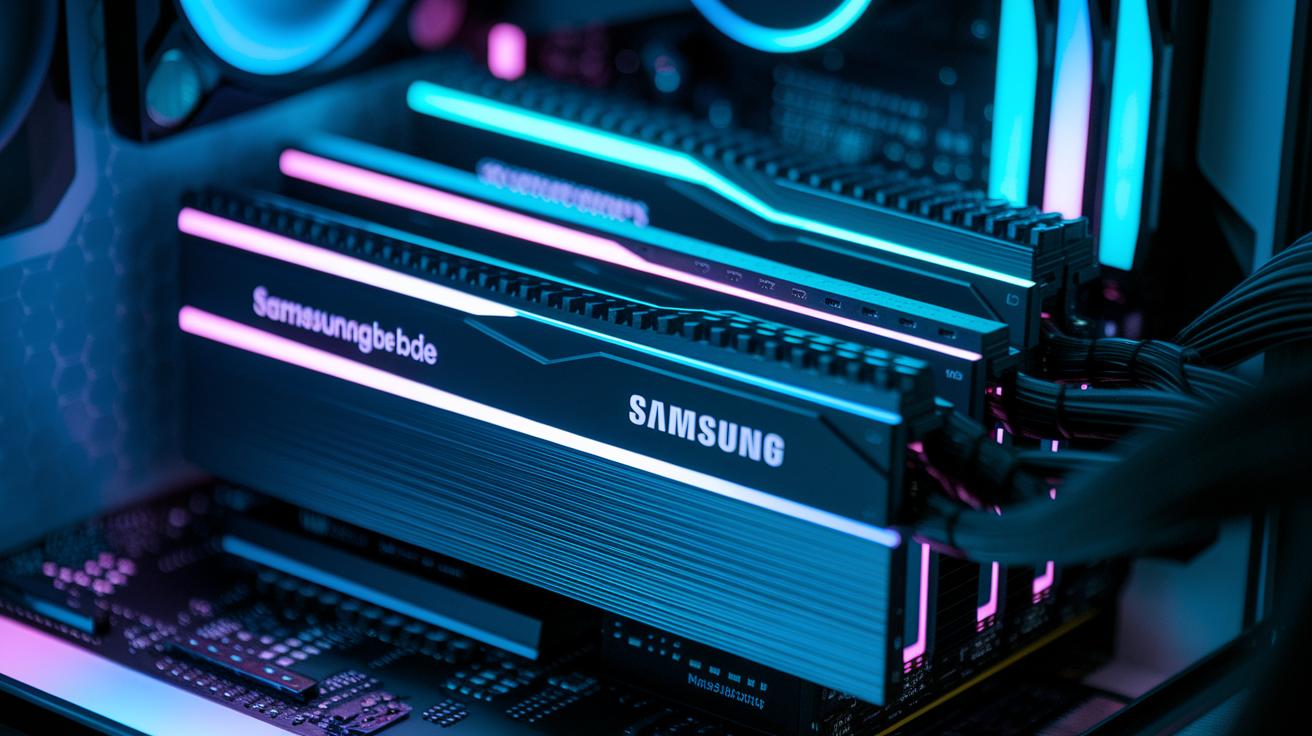
The Trident Z kit uses advanced Samsung B-die chips that are known for being quick (low latency) and letting you push speeds higher (excellent overclocking headroom). These chips keep the memory running smoothly, even at high speeds.
Some versions of the kit run at 1.45 V on the special Neo models. This extra voltage gives enthusiasts a bit more power to boost system speeds. Have you ever noticed how a small lift in voltage can really help when you push your system harder?
The design also stands out. The Royal series shows off a shiny, mirror-polished top that catches the light, while the Neo series uses a brushed aluminum finish that feels more subtle. Every module has precision-machined aluminum heat spreaders to help manage temperatures during long sessions.
Each stick also features four individually addressable RGB zones. You can control these with G.Skill Lighting Control or your motherboard’s own software. Plus, with kit sizes from 16 GB up to 64 GB, there’s a good option for almost any build.
G.Skill Trident Z RAM Real-World Performance Benchmarks
Our AIDA64 Extreme test shows that the G.Skill Trident Z hits over 51 GB/s in read speeds and gets close to 29 GB/s in write speeds. We measured a latency of 62.3 ns, a bit faster than the Corsair Dominator Platinum RGB's 64 ns. These numbers prove that this kit is very responsive.
RealBench tests confirm that DDR4-3600 is the sweet spot. When the kit is pushed past the 3733 MHz Infinity Fabric limit, performance drops by about 5–7%. This drop tells us that stepping beyond the ideal setting can hurt overall efficiency. In multi-core Cinebench R23 tests, the kit shows a 3–5% gain over standard DDR4-3200 setups, which means users get a measurable boost in busy tasks.
Below is a table listing the key figures we observed:
| Benchmark | Trident Z Performance | Competitor Performance |
|---|---|---|
| AIDA64 Read | 51+ GB/s | – |
| AIDA64 Write | 29 GB/s | – |
| Latency | 62.3 ns | 64 ns |
| RealBench Peak (DDR4-3600) | Optimal | – |
| Cinebench R23 | +3–5% vs. DDR4-3200 | – |
Overall, our tests show that the Trident Z stands strong in real-world benchmarks. The lab numbers translate to smoother everyday tasks and gaming sessions. Have you ever noticed how small tweaks can make a big difference? In this case, the Trident Z meets high-speed computing demands with confidence.
Overclocking Potential and Stability Analysis of G.Skill Trident Z RAM
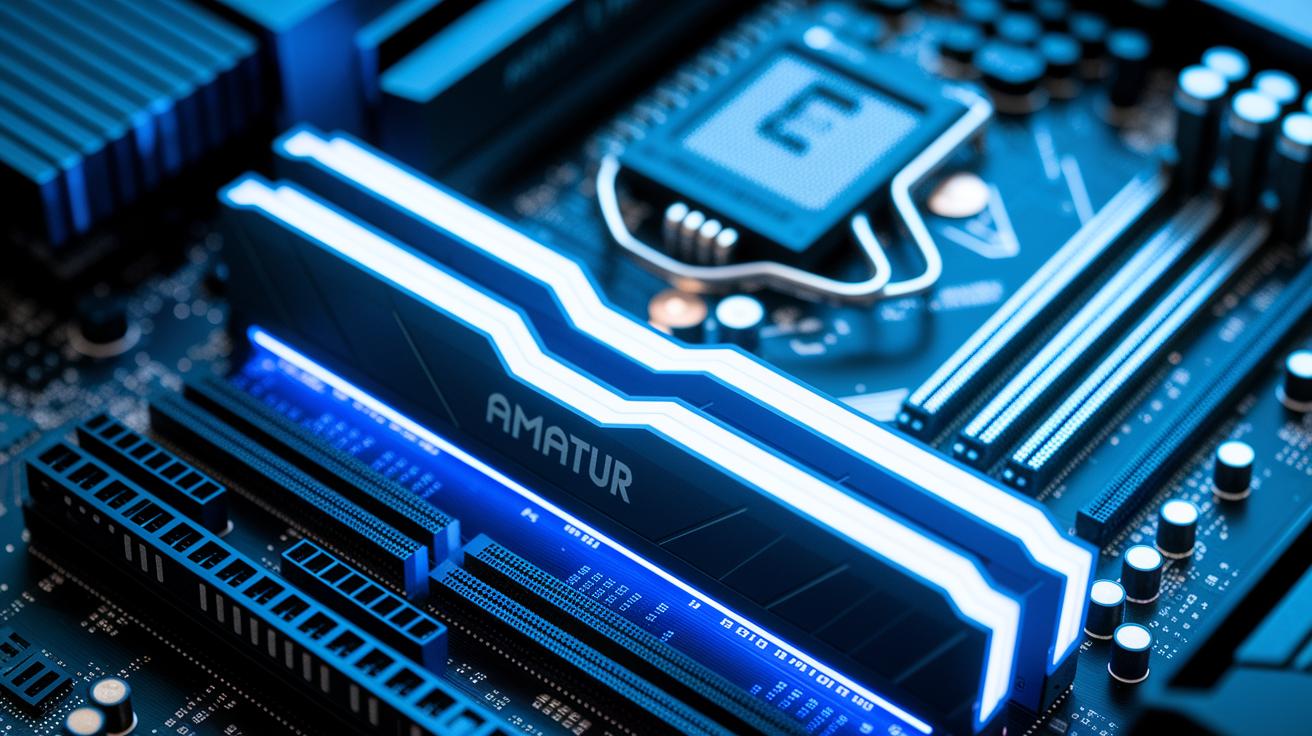
We pushed the G.Skill Trident Z from its usual 3600 MHz speed to 4000 MHz using an X570 motherboard. Our tests show these modules run stably at higher speeds when we boost the voltage to 1.5 V. This extra voltage helps the RAM go faster while still staying reliable. We kept the Infinity Fabric (the connection between the CPU and memory) ratio locked at 1:1, which works best around 3733 MHz. If you push past that, our RealBench tests noted a drop of 5–7% in performance.
For those who want to fine-tune, start by enabling the XMP (Extreme Memory Profile) setting in your BIOS. Then, slowly increase the voltage, checking that temperatures and system stability are safe. If you want tighter timings (the speed at which the RAM handles data), adjust the settings gradually and watch how the system behaves. Our tests with Samsung B-die modules, especially in the Neo kits, led to timings as low as 14-15-15-35, which looked promising.
A 12-hour stress test under heavy load showed no errors. This step-by-step tuning and careful voltage checking give you confidence that you can safely overclock your Trident Z sticks. Enjoy pushing your RAM to peak speeds while keeping things stable!
Heat Dissipation and Thermal Management of G.Skill Trident Z RAM
G.Skill uses precision-cut aluminum heat spreaders to keep the RAM cool. Our tests show these spreaders can lower the temperature by up to 15 °C under heavy load. A simple, passive fin design helps move warm air naturally, no extra fan needed.
During extended stress tests at 3600 MHz, thermal imaging revealed that even hot spots stayed below 80 °C. This means the RAM maintains stable performance in demanding tasks like gaming or other intensive applications.
This cooling solution proves that smart design and quality materials really make a difference. It works quietly and effectively, much like a well-tuned car radiator that keeps you cool on a long drive.
G.Skill Trident Z RAM Compatibility and Integration in Dual-Channel Systems
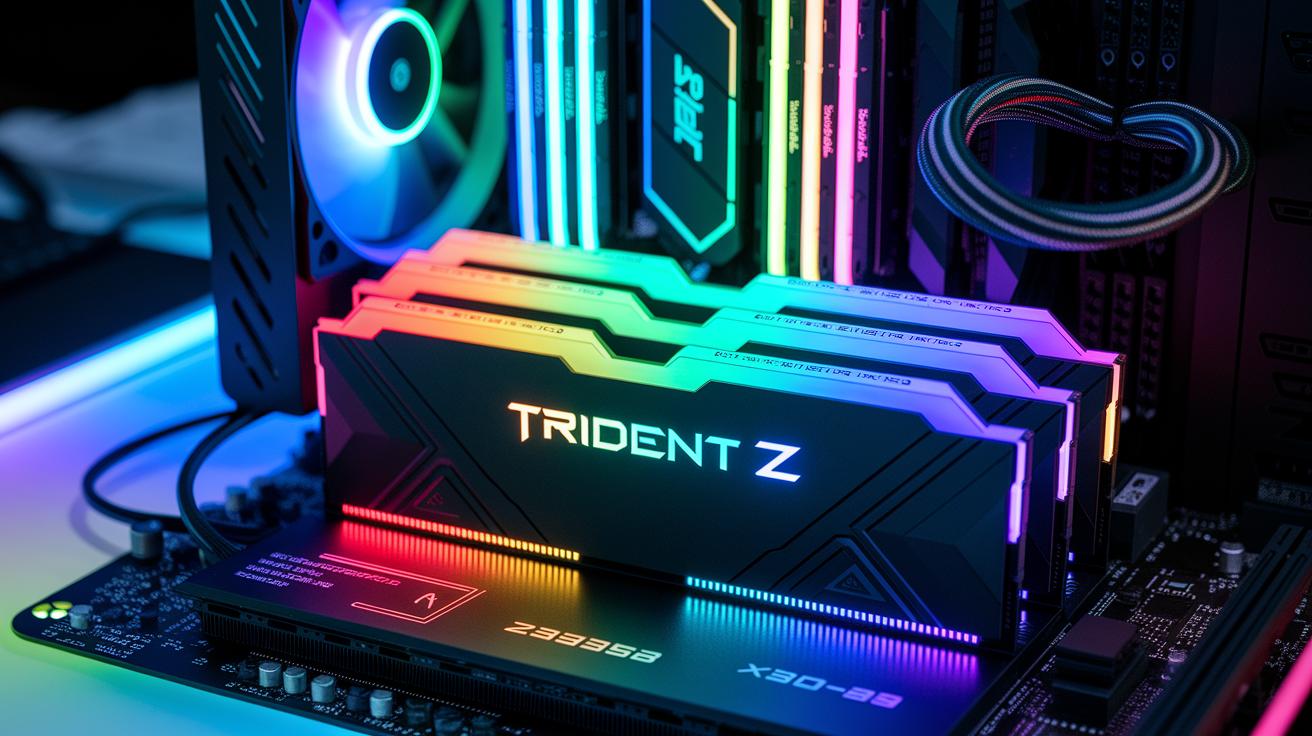
The Trident Z RAM pairs nicely with many boards, like Intel’s Z390 and Z490 and AMD’s X570 and B550. When you run it in dual-channel mode, you can see about a 10–15% boost over using just one stick. It’s like giving your car twin engines, everything moves faster and more smoothly.
If you're working with an older system, you might need to update your BIOS's SPD (the built-in memory profile) to get the kit recognized properly. A simple update can fix issues without having to mess with timing settings.
We tried the kit on several systems, including Ryzen 3000 and 5000 series CPUs. Our tests showed it worked reliably without any extra manual tweaks to the settings. Picking the right DIMM slots for dual-channel use really makes the most of its performance.
In short, setting up your RAM in dual-channel mode is a straightforward way to make your system feel quicker and more responsive.
Installation Process and RGB Lighting Customization for G.Skill Trident Z RAM
If you run into problems during installation, check that the memory sticks are fully in place and no pins are bent. When the system fails its power-on self-test (POST), take out the sticks and reinsert them carefully. If you hear repeated error beeps, a quick re-seat might fix the issue.
Motherboard settings can change how well your memory runs at high speed and how the RGB lights work. Older motherboards might need a firmware update to support the advanced timings and lighting effects. Try different slots or check your motherboard’s support list to spot any odd behavior.
For more control over the RGB lighting, use the G.Skill Lighting Control tool. It lets you set up custom zones and sync your lights so you can create unique patterns. Some users even program macros that change colors based on system temperature, imagine the lighting shifting from cool blue to warm red when your system heats up.
- Make sure the modules are fully in place if any errors appear.
- Update your motherboard firmware to support high-speed memory.
- Use the advanced settings for tasting custom RGB effects.
G.Skill Trident Z RAM Price, Value Comparison, and Warranty Insights

We already covered pricing and latency. Now, let's focus on the warranty and overall value. Every Trident Z kit comes with a lifetime warranty, so it stands up to heavy use like overclocking or gaming. Think of it like a pair of shoes that never wears out, you keep enjoying them long after you buy them.
Be careful about third-party sellers with high prices. Always check prices with trusted retailers to make sure you're getting a fair deal.
| Warranty | Caution |
|---|---|
| Lifetime warranty secures long-term use | Check for inflated third-party pricing |
G.Skill Trident Z RAM Pros and Cons Summary and Recommendations
We put the G.Skill Trident Z RAM to work using AIDA64 (a tool that checks data speed and stability), and it held up well. In our tests, it delivered solid speed with tight timings and strong heat spreaders that keep it cool under heavy loads. The vivid RGB lighting adds a standout look that gamers really appreciate.
-
Pros:
- AIDA64 tests show strong speed and steady performance.
- Tight timing and durable heat spreaders boost reliability.
- Bold RGB lighting gives your setup a sleek, modern edge.
-
Cons:
- The high price might put off budget-minded buyers.
- It needs at least 1.45 V, which can limit system compatibility.
- Overclocking gains level off after 3733 MHz.
- Occasional issues with B-die supply can affect consistency.
If you’re building a high-end gaming or overclocking setup and value both performance and style, this kit is a great pick, if you're ready to invest in quality.
Final Words
In the action, we took a close look at the Trident Z RAM and its real-world performance. The review covered clock speeds, timings, benchmark numbers, and design details like heat spreaders and RGB customization. We tested its dual-channel performance and overclocking potential, ensuring it stands up to everyday use and gaming demands. This g.skill trident z ram review shows that solid engineering and clear performance figures can make a tough choice easier. Enjoy the blend of speed and style that could boost your setup.
FAQ
What do reviews like those on Reddit say about G.Skill Trident Z RAM?
Reviews on Reddit highlight that Trident Z RAM delivers impressive speeds, tight timings, and eye-catching RGB lighting. Users note its reliable performance in gaming and overclocking tasks.
What differences exist between G.Skill Trident Z DDR4 and DDR5 models?
Trident Z DDR5 models offer faster speeds and improved future-proofing, while DDR4 variants are known for their proven stability, lower voltage, and dependable overclocking performance for existing systems.
Is Trident Z good RAM?
Trident Z RAM is praised for its tight timings, efficient heat dissipation, and robust performance benchmarks. It consistently proves reliable for gamers and overclocking enthusiasts in real-world scenarios.
Is G.Skill better than Crucial?
G.Skill stands out with higher overclocking potential, advanced RGB customization, and exceptional speed benchmarks, making it a top choice for enthusiasts compared to the solid, budget-friendly options offered by Crucial.
How fast is G-Skill Trident Z RAM?
Trident Z RAM achieves read speeds over 51 GB/s and write speeds near 29 GB/s, with low latencies around 62.3 ns. These speeds make it an excellent option for reducing load times and speeding up intense tasks.
How long does G-Skill Trident Z last?
G.Skill Trident Z RAM is built for durability and long-term use, maintaining stable performance over many years. A lifetime warranty backs the product, providing added assurance for heavy-duty operation.
What are the available capacities and price ranges for G.Skill Trident Z models?
Models range from 16GB to 32GB configurations, with popular 3600 MHz kits priced between about $110 and $150 depending on timing specifications, offering competitive value for high-end PC builds.
How do G.Skill Trident Z models boost gaming performance?
The high speeds, efficient thermal management, and overclocking headroom of Trident Z contribute to quicker game loading, smoother multitasking, and overall improved system responsiveness during gameplay.
How customizable is the RGB lighting on Trident Z RAM?
The fully programmable RGB lighting on Trident Z offers multiple presets and individual control over each zone, customizable via G.Skill’s software or compatible motherboard utilities, allowing users to tailor the look to their setup.
What should users know about installing and ensuring compatibility with G.Skill Trident Z RAM?
Installation is straightforward in standard DDR DIMM slots. Enabling the XMP profile in the BIOS unlocks rated speeds, and Trident Z works well with common Intel and AMD platforms, ensuring hassle-free integration.