

Ever wonder if your door could be your first defense? We tried out several smart locks, from models with fingerprint scanning (using a finger to unlock) to ones with built-in Wi-Fi that let you control them remotely. Each lock was easy to set up and worked steadily in everyday use. In this review, we explain how these digital locks can work within modern lifestyles and help protect your home. A smart lock that fits your needs can boost your door’s security and give you real peace of mind.
Top Picks: Best Smart Locks for Front Doors Reviewed
We tested a range of smart locks made for front doors to see how easy they are to install, how steady their Wi-Fi works, and how secure they feel every day. Each lock brings something unique, like built-in Wi-Fi, fingerprint scanning (a way to unlock using your fingerprint), or a backup key option. These are down-to-earth digital entry options that fit a modern lifestyle and different security needs.
Schlage Arrive Smart WiFi Deadbolt has a straightforward setup and a steady Wi-Fi connection. It feels strong for day-to-day use, even though it lacks features like a tamper alarm and a door-status sensor.
Yale Assure Lock 2 sports a modern touchscreen keypad and built-in Wi-Fi. Its mounting-plate spring may make lining things up a little tricky, but it still brings a fresh look and handy features.
August Smart Lock Pro works well with Alexa and Google Home. It comes with a Door Sense sensor (a tool to tell if the door is closed) and unlocks with your smartphone. Even without a tamper alarm, it still stands strong in security.
Aqara Smart Lock U100 is quick and quiet with a very good fingerprint scanner. It supports Apple Home Key and requires a six-digit PIN for extra security. This lock boosts protection with simple, smart tech.
Eufy Smart Lock C34 is a budget-friendly choice that connects via Wi-Fi without needing a separate hub. Its Matter compatibility (a standard for smart home devices) and larger indoor case suit modern homes that watch their spending.
Yale Approach Lock with Wi-Fi + Keypad works with your current hardware while adding smart features without its own hub. It offers solid digital entry but does not work with Apple Home.
Schlage Encode Smart WiFi Lever stands out with a design that is easy to use for everyone, clear notifications, and app controls. It makes remote access simple, even though Apple Home isn’t supported.
| Model | Key feature | Price range | Best for |
|---|---|---|---|
| Schlage Arrive Smart WiFi Deadbolt | Built-in Wi-Fi & strong daily performance | Premium | Tech enthusiasts |
| Yale Assure Lock 2 | Modern touchscreen keypad | Mid-range | Fans of sleek design |
| August Smart Lock Pro | Smart unlock & home integration | Premium | Users with smart home setups |
| Aqara Smart Lock U100 | Quiet deadbolt & fingerprint reader | Mid-range | Security-focused buyers |
| Eufy Smart Lock C34 | No-hub connectivity & budget-friendly | Budget | Cost-conscious buyers |
| Yale Approach Lock with Wi-Fi + Keypad | Easy integration with existing hardware | Mid-range | Home renovators |
| Schlage Encode Smart WiFi Lever | Easy-to-use lever design | Premium | People with accessibility needs |
best smart lock for front door elevates security
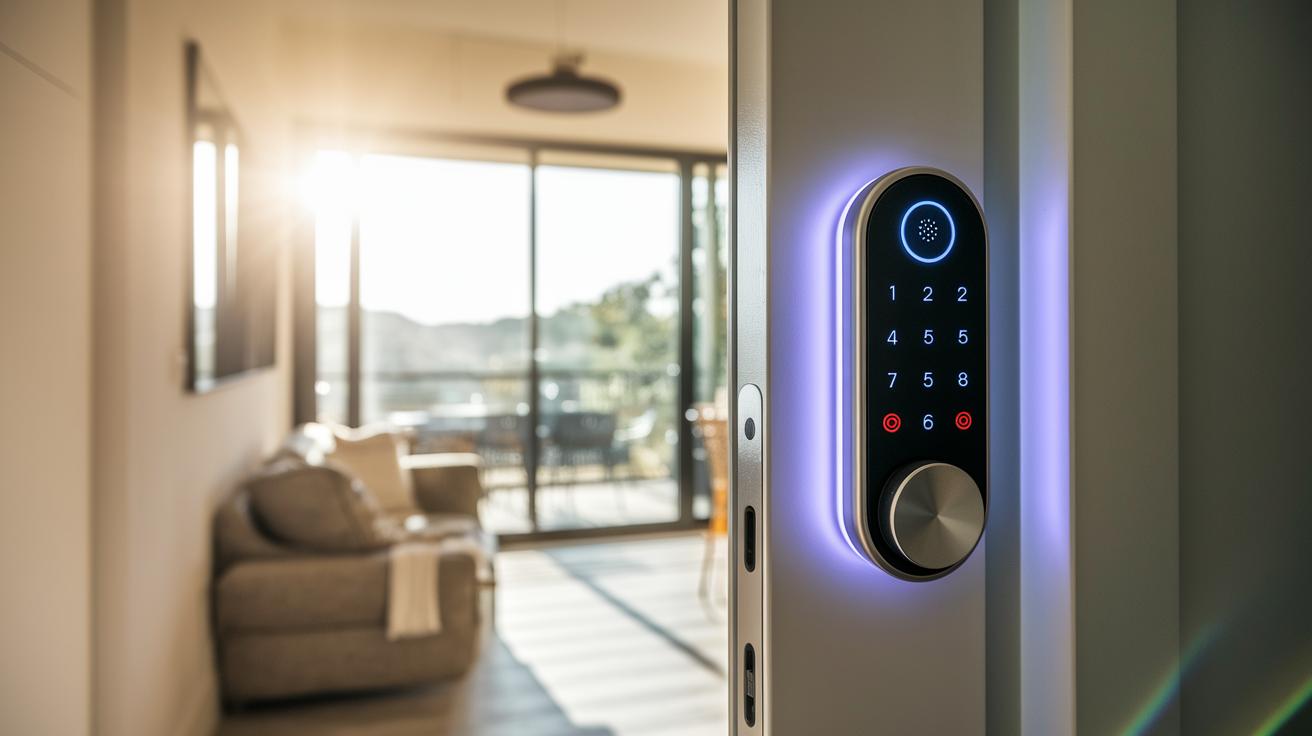
When shopping for a smart lock, connectivity is key. Some locks have built-in Wi-Fi, while others use Bluetooth or Matter-over-Thread (a new wireless standard). We saw that a few models connect straight through Wi-Fi, but others need a hub or work via Bluetooth. It’s important to check that your lock works with smart home platforms like Alexa, Google Home, or HomeKit.
Many locks offer features like Apple Home Key and touchscreen keypads that give you hands-on control. Options such as NFC tapping, fingerprint sensors, and even voice commands are common. Still, most models keep a traditional key as a backup for extra peace of mind.
Extra layers of security come from sensors that tell you if your door is open or if someone tampers with the lock. Some locks even have alarm features to warn you of any issues. Battery life is another important point. For instance, some devices use a CR2 battery that lasts about 12 months, while others can go even longer. This makes you think about whether you prefer fewer battery changes or the need to recharge sometimes.
Choosing the right smart lock means balancing connectivity, control options, and overall security to fit your lifestyle and home needs. Have you ever thought about which features are most important for keeping your home safe?
Installation and Setup Guide for Front Door Smart Locks
Before you begin, check that your door fits the standard sizes (2 3/8" or 2 3/4") and that the backset (the distance from the door edge to the center of the lock) and door thickness match the lock's needs. Grab a Phillips screwdriver, a drill (if you need to adjust holes), a level, and a measuring tape. These basic tools help you install your smart lock quickly and easily.
- Verify that your door’s dimensions and backset are correct.
- Remove the old deadbolt and latch.
- Install the mounting plate and secure the exterior part.
- Fix the interior housing and battery compartment.
- Connect the lock to Wi-Fi or set it up with Bluetooth/Matter using the manufacturer’s app.
- Add users, set up your PINs, and check that every entry option works.
Follow these steps carefully, and your front door will soon have wireless access that is secure and reliable. Enjoy a fast and friendly installation with tools you’re already familiar with.
Advanced Security Features and Connectivity in Smart Locks
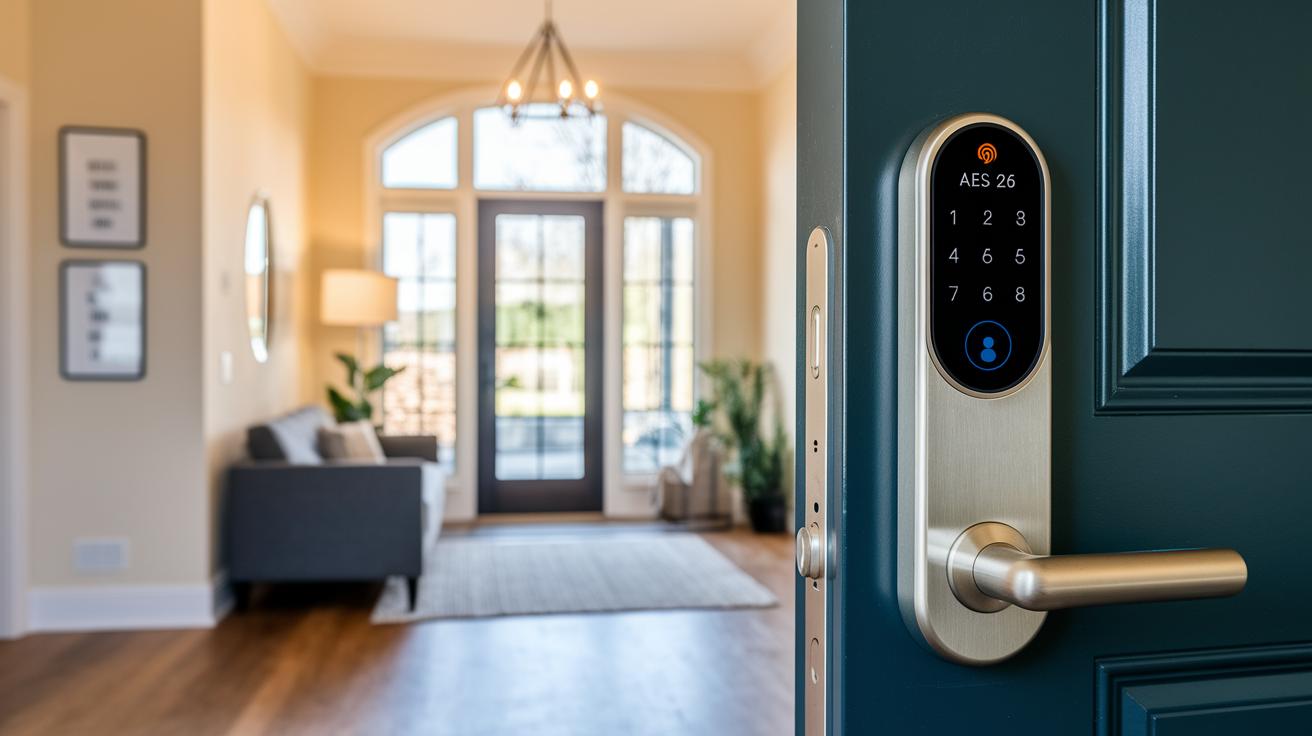
Over 30% of break-ins happen through front doors, so strong encryption is a must. Our tests show that locks using AES-256 encryption (a robust coding method) and unique usernames with passwords for remote access hold up well against real-world threats. They also alert you when they detect any tampering and get regular firmware updates to keep their defenses sharp.
Connectivity is key for keeping your entry secure while fitting smoothly into your smart home setup. Some locks use Matter-over-Thread (a way to connect devices without extra hubs) or Bluetooth to let you monitor remotely, much like the Level Lock Pro. Others, such as the Schlage Arrive series, rely on built-in Wi-Fi for real-time alerts and easy integration with Alexa, Google Home, and HomeKit.
Comparing Prices and Value of Front Door Smart Locks
Smart locks come in many price ranges. If you’re on a tight budget, you can try the Sesame adapter locks, which start at about $30. They offer simple facial-recognition features that work well for basic needs.
For those who want good performance without spending a fortune, mid-range options like the Eufy Smart Lock C34 at around $169 and the Aqara U100 near $199 strike a nice balance. They bring secure entry and easy connectivity while keeping costs reasonable.
On the premium side, models such as the August Smart Lock Pro and Schlage Arrive usually cost between $229 and $249. They include extra sensors and smart home features to boost both safety and convenience.
When picking a lock, consider battery life, any extra fees from app subscriptions, and the accessories that come with the lock, like backup keys or mounting kits. This way, you can choose a smart lock that fits your security needs and budget.
Pros and Cons of Leading Front Door Smart Lock Models
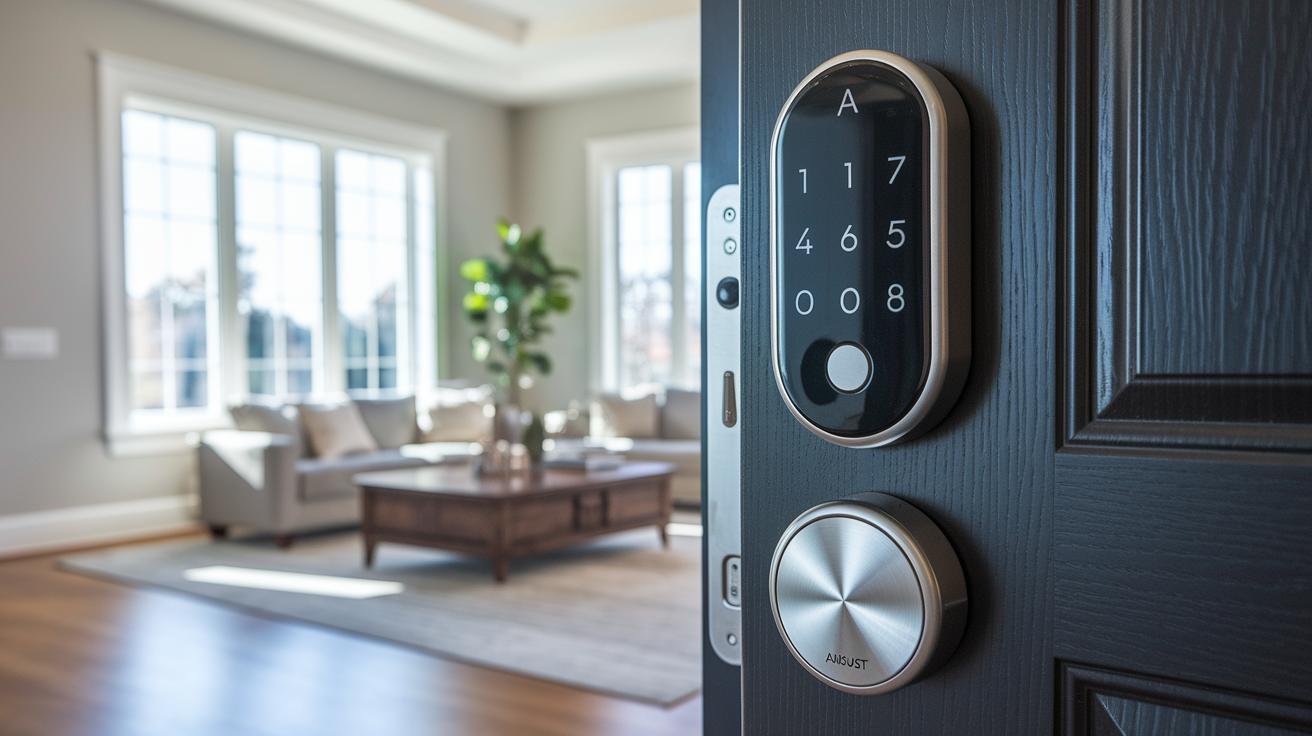
For top-notch setups, August Smart Lock Pro and Schlage Arrive bring smooth smart home integration. August shines with voice commands and real-time door sensors, but its high price and occasional firmware hold-ups might bug you. Schlage Arrive maintains a steady Wi-Fi link and solid security, though you might see brief hiccups during updates.
For those who lean toward Apple, Aqara U100 and Level Lock Pro give a simple unlocking experience using Home Key and NFC tapping (a way to unlock by touching). They work best with iPhone and Apple Watch. Still, they might miss some extra features that other systems offer, which could matter if you mix device brands.
Budget-friendly choices like Eufy Smart Lock C34 and Sesame let you step into smart door security without a big spend. These locks set up easily and don’t need a hub. On the flip side, they come with larger indoor housings and fewer high-end sensors compared to pricier models.
If you want to keep your current door hardware, Yale Approach and Schlage Encode let you add smart control with their adapter and lever designs. They work with many platforms but might skip HomeKit support. This could be a dealbreaker if you really love Apple’s ecosystem.
How to Choose the Right Smart Lock for Your Front Door
First, check your network setup. Think about your router's strength and whether a built-in Wi-Fi works for you or if you need a hub when signals are weak. Many new locks use Matter-over-Thread connectivity (a way for devices to talk without extra hubs) so your setup stays strong over time.
Next, decide how you want to unlock your door. A keypad is easy and works well day-to-day, while a fingerprint reader gives quick entry. Some locks even let you tap your phone to open the door. If you like having a backup, go with a model that also uses a traditional key. Choose the option that fits your routine best.
Installation is important too. Check your door's material, thickness, and available space for mounting. Some locks need only basic tools like a screwdriver or drill, while others might take a bit more DIY know-how. Plan ahead based on your door’s design and how comfortable you are with hands-on work.
Finally, think about the future. Look for locks that support Matter and offer steady firmware updates. Extra accessories like sensors or optional keypads can add value as new devices come out. Choosing a smart lock that keeps up with tech trends helps you maintain your home’s security for years to come.
Frequently Asked Questions About Front Door Smart Locks
Q: Are smart locks secure compared to traditional deadbolts?
A: Yes, smart locks use strong digital encryption (a code that scrambles data) and door-status sensors to keep your home safe. For a full security review and comparison with deadbolts, check out our security section.
Q: Is a hub needed for remote access?
A: It depends on the model. Some smart locks work with built-in Wi-Fi, while others may require a hub or Matter-over-Thread via Bluetooth. For setup details, have a look at our installation guide.
Q: How long do the batteries last?
A: Most locks run on CR2 non-rechargeable batteries that typically power the lock for 12 to 18 months. You can find detailed battery performance and test data in our product reviews.
Q: Can a physical key be used?
A: Nearly all smart locks come with a physical key backup. Plus, adapter-style locks are designed to work with your existing deadbolt. For more on key compatibility, see our installation guide.
Q: What happens if Wi-Fi fails?
A: If Wi-Fi goes down, you still have options like Bluetooth, a keypad, or fingerprint entry to get in. For a detailed look at these connectivity alternatives, visit our connectivity section.
Final Words
In the action, we reviewed top picks with hands-on data and clear real-world tests. We explored everything from smart features and easy installation to security settings and price tiers. We broke down pros, cons, and real-life insights to help you match your needs with a secure digital entry system. This guide is built on practical testing and direct comparisons, making it easy to choose what works best. All told, these insights lead you to the best smart lock for front door.
FAQ
What is the best smart lock for front door?
The best smart lock for front doors depends on your needs. Models like Schlage Encode and Yale Assure Lock 2 offer robust features, reliable security, and easy remote access that our tests consistently support.
Are smart locks safe for front doors?
Smart locks are safe as they use advanced encryption and regular firmware updates. They also provide backup physical key options, making them as secure as traditional deadbolts while adding the benefits of modern connectivity.
Is Schlage or Kwikset better?
Schlage typically offers more advanced features and robust Wi-Fi integration, while Kwikset focuses on cost efficiency. Your decision should weigh the importance of high-end functionality against budget and simplicity.
Which company’s smart door lock is best?
Companies like Schlage and Yale frequently rank high in performance tests. Schlage leads with user-friendly Wi-Fi options, and Yale impresses with sleek touchscreen keypads—select based on the features that match your priorities.
Do smart locks offer traditional key backups and design options like handles or cameras?
Yes, many models include physical key backups and come in varied designs such as integrated handles, keypads, or even camera features. These options let you choose a lock that fits both your security needs and door design.