

Is your computer feeling slow? It could be the processor holding it back. We tested many CPUs to see how they perform with both everyday tasks and heavy-duty work.
Imagine each processor core like an athlete, able to sprint fast and also work as part of a relay team. We looked at key things like the number of cores, clock speeds (how fast a chip works), cache size (small fast memory), and heat output.
Our goal is simple. We want to show you which chip gives the best mix of speed and efficiency for your needs.
cpu performance comparison: Exceptional Speed & Efficiency
CPU benchmarks are tests that show how fast and efficient a processor is. They measure how one core performs (like a quick sprint) and how all the cores work together (more like a relay race). Many everyday tasks only need one core working at a time, so having strong single-core speed is just as important as using multiple cores.
We look at core count and thread count to understand performance. Think of core count as the number of workers in a factory, while threads are the jobs each worker can tackle at once. A CPU's base clock speed is its normal pace, and its boost clock speed is like a burst of energy for heavy tasks, it speeds things up when needed, then returns to its usual rate.
Cache size is another key metric. It is a small, fast memory built into the chip to store data you use often. Meanwhile, instructions per cycle (IPC) tell us how many tasks the CPU completes in one cycle; the higher the IPC, the more work gets done in the same time.
Thermal Design Power (TDP) shows how much heat a CPU produces and gives a clue about its energy use. Benchmarks also compare chips from AMD and Intel using these numbers so you can clearly see how they stack up when it comes to speed and energy efficiency.
Side-by-Side CPU Comparison Table
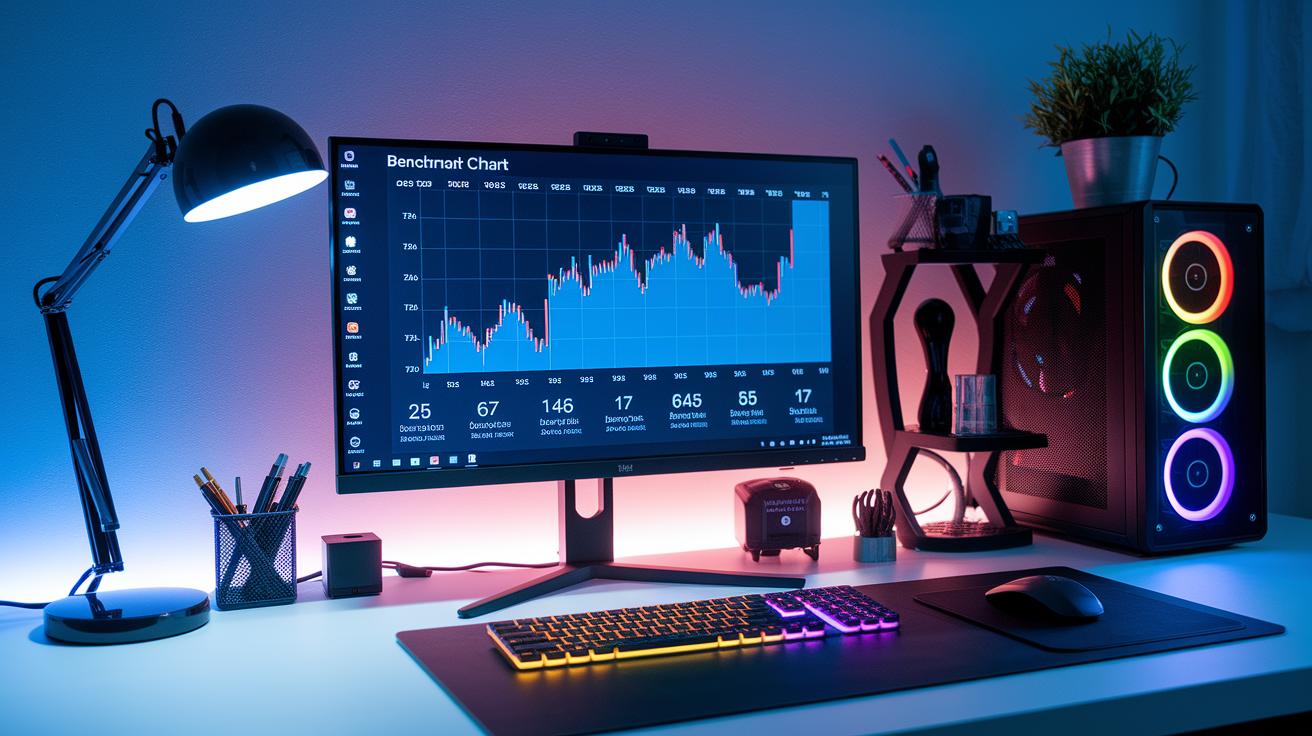
Here's a benchmark chart that lays out how top Intel and AMD chips stack up. The table shows key numbers like cores/threads, base and boost speeds (in GHz), PassMark scores (a quick look at raw power), and TDP (watts drawn by the CPU). Think of the PassMark score like horsepower in a car, a higher score means more muscle for heavy tasks. When you see a high score, imagine a turbocharged engine ready to tackle tough workloads.
| CPU Model | Cores / Threads | Base / Boost (GHz) | PassMark Score | TDP (W) |
|---|---|---|---|---|
| Intel Core i9-13900K | 24 / 32 | 3.0 / 5.8 | 46,000 | 125 |
| AMD Ryzen 9-7950X | 16 / 32 | 4.5 / 5.7 | 43,500 | 170 |
| Intel Core i5-13600K | 14 / 20 | 3.5 / 5.1 | 28,000 | 125 |
We use this multi-core test to give you a clear look at each chip's strength. For detailed model reviews, check out our desktop CPU reviews. If you want more comparisons on other PC parts, visit our PC components comparison page.
Benchmarking CPUs in Real-World Applications
We test CPUs by having them tackle daily tasks instead of just running synthetic benchmark numbers. We look at how a chip handles both work and play, much like driving a car in busy town streets and on bumpy country roads to see how it performs under different conditions.
For work-related tasks, we ran a set of tests that copy common professional activities. These include:
- Blender 3D rendering: We timed how fast each CPU creates complex scenes. This shows how well it uses multiple cores.
- 7-Zip compression/decompression: This measures how quickly data gets squeezed and then restored, which is similar to everyday file management.
- Adobe Premiere exports: We checked how fast the processors encode video, which matters a lot for content creators.
- Photoshop editing: We looked at how smooth the system stays while editing images.
- Chromium code compile: This simulates a typical software build, testing both single-threaded and multi-threaded speeds.
Gaming gets a special look too. We run popular titles to see if the CPU keeps up with fast actions. Our gaming tests include:
- Dragon’s Dogma 2
- Stellaris
- Baldur’s Gate 3
- F1 2024
- Final Fantasy XIV: Dawntrail
- Rainbow Six Siege
- Starfield
- Total War: Warhammer III
Each game is played at both 1080p and 1440p resolutions. This helps us see how well a CPU deals with varied visual loads while keeping gameplay smooth. Whether you're rendering detailed graphics or engaged in fast-paced gaming, these everyday tests reveal the chip’s strengths and any trade-offs in performance.
Evaluating CPU Power Consumption and Efficiency
Power use isn’t just about speed. It’s mainly about how smartly a CPU uses energy. We look at the TDP (Thermal Design Power) to get a rough idea of how many watts a chip uses under load. But real-world measurements, taken during both single-threaded and multi-threaded tasks, give us the true picture of energy draw.
We judge efficiency by looking at performance per watt. This number comes from dividing a CPU’s benchmark score by its energy use during heavy work. A high score means the processor does more work for each watt of power. This is important if you want to save on electricity or keep your system cool.
The design of the chip matters a lot too. Newer processor designs built on smaller process nodes tend to use less power while still delivering strong performance. This mix is vital for systems that are on all day, helping you cut down on operating costs.
By tracking power and efficiency this way, you can pick the right CPU for a home setup or a busy work environment, getting solid performance without wasting energy.
Architecture and Thermal Management in CPU Performance Comparison
Microarchitecture Advances
Intel’s Raptor Lake and AMD’s Zen 4 show clear improvements in how many tasks a CPU can complete each clock cycle (this is called IPC, or instructions per cycle). In plain words, these chips work smarter by getting more done in the same amount of time. Their newer designs squeeze more transistors into the same space, which means they run faster and use less energy. Think of it as having more workers in the same factory, each with better tools. These designs also improve the way cores talk to each other, so data gets passed along with less delay.
Clock speed versus IPC trade-offs
Finding the right mix of base clock speed (the daily running speed) and boost clock speed (the extra speed when heavy work is needed) is important. The base speed is like a steady jog, while the boost is a sprint when you really need it. Some tasks call for a quick burst of high performance, but that high boost may not last if the chip's design isn’t balanced with good IPC. In our tests, some CPUs may reach high boost speeds but then slow down sooner in long, heavy workloads. This shows that a smart balance between clock speeds and IPC is key for real-life use.
Thermal and cooling impact
When a CPU heats up, it might slow itself down to avoid damage, this is known as thermal throttling. It’s like easing off the gas on a steep hill to protect your car. Effective cooling systems help keep the temperature in check so the chip can work hard without slowing down. A good cooling solution lets a CPU hit high speeds and keep going during long work sessions or gaming marathons. Our tests show that investing in proper cooling really helps maintain steady performance and prolong the chip’s life.
Choosing the Best CPU Based on Performance Comparison
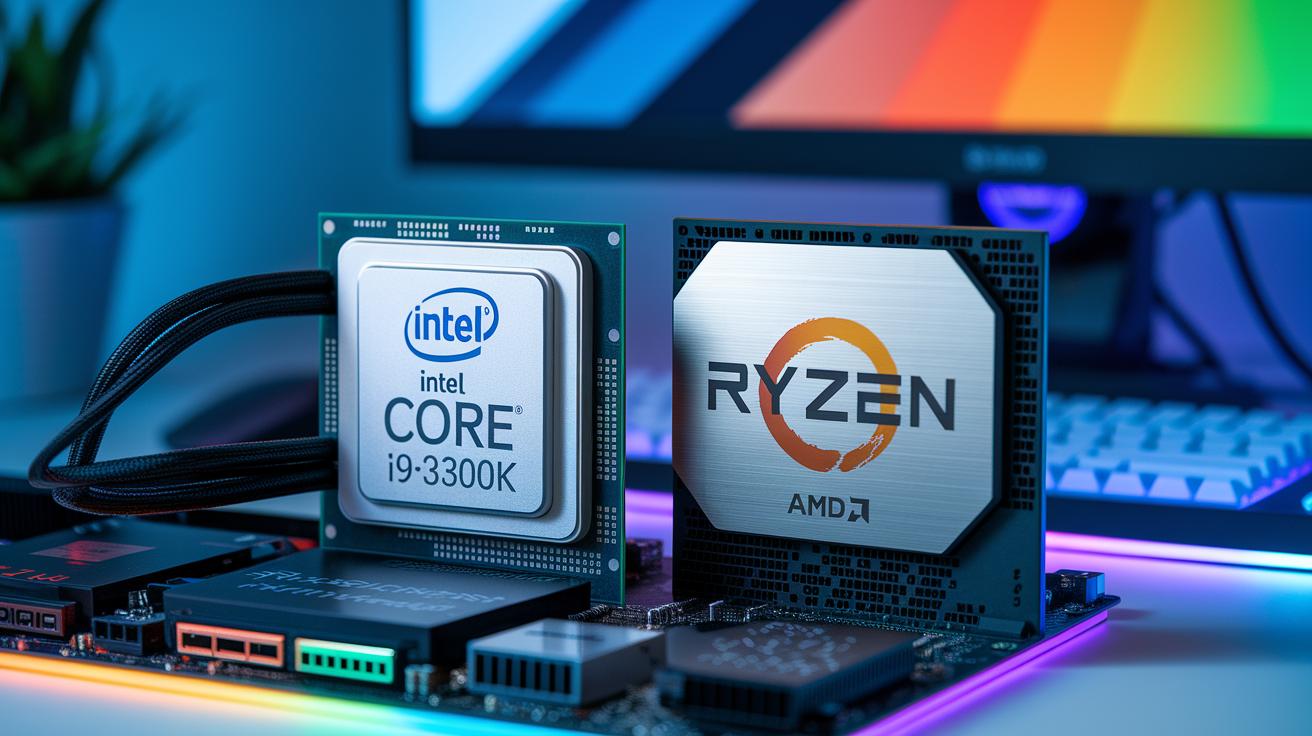
When picking a CPU, you need one that fits your work or play style. We tested and found that for high-end gaming, the Intel Core i9-13900K works great. It offers fast single-core speed (how quickly one core can finish a task) and steady multi-core performance to keep games smooth even during intense action.
For tasks like 3D rendering or video editing, the AMD Ryzen 9-7950X stands out. It handles many tasks at once and is a solid choice for professional work. If your budget is tight, the Intel Core i5-13600K gives good performance without a high price. It strikes a smart balance for everyday tasks or casual gaming.
You can also compare other models like the Ryzen 5 1600AF based on these key details: number of cores, clock speeds (how fast the cores work), and how well they hold up under load.
For more help on matching your CPU with the rest of your setup, check out our pc components compatibility guide. And if you're planning to build a PC, our guide on what components do you need to build a pc offers practical tips.
Final Words
In the action, we broke down key CPU benchmarks like core and thread counts, clock speeds, and power use. We stacked side-by-side comparisons with real-world tests in gaming, productivity, and thermal handling. Our guide showed how small factors, such as IPC and cooling, make a big difference in overall performance. This cpu performance comparison gives you clear data to match your needs and budget. The insights here make choosing your next processor a confident and rewarding step. Enjoy making your choice and happy computing!
FAQ
What does GPU compare mean and how does a GPU benchmark work?
The GPU compare looks at different graphics cards by testing them with standard tasks. A GPU benchmark measures frame rates and other graphics performance data to show which card might suit your needs.
What is a CPU comparison chart?
The CPU comparison chart lists key specs side by side, including clock speeds, core counts, and benchmark scores. It helps you quickly see which processor meets your computing requirements.
What do CPU benchmark ranking and CPU ranking indicate?
The CPU benchmark ranking orders processors based on performance tests. They indicate how well each chip handles tasks like single-core and multi-core operations, offering a quick snapshot of overall strength.
How can I compare CPUs effectively?
Comparing CPUs effectively means checking key factors like core and thread counts, clock speeds, and benchmark scores. Side-by-side charts with real-world performance tests help reveal which processor suits your needs.
What is a CPU benchmark test and which software is used?
A CPU benchmark test measures a processor’s speed by running set tasks. Various software tools run tests on integer and floating-point operations so that you can see a clear picture of each CPU’s performance.