

Think small desktops can't do heavy work? Think again. Our tests show that many mini PCs handle everyday tasks and tougher projects with ease. We checked each unit for speed, connectivity (how well it connects to other devices), and build quality to see how it performs in real life. Whether your work is office duties or creative projects, these picks prove that a small size doesn't mean weak power. Read on to find out which compact desktops match your needs without cutting corners on performance.
Top Compact Desktop Reviews: Leading Mini PCs for Every Use
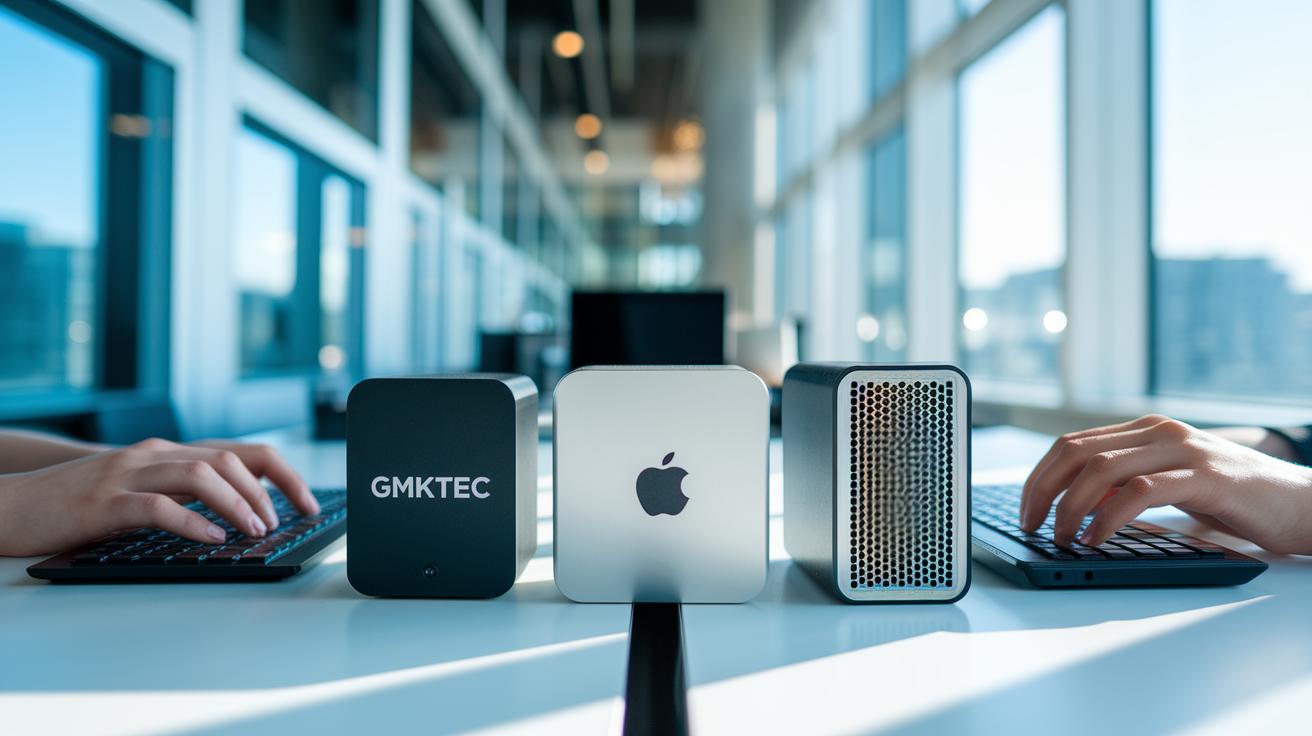
We chose these mini PCs after testing them for speed, design, and ease of use. We checked how fast they run, how well they connect, and how sturdy they feel in real-world use. Each unit was tested for everyday work, creative projects, and business tasks.
We also compared prices and features so you can find the right fit for your needs. Whether you need a basic kit or a system built for heavy work, these compact desktops show strong value in 2025.
- Apple Mac mini (M4) gives solid power in a sleek form.
- GMKtec NucBox M5 Plus at $549 is a smart, budget-friendly option.
- Geekom AX8 Pro is set up for Windows users who need reliability.
- Minisforum AtomMan G7 PT stands out with quick, responsive gaming controls.
- Minisforum UM790 Pro handles 4K video editing tasks efficiently.
- Dell OptiPlex Micro Plus 7020 offers steady, business-ready performance.
- Geekom A8 Max is tailored for content creators with strong multimedia support.
- Beelink GTi12 Ultra is a great mini workstation for special tasks.
- MSI Cubi NUC 1M features an ultra-compact 0.8 L design, perfect for tight spaces.
Each mini PC has its own strengths, so you can pick one that best fits your work and play needs without sacrificing quality or ease of use.
Compact Desktop Reviews: In-Depth Performance Analysis

We tested a range of small desktop computers in our lab to see how they perform in everyday tasks and under pressure. We ran common tasks like web browsing, office work, and even light 1080p gaming. Each unit was checked using the same color-calibrated display and network tests to keep things fair. We mixed synthetic benchmarks with real-world apps to see if these systems can handle day-to-day use.
For CPU tests, we ran multi-core tasks and found that models with the AMD Ryzen 5 5825U did well under heavy loads. We saw that desktops with at least 8 GB of RAM completed most tasks well. However, units with 16 GB or more made switching between programs feel smoother during busy work sessions. Storage drives hit speeds above 1 GB/s, which kept loading times very short for everyday tasks and file moves.
Our memory and storage tests showed that these small desktops can be quick despite their size. We noticed quick responses in file handling, and office programs rarely had any delays because of the strong memory performance. Even when several apps ran at once, the system stayed steady. This means that enough RAM and fast SSD drives make a big difference for daily work.
On graphics and video tasks, these desktops also held up well. Their built-in graphics units delivered good results for light gaming and watching 1080p videos. One model, the UM790 Pro, even finished 4K video exports in under 4 minutes. This shows that even compact units can manage creative tasks when built with the right parts.
Compact Desktop Reviews: Design, Build, and Connectivity Breakdown

Compact desktops are designed to work well in tight spaces. They range from about 0.8 liters (like the MSI Cubi NUC 1M) up to roughly 1.7 liters. Many models let you mount them on a wall (using a VESA mount) to free up your desk. You can choose between a sturdy all-metal build for more durability or a lighter plastic case if you want to save money.
These systems pack plenty of ports. You typically get one Thunderbolt 4 port and several USB 3.2 Gen 2 ports, in both Type-A and Type-C styles. They also offer HDMI and DisplayPort 1.4a outputs, a 3.5 mm audio jack, and an SD card slot. Many models even include two 2.5 GbE LAN ports, and some come with an optional PCIe x8 slot. This mix of ports makes it easy to hook up all your modern devices and networks.
Their design makes desk integration a breeze. The small size means they take up little space, yet they still offer solid connectivity and quality builds. Whether you go for a metal case or a plastic one, these desktops combine clean looks with practical port layouts that work well in both homes and offices.
Compact Desktop Reviews Across Price Points

We look at mini PCs that fit any budget, from home use to professional work. These small systems pack a punch and handle everyday tasks along with light creative work.
For basic work like office tasks and web browsing, you have entry-level mini PCs in the $300–$550 range. Options like the GMKtec NucBox M5 Plus at $549 and the MSI Cubi NUC 1M at $549.50 work well without extra bells and whistles.
Mid-range choices, priced between $800 and $1,100, step up with smoother performance and added features. Models such as the Lenovo IdeaCentre Mini at $849.99, Asus NUC 15 Pro+ at $1,016.69, and Framework Desktop at $1,099 hit a sweet spot between cost and capability, perfect for creative projects or small business needs.
For those who demand workstation power, the premium Lenovo ThinkCentre Neo Ultra is a smart pick at $2,215.99. With options like a separate graphics card (discrete GPU) and multi-display support, it stands up to heavy graphics jobs and meets the needs of power users.
Compact Desktop Reviews Comparison Chart: Key Specs Side by Side

This chart offers a quick look at the important specs for each compact desktop. It shows how each unit measures in volume, the material used for its case, and its processor and graphics setup. You'll also find details on memory, storage, and price. This easy overview helps you decide which design might work best for work, gaming, or creative projects.
| Model | Volume (L) | Chassis Material | CPU/GPU | RAM/Storage | Price |
|---|---|---|---|---|---|
| Apple Mac mini (M4) | 1.7 | Metal | Apple M4 | 16GB/512GB SSD | ~$1,099 |
| GMKtec NucBox M5 Plus | 1.5 | Plastic | AMD Ryzen 5 5825U | 8GB/256GB SSD | $549 |
| Geekom AX8 Pro | 1.6 | Plastic | Intel Core i5 (integrated GPU) | 8GB/256GB SSD | ~$749 |
| Minisforum AtomMan G7 PT | 1.6 | Metal | AMD Ryzen 5 + Vega | 16GB/512GB SSD | ~$899 |
| Minisforum UM790 Pro | 1.6 | Metal | AMD Ryzen 7 | 16GB/1TB SSD | ~$1,100 |
| Dell OptiPlex Micro Plus 7020 | 1.5 | Plastic | Intel Core i5 | 8GB/256GB SSD | ~$849 |
| MSI Cubi NUC 1M | 0.8 | Plastic | Intel Core 7 150U | 32GB/1TB SSD | ~$549.50 |
Compact Desktop Reviews: Configuration Choices and Upgrade Paths
When choosing a mini desktop, you have two main options: build it yourself with a kit or buy one that is already assembled. We tested both approaches, and each has its own perks.
Bare-bones kits let you pick the parts you need. This can save you money if you skip what you don't want. But pre-built systems work right away and are simple to set up if you’re not into assembling parts yourself.
For basic tasks like web browsing or office work, integrated graphics (built into the CPU) do the job. If you plan to game or use creative software, a dedicated graphics card gives you the extra power you need.
Most mini desktops perform best with at least 8 GB of RAM. For multitasking and heavier use, 16 GB or more is ideal. We also noticed that storage upgrades can vary. Some systems let you switch from NVMe (a fast type of storage) to SATA drives, so check the model’s details for future upgrades.
Many units come with Windows 11 Pro, making them ready for work right away. But you can also try out Linux or Chrome OS Flex if you want a different operating system.
Final Words
In the action, we broke down a range of compact desktop reviews that cover performance, design, pricing tiers, and upgrade options. The guide compared mini PCs for everyday tasks, gaming, and video editing. We looked at models like the Mac mini, GMKtec NucBox M5 Plus, and MSI Cubi NUC, among others. The clear side-by-side specs and real-world tests help you decide which unit fits your budget and needs. Enjoy exploring these hands-on compact desktop reviews and finding the perfect little powerhouse for your setup.
FAQ
Q: What are the best compact desktop reviews including gaming options?
A: The best compact desktop reviews cover models that excel in daily work and gaming. Tests show that systems like the Apple Mac mini and MSI Cubi NUC offer solid performance, efficient cooling, and robust connectivity for both office tasks and light gaming.
Q: What is the best mini PC overall, including 2025 picks?
A: The best mini PCs of 2025 bring high performance in a small package. Models such as the GMKtec NucBox M5 Plus and similar options offer fast speeds, ample RAM, and responsive storage for a variety of users.
Q: How do mini PCs perform with Windows 11 and which models are best for it?
A: Mini PCs running Windows 11 deliver smooth everyday performance with preloaded Windows 11 Pro. They efficiently handle tasks like browsing and office apps, though higher specs are needed for demanding applications.
Q: How does the Beelink Mini PC compare to other mini PCs?
A: The Beelink Mini PC stands out for its compact design and steady performance. It balances office productivity with multimedia tasks, making it a competitive option among mini workstations and home entertainment systems.
Q: What is the most reliable mini PC brand?
A: The most reliable mini PC brands often depend on your needs, but brands like Dell, Apple, and Beelink consistently earn praise in testing for their durability, performance, and dependable customer support.
Q: Are mini PCs as good as desktops?
A: Mini PCs deliver robust performance for everyday tasks and light gaming, matching desktops in speed and efficiency. However, full-size desktops typically offer more upgrade options and better thermal management for heavy workloads.
Q: What are the downsides of a mini PC?
A: Mini PCs can have fewer upgrade options, limited ports, and thermal restrictions compared to full-size desktops. These factors may affect performance during sustained heavy use like intense gaming or advanced editing.
Q: How long do mini PCs typically last?
A: Mini PCs typically last several years with proper care. Their lifespan generally ranges from three to five years, depending on workload and maintenance, making them a practical choice for steady everyday computing.