

Ever think a cheap laptop couldn’t deliver real power? Think again. Budget gaming laptops are turning heads by mixing strong parts with a low price tag. We checked out key bits like the graphics chip (GPU), main chip (CPU), and screen to see if they could run games like Cyberpunk 2077 without hefty costs. These machines show you can get smooth gameplay without spending big. It’s proof that great performance and smart design can live in one small package.
Top Cheap Gaming Laptops Under $1,000
When picking a budget gaming laptop, we zeroed in on key parts: the graphics card (GPU), processor (CPU), screen, and cost. A good GPU helps you run games like Cyberpunk 2077 smoothly. The CPU handles multiple tasks and keeps the game running well through long sessions. We also made sure the screens offer full HD (clear visuals) and high refresh rates for smooth play, all while keeping the price under $1,000. Battery life and build quality also played a big role in our choices.
Our list mixes options that cover everyday gaming without straining your wallet. Some models offer solid dedicated graphics, while others lean on cloud gaming for better efficiency. Each laptop meets the basic needs for affordable gaming by blending a fair price with solid usability and enough power for competitive play.
| Model | GPU | CPU | Price | Key Performance |
|---|---|---|---|---|
| Acer Nitro V 16 AI | Nvidia RTX 5050 | Mid-range | $629+ | 72 FPS in Cyberpunk 2077, 16″ IPS @180Hz |
| MSI Katana 15 HX | Nvidia RTX 5050 | 14th Gen Intel Core i7 | $999.99 | Solid performance, premium build |
| Dell G16 | Nvidia RTX 4060 | Intel Core i7-13650HX | $999.99 | Robust gaming performance |
| Acer Nitro 16 | GTX 1650 | Balanced mid-range | $900+ | Affordable performance, standard 60Hz |
| Acer Chromebook 516 GE | Integrated | Intel Core i5 | $650 | Excellent battery; cloud gaming only |
Key Specifications for Cheap Gaming Laptops

Every part of a gaming laptop has a job that matters for your play. The GPU (the chip that draws images) does the heavy work, while the CPU keeps everything running smoothly. RAM and storage decide how fast games start and run. The display’s refresh rate helps fast scenes look clear. Each part needs to pass a basic level to offer fair gaming performance without costing a fortune.
- GPU: At least an Nvidia GeForce GTX 1650. We prefer the RTX 4050 if you can stretch the budget.
- CPU: Look for an Intel Core i5 or AMD Ryzen 5 (check a cpu benchmark chart for details). Avoid the weaker mobile chips.
- RAM: 8 GB DDR4 is the basic need. Upgrading to 16 GB is a good idea for the games that come next.
- Storage: A 256 GB SSD is the minimum. A 512 GB NVMe drive is a step up for extra room and faster loading.
- Display: It should be 1080p with a refresh rate between 60 and 144 Hz to keep fast action smooth.
- Battery: Expect around 8 to 12 hours with light use, which helps if you need to move around.
Upgrading is a smart move. Boosting RAM from 8 GB to 16 GB can lift your frame rates, and swapping a 256 GB SSD for a 512 GB NVMe drive speeds up load times without a hefty price tag.
Pros and Cons of Cheap Gaming Laptops
Cheap gaming laptops are a good option if you're watching your budget but still want to game. They let you play most titles at 1080p with settings that don't tax the system, all for under $1,000. Battery life usually runs between 8 and 12 hours, so you can game at home or take it with you. Many of these models also let you upgrade parts like the RAM or swap a 256GB SSD for a 512GB NVMe drive, which can cut load times and boost speed. Their low price and portability make them a practical choice.
However, there are some trade-offs. Many of these laptops use low-end GPUs (graphics processing units, which handle game visuals) that may struggle with demanding games and the next generation of titles. Some models come with less powerful CPUs, and the audio quality is often just average. When you push these laptops with long gaming sessions, they can heat up, sometimes reaching surface temperatures near 139°F. Storage can also be tight, as some devices only have a small SSD capacity, and while you can upgrade some parts, the design may limit what you can improve.
Cloud Gaming Alternatives to Cheap Gaming Laptops
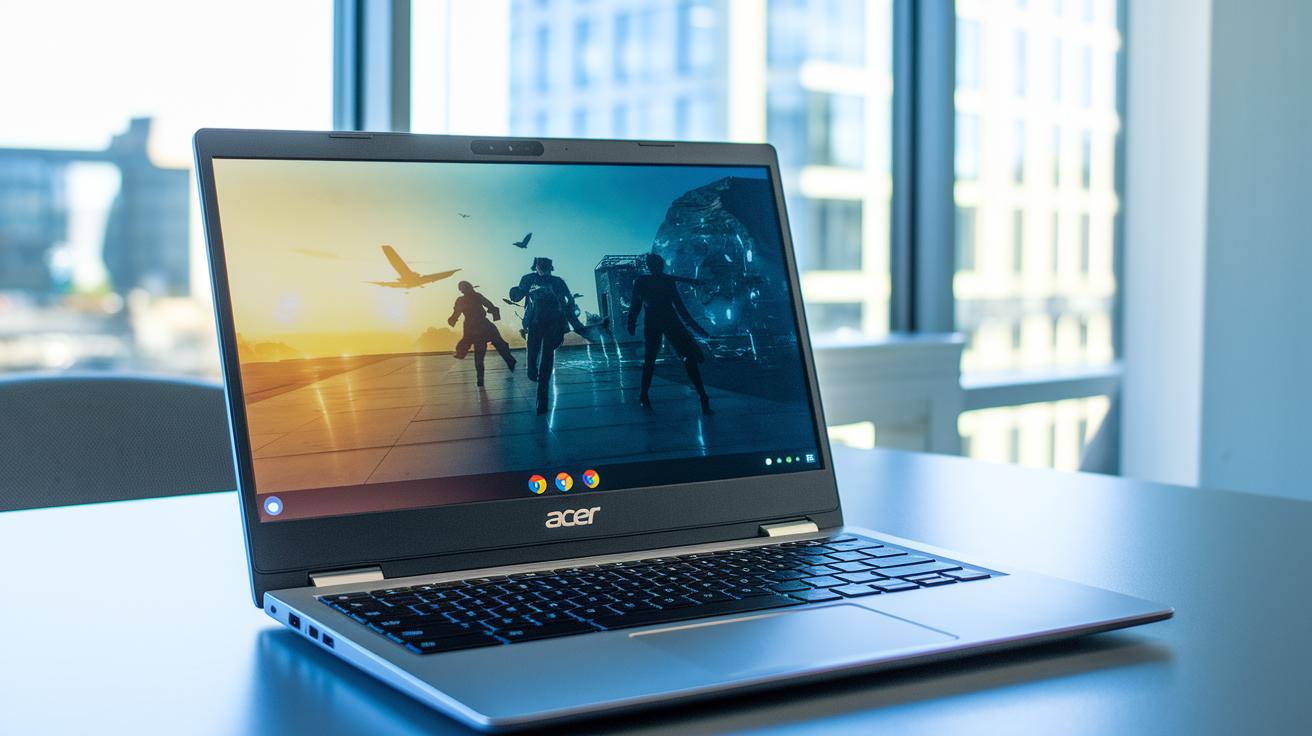
The Acer Chromebook 516 GE packs an Intel Core i5, 8 GB of RAM, and a 256 GB SSD in a slim design. It has a 16-inch screen with a 2560×1600 resolution that refreshes at 120 Hz and costs around $650. With roughly 14 hours of battery life, this Chromebook is built for cloud gaming. It won't run high-end AAA titles on its own, so you'll need to use external game streaming services.
Cloud gaming sends the heavy work to remote data centers. Services like Nvidia GeForce Now and Xbox Cloud Gaming stream your game directly to your screen. This means a modest device like the Acer Chromebook 516 GE can show graphically tough games as long as your internet is fast and steady. However, you might sometimes experience slight input delays or changes in image quality during peak times. A strong, steady network is a must for smooth gameplay. Overall, cloud gaming provides a flexible way to enjoy games without needing top-end hardware.
Finding Deals on Cheap Gaming Laptops: Timing and Tips
Big sale events like Black Friday, Cyber Monday, and back-to-school sales are great times to score a gaming laptop deal. During these events, you can find solid discounts that make even high-performance laptops more budget-friendly. We’ve seen models that balance power and price give you more bang for your buck when these sales hit.
Major stores like Walmart, Amazon, and Best Buy often kick off flash sales during these periods. For instance, the MSI Katana 15 HX has been spotted for about $999.99 on Walmart during a discount spree. Tools that track price history or browser extensions can help you see past price drops, so you know when it’s a real deal. It’s smart to check several stores so you can compare prices and choose the best option for the performance you need.
Don’t overlook certified refurbished laptops either. They can save you 15–30% off the price of a brand-new machine and usually come with warranty coverage for extra peace of mind. If you’re okay with a refurbished model, you might score a capable gaming laptop that stretches your budget even further.
How to Upgrade Cheap Gaming Laptops for Better Performance
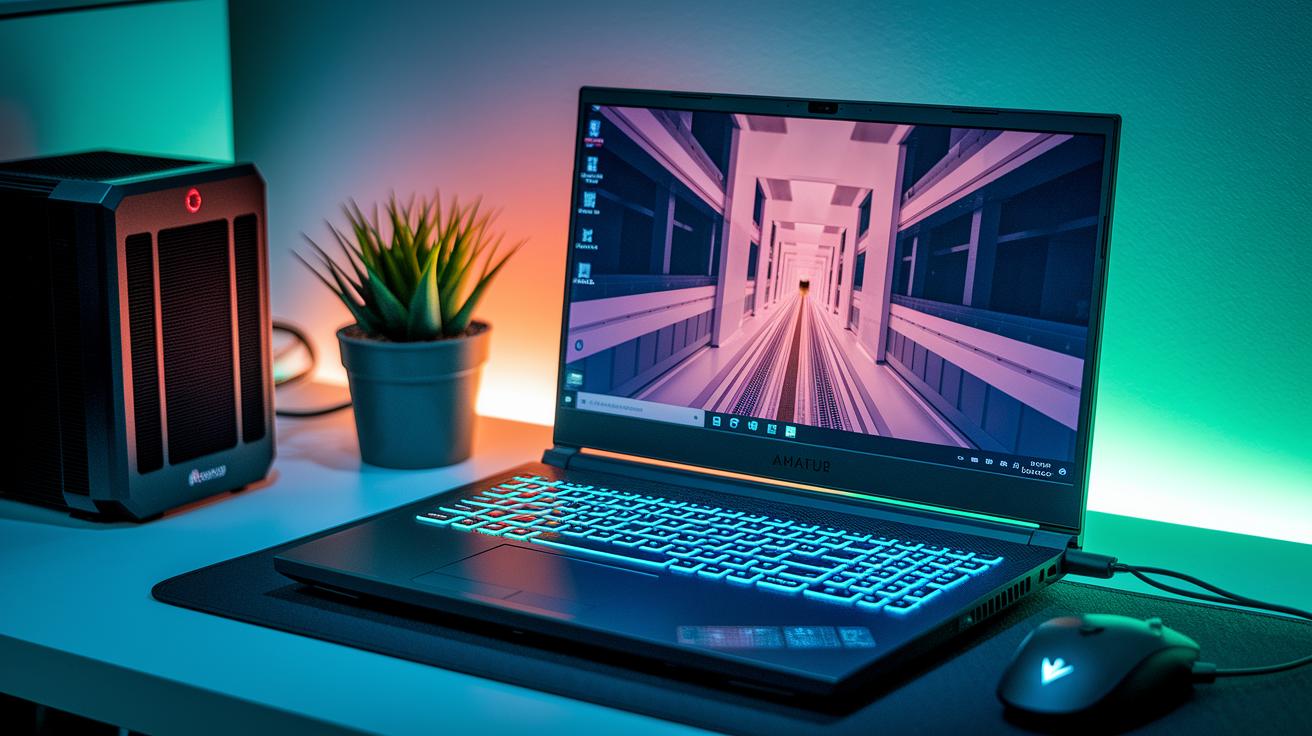
We showed earlier that switching from 8 GB to 16 GB of RAM and moving from a 256 GB SSD to a 512 GB NVMe drive can boost game frame rates by roughly 10-15% and cut load times by up to 40%. Adding an external cooling pad further helps by lowering CPU and GPU temperatures by 5-10 °F. Even a small drop of 5 °F can keep your laptop running smoothly during long gaming sessions.
Tuning your in-game settings is another smart way to get extra performance. Lowering features such as ray tracing and shadow quality lightens the load on your graphics card (GPU), which helps maintain a steadier frame rate. Adjusting the resolution and turning off non-essential visual effects works much like switching off an extra light to save energy.
Final Words
In the action, we sliced through the details of choosing a low-budget gaming machine by testing key parts like GPU, CPU, and display quality. We broke down the benefits, trade-offs, and even cloud alternatives to fit different needs. We ran through where deals pop up and how tweaks can boost performance. Each part shows how to balance cost and performance for an upgrade-friendly setup. Enjoy the hunt for quality and value when shopping for cheap gaming laptops.
FAQ
What are the best gaming laptops under $1000?
The best gaming laptops under $1000 combine reliable graphics, modern processors, and sharp displays. They offer smooth gameplay at 1080p resolution while staying budget-friendly for gamers who need solid performance without a high price tag.
What is the cheapest laptop for gaming?
The cheapest gaming laptop meets only basic specifications like an entry-level GPU and CPU with modest display quality. Options under $10, $20, or even $100 are rare and typically lack the power needed for playable gaming.
What are good options for gaming laptops under $500 or $600?
Gaming laptops under $500 or $600 are built for casual play. They usually sport lower-tier graphics and processors, making them best for light titles and lower settings rather than demanding, future-proof gaming.
What do users on Reddit say about cheap gaming laptops?
Reddit users generally report that cheap gaming laptops deliver decent entry-level performance and battery life. They also highlight common constraints like limited upgrade options and lower build quality compared to more expensive models.