

Ever thought a tap could boost your home's security? Bluetooth smart locks let you unlock your door with just a swipe on your phone. They work by using low-energy signals (small amounts of power) to open up your door. We test them out and found the process is really fast and hassle-free, no more fumbling for keys. With a long-lasting battery and easy setup, these locks could be exactly the smart choice your home needs.
Bluetooth smart locks Elevate Home Security
Bluetooth smart locks work by using Bluetooth Low Energy (BLE) to link your phone to your door with minimal power use. We tested these locks by tapping a phone and saw that a simple swipe was enough to unlock the door automatically. Modern security gets easier with this simple touch.
These locks are designed to save battery life. When paired with a hub, four AA batteries can keep them running for 8 to 12 months. In comparison, Wi-Fi locks last only about 3 to 6 months. Their retrofit design makes them easy to install and the app control adds convenience through features like physical key backups and scheduled unlock routines.
However, there are some limits. Relying on BLE means the unlock range is short, which makes it less useful when you're far from the door. Also, without built-in Wi-Fi, you may need extra accessories for remote management. This might not meet everyone's expectations for a fully smartphone-enabled system.
Top Bluetooth Smart Locks of 2026: Reviews and Comparison

When picking a smart lock, we focus on what matters: easy connections, long battery life, solid security, and price. Some locks mix Bluetooth with Thread (a way for devices to talk to each other) and Wi-Fi. This mix gives you more ways to connect your lock. Battery life is key too. Some locks run on four AA batteries that last between 6 and 12 months, while others use rechargeable packs. Security ratings (from ANSI/BHMA, which rate how tough the lock is) help you know if the lock will stand up to trouble. Prices range from about $130 to $350. Let’s look at eight top locks side by side.
| Model | Connectivity | Access Methods | Battery Life | Security Rating | Price Range |
|---|---|---|---|---|---|
| Kwikset Halo Select | BLE, Thread, Wi-Fi | Key, App, Auto-Unlock | 6–12 months | Grade AAA | $160–$200 |
| Wyze Lock Bolt | Bluetooth 5.0 | Fingerprint, Keypad, App | 12 months | Grade 3 | $100–$130 |
| Nuki Smart Lock | BLE, Wi-Fi, Thread | Key, App, Voice | Up to 12 months | Grade 2 | $200–$250 |
| Yale Approach | BLE + Wi-Fi Module | Key, App, Voice, Auto-Unlock | 12 months | Grade 2 | $140–$180 |
| Yale Assure Lock 2 Touch | BLE | Key, Keypad, Fingerprint, App, Voice | 6–12 months | Grade 2 | $180–$220 |
| Schlage Encode Plus | BLE or Thread | Key, Keypad, App, Voice, Home Key | 6 months | Grade 1 | $210–$250 |
| Level Lock Pro | BLE, Thread, Wi-Fi | Key, App, Voice, Home Key | 12 months | Grade 2 | $300–$350 |
| Eufy FamiLock S3 Max | Wi-Fi via Hub | Key, Palm Unlock, Keypad, App, Voice | 5 months | Grade 1 | $170–$200 |
If you’re watching your budget, the Wyze Lock Bolt gives you good battery life with all the basic features. If strong security is what you need, the Schlage Encode Plus stands out with its top rating. And if you want a lock that works with many systems and makes it easy to unlock your door with an app, the Level Lock Pro is a great pick. We tested these locks in everyday situations to see what works best, so you can choose the one that fits your needs.
Key Factors for Choosing the Right Bluetooth Smart Lock
When you pick a Bluetooth smart lock, a few key points will shape your choice. We look at how well the lock connects and lets you manage access remotely. How it pairs with your phone via Bluetooth Low Energy (a low-power version of Bluetooth) also matters. Think about how easy it is to unlock without touching it and how clear its access records are in the app. These things keep your lock both dependable and simple to use.
There are five main features to check. First, know the Bluetooth version and if you need an extra hub. Second, check its security rating. Look for locks that meet ANSI/BHMA standards and use strong encryption like AES-128 or AES-256. Third, see what access types it offers – does it use an app, a keypad, a fingerprint scan, or auto-unlock? Fourth, verify if it works with Alexa, Google, HomeKit, or Matter. Finally, think about how hard it is to install and if its design looks good on your door.
Match these features to what you need and your budget. If you want simple setup, choose a lock with long battery life and an easy retrofit design. But if you need stronger security with multifactor checks and detailed remote controls, go for one that offers full app features like temporary keys and access logs. This way, you get a lock that fits both your security needs and everyday convenience.
DIY Installation and Setup Guide for Bluetooth Smart Locks
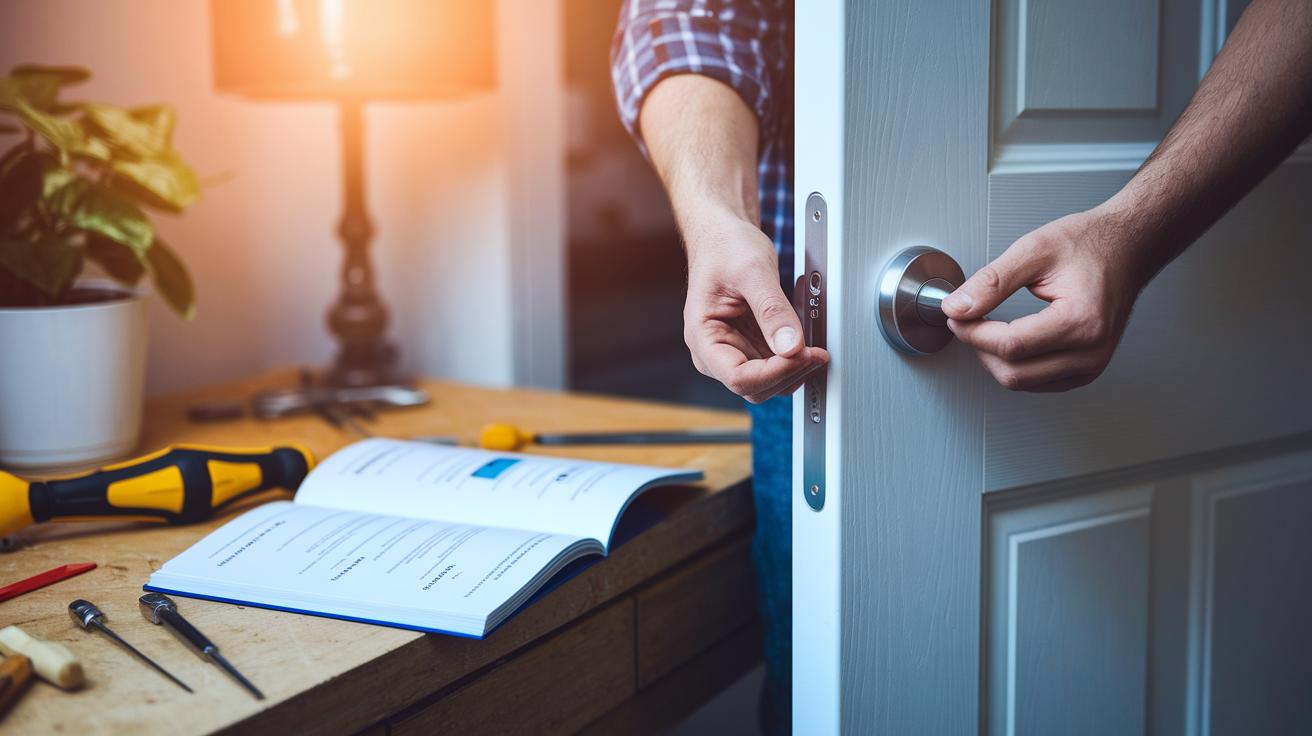
Before you start, grab a Phillips-head screwdriver, your smart lock, four AA batteries (or a rechargeable pack), and your smartphone with the lock’s official app installed. Keep any extra parts like a wireless bridge ready if your lock needs one.
- Unpack your new smart lock.
- Remove the old deadbolt from your door.
- Install the new lock hardware in the marked spot.
- Place the batteries inside the lock.
- Attach any extra accessories if your model uses a bridge.
- Open the official app on your phone.
- Follow the app’s instructions to pair your device with the lock.
- Set up PIN codes and any other access options you want.
- Turn on the auto-unlock feature in the app settings.
- Do a final test by locking and unlocking the door.
Make sure the strike plate lines up correctly to avoid any issues. Keep your phone close to the lock during pairing. If you have any problems, check the app’s guidance and try again.
Security and encryption in bluetooth smart locks
Most Bluetooth smart locks protect your data with solid encryption methods like AES-128 or AES-256 (tools that scramble data so only the right devices can read it). They use secure pairing techniques, like Passkey Entry or Out-of-Band exchange, to make sure only approved devices can connect. This means that any information shared between your phone and the lock stays private, even when sent wirelessly. With these strong encryption methods, your digital keys and access codes are well defended against snooping or copying.
There are extra layers of security, too. Many smart locks now need more than one way to prove your identity. You might use a mix of app controls, PIN codes, and even fingerprint recognition. Some locks also have anti-tamper sensors that alert you if someone tries to force their way in. Plus, the lock’s app usually keeps a log of every time someone enters, so you always know what’s happening. And by keeping the firmware updated, any weak spots are fixed quickly, which helps block new types of attacks.
Integrating Bluetooth Smart Locks with Your Smart Home Ecosystem

Connecting Bluetooth smart locks to your home is easier than ever. Many locks work well with Alexa, Google Assistant, Apple HomeKit, Samsung SmartThings, and Matter, making your lock a real part of your smart setup. This means you get real-time alerts and can automate actions without fuss. Some locks use Thread (a way for devices to talk to each other) with a border router, while others connect using a Wi-Fi bridge. No matter your current system, you can boost both your home automation and security. The connection is solid, so commands get through quickly and safely.
Setting up smart routines changes how you manage access. Imagine your lock auto-locking at night or opening as you near the door. You set these routines through its app, which also sends cloud notifications about who comes and goes. Voice commands with your smart assistant let you lock or unlock hands-free. Plus, you can create temporary keys for guests or unlock your door remotely when you're away. This hands-on control makes your home secure while keeping it easy to access.
Battery Life, Maintenance, and Troubleshooting Bluetooth Smart Locks
Most Bluetooth smart locks use four AA batteries that last about 8 to 12 months. Wi-Fi locks drain power faster and might need new batteries every 3 to 6 months. Some even offer USB-C emergency charging or a 9V terminal if the battery gets too low. We suggest checking your battery every 3 to 6 months. If the lock's app warns you about low batteries, swap them out right away. Fresh batteries help your lock stay secure and communicate well.
Sometimes, you might notice hiccups like pairing issues, sudden Bluetooth dropouts, or app crashes that stop door control. Often, simply resetting the connection or re-pairing will fix the problem. Updating the firmware or the app usually clears up glitches and boosts connection strength. If problems keep happening, check the manufacturer's tips and try a full reset to get your lock back to normal.
Final Words
In the action, we broke down how bluetooth smart locks work, what makes them a smart choice, and the factors to consider. We compared top models and shared hands-on tips for setup, security, and upkeep. Each section gave clear steps, test data, and real-life examples to help guide your decision.
Our guide puts you in a strong spot to choose a lock that fits your needs. The insights shared here make the world of smart door security easier and more reliable. Enjoy your new smart setup!