

Do you ever feel like your laptop can’t keep up with your workload? Ultrabooks mix power with light weight so you can work and study with ease. We tried several models that promise fast speed and a sleek design that fits in your backpack. They pack bright screens and quick processors to help get more done during your day. In this review, we look at five solid choices, sharing their main perks and drawbacks to help you find the ideal option for school and everyday use.
Top Ultrabook Picks for Students
Students need a laptop that can keep up with schoolwork and play videos too. These ultrabooks combine sharp screens, fast processors, and smart designs to help you work on research and projects. Each one has its perks and a few drawbacks, like battery life, price, or missing features such as a touchscreen or extra connectivity.
Acer Swift 16 AI
The Acer Swift 16 AI runs on an Intel Core 7 (a powerful chip) with Intel Arc graphics. It shows off a bright 16-inch OLED screen (2880×1800 resolution) and weighs just 3.0 lb. With 16 GB of RAM and a 1 TB SSD, it handles many tasks with ease. It is a solid choice if you want a clear screen and quick performance for studies, though its top-end specs might cost a bit more.
MacBook Air (M4)
The MacBook Air (M4) is made for those who need strong power in a slim body. It has a 10-core CPU and GPU for speed, a 12 MP Center Stage camera for video calls, and nearly 18 hours of battery life to power long study sessions. Weighing 3.3 lb and only 0.45 inches thick, it is easy to take anywhere. With a standard 16 GB of RAM and a starting price of $999 for the 13-inch model, it's a quality option if you are ready to invest.
HP OmniBook 5 14
The HP OmniBook 5 14 shines with up to 25 hours of battery life and a quick charge that reaches 50% in just 30 minutes. Weighing less than 3 lb, it has a comfortable keyboard that is great for writing long essays. While it works well for everyday tasks, it might slow down with more demanding creative work.
Asus Chromebook Plus CX34
The Asus Chromebook Plus CX34 is designed for simplicity and works well with Google tools. It offers about 13 hours of battery life and an easy-to-use design. However, it skips features like a touchscreen. This Chromebook is a good pick if you mostly do web research and writing.
Microsoft Surface Pro (2025)
The Microsoft Surface Pro (2025) is very light at around 1.1 lb and sports a 12-inch screen with a 3:2 aspect ratio, which is great for taking notes and simple multitasking. It includes two USB-C ports for the basics you need. The smaller screen might not support heavy multitasking, but its ease of carry makes it a smart choice for studying on the move.
Balancing Performance and Battery in Student Ultrabooks

Every student project, lecture, and late-night study session requires a laptop that works as hard as you do. You need a machine with enough power and battery life to stream lectures, write essays, and juggle tasks without searching for an outlet. It’s like having a trusty sidekick, ready when you're in crunch time and dependable when you burn the midnight oil.
We check these laptops with real tests. CPU (central processor) and GPU (graphics processor) benchmarks show how well a device handles video streaming and editing large files at the same time. For example, a laptop that performs well during simultaneous video streaming and document editing helps you avoid lag and keeps your work smooth.
Battery life is just as important. Most students need at least 8 hours of use. Devices that offer 10 hours or more give you extra peace of mind. Some models, like the MacBook Air (M4), deliver close to 18 hours, while the HP OmniBook 5 14 can go up to 25 hours. Others, such as the Dell XPS 14 and Asus ZenBook A14, offer over 20 hours and around 24 hours, respectively. Fast charging is a real bonus because you can quickly top up your battery and get back to work.
| Model | Battery Life |
|---|---|
| MacBook Air (M4) | ~18 hours |
| HP OmniBook 5 14 | Up to 25 hours |
| Dell XPS 14 | 20+ hours |
| Asus ZenBook A14 | 24 hours |
This blend of speed and battery power means you can keep studying and managing projects without constant interruptions. Have you ever run out of juice right when you needed your laptop most? With these ultrabooks, you can focus on your work without worrying about your next charge.
Budget-Friendly Thin Ultrabooks for Students
The Acer Aspire Go 15 (2025) is a solid choice for everyday tasks. It comes with enough RAM and storage to handle school projects, and it does so without breaking the bank. Sure, you'll miss extras like a touchscreen or backlit keys, but it gets the job done for students on a budget.
The Asus Chromebook Plus CX34 is all about simplicity. It runs on Google's basic tools and offers about 13 hours of battery life, which is plenty for long school days and homework sessions. Its simple design works well if you don’t need extra bells and whistles.
The Asus ZenBook A14 is really light, weighing just 2.16 lb. With up to 24 hours on a single charge, it's easy to take from class to class. Its slim design is great for carrying around campus, though you might find that it leaves out some features for creative work.
The Framework Laptop (2025) is known for its modular design. This means you can swap out parts and make repairs without much hassle. It’s perfect for students who want a laptop that can be upgraded over time, making it a long-term companion on campus.
Convertible Ultraportables for College
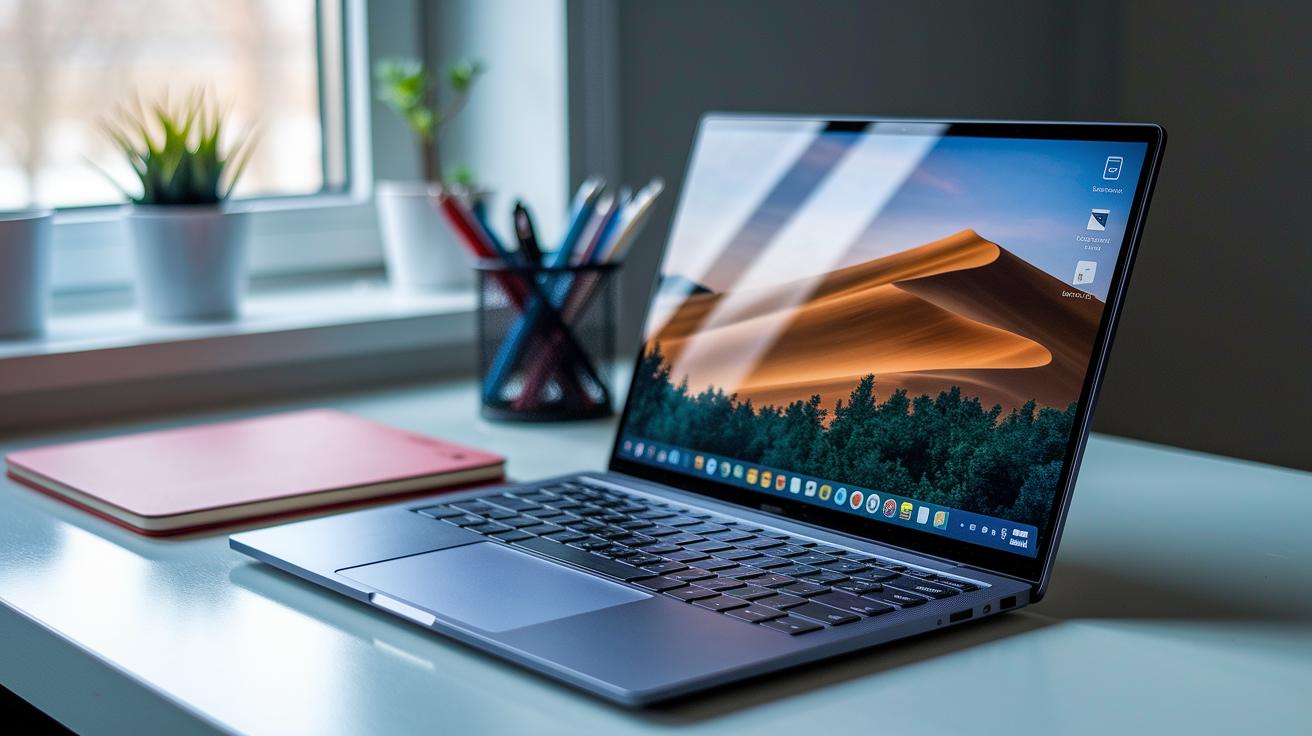
The Microsoft Surface Pro (2025) is a light yet strong tool at about 1.1 lb. Its 12-inch PixelSense screen is sharp and clear, making it ideal for writing notes or sketching quickly. It comes with two USB-C ports to plug in your accessories. Because the screen is small, it works best when you focus on note-taking or simple tasks.
The Dell Plus 14 2-in-1 offers flexibility without breaking the bank at $599.99. Its responsive touchscreen flips easily between laptop and tablet modes, which makes it a handy choice for school work and casual web browsing. It may not be the right fit if you need a device for heavy creative projects.
The Lenovo Yoga 9i stands out with its bright OLED display and a 360° hinge that lets you view content comfortably from any angle. It handles media and productivity tasks well. However, the pre-installed extra software can slow down its performance at first.
The HP OmniBook Ultra Flip gives you a choice between a 14-inch or 16-inch display and is powered by an Intel Lunar Lake V processor. Its full 360° hinge lets you switch easily between laptop and tablet modes. This blend of power and portability makes it a solid option for students who need a versatile device.
Buyer’s Guide to Choosing the Best Ultrabooks for Students
When picking an ultrabook for school, you need a blend of power and portability. Look for one with a comfortable keyboard for long study sessions and a display that offers at least 1920×1080 pixels. A 16:10 or 3:2 aspect ratio can give you extra vertical space, which is handy for reading and writing. Choose models that let you upgrade the RAM and storage so the laptop can grow with your needs. We suggest keeping things light (under 3.5 lb) and opting for a battery that lasts at least 8 hours, with fast charging as a bonus. Price ranges typically start around $700–$1,000 for good value options and can go up to over $1,000 for extra features.
Here are seven key things to compare when shopping for an ultrabook:
- Processor and graphics power: Helps you run multiple tasks smoothly.
- Display resolution and aspect ratio: Keeps visuals clear and offers extra room.
- Keyboard quality and build: Ensures a pleasant typing experience over time.
- Battery life and charging speed: Supports long study sessions.
- Port selection and expandability: Allows you to connect all your devices.
- Weight and dimensions: Makes carrying the laptop easier.
- Budget range and warranty: Secures reliable value for your money.
This guide helps you see which features match your study needs. Think about what matters most for your workload and lifestyle. In the end, a solid ultrabook should support your schoolwork and be easy to take with you wherever you go.
Comparative Specs of Leading Student Ultrabooks
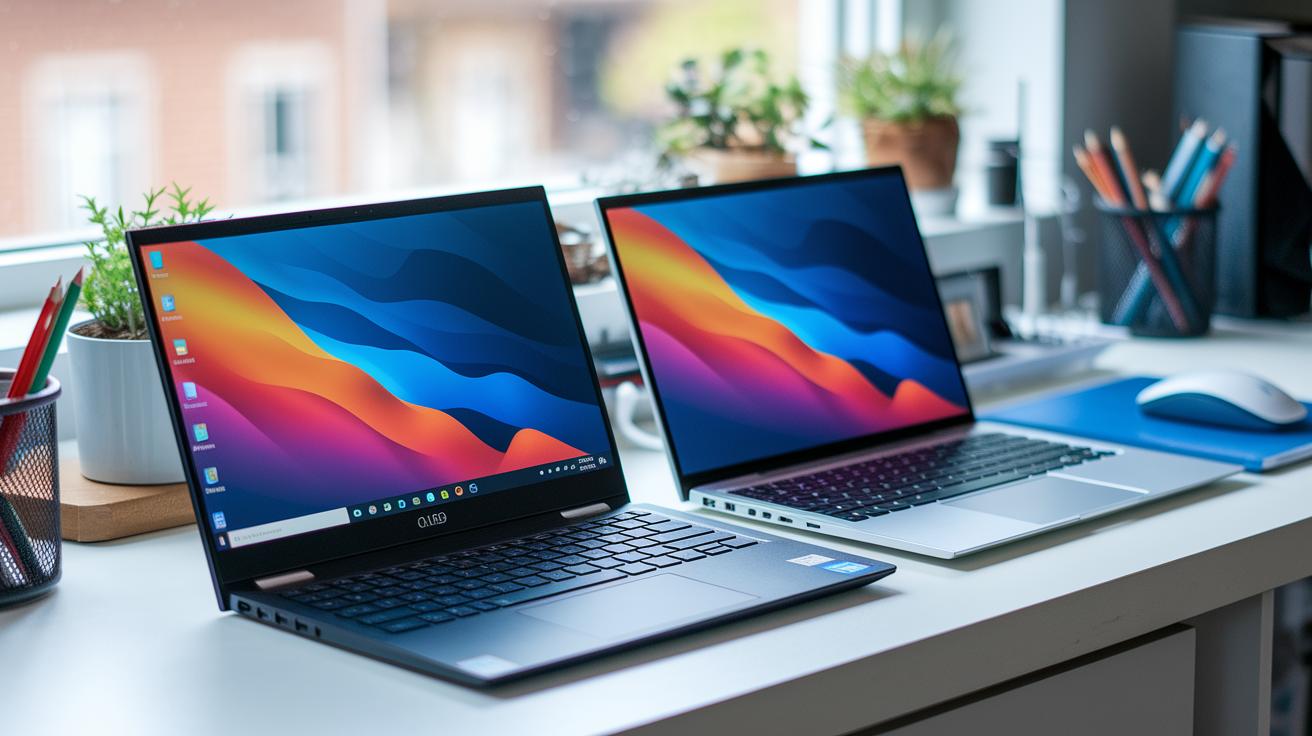
This chart breaks down the main specs of top ultrabooks for students. We compare key details like processor type, memory, storage space, screen quality, weight, and battery performance so you can find the right balance of power and portability for your daily school work and media needs. Have you ever wondered how a high-res OLED screen on one model stacks up against nearly 18 hours of battery life on another? We put together this info to help you decide.
| Model | CPU/GPU | RAM | Storage | Display | Weight | Battery Life |
|---|---|---|---|---|---|---|
| Acer Swift 16 AI | Intel Core 7 | 16 GB | 1 TB SSD | 2880×1800 OLED | 3.0 lb | ~10 h |
| MacBook Air (M4) | M4 chip | 16 GB | 512 GB SSD | 13.6″ Liquid Retina | 3.3 lb | ~18 h |
| HP OmniBook 5 14 | Ryzen 7 | 16 GB | 512 GB SSD | 14″ 1080p | <3 lb | 25 h |
| Asus Chromebook Plus CX34 | Intel | 8 GB | 128 GB eMMC | 14″ FHD | ~2.8 lb | 13 h |
| Microsoft Surface Pro (2025) | Intel | 8 GB | 256 GB SSD | 12″ PixelSense | ~1.1 lb | 10 h |
| Dell XPS 14 | Intel | 16 GB | 512 GB SSD | 1920×1200 LCD | ~2.9 lb | 20 h 41 min |
Final Words
In the action, we reviewed top picks like the Acer Swift 16 AI and MacBook Air (M4), weighing performance and battery on real-world student tasks. We broke down key specs, comfort, design, and trade-offs among budget-friendly, convertible, and efficient models.
We offered a clear guide on processor power, display quality, and fast-charge benefits. This hands-on approach helps you choose the best ultrabooks for students and feel confident in your next purchase. Enjoy exploring these solid options.
FAQ
Q: What does a slim and lightweight laptop mean?
A: The phrase “slim and lightweight laptop” refers to a computer with a thin profile and low weight designed for ease of transport and portability in daily use.
Q: What is considered the best ultrabook in 2026?
A: The best ultrabook in 2026 is expected to offer cutting-edge performance, long battery life, and a modern design that meets the needs of both students and professionals.
Q: What defines the best budget lightweight laptop?
A: The best budget lightweight laptop combines affordability with essential performance and portability, making it ideal for students and everyday tasks without a hefty price tag.
Q: How light can the lightest laptop be in kilograms?
A: The lightest laptops typically weigh around 1 to 1.5 kg, striking a balance between durability and portability for users who need ultra-mobile computing.
Q: What are the top slim and lightweight laptops for work?
A: Top slim and lightweight laptops for work offer strong performance, comfortable keyboards, and long battery life, ensuring efficient office tasks while keeping the device easy to carry.
Q: What is an Ultrabook?
A: An Ultrabook is a high-performance, thin laptop known for speedy operation, excellent battery life, and portability, making it a solid choice for users on the move.
Q: What makes lightweight laptops ideal for students?
A: Lightweight laptops for students are built for mobility and endurance, offering reliable performance, extended battery life, and easy transport to support classroom and study environments.