

Ever wondered if a smart speaker can change the way your room feels? Amazon has refreshed its Echo line with new features and clearer sound. They offer a range of models so there is something for everyone. Whether you are looking for a low-cost option or a more powerful studio speaker, you can find a match for your needs.
In this post, we will compare the different models, their prices, and key details. We want to show you how these speakers might brighten your everyday routine, and help you decide which one could be the right fit for your home.
Amazon Echo Smart Speakers: Models, Pricing, and Specifications
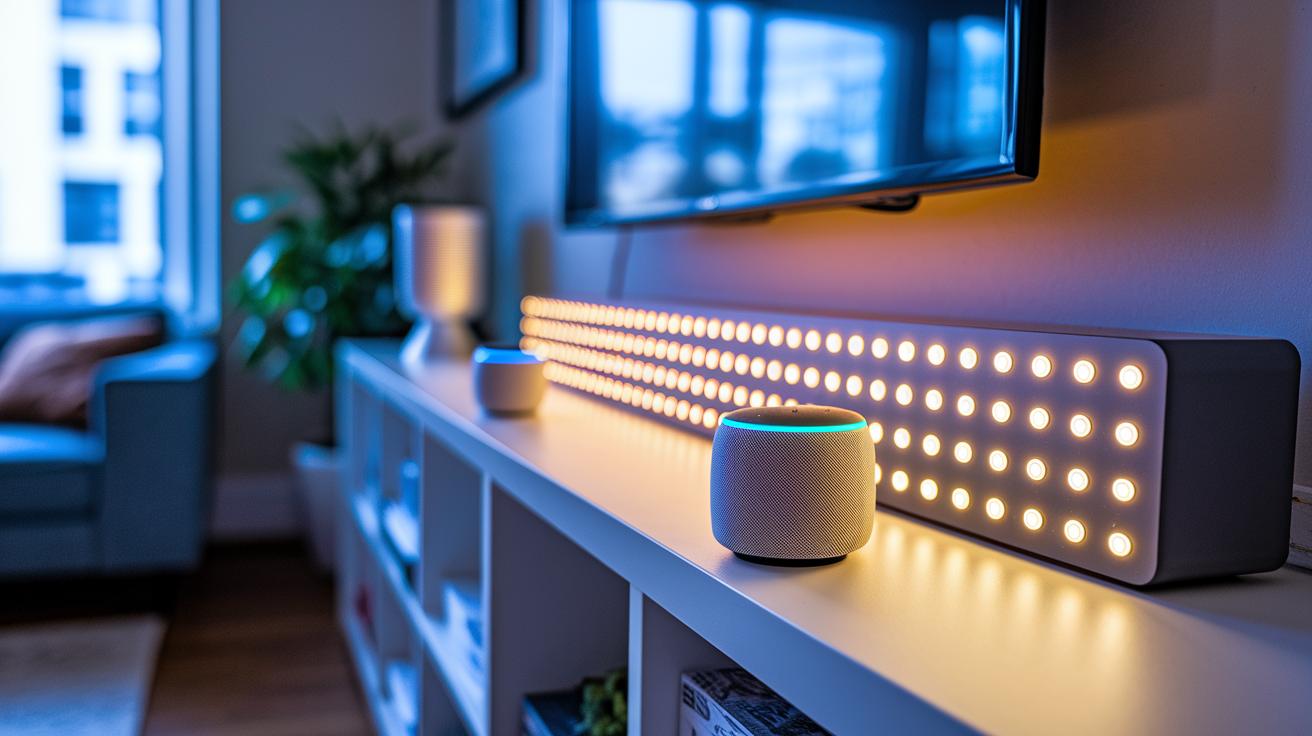
Amazon updated its Echo lineup in October, and the improvements are clear. The new speakers have updated hardware and fresh features. For example, in November you got access to spatial surround sound through an Alexa Home Theater update. There’s something here for every home, whether you need a budget-friendly speaker for a small room or a top-notch unit for a richer sound experience in your living room.
Take a look at the highlights below:
| Model | Price | Key Specs |
|---|---|---|
| Echo Dot (5th Gen) | ~$50 | Compact design, improved audio quality |
| Echo Show 5 (3rd Gen) | ~$80 | 1080p touchscreen, ideal for bedside tables |
| Echo Show 11 | ~$200 | Large touchscreen, versatile home display |
| Echo Studio (2nd Gen) | ~$200 | High-fidelity audio, Dolby Atmos, auto room calibration |
| Echo Dot Max | $100 | Enhanced drivers, spatial surround support |
Each model is built with a unique purpose in mind. The Echo Dot (5th Gen) fits nicely in small spots by balancing cost and performance, while the Echo Studio is aimed at those who want fuller, richer audio. The Echo Show series is perfect if you want both sound and a visual display that can double as a smart screen. Even the Echo Dot Max mixes affordability with a boost in sound features, showing that there’s a speaker for every need and budget.
Have you ever noticed how the right smart speaker can change your daily routine? Whether you’re a casual listener or a serious music fan, Amazon’s lineup has something designed to fit your lifestyle.
Amazon Echo Smart Speakers Spark Joy
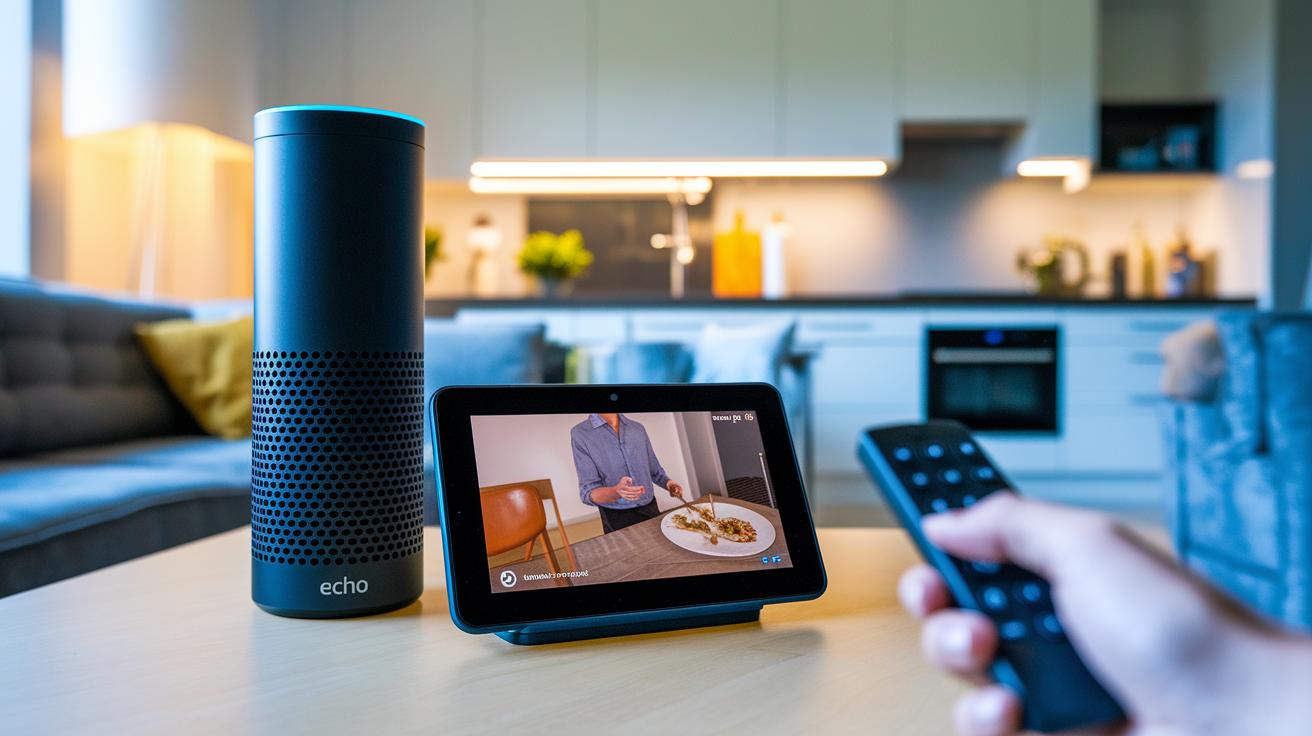
Echo Studio boosts your listening experience. With Dolby Atmos support and automatic room tuning (much like Sonos Trueplay), it adjusts the sound to fit your room, filling your space with clear audio. Plus, thanks to the November Alexa Home Theater update, you get spatial surround sound that pulls you right into the action.
Echo Show devices offer more. They feature 1080p touchscreens that let you make video calls, browse recipes, and check interactive dashboards. Imagine watching a crisp cooking video in your kitchen with step-by-step instructions right at your fingertips. These clear visuals bring a fun twist to everyday tasks while still serving up quality sound.
At the heart of these devices is Alexa. The voice assistant is always listening for its wake word, ready to play music, share news updates, or control smart home gadgets like lights and locks. Whether you’re setting a kitchen timer or checking the weather, Alexa helps you do it all without missing a beat.
Each device fits a specific need. Echo Studio is ideal for those who crave deep, room-filling audio, while Echo Show is perfect if you want a mix of visual interaction and solid sound. Together, they show how smart design and clever tech can really spark joy in your everyday life.
Amazon Echo Smart Speakers Setup and Network Configuration
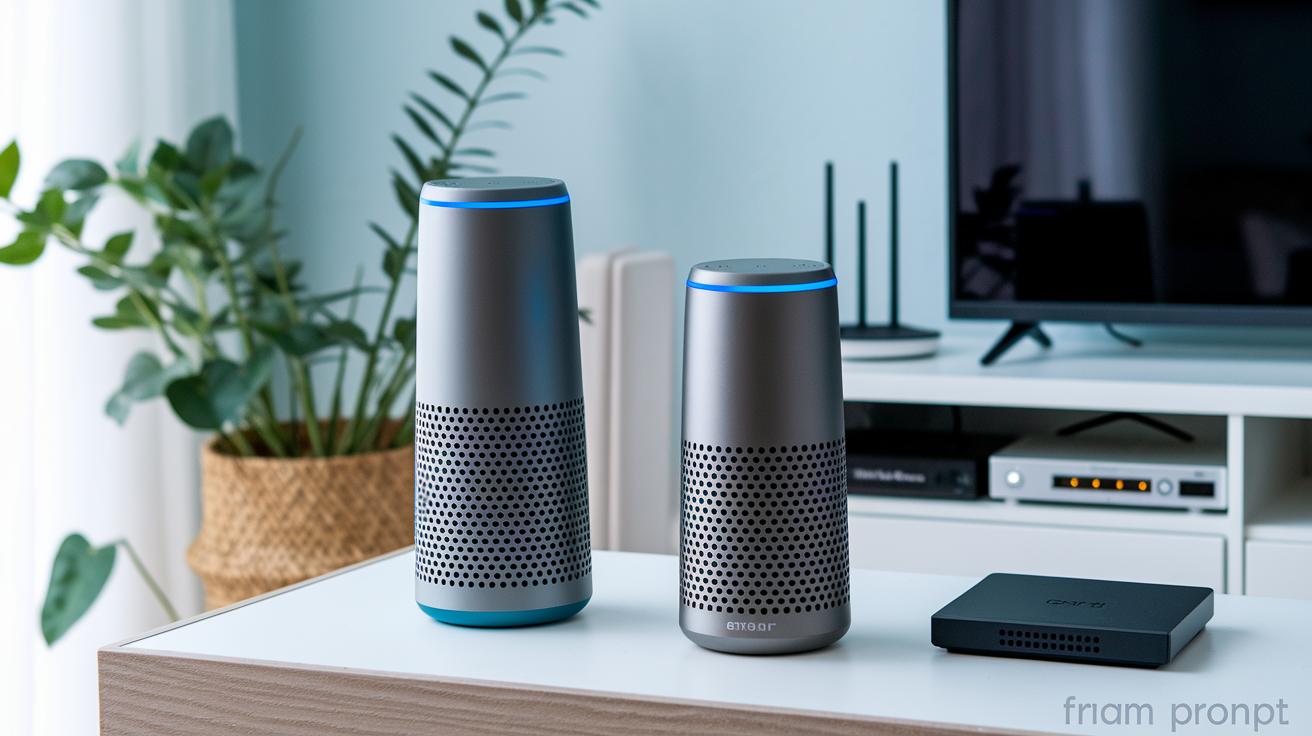
First, update your Echo speakers to the latest firmware using the Alexa app. This step makes sure your speakers have all the current fixes before you begin grouping them for multi-room audio.
Next, connect each Echo speaker to your Wi-Fi. Open the Alexa app, pick your device, and follow the on-screen instructions to join your 2.4 GHz or 5 GHz network. Choosing the right network helps keep everything running without hiccups.
If you're setting up Alexa Home Theater across multiple spaces, head over to your Fire TV’s Settings menu and pick the multi-room audio option. Your Fire TV will play brief test tones from each Echo speaker and the TV speakers. In about five minutes, the system adjusts the sound to fit your room layout.
Keep these steps in mind:
- Update the firmware on all Echo devices.
- Connect each speaker to your Wi-Fi network (choose 2.4 GHz or 5 GHz as needed).
- Start the multi-room audio setup from the Fire TV’s Settings menu.
- Allow the calibration tones to play from both the Echo speakers and the TV.
If needed, don’t forget to use the Bluetooth pairing option for extra flexibility.
| Step | Action |
|---|---|
| Firmware update | Use the Alexa app to ensure all speakers have the latest firmware. |
| Wi-Fi connection | Select your network (2.4 GHz or 5 GHz) via the Alexa app for each device. |
| Multi-room setup | Launch the multi-room audio from Fire TV’s Settings and let calibration tones play. |
| Bluetooth pairing | Pair devices using Bluetooth if you need additional setup options. |
Integrating Amazon Echo Smart Speakers with Your Smart Home Ecosystem
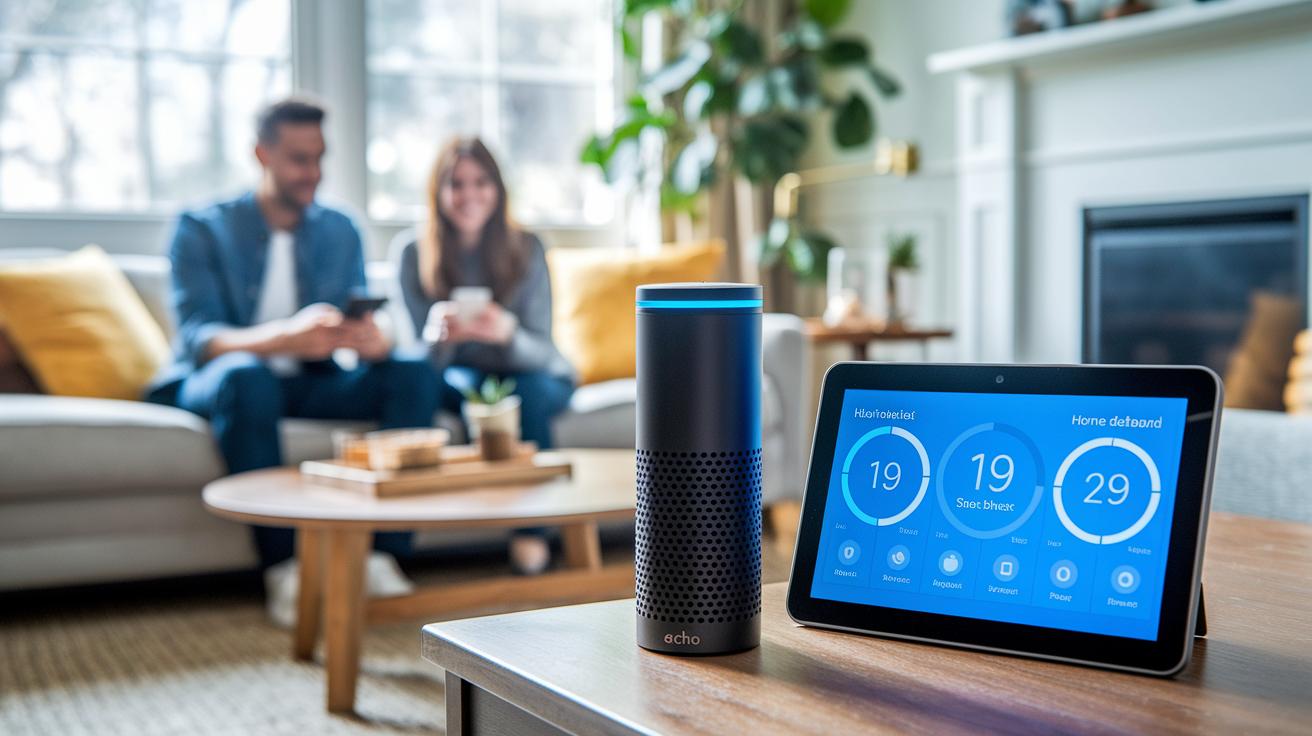
Connecting your Echo speakers to your smart home is easy and effective. With Alexa, you can control lights, locks, and thermostats just by speaking. Set up routines so that, for example, Alexa dims the lights as it gets dark or locks the doors when you say goodnight. This simple voice control frees you up to focus on what really matters.
Echo Show models take it a step further. Their touchscreens bring up handy dashboards that let you check on your thermostat, view security cameras, or adjust your dimmer settings with one quick glance. It makes managing your home feel interactive and straightforward.
The Alexa app adds more convenience by letting you group devices and create voice routines that match your lifestyle. You can sync your TV audio with several Echo speakers using Alexa Home Theater or build a whole-home music system in just a few minutes. Even the Fire TV’s calibration feature helps balance the sound perfectly across your Echo speakers. Whether you’re new to smart homes or expanding your current system, these easy groupings make a big difference.
For a full smart home setup, think about adding a smart home hub. A hub can join a variety of devices and streamline control across your entire home. With this approach, every gadget works together seamlessly, making your smart home both practical and enjoyable.
Amazon Echo Smart Speakers Troubleshooting and Firmware Management
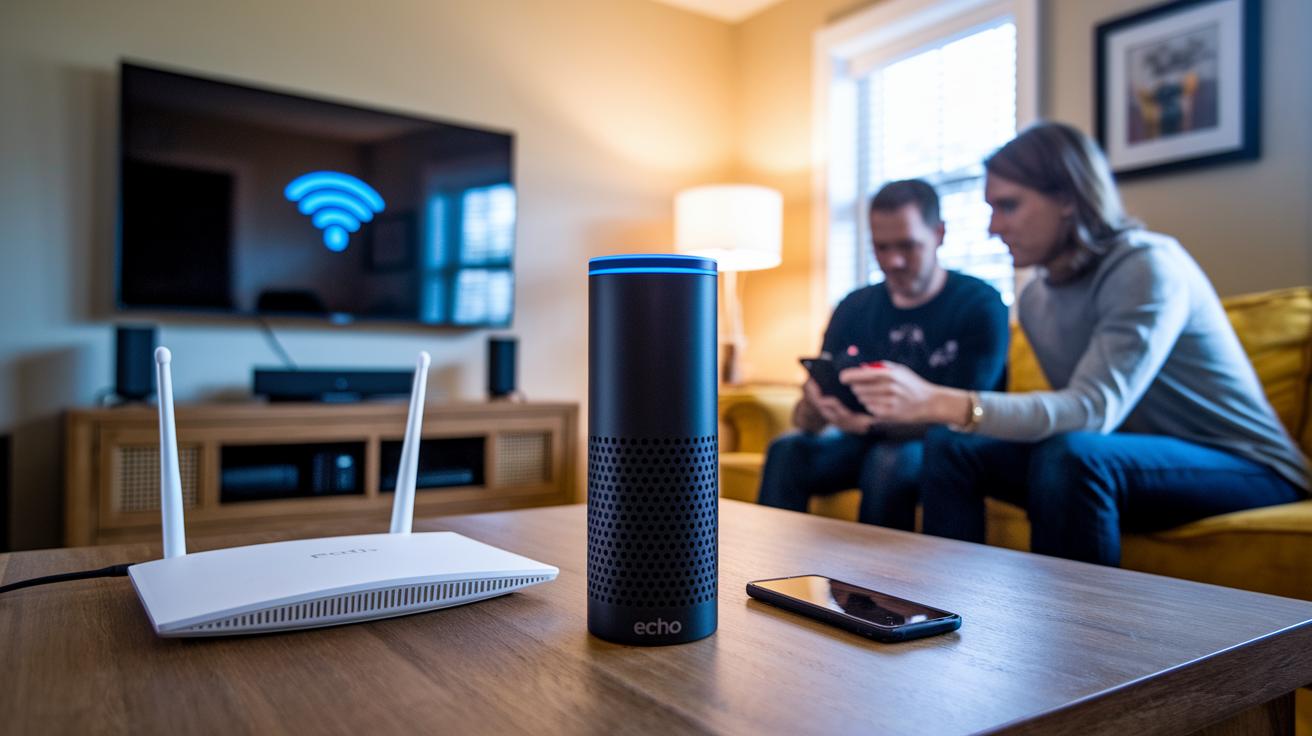
Firmware updates help your Echo speakers and Fire TV work together, especially if you use Alexa Home Theater. Old firmware can cause weak Wi-Fi signals or make Alexa misunderstand your commands. Updating your devices makes sure you get the newest fixes and improvements.
Here are five simple tips to tackle common issues:
- Verify network stability: Check your Wi-Fi. Reconnect if you notice any weak or spotty signals.
- Install firmware updates: Open the Alexa app regularly to confirm your Echo speakers and Fire TV are current.
- Resolve voice command errors: If Alexa doesn't catch your words correctly, unplug the device and plug it back in.
- Perform a factory reset: A full reset can clear stubborn network or voice problems.
- Adjust content filters: For kid-friendly models like Echo Pop Kids, change the settings if the content filter acts up.
Power cycling and factory resets often fix many common issues. Remember, a complete surround system, like four Echo Studio speakers paired with a Fire TV, can cost nearly $900. For this reason, consider adding devices one at a time. This way, you can pinpoint issues more easily, keep troubleshooting simple, and avoid spending too much on a full system replacement.
Amazon Echo Smart Speakers vs Competitors: Reviews and Alternatives
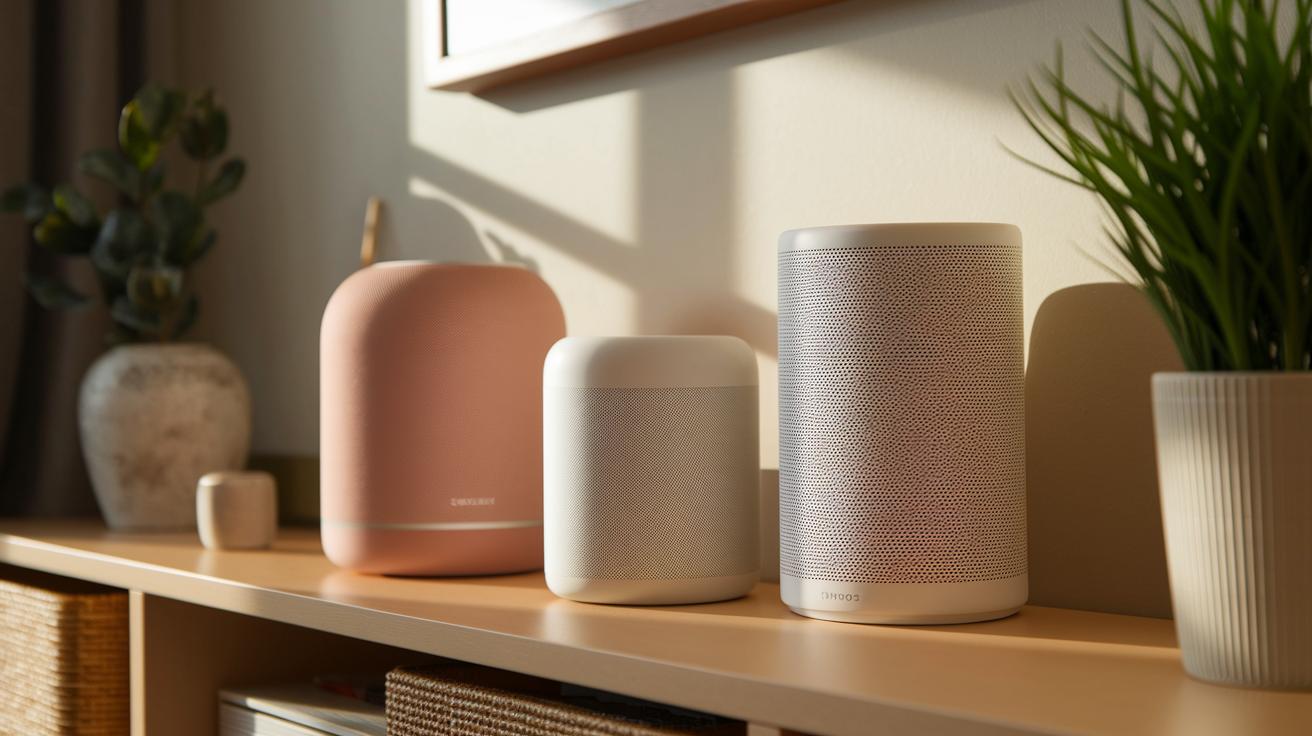
Sonos Era 100 offers wide, open sound and lets you stream your favorites easily. It plays music clearly and handles various streaming apps with ease. Meanwhile, Bang & Olufsen Beosound A1 (2nd Gen) packs strong, mobile sound in a sleek, compact frame that works with Alexa. It's great for taking solid audio performance on the go.
Sonos Era 300 takes things up a notch with bold, immersive sound and support for many streaming services. It’s built for listeners who crave a deeper audio experience and modern connectivity. On the flip side, JBL Authentics 300 stands out by offering two voice assistants along with solid Bluetooth and Wi-Fi streaming in a rugged design. It’s aimed at users who need flexibility with multiple audio sources and sturdy performance.
Even with these strong options, Amazon Echo speakers keep pace with faster response times and regular firmware updates. Quick software fixes mean features like spatial surround sound and multi-room setups work smoothly. This steady focus on software reliability gives Echo devices great overall value.
| Device | Main Strength |
|---|---|
| Sonos Era 100 | Open sound and streaming flexibility |
| Bang & Olufsen Beosound A1 | Portability and stylish design |
| Sonos Era 300 | Rich, immersive audio |
| JBL Authentics 300 | Dual voice assistants and durable connectivity |
Amazon Echo speakers remain a solid, dependable choice even when facing stiff competition.
Choosing the Right Amazon Echo Smart Speaker for Your Needs

Pick your Echo speaker based on what you use it for most. Instead of buying different devices for each task, choose one that fits your needs. Check our specs table in Section 1 for side-by-side numbers.
If you're just getting started or mostly want voice control, the Echo Dot is a great choice. It’s simple, affordable, and perfect for someone new to Alexa. Think of it as your entry point, like learning the basics of a fun hobby.
For those who need visuals, like using alarm clocks, video calls, or recipe guides, the Echo Show series works well. The Show 5 is great for your bedside, and the Show 11 is handy in the kitchen with its clear display for recipes and video chats.
When crisp, rich music is your top priority, try the Echo Studio. If you want a mix of good sound and an affordable price, the Echo Dot Max gives you extra punch with better drivers.
Here's a quick guide:
- First-time users and casual listeners: Echo Dot
- Visual tasks (alarms, video calls, recipes): Echo Show 5 or 11
- High-quality audio for music fans: Echo Studio
- Budget-friendly, enhanced sound: Echo Dot Max
In short, if you want just voice control, go with the Echo Dot. Need a screen? Pick a Show model. And if top-notch sound matters most, choose the Studio or Dot Max.
Final Words
In the action, we reviewed key aspects of amazon echo smart speakers from their models and pricing to audio quality and setup tips. We laid out how to check specs, handle firmware updates, and even troubleshoot common issues. We also compared competitors and showed which Echo fits different needs, from casual listeners to audiophiles.
Each model shines in its own way while keeping your budget in mind. We hope this guide helps you make a smart, clear choice with confidence.
FAQ
What is an Amazon Echo smart speaker?
The Amazon Echo smart speaker is a voice-controlled device that runs Alexa to play music, check the news, control smart home gadgets, and answer questions using cloud-based data.
Is Amazon Echo being discontinued?
The Amazon Echo line is still active, with new models and updates regularly released, even though older versions may eventually be phased out as technology advances.
What are the disadvantages of smart speakers?
Some disadvantages of smart speakers include privacy concerns due to continuous listening, occasional misinterpretation of commands, and limited compatibility with devices that do not support Alexa.
What’s the difference between Alexa and an Echo?
Alexa is the voice assistant software that interprets your commands, while an Echo is the physical device that houses Alexa and outputs audio and smart responses.
What are some popular Amazon Echo smart speaker models?
Popular models include the Echo Dot for affordability and core features, the Echo Show for touchscreen capabilities, the Echo Studio for superior audio, and various generations like Echo Plus and 2nd Generation models.
What does it mean if an Amazon Alexa speaker has Bluetooth?
A Bluetooth-enabled Echo speaker lets you wirelessly stream audio from your smartphone or other Bluetooth devices, making it easier to play music or connect external audio sources.