

Are you stuck trying to choose between a laptop and an ultrabook? It might seem like they’re the same at first glance, but each one is built to do something different.
Laptops pack extra power, which comes in handy for gaming, video editing, and other heavy tasks. Ultrabooks, however, play the long game with a slim design and battery life that lasts while you’re out and about.
Think of it this way: a laptop is like a strong workhorse built for tough tasks, while an ultrabook is a nimble sprinter made for everyday use. In this piece, we cover key details, like weight, thickness, and overall performance, to help you pick the device that fits your needs best.
Laptops vs Ultrabooks: Key Differences and Best Use Cases
Laptops and ultrabooks serve different needs. Laptops come in many sizes and power levels. They are built for heavy tasks, gaming, or multimedia work. Ultrabooks are designed to be slim and portable, with long battery life for on-the-go use.
- Weight: Ultrabooks weigh under 3 lbs, while laptops can range from 2 lbs to 18 lbs.
- Thickness: Ultrabooks are about 18 mm thick. Laptops come in a wider range of sizes.
- CPU/GPU: Ultrabooks use low-power Intel ULV CPUs with built-in graphics (designed for energy saving). Laptops often feature quad-core chips and dedicated graphics for stronger performance.
- Battery life: Ultrabooks aim for at least 5 hours (IvyBridge) or up to 9 hours idle (Haswell). Typical laptops run 4–8 hours on a charge.
- Price: Laptops are available for $100 to $3000, while ultrabooks are usually priced between $700 and $2000.
If you travel a lot or work away from an outlet, ultrabooks are a smart choice thanks to their light weight and long battery. But if you need more power for tasks like editing or gaming, a laptop might be the better fit.
Defining Laptops and Ultrabooks

Laptops are flexible machines that run on systems like Windows, Chrome OS, or macOS. They come in different builds designed for simple tasks or heavy work alike. Many now pack multi-core processors (chips with several processing units) and smart cooling systems to keep them running fast. One test even showed a laptop taking less than 20 seconds to boot up, a handy boost for busy users.
Ultrabooks, on the other hand, focus on being light and easy to carry. They are mostly made for Windows users and feature the latest Intel ULV processors with built-in graphics. They also offer modern features such as Wi-Fi 6, which gives you a faster and more reliable internet connection. With upgraded battery life, these devices can handle tasks like document editing on the move or quick cloud syncs before meetings.
Laptops vs Ultrabooks: Sleek, Smart Choice
When it comes to design, laptops and ultrabooks take different approaches. Laptops are built with thicker bodies and a mix of materials that support strong cooling. Ultrabooks, on the other hand, lean toward a slim metal design that keeps things light and stylish. These choices affect how tough the device is, how it manages heat, and how easy it is to carry around.
Laptop Build Materials
Mainstream laptops use materials like plastics and aluminum alloys. Their thicker cases fit bigger fans and more ports to keep the machine cool. This means you can pick a laptop that fits your budget and needs. They are built to handle long work sessions and tough daily use while offering plenty of connectivity options.
Ultrabook Build Materials
Ultrabooks use all-metal or metal-composite designs. Their CNC-machined unibody builds are very slim, often less than 18 mm thick. This design gives them a sleek, modern look and makes them easy to carry. One trade-off is that the metal can get warm since it spreads heat quickly. They’re made to be portable and look good while meeting everyday performance needs.
Ergonomic Design and Carry Comfort
Both laptops and ultrabooks care about user comfort, but they do it differently. Laptops usually have wider bodies and more space between keys, which helps if you use them for long periods. Ultrabooks weigh under 3 lbs and are built with tapered edges and smooth hinges, making them easy to carry and a breeze to use on the go. Have you ever noticed how a light design makes all the difference during your busy day?
Laptops vs Ultrabooks: Sleek, Smart Choice
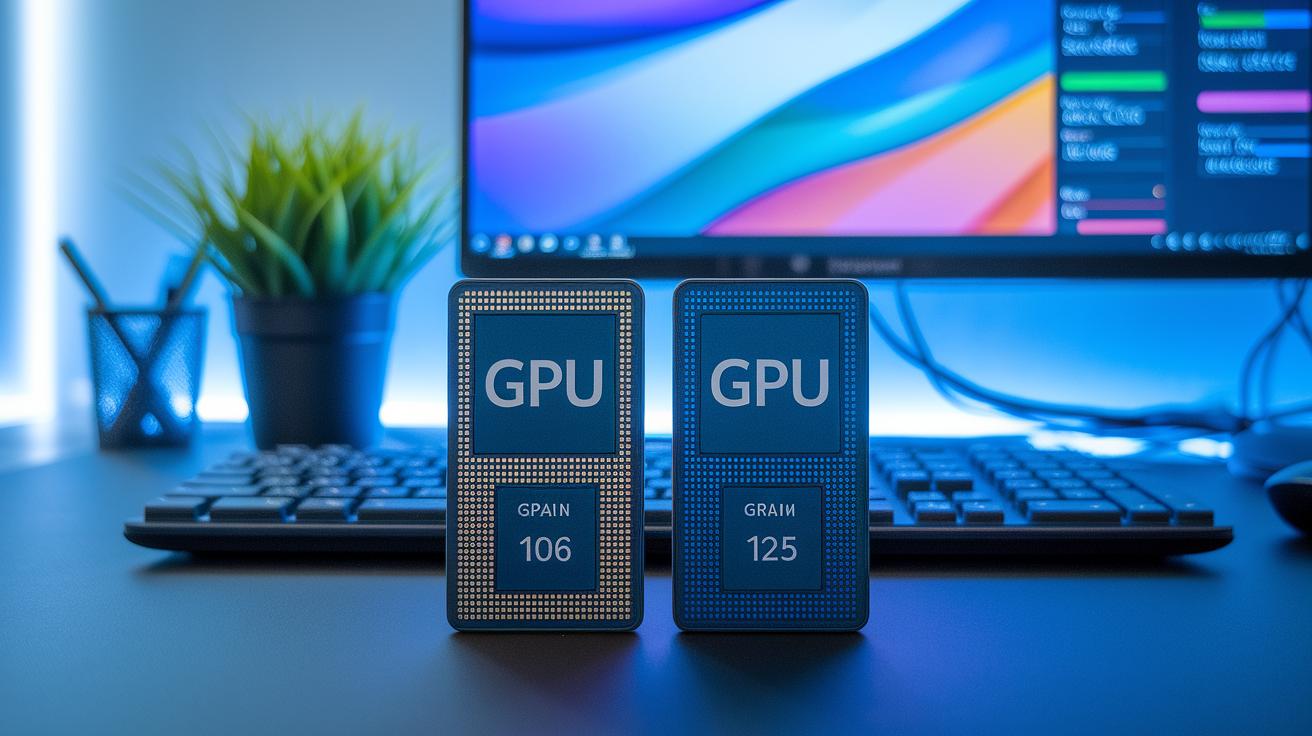
Below is a side-by-side table that breaks down key specifications we tested. We looked at processor speed, graphics options, storage choices, memory setups, cooling systems, and battery life.
| Specification | Ultrabook | Laptop |
|---|---|---|
| CPU | Intel ULV dual-cores | Up to quad-core H-series |
| GPU | Integrated UHD/Iris | Discrete NVIDIA/AMD |
| Memory | Soldered 4–16 GB | User-upgradable 4–64 GB |
| Storage | NVMe SSD only | SSD or HDD + SSD combos |
| Thermal | Thin chassis; higher skin heat | Thicker bodies; larger fans |
| Battery | IvyBridge ≥ 5 h / Haswell ≥ 9 h idle | Typically 4–8 h |
These numbers show the everyday impact: ultrabooks offer slim designs and longer idle battery life, while laptops shine with better performance and upgrade options.
Display, Keyboard, and Touchpad in Laptops vs Ultrabooks
Ultrabooks usually come with a 13.3″ IPS display that shows clear details and bright colors. Laptops offer more variety in screen sizes, ranging from 10″ to 18″, and may use either TN panels (which have narrower viewing angles) or IPS panels for better color quality. The display size and type matter a lot in daily tasks. A 13.3″ screen works well for quick tasks and presentations, while a larger display can help if you need more space for detailed work.
Keyboards differ too. Many laptops have keys that travel up to 1.5 mm, which gives a solid, tactile feel during long typing sessions. In contrast, ultrabooks usually feature a shorter key travel of around 1.2 mm. This slim design helps maintain a sleek look, though some users may find the keys feel a bit shallow when typing fast. Both often come with backlit keyboards, making it easier to work in low light.
Touchpads are another important point. Ultrabooks often use advanced precision drivers for steady and accurate movement. Laptops, however, can vary in size and driver quality, which sometimes leads to less consistent performance. Many of these devices also include built-in speakers that deliver clear sound, enhancing both work and entertainment experiences.
Portability and Battery Life Comparison

Ultrabooks are very light and slim. They weigh less than 3 lbs and measure about 18 mm thick, which makes them perfect for on-the-go use. While a few laptops come close, most weigh anywhere from 2 to 18 lbs and are thicker. Imagine a sleek ultrabook that fits easily in your backpack versus a heavier notebook that mostly stays on your desk.
Battery life is another strong point for ultrabooks. IvyBridge models run for at least 5 hours on a single charge. Haswell versions aim for 9 hours of idle time, 6 hours of video playback, and up to 7 days on standby. In contrast, many regular laptops only last between 4 and 8 hours. See the battery specification table below for more details.
Performance and Usage Scenarios for Laptops vs Ultrabooks
Ultrabooks use low-power ULV chips that work well for daily tasks like browsing, editing documents, and taking notes. They are great for students and mobile professionals who need a light device to carry around all day. Their slim design means they handle everyday tasks without any lag while keeping things easy to transport.
Laptops are built for heavier work. They are suited for demanding tasks such as video editing, virtual meetings, and running complex programs like CAD software. If you run several apps at once or work with large data sets, a laptop’s extra processing power and memory will make a real difference. This extra muscle is helpful when editing high-definition videos or handling multiple heavy applications at the same time.
Gaming shows the gap between the two. Ultrabooks have integrated graphics that work fine for casual or older games. Meanwhile, many laptops come with discrete GPUs (separate graphics units) that can handle modern, graphically intense games. If you are into gaming for light play, an ultrabook might do the trick; but for high frame rates and the latest titles, a laptop is the better choice.
Price Range and Value for Money in Laptops vs Ultrabooks
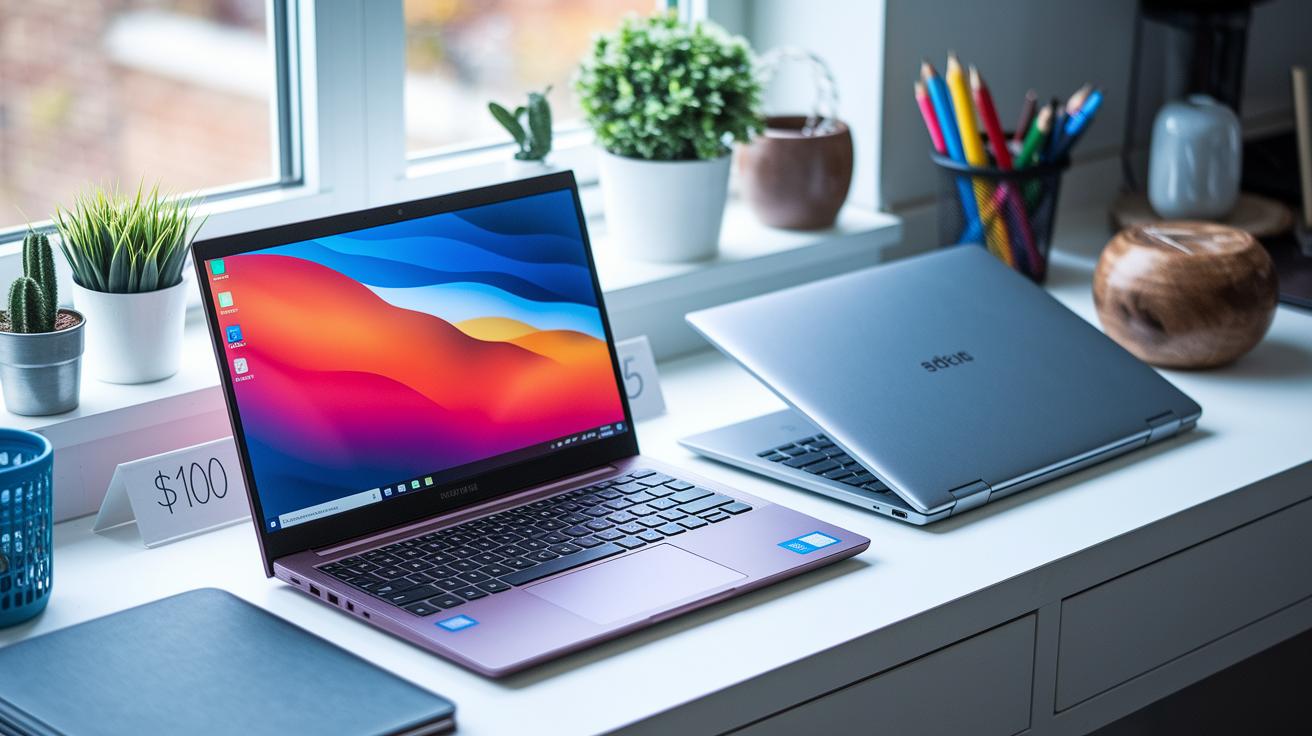
Budget laptops start as low as $100 and deliver the basics for everyday computing. They use simple, sturdy materials like plastic and offer reliable performance for web browsing, office work, and light multimedia tasks.
Entry-level ultrabooks, priced around $700, focus on slim designs and portability. They usually weigh under 3 lbs and are less than 18 mm thick, making them great for commuters who value both style and efficiency.
Mid-range and high-end ultrabooks range from $700 to $2000. These models include extra features like touchscreens, fast data ports (Thunderbolt), and fingerprint readers that make tasks such as video calls or secure logins smoother. They blend good performance with a modern, sleek design to suit professionals on the move.
When you consider warranties and brand reliability, it's important to look at cost versus performance. Trusted brands often provide extended warranties and solid support, giving you peace of mind. Sometimes spending a bit more on a premium ultrabook means you get extra support and lasting quality.
Buying Guide Essentials for Selecting Laptops vs Ultrabooks
When you pick between a laptop and an ultrabook, start by thinking about what you use your computer for. Do you need it for office tasks, editing videos, or even gaming? Matching your daily jobs with the right hardware is a smart plan. Ultrabooks usually have ULV chips (low-power processors) for everyday work, while laptops might include H-series chips that handle heavier tasks. Also, consider if your work might grow and need more power later.
Identify Your primary tasks
Write down what you do most each day. If you mainly work on documents and browse the web, a ULV ultrabook might be just right. But if you plan to edit videos or run tough programs, you may need a laptop with a stronger CPU, extra RAM, and a separate graphics card. It’s clear from our tests that matching your device’s strength to your tasks can boost your day-to-day productivity.
Prioritize Key hardware specs
Look closely at the key specs. Check if the CPU is ULV or H-series and see how much RAM and SSD storage you get. Notice if the memory is fixed or can be upgraded. Battery life is a must-check too; older models usually aim for about five hours, while newer ones try for longer playtimes. A bit of hands-on checking here can help you see the long-term value.
Evaluate port selection and warranty
Make sure the device offers the right ports for you, like USB-A, Thunderbolt, HDMI, and an SD card reader. Also, check for modern features like Wi-Fi 6/6E and Bluetooth 5, which keep your gear up to date. Finally, review the warranty and support plans to protect your purchase over time.
Final Words
In the action, we broke down the differences in design, specs, and performance. We compared weight, build quality, battery life, and price to help you match your needs with the right machine.
We wrapped up with real-world scenarios for both form factors. The review clearly shows how laptops vs ultrabooks perform in everyday tasks. The detailed criteria boost your confidence in making a solid, value-driven purchase. Enjoy exploring the options and find a device that truly works for you.
FAQ
Laptops vs ultrabooks reddit, laptops vs ultrabooks for work, and what’s the difference between ultrabooks and laptops?
The comparison shows that ultrabooks focus on portability with slim, light builds and long battery life, while regular laptops offer more power and upgradeability geared for heavy workloads.
Laptop vs notebook pros and cons, laptop vs notebook vs ultrabook, laptop vs notebook vs Chromebook, and notebook vs laptop vs tablet?
The terms laptop, notebook, and ultrabook often refer to portable computers with varying designs, performance, and battery life. Chromebooks and tablets, however, run different operating systems and serve simpler computing needs.
Ultrabook vs Chromebook and is an ultrabook the same as a Chromebook?
The comparison indicates that ultrabooks run Windows on slim, high-efficiency hardware, whereas Chromebooks use Chrome OS and offer a more basic computing experience, making them distinct from each other.
Ultrabook laptop price
The answer shows ultrabooks generally cost between $700 and $2000 due to their premium, slim designs, while general laptops cover a broader price range to accommodate various performance levels and budgets.
What are the three types of laptops?
The classification usually includes basic models for everyday tasks, mid-range devices for balanced work and multimedia, and high-end laptops designed for heavy processing like video editing and gaming.
Is an ultrabook heavier than a laptop?
The answer is that ultrabooks are purposefully engineered to be lighter than many traditional laptops, often weighing under 3 lbs, which enhances their portability without compromising essential features.