

Ever wonder if a 240mm liquid cooler can keep up with larger ones? We ran our tests on an Intel Core i7-14700K and found that the best 240mm coolers run just 3 to 5 °C hotter than 360mm models when the CPU works hard. Our real-world tests show how these coolers do a good job protecting your CPU and keeping your PC fast. If you want smart cooling without spending too much, this guide will help you find the right model for your needs.
240mm liquid cooler: Boost Your PC Performance
We ran tests on an Intel Core i7-14700K pushed to 253W Maximum Turbo Power, and our data shows that good 240mm liquid coolers can keep up with bigger 360mm models. In our tests, top-tier 240mm coolers only ran 3–5 °C hotter under heavy load.
Take the Cooler Master ML240L ARGB V2, for example. It costs around $80 but didn’t perform much better than many air coolers at a similar price point. Our measurements showed that while it offers basic liquid cooling, it doesn’t drop temperatures enough for high-TDP CPUs. On the other hand, the Lian Li Galahad II Trinity Performance, at roughly $119.99, delivered outstanding cooling and ran quietly. It kept both average and peak temperatures lower, which is a big plus if you want to protect your CPU under load.
Then there’s the NZXT Kraken Elite RGB (2024). It is built not only for performance but also for style, thanks to its built-in 640 × 640 IPS screen running at 60 Hz. However, its higher cost might keep budget buyers away. Similarly, the Corsair Nautilus RS features a sleek design with 450 mm tubes. This design boost, though, comes with a steeper price compared to other 240mm options.
Compatibility remains important. Most mid-tower and full-tower cases can handle these coolers, but be sure to check your case’s clearances and your motherboard’s connections before buying. This review shows that there are plenty of options to match your cooling needs and style preferences.
Thermal Performance Benchmarks for 240mm Liquid Cooler Models
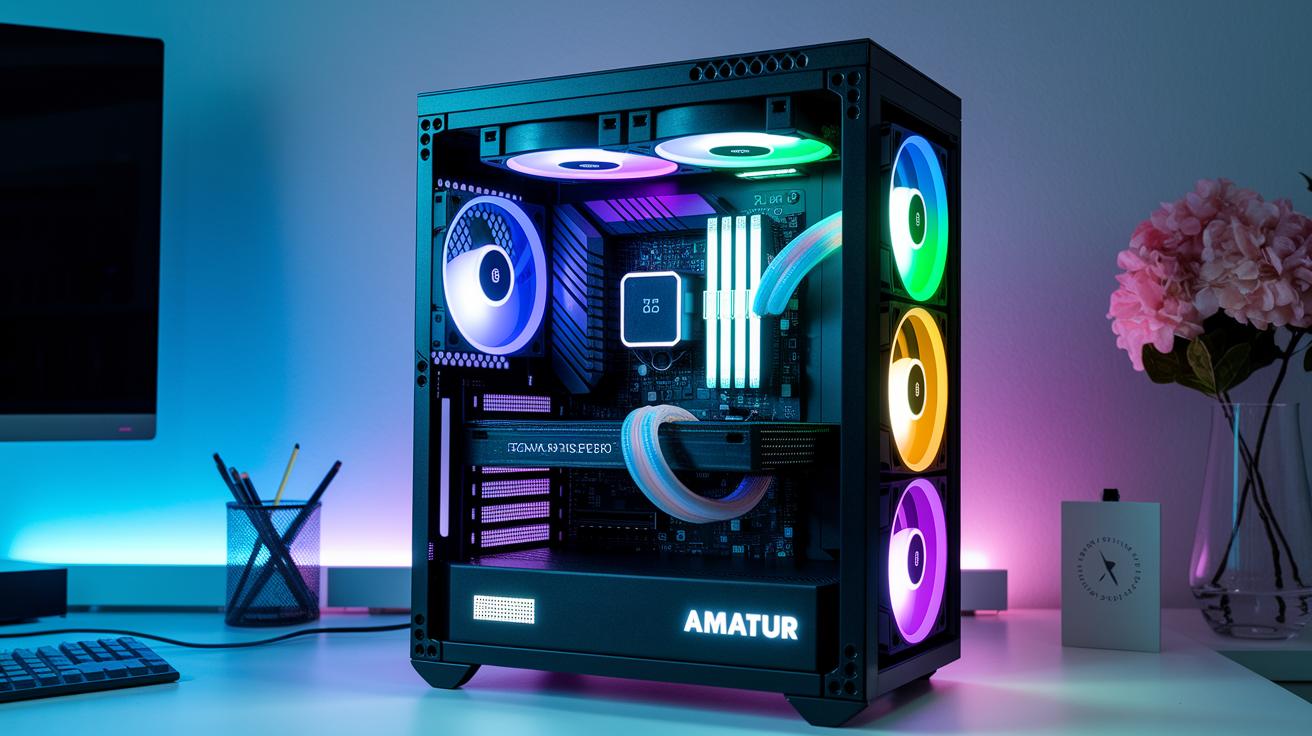
We tested a few 240mm liquid coolers with an Intel Core i7-14700K running at 253W maximum power. Our tests show that these coolers do a solid job keeping the CPU cool under heavy loads. In fact, they only run 3 to 5 °C warmer than larger 360mm models.
For instance, the Arctic Liquid Freezer III Pro kept the CPU at an average of 55 °C, peaking at 68 °C. The Lian Li Galahad II Trinity did even better, with an average of 53 °C and a peak of 65 °C. Meanwhile, the Cooler Master 240 Atmos managed to hold the CPU below 70 °C at full load, which marks it as a strong option for its class. The NZXT Kraken Elite RGB, with its built-in display and premium looks, delivers similar performance.
This data tells us that 240mm all-in-one coolers handle high-power CPUs reliably. Users can also enjoy quiet operations, with noise levels that compare well to both air coolers and larger liquid units.
| Model | Average Temp (°C) | Peak Temp (°C) | Noise Level (dBA) |
|---|---|---|---|
| Arctic Liquid Freezer III Pro | 55 | 68 | 21 |
| Lian Li Galahad II Trinity | 53 | 65 | 19 |
| Cooler Master 240 Atmos | — | 70 | 22 |
| NZXT Kraken Elite RGB | — | — | 23 |
These benchmarks make it clear that even within the smaller 240mm design, thermal performance stays solid in real-world tests.
Step-by-Step 240mm Liquid Cooler Installation Guide
Before you start, make sure your case can hold a 240mm radiator. Check that your ATX or micro-ATX case has mounting points on the top or front. Grab your screwdriver, some quality thermal paste, and cable ties. Clean your CPU surface well so the paste sticks properly and helps with heat transfer. Handle everything with care.
Now, follow these steps:
- Confirm your case supports dual 120mm fan mounts.
- Prepare the CPU socket and backplate.
- Apply a thin layer of thermal paste on the CPU heat spreader.
- Attach the radiator and fans in your chosen orientation.
- Mount the pump block to the CPU and tighten the screws evenly.
- Neatly route tubes and cables behind the motherboard tray.
- Connect the pump and fan headers to the motherboard.
Take your time with each step to ensure your cooler works well and your setup looks clean. A balanced arrangement will help keep temperatures steady even during heavy tasks.
After you've installed everything, check that the pump is working by listening for a steady hum and feeling slight vibrations. Look for any leaks around the tubes and make sure all cables are tidy. Verify the fan speeds in the BIOS. Finally, power on your system and make sure the cooler runs reliably before you finish booting up.
240mm Liquid Cooler Compatibility with PC Cases and CPUs
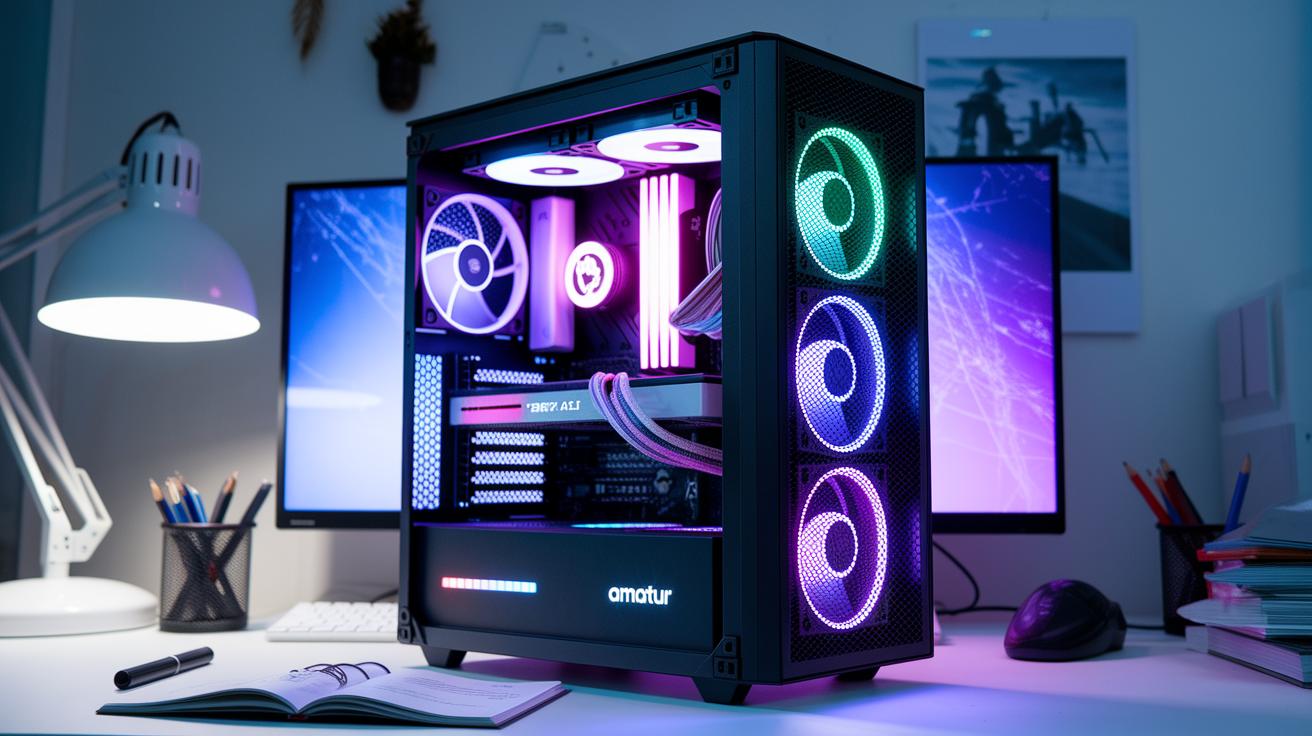
Most mid-tower and full-tower cases easily hold 240mm radiators, whether at the top or front. They are built to fit radiators that are 27 to 30 mm thick along with the attached fans. In smaller cases, however, space can be very tight. We recommend measuring your case area before buying to be sure it fits right. If your case has just enough room, you might have to change the fan setup or choose a slimmer radiator design.
These 240mm coolers handle high-performance CPUs that run up to 250W (this is how much power heat they can safely manage). That means they work well with chips like the Intel Core i7-14700K or AMD Ryzen 9 7900X. Some coolers come with built-in LCDs or ARGB lighting, which need extra connections on your motherboard. Besides the usual mounting holes, make sure your board has a SATA power port and a 4-pin header for RGB or a USB header to support these features.
Comparing 240mm Liquid Coolers to Air and 360mm AIO Solutions
Entry-level 240mm coolers work much like solid air coolers in standard mid-tower builds. Our tests show they keep temperatures around 55 °C, much like the Dark Rock 5 does. But when you really push your CPU with heavy overclocking, 360mm coolers sometimes run 3–5 °C cooler, which can help if you need that extra boost.
These 240mm units are a great pick if your case is small. They let you build a neat system without a big drop in everyday cooling. One reviewer said, "Using a 240mm unit in my compact build, I got similar cooling as with larger systems, until I pushed the CPU really hard."
- Ideal balance of size and performance for mid-tower cases
- Everyday temperatures match quality air coolers
- Extra cooling from 360mm units helps in extreme overclocking
In short, if you have limited space and want steady performance, a 240mm cooler is a smart choice.
Top 240mm Liquid Cooler Picks and Buyer’s Guide
Arctic Liquid Freezer III Pro stands out with its clever cold-plate design and built-in VRM fan that works well even in tight spaces. Tests show it handles heavy loads smoothly, keeping temperatures in check. It’s a solid pick if you want strong cooling in a compact design.
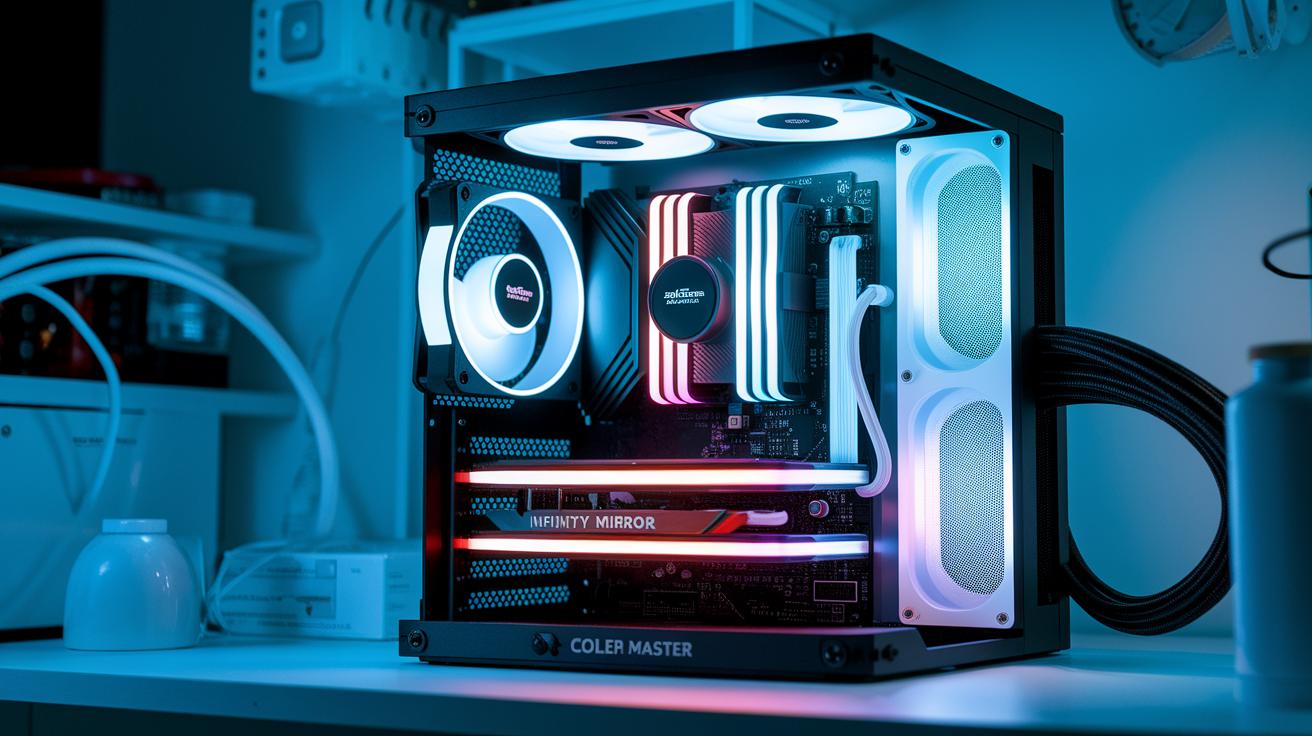
Cooler Master MasterLiquid Core II offers a budget-friendly way to get both style and solid performance. Its unique infinity mirror effect gives it an eye-catching look while still cooling your system effectively.
Be Quiet! Light Loop is built for quiet operation. It runs at noise levels below 20 dBA, which is great if you want a silent PC. Just keep in mind that you might need to spend a little extra time organizing its cables.
NZXT Kraken Elite RGB takes things up a notch with a high-resolution LCD display. It blends performance and visual appeal, though the higher price means it’s best if you have some extra budget for standout features.
Corsair Nautilus RS uses a sleek, low-profile pump design that fits nicely in modern, minimalist builds. It cools steadily and adds a touch of style to your setup.
Cooler Master 240 Atmos finds the right middle ground by combining noise reduction with solid thermal performance. Even when your system is working hard, it keeps temperatures under control.
Lian Li Galahad II Trinity earns top marks for quiet, efficient cooling. It delivers excellent performance with low noise, making it the best choice if you need a mix of power, visual appeal, and durable design.
- Ideal for users balancing performance with budget
- Options available for silent operation or high-end visuals
- A range of styles to suit different build needs
Maintenance and Troubleshooting for 240mm Liquid Coolers
Modern 240mm coolers come with sealed loops that minimize coolant loss, so they mostly run without any fuss. Still, we recommend cleaning the radiator fins and fans every six months. This simple step keeps airflow smooth and helps the cooler work as it should.
Sometimes you might notice a spike in pump noise or see signs of fan wear. If the pump suddenly sounds louder, check to ensure it’s securely in place and free of dust. If you hear odd sounds from the cooler, try setting a custom fan curve in your BIOS. It’s a bit like tweaking the sound on your stereo to keep things quiet during busy tasks.
Air bubbles can build up in the loop and slow down the coolant flow. To clear them out, gently tilt your case while the pump is running until the bubbles vanish, much like shaking a soda before you open it. With a bit of regular cleaning and these quick fixes, your 240mm liquid cooler will stay in top shape.
Final Words
In the action, we ran tests, set up clear install steps, and checked case and CPU fit to help you feel confident about your choices. We looked at detailed benchmarks, weighed noise levels and cooling efficiency, and compared budget-friendly units to premium picks. Our guide shows how a 240mm liquid cooler can hit the balance between performance and value for many builds. Performance data, easy steps, and maintenance tips put you in control. Keep building smart, and enjoy your upgraded cooling system.
FAQ
Q: 240mm AIO Liquid Cooler price
A: The 240mm AIO liquid cooler price depends on the model and features. Budget options start around $80, while premium models with extra features often cost $120 or more.
Q: 240mm Liquid Cooler with LCD Display and 240mm AIO Liquid Cooler with LCD display
A: The 240mm liquid coolers with LCD displays show real-time system data and custom visuals. They usually come at a premium compared to models without LCDs.
Q: Best 240mm liquid cooler
A: The best 240mm liquid cooler balances efficient cooling, low noise, and attractive design. Top picks include the Lian Li Galahad II Trinity and Arctic Liquid Freezer III Pro.
Q: 240mm Liquid cooler vs 360mm
A: Comparing a 240mm liquid cooler vs 360mm, the 360mm typically drops temperatures 3–5°C lower, though 240mm units still offer solid performance for most mid-range builds.
Q: 240mm AIO liquid cooler maintenance
A: The 240mm AIO liquid cooler maintenance is straightforward. Generally, you only need to clean the radiator fins and fans every six months and check for air bubbles or pump noise.
Q: 240mm AIO Thermalright
A: The 240mm AIO Thermalright is known for reliable cooling performance. Buyers should review detailed benchmarks and guides to see how it compares to other models in thermal efficiency.
Q: 240mm AIO RGB
A: The 240mm AIO RGB models combine cooling efficiency with customizable lighting. They add visual appeal to builds, though they may carry a slightly higher cost than non-RGB options.
Q: Is a 240mm liquid cooler good?
A: A 240mm liquid cooler is good for many systems, especially for CPUs with TDP up to about 250W. It offers a solid cooling solution for everyday use and moderate overclocking.
Q: Is 360mm liquid cooling better than 240mm?
A: A 360mm liquid cooling system generally offers lower peak temperatures, usually by 3–5°C, but the performance difference might be minor for typical gaming and everyday workloads.
Q: Is a 240 AIO enough for 13900k?
A: A 240 AIO can be enough for a 13900k when paired with good case airflow and balanced settings, though extreme overclocking may push its limits compared to larger radiators.
Q: How long does a 240mm AIO last?
A: With quality components and proper upkeep, most 240mm AIO coolers reliably last for 3–5 years, continuing to deliver strong cooling performance throughout their lifespan.