

Ever wonder if a smart home could actually save you time and money? Picture your oven and fridge chatting with your phone, making your day run smoother. This guide shows you what really matters: simple app control, steady connections, and lasting value. We line up the top features to match your everyday needs so that your smart appliances serve you, not the other way around. Ready to see your home in a whole new light?
Smart Appliance Purchase Checklist: Key Buying Factors
Smart appliances add ease to daily chores and let you manage your home with less hassle. They come with remote control and programmable features that can change how you cook. For instance, try out an oven’s remote start in-store to be sure it works for you. This checklist helps you sort through choices to match your lifestyle without wasting money.
Before you buy, think about a few important points that protect your investment over time. Our guide covers what really matters, from smooth app control to solid connectivity in your smart home. It’s a lot like checking a fridge’s status alerts to be certain every feature adds value. A clear plan can make choosing among many models simpler.
- Lifestyle fit: Pick appliances that match your daily routines and home size.
- Control compatibility: Select models that work well with apps and voice commands.
- Smart features: Make sure the appliance has more than just basic Wi-Fi.
- Long-term value: Check energy use and costs to save money over time.
- Ecosystem deals: Look into bundle offers or systems that work well together.
This checklist makes deciding on a smart appliance easier. Each tip guides you to products that offer simple control, reliable performance, and genuine savings, helping modern living become more comfortable and efficient.
Smart Appliance Connectivity and Remote Control Features
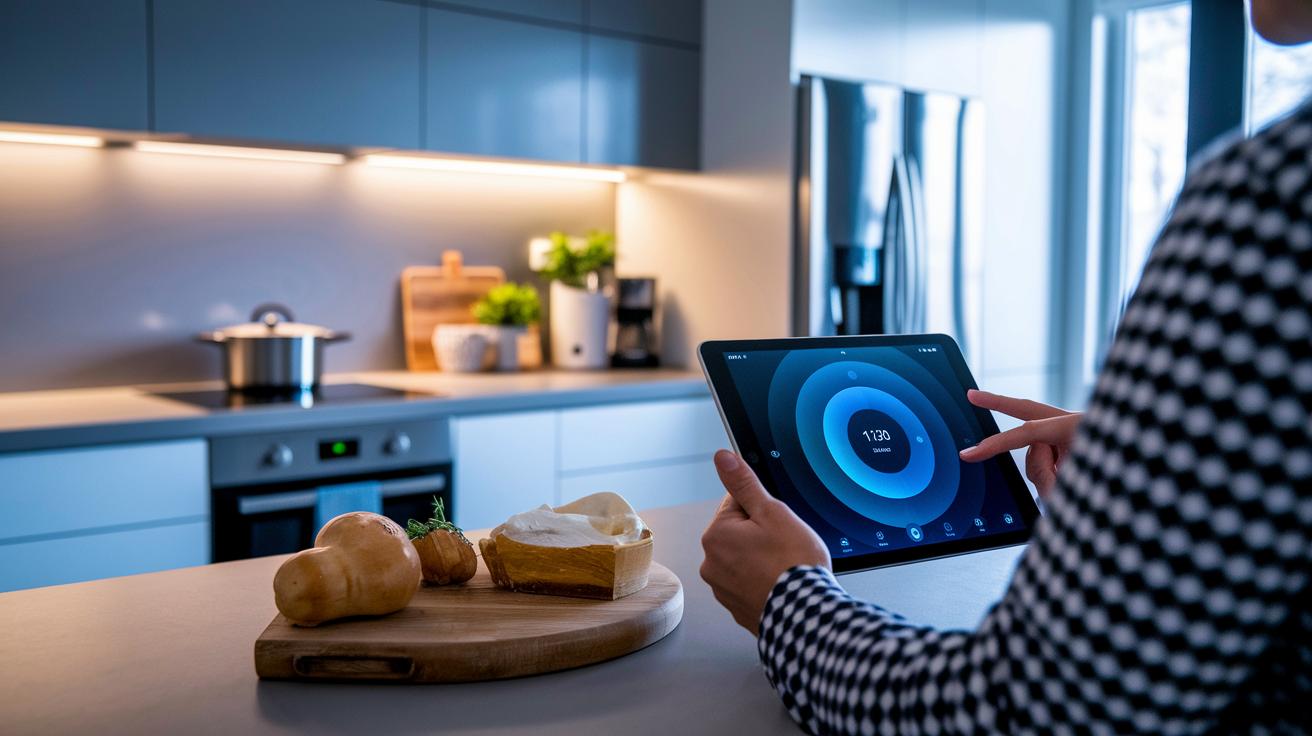
Reliable connectivity is key in smart kitchens. When your devices connect seamlessly to the internet, you can count on them to work as expected every time. With an internet connection, you can control your cooking tasks from anywhere. For instance, you might start preheating your smart oven from its app before you even get to the kitchen. Plus, real-time alerts keep you updated on status changes and maintenance needs.
Remote control really changes the game in modern kitchens. Many gadgets let you use an app to start, stop, or change settings with just a few taps. Voice commands make it even easier, you can adjust cooking times or check an appliance's status simply by speaking. Notifications on your phone or smartwatch tell you when a timer rings or if something needs attention. All these options simplify your daily routine and make managing your smart home a breeze.
Security and compatibility across devices are essential in today’s appliances. They come with built-in safety measures to protect your data during remote access. Cross-platform compatibility means that whether you use Android, iOS, or another system, your smart devices work well together. This open design builds a trusted network you can rely on every day.
Smart Appliance Feature Comparison Across Major Kitchen Devices
Smart appliances are making our kitchens run smoother. They help simplify daily tasks while saving you time. In this review, we compare the main functions of top kitchen devices so you can quickly spot their differences.
Many devices now include features like timer alerts, reminders for upkeep, and preset cooking programs designed to match your routine. Some even let you check on them remotely when you're not home, while others offer custom settings for special recipes.
| Appliance type | Smart features |
|---|---|
| Oven | Timer alerts and status updates; automatic cooking presets |
| Combi-steam oven | Custom recipe modes (like sourdough cycles), probe-thermometer integration, remote monitoring |
| Refrigerator | Maintenance reminders; inventory tracking and temperature alerts |
| Dishwasher | Automatic cycle presets; diagnostic alerts and scheduling options |
Each appliance shows smart traits that fit different kitchen needs. The oven gives you basic yet vital alerts for when you need quick updates. The combi-steam oven goes a step further with custom cooking modes and remote check-ins, great for those who like to fine-tune their recipes. Refrigerators work to keep your food fresh through inventory and maintenance alerts, while dishwashers focus on ease with auto cycle settings and self-check diagnostics. Pick the device that best fits your cooking habits and home style.
Smart Appliance Energy Efficiency and Cost Analysis
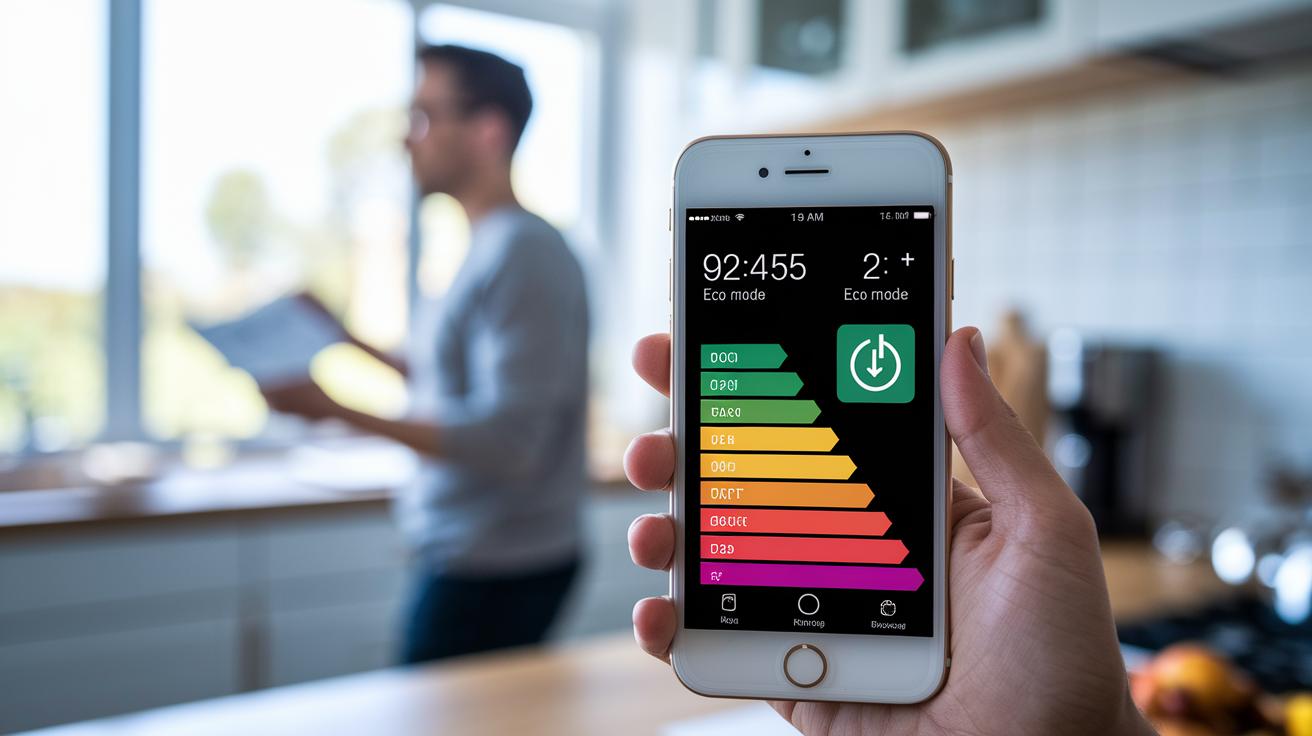
Smart appliances feature eco-modes that cut energy use while still getting the job done. They show real-time power metrics, so you can see exactly how much electricity is being used and find ways to lower it. Some models even offer incentive programs like holiday rebates to reduce the upfront cost of energy-efficient choices. For instance, an appliance might switch its settings during off-peak hours to lower power draw. This not only saves you money on your bill right away but also cuts down on wasted energy over time.
When you compare appliances, check their energy ratings and power numbers to gauge long-term savings. Look for labels that rate efficiency with renewable power data and use that info to figure out your return on investment. Keep in mind that older fridges and ranges (over 15 years) and dishwashers (over 10 years) may not be as efficient because worn seals or corrosion can increase energy use. With these tips, you can decide when it’s time to replace an outdated appliance and save more in the long run.
Ecosystem Integration Tips in a Smart Appliance Buying Guide
When you stick with one brand, all your devices work together smoothly. One screen, thanks to features like SuperVision, can show the status of several appliances at once. This means that adjusting settings, getting updates, and controlling everything is simple and unified. It’s a clean, modern setup that feels just right for everyday use.
Mixing brands is possible but can be trickier. Often, you need extra tools like hubs or middleware (software that helps devices communicate) to bridge the gap between different systems. These extra steps can bring slight delays or even some compatibility issues if they’re not set up correctly. Testing the integration before you buy can save you time and trouble later.
Before finalizing your purchase, it helps to try out in-store demos. Seeing how the apps interact and checking cross-platform compatibility firsthand shows you the real ease of operation. This hands-on test lets you see middleware in action and ensures that all the smart features work together the way you need for a truly connected home.
Smart Appliance Installation, Maintenance, and Troubleshooting Guide
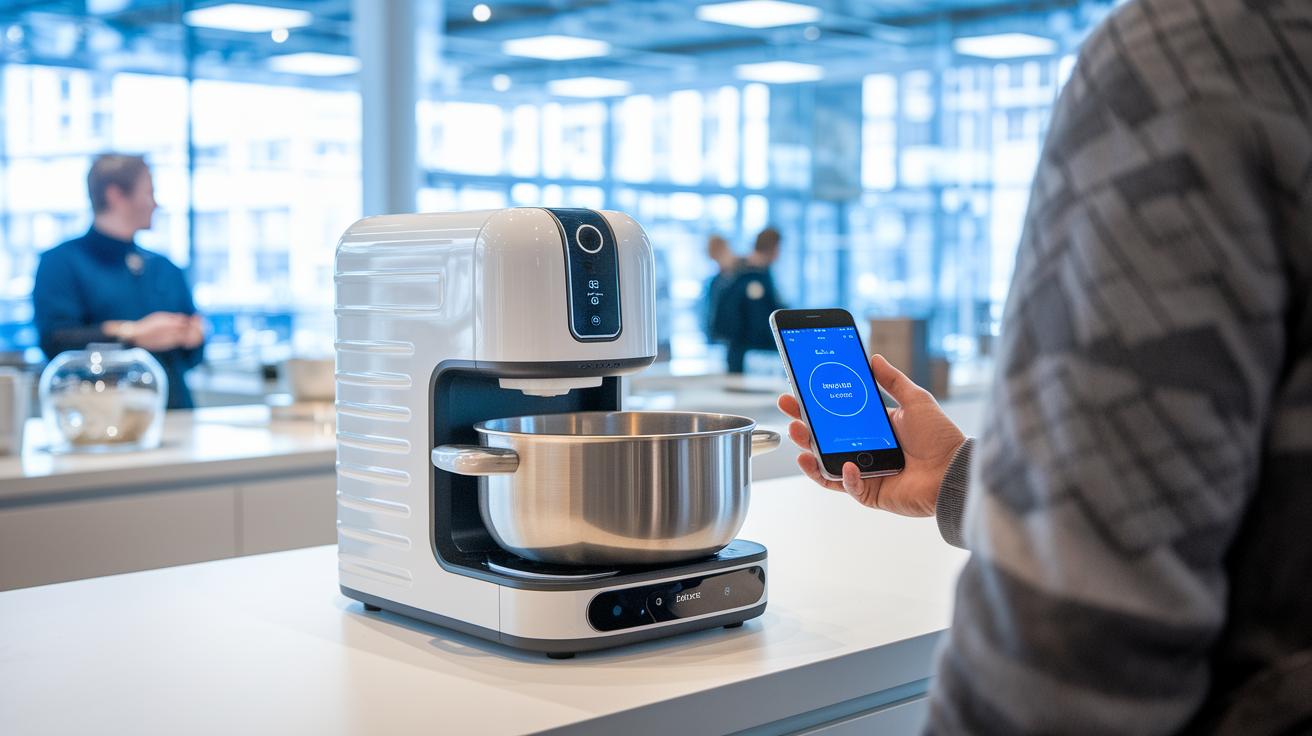
First, set up your smart appliance by testing it in-store. Plug it in, download the mobile app, and explore the demo features to make sure the device connects properly. A steady network helps you control the appliance from anywhere and get timely updates.
Keep your appliance working well with regular maintenance. Check seals, look for any signs of moisture, and watch the sensor readings for odd numbers. Clean parts when needed. For a simple guide on cleaning electronics, see this step-by-step guide: https://circuitcritics.com?p=1709.
Update the firmware often and use remote diagnostics to deal with error codes. Firmware updates run quietly and improve both security and performance. If you get an alert, check a troubleshooting guide for tips, or run a test to see that all features work smoothly after the update.
You can also use the app to check your appliance’s health anytime. A few taps let you review logs and clear error messages. And when it's time to upgrade, look into recycling or resale options. This proactive approach helps you save money and keeps your smart kitchen running reliably.
Smart Appliance Budgeting, Financing, and Purchase Strategies
During holiday sales, many stores drop prices on energy-saving models. They keep these deals going for weeks, giving you time to check online offers and in-store prices. Keep an eye out for flash sales and compare options side-by-side to snag the best bundle or discount.
You can also ease the upfront cost with financing options. Zero-interest plans and extended warranties let you spread the cost over time. Extended warranties work like extra protection, covering repair costs long after you buy the appliance.
Finally, consider trade-ins, recycling, or resale options to cut your overall cost without giving up quality. Selling or recycling old units can free up cash for a new upgrade. This smart cost management helps keep your investment in home technology on budget.
Final Words
In the action, our smart appliance buying guide walked you through connectivity checks, remote control features, energy efficiency, ecosystem integration, maintenance, and budgeting tips.
We broke down key factors like lifestyle fit, app control, true smart functionality, and long-term value. These insights keep you informed and ready to pick devices that actually work for your routine.
Keep these points in mind as you shop and enjoy a smoother, more confident appliance upgrade. Positive changes start when you know what to look for!