

Ever think a thin laptop means it can't pack a punch? Ultrabooks prove that idea wrong. They burst onto the scene in the early 2010s with a slim look and the strength you’d expect from a full laptop. These machines are made for busy folks who need fast, portable gear. They use little power and weigh almost nothing, which makes them great for work and play. In this post, we'll show you why ultrabooks are smart tech for a busy, on-the-go life.
Ultrabook Definition and Key Characteristics
Ultrabooks first surfaced around 2011–2012. They mixed a slim, modern design with the muscle of a full laptop. Early models ran on systems like Windows 7 and Windows 8. This meant you could have a light, portable device without losing work power. Imagine a notebook that keeps pace with your busy day, whether you're at the office or on the move.
These laptops use Intel platforms. They commonly feature 11th-Gen Tiger Lake, 12th-Gen Alder Lake, or 13th-Gen Rocket Lake processors (chips that process data quickly). This setup helps them run many apps at once, like video streaming and multitasking, while keeping heat low. Originally, ultrabooks were built to be very thin, light, and energy efficient. Now, these ideas have evolved into the Intel Evo certification standards.
At their core, ultrabooks blend smart design with strong performance. Their sleek build doesn’t mean you have to sacrifice computing power. They manage energy well and respond quickly to your commands. Think of a device that gives you solid work power while saving battery life, ready for work or play without hogging energy. This mix of careful design and solid performance still defines ultrabooks today.
what are ultrabooks: Smart modern machines
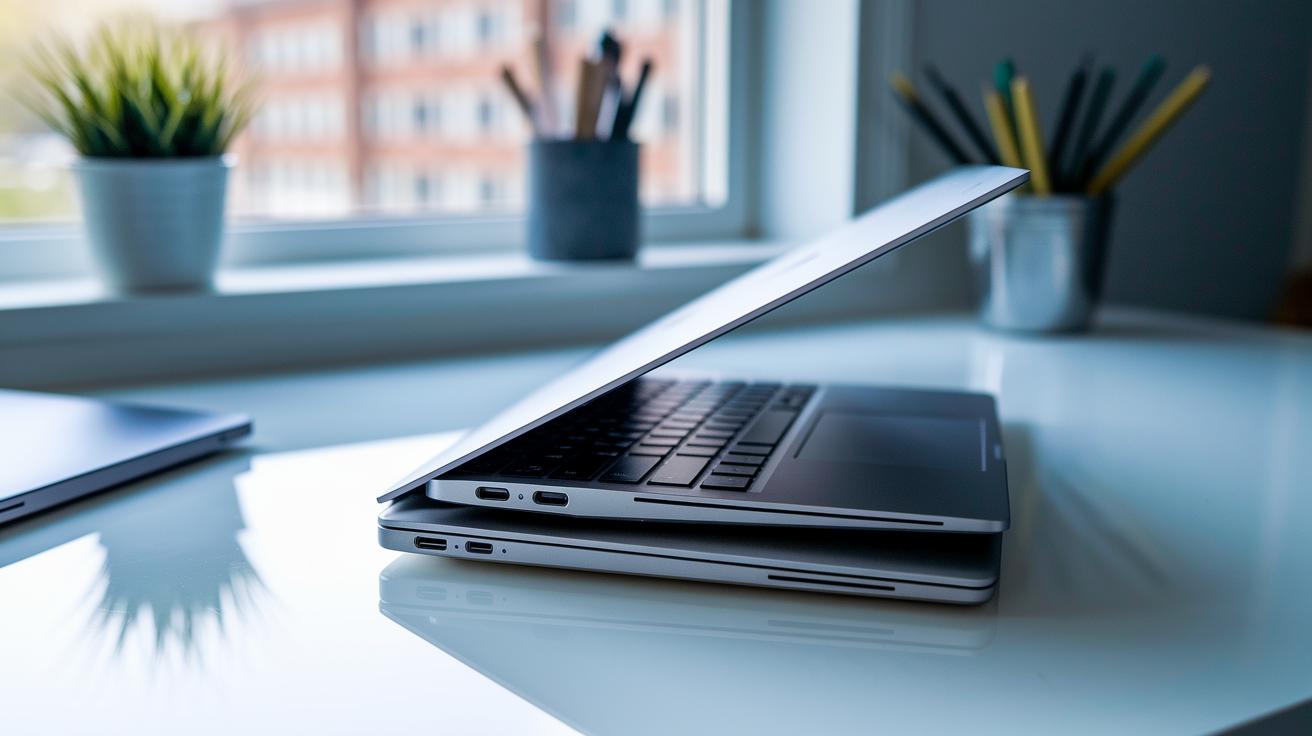
Ultrabooks focus on being thin, light, and energy efficient. They are made with light materials so that most models weigh only 1 to 1.5 kg. This makes them easy to carry, whether you're heading to a meeting or a class.
There are strict rules that keep these computers slim. For example, 14-inch clamshell models must stay under 21 mm thick. Other 14-inch styles can be no thicker than 23 mm, while laptops with 13.3-inch or smaller screens must stick to an 18 mm limit.
- 14″ clamshell models: up to 21 mm thick
- Other 14″ models: up to 23 mm thick
- 13.3″ or smaller screens: up to 18 mm thick
Energy efficiency is a top goal in ultrabook design. Newer models meet Intel Evo standards (which means they use power-saving parts, smart cooling, and efficient making processes). These features help stretch the battery life and handle everyday tasks with ease.
In short, the mix of slim design and smart energy use makes ultrabooks a great choice for anyone who needs a light, practical computer that can keep up with a busy life.
Performance Balance and Battery Longevity in Ultrabooks
Ultrabooks pack a slim design with solid processing power. They come with Intel 11th- to 13th-Gen CPUs that handle many apps at once while keeping the heat low. This means you can run presentations, video calls, and streaming apps smoothly. Clever power management pushes battery life past 8 hours on mixed tasks, making these laptops great for long work sessions or travel.
Intel Evo certification plays a big role here. It promises quick wake times, steady performance, and reliable battery figures during everyday use. In short, the smart chip choices and energy-saving design let you get to work as soon as you open the lid.
Quick highlights:
- Good multicore performance with Intel 11th-13th Gen CPUs
- More than 8 hours of battery life with normal use
- Fast wake and a system that runs cool
Tests show these ultrabooks easily take on different tasks. They strike a clear balance between strong processing and long battery life, making them a smart pick for anyone who needs a dependable, portable computer.
Comparing Ultrabooks to Traditional Laptops

Ultrabooks and regular laptops might look similar but serve different needs. Ultrabooks are made for folks who need to stay light on their feet and still get solid results for day-to-day work. They're very slim, usually under 21 mm thick and weighing around 1 to 1.5 kg. Regular laptops, on the other hand, are thicker, often over 25 mm, and weigh more than 2 kg. This makes ultrabooks a great choice for people moving between meetings or classes.
Regular laptops can pack bigger processors (CPUs) and graphics (GPUs) for heavy tasks like gaming or video rendering. However, they often fall short when it comes to battery life and ease of transport. So, while a traditional laptop might be better for tasks that need a lot of power, it may not last as long on battery or be as easy to carry as an ultrabook. For more details, check out our guide on "gaming laptop vs regular laptop" to see how each one performs.
The differences go beyond just size. In everyday office work or light content creation, an ultrabook’s design helps deliver smooth performance without unnecessary bulk. They balance power with energy saving very well. Stick with an ultrabook if you rarely need the extra muscle for heavy gaming or advanced graphics, and you're after speed, long battery life, and a compact form.
| Aspect | Ultrabook | Traditional Laptop |
|---|---|---|
| Thickness | Under 21 mm | Exceeds 25 mm |
| Weight | 1 – 1.5 kg | Over 2 kg |
| Battery Life | Optimized for long use | Usually shorter on the move |
| CPU/GPU Performance | Efficient for everyday tasks | Suited for heavy tasks |
| Price | Mid to premium range | Varies, often higher for top specs |
This clear difference helps guide you to the right device for your daily work needs, whether you value high power or easy portability.
Ideal Use Cases for Ultrabooks
Ultrabooks are made for people with busy lives. They are built tough and hold a charge for a long time. This means they work well when you are on the move. Have you ever wished your laptop wouldn't quit before you do?
Travelers love them because their sturdy design easily handles airport checks and long trips. You can work from a cramped airplane seat without worrying about running out of power. They prove handy when you need to work on the go.
Business users also find them useful. They run smooth video calls and power presentations during meetings. Their light weight lets you carry them easily from one meeting room to the next, so you can focus on your work without extra hassle.
Students find ultrabooks perfect for campus life. They slip right into your backpack and handle note-taking and research without slowing you down. And yes, if you like a little gaming, many ultrabooks can run indie games at medium settings, mixing work and play with ease.
Key benefits include:
- Durability and long battery life that support travel
- Portability for easy use in meetings and remote work
- User-friendly design for school tasks and research
- Enough power to handle casual gaming alongside daily tasks
Popular Ultrabook Models and Brands
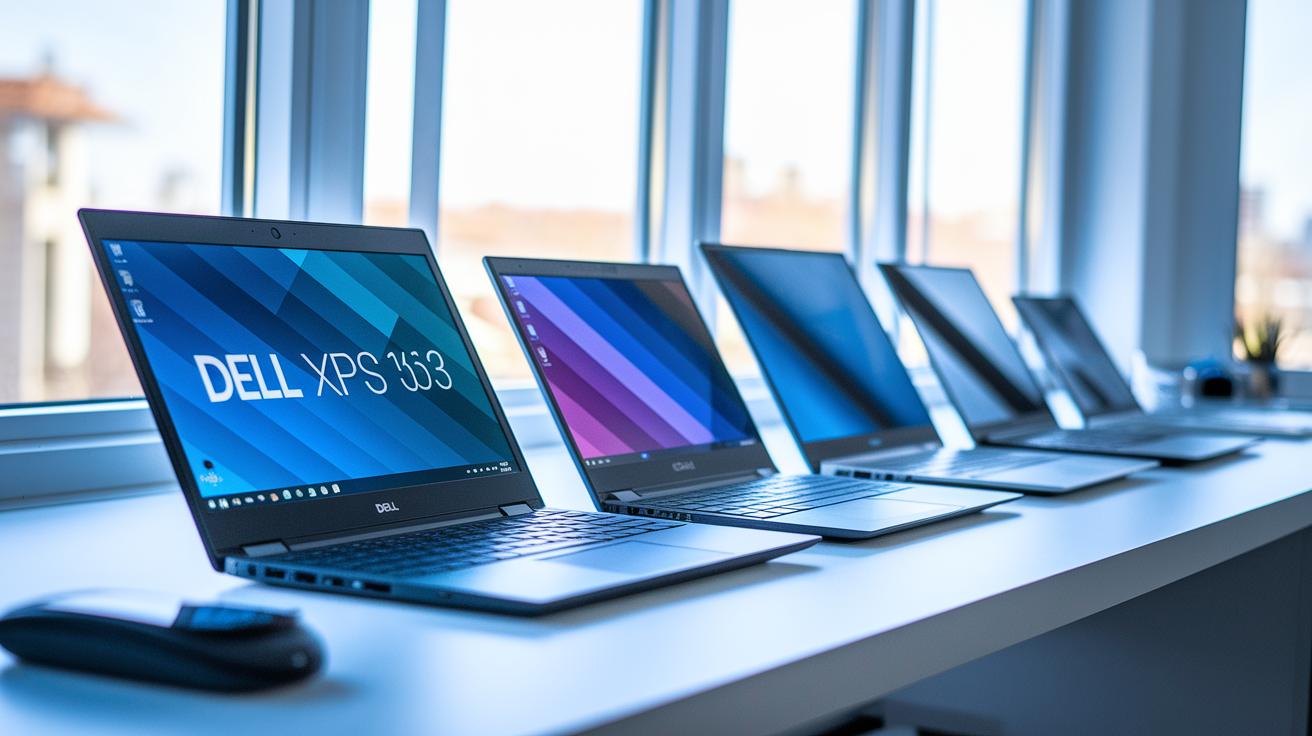
The market features models such as the Dell XPS 13, HP Spectre series, Lenovo Yoga Slim and ThinkPad X1 Carbon, and Asus ZenBook. Each of these laptops mixes a clean, modern look with solid performance. We’ve seen models like the Dell XPS 13 impress with its slim bezels. Meanwhile, the HP Spectre stands out thanks to its sturdy build and long battery life.
When you pick an ultrabook, keep your daily needs in mind. Focus on things like screen quality, processing speed, and battery stamina. It’s a bit like choosing a car, you might want something sporty or a roomier feel. Here’s a quick look:
| Model | Key benefits |
|---|---|
| Dell XPS 13 | Sleek design and balanced performance |
| HP Spectre | Solid build and long battery life |
| Lenovo Yoga Slim/ThinkPad X1 Carbon | Great for business use and versatility |
| Asus ZenBook | Good mix of performance and affordability |
Prices usually start around $900 and can go over $1,500 for more advanced features.
Evolution and Future Trends of Ultrabooks
In the last ten years, ultrabooks have come a long way. The first models, built on Sandy Bridge and Ivy Bridge tech, paved the way for portable computers. Later, processors moved to Haswell and Broadwell, and now we see Rocket Lake designs. Each upgrade brought more power and better energy use while keeping things slim.
Intel Evo took that progress to the next level. It set firm rules for fast charging, quick wake-ups, and steady battery life. These guidelines help makers build machines that power up in seconds and work smoothly all day. In simple terms, this certification means you get a trustworthy and light system for everyday use.
Looking ahead, ultrabooks seem set for even more progress. Some new models are using ARM-based chips, which might boost both power and battery life. Foldable screens could soon add new types of use without weighing the device down. Manufacturers are testing small AI helpers that manage power and speed up tasks. And using lighter materials might bring even less weight without losing strength.
New strides in processor tech, battery design, and build quality drive these improvements. Today’s ultrabooks act as a blank slate for ideas that can change our daily computing. As makers fine-tune their components, we can expect quicker responses, longer lifespans, and better multitasking. All these upgrades point to a future where ultrabooks lead the way with smart, efficient design.
Final Words
In the action, we broke down what are ultrabooks by looking at their slim design, performance balance, and battery endurance. We compared them against traditional laptops and discussed where they shine, be it for travel, work, or study. We also reviewed popular models and peeked into future trends.
The discussion shows that ultrabooks remain a smart choice for those seeking a sleek, efficient machine without sacrificing performance. Keep this guide handy when making your next purchase decision. Enjoy the blend of style and power in everyday computing.
FAQ
FAQ
What are ultrabooks vs laptops and what is the difference?
The difference between ultrabooks and laptops lies in design and build. Ultrabooks are slim, lightweight, and energy-efficient, while traditional laptops often offer more power and expandability at the cost of portability.
What are ultrabooks as discussed on Reddit?
The term ultrabooks on Reddit refers to slim, high-performance notebooks known for their stylish design and long battery life, though users debate model reliability and real-world performance based on personal experiences.
How do ultrabooks compare to Chromebooks?
The ultrabook versus Chromebook comparison shows ultrabooks run full desktop systems with higher overall performance, while Chromebooks utilize Chrome OS to focus on web apps and streamlined computing, making them suitable for different tasks.
What is the typical ultrabook price range?
The ultrabook price generally runs from around $900 to over $1,500. Prices vary based on build quality, display features, processor generation, and other design enhancements that affect overall performance.
What are the best ultrabooks and which brands lead this category?
The best ultrabooks offer a mix of sleek design, good performance, and long battery life. Leading brands include Dell, HP, Lenovo, and Asus, with models such as the Dell XPS 13 and HP Spectre series receiving high praise.
What ultrabook options do Lenovo and HP provide?
Lenovo and HP both offer well-regarded ultrabook models. Lenovo features products like the Yoga Slim and ThinkPad X1 Carbon, while HP is known for its Spectre series, each balancing portability with robust performance.
What is considered an ultrabook?
What is considered an ultrabook is defined by its thin, lightweight design, energy efficiency, and use of modern Intel platforms. Typically, ultrabooks meet strict dimensions and performance benchmarks set by evolving industry standards.
Do ultrabooks still exist today?
Ultrabooks still exist and continue to evolve. Modern models adhere to updated standards like Intel Evo, offering improved processing power, longer battery life, and refined designs for users on the go.