

Ever wonder if a laptop can handle both creative work and fast-paced gaming? The RTX 4080 chip boosts performance by about 50% over older models, so you get plenty of muscle for design tasks and gaming battles alike. Its smart power settings let you shift between smooth office tasks and high-speed action with ease.
This laptop is more than just a processor-packed machine, it’s a tool that adapts to your needs. Our tests show you can easily switch gears on the fly, making it a solid pick for those who need work and play in one compact design.
4080 Laptop: Key Specs and Performance Summary
The RTX 4080 laptop runs on the Ada Lovelace AD104 chip and includes 7,424 shaders to handle graphics tasks. It comes with 12 GB of GDDR6 memory (a type of fast video memory) on a 192-bit bus. In simple terms, that means gamers and creative professionals get the power they need. In fact, this design can boost performance by up to 50% over the previous generation of mobile GPUs.
One feature you'll notice is its configurable Total Graphics Power (TGP). You can adjust power settings from 60 W up to 150 W, and there's an extra 25 W boost available from the CPU when needed. Even with lower power settings, you get efficient performance. If you ramp up the TGP, the GPU clocks hit around 2,280 MHz, while at lower settings, they run at about 1,350 MHz. This gives you a balanced performance that suits many tasks.
Imagine a laptop that shifts its power depending on whether you're playing a fast-paced game or working on graphic design. For example, in a tight gaming session, the dynamic boost helps keep frame rates smooth just when you need that extra burst of power.
This notebook is built for both high-end gaming and demanding creative work. With its strong core design, adjustable power options, and smart boost controls, the RTX 4080 laptop delivers next-generation performance in a compact form.
4080 laptop: Ultimate Work & Gaming Beast
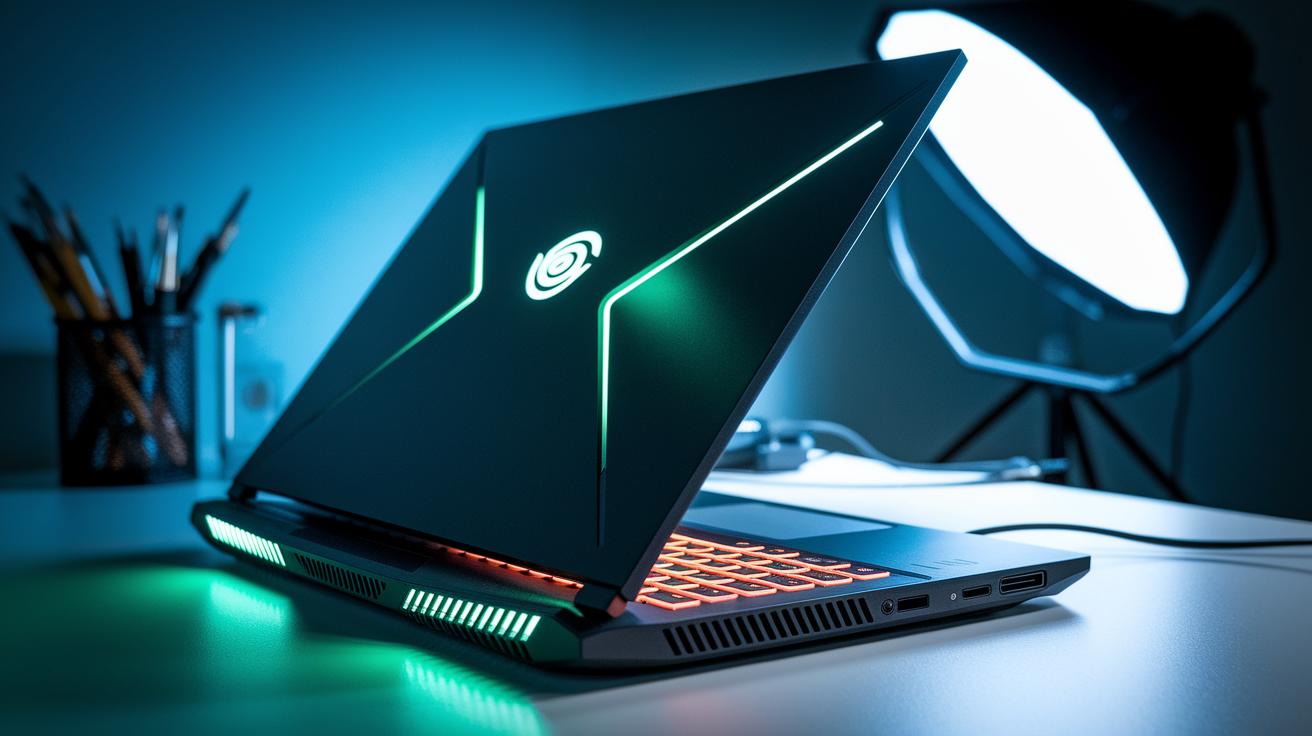
The RTX 4080 GPU comes with 12 GB of GDDR6 memory on a 192-bit bus, which means it runs creative tasks and games smoothly. It works at about 1,350 MHz normally and can boost up to 2,280 MHz when pushed to 150 W. In practice, that boost helps power the toughest game scenes without a hitch.
When you combine this chip with strong processors like the Intel Core i7, i9-14900HX, or AMD Ryzen 9 7945HX (see high performance gaming laptops), the laptop handles heavy multitasking and graphic-demanding games seamlessly.
These laptops also sport a slim design, usually less than 20 mm thick and weighing between 2 and 3 kg. Even with such a thin build, enhanced vents and smart cooling keep the system cool and quiet, even when running at full power.
Benchmark Results for 4080 Laptop Performance
We ran several tests on the RTX 4080 laptop and found it holds up very well under tough gaming conditions. We played titles like Alan Wake 2, Cyberpunk 2077, Ratchet & Clank Rift Apart, and GTA V on Ultra or Extreme settings. Running at a 150 W TGP (thermal design power, which shows how much power the GPU draws) means its performance is around 10-15% lower than a desktop RTX 4080. In short, you get nearly desktop-level power in a portable laptop.
We also stressed the system with high loads and enabled ray tracing (a technique that improves how light and reflections look). Even when the work was heavy, the laptop maintained smooth frame rates, key for a fun gaming experience. In one test with the EON16-S model, Assassin’s Creed Valhalla was measured to run at 106 frames per second (FPS) at 1080p, dropping to 71 FPS at 2K. This shows clearly how higher resolutions can lower FPS.
| Game Title | 1080p FPS | 2K FPS | Settings |
|---|---|---|---|
| Assassin’s Creed Valhalla | 106 | 71 | Ultra |
| Borderlands 3 | 101 | 65 | Ultra |
| Shadow of the Tomb Raider | 114 | 66 | Ultra |
| Far Cry 6 | 100 | 72 | Ultra |
These numbers show that smart power management and dynamic boost features help the RTX 4080 laptop stand out. Each game saw a drop in FPS when moving from 1080p to 2K, but overall performance stayed strong. Our tests confirm that under high TGP settings, these laptops are both great work machines and reliable gaming beasts.
Thermal and Power Management in 4080 Laptops
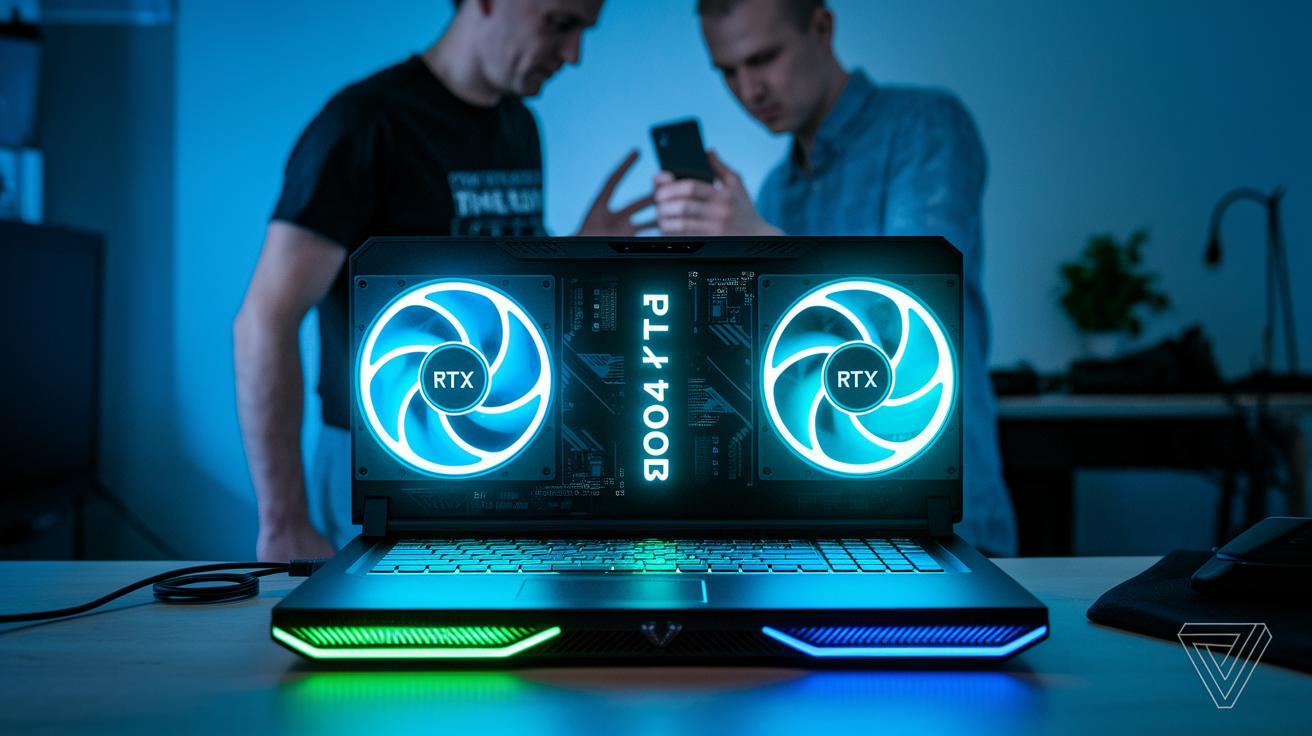
RTX 4080 laptops come with advanced cooling to keep their performance steady during long gaming sessions. Many models use vapor chambers and dual-fan setups. Some high-end options, such as the XMG Neo 17 E24, even invite water-cooling add-ons. They also offer an optional liquid metal thermal interface material (TIM) that improves heat transfer from the GPU to the cooling parts.
When these laptops push beyond 130W total graphics power, the fans work hard to keep the GPU at around 75°C. This extra cooling effort means you might hear noise levels between 45 and 50 dB(A). Sure, the sound is noticeable during intense gaming, but it is a fair trade-off to avoid overheating. One reviewer noted, "During an intense gaming session, the balance between cooling efficiency and fan noise was spot on."
Many of these systems also include features like Dynamic Boost and Advanced Optimus. These tools smartly balance power between the CPU and GPU, ensuring smooth transitions whether you're working on creative projects or gaming hard. The laptop adapts quickly to changes in workload.
Battery life is another key factor. For general tasks, you can expect between 4 and 6 hours of use. However, if you game at a reduced 60W setting, the battery typically lasts only about 1.5 to 2 hours. This shows the clear trade-off for users who need both reliable work performance and solid gaming power.
4080 laptop: Ultimate Work & Gaming Beast
The new RTX 4080 laptops pack serious power, clear displays, and smart cooling. They deliver great speed while keeping cool for long gaming sessions or creative work. If you’re comparing these with 4070 models, the extra strength can be worth the extra cost for those who need every bit of performance.
Take the Acer Predator Helios 16 (PH16-72). It features a 16-inch screen that refreshes 240 times per second, which makes the graphics very smooth. On top of that, its cooling runs quietly at 120 W, making it a solid pick for gamers who want top performance without loud fans.
Then there’s the XMG Neo 17 E24. With an option for water cooling, it can push over 130 W steadily. This model is built for heavy tasks like fast-paced gaming or graphic work where you need consistent performance.
The MSI Raider 18 HX A14V goes a step further. It even offers a BIOS setting for a 5% GPU overclock. In real-world terms, that extra boost helps keep the laptop cool during long sessions and might give you a slight edge when gaming.
The Alienware x16 R2 comes with a mini-LED QHD screen that brings vivid and clear images. However, it tends to run a bit warmer when idle. This makes it best for users who care more about display quality and bright visuals than for those who need whisper-quiet operation.
Finally, the Asus ROG Strix Scar 16 (2024) stands out with its super-fast 360 Hz display and bold design. It fares very well in head-to-head tests against 4070 models and is ideal for those who want high-end performance wrapped in a striking look.
- Acer Predator Helios 16 (PH16-72): 16-inch, 240 Hz, quiet at 120 W
- XMG Neo 17 E24: Optional water cooling, steady 130+ W
- MSI Raider 18 HX A14V: 5% GPU overclock option, solid thermals
- Alienware x16 R2: Mini-LED QHD display, warmer idle temps
- Asus ROG Strix Scar 16 (2024): 360 Hz, bold design
Pricing Trends and Value Assessment for 4080 Laptops
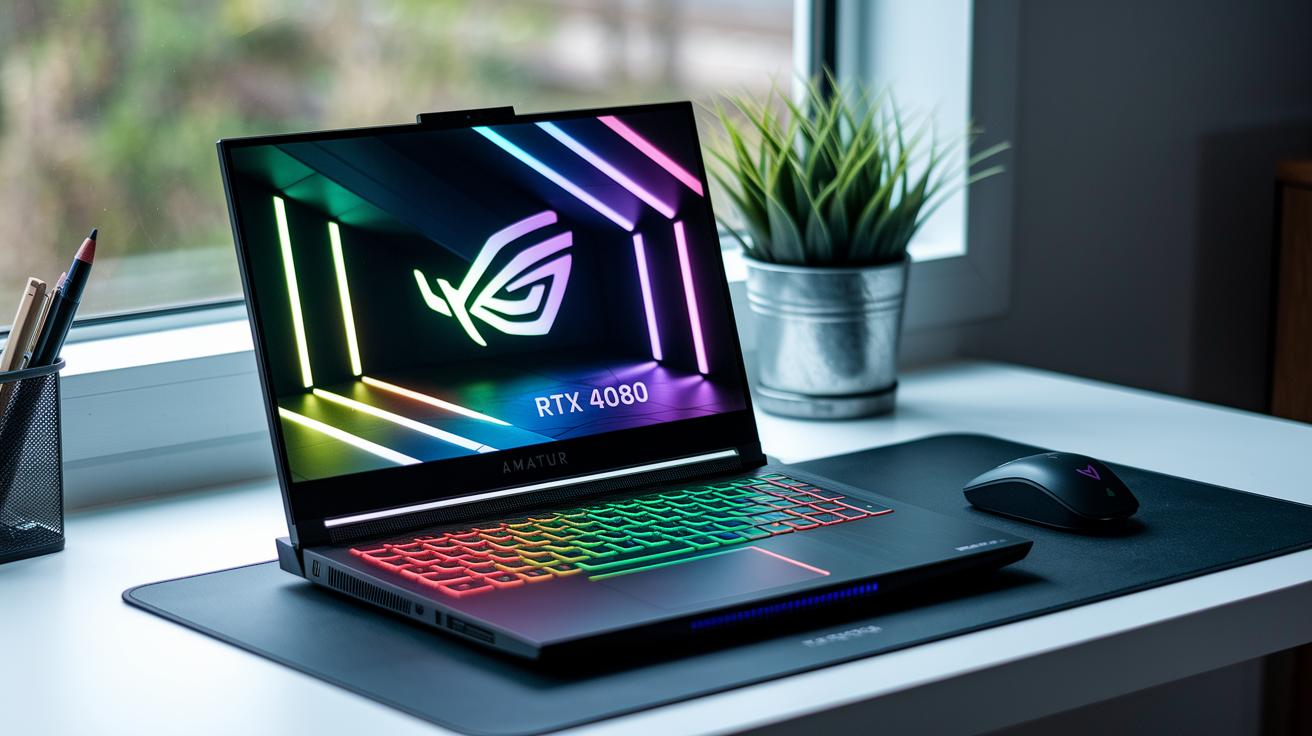
RTX 4080 laptops usually cost between $2,200 and $4,000. The price depends on factors like power settings, screen quality, and design materials. Laptops with higher TGP (total graphics power, which is the power available to the GPU) and better screens typically cost more. When compared to RTX 4070 models, you might pay an extra $500 to $1,000. This extra cost targets gamers and creative users who need that extra boost in performance.
Sales like Black Friday or back-to-school often bring discounts of around 10-15%, making these high-end machines a little easier on the wallet. One way to gauge value is by using a value index. This index divides the average FPS (frames per second) at 1080p by the price you pay. For many mid-range models, this number is around 0.04–0.05 FPS per dollar, giving you a quick view of what you get for your money.
Key things to consider:
- Price-to-performance shifts with different power profiles.
- Premium build materials can push the price higher.
- Seasonal sales might help bridge the cost gap between top-tier and more affordable models.
For users needing a laptop that can handle heavy work and long gaming sessions, the extra spend on an RTX 4080 can be worth it. If you value high frame rates and a system built to last, this option may be the right choice for you.
Buying Guide: Choosing the Right 4080 Laptop
Start by deciding how you will use an RTX 4080 laptop. If gaming is your thing, choose a model with a higher TGP (Total Graphics Power, how many watts the graphics chip uses) around 150 W. This helps deliver smooth action in demanding games. If design or video editing is your focus, a balanced TGP saves power while still running heavy apps.
Some laptops, like the MSI Raider, let you overclock the GPU by about 5%. Overclocking means you can push the chip to run a bit faster for tight gaming moments or intensive creative work. Look for laptops with BIOS tuning options (settings that let you adjust performance) if you like to fine-tune your system.
Upgradability is also key. A solid 4080 laptop should offer extra SO-DIMM slots for memory, dual M.2 slots for quick storage upgrades, and sometimes even a replaceable battery to extend its life. For those handling workstation tasks, check for ISV certification (a mark that the laptop is tested for professional software) and support for up to 64 GB of RAM.
Before you decide, match the TGP to your needs and make sure the cooling system can handle the heat. We found that weighing these factors along with overclocking and upgrade options helps you choose a laptop that works well today and keeps up in the future.
Final Words
In the action, our guide broke down key specs, hands-on benchmarks, and price trends. We explained how the GPU's clock speeds and cooling systems keep the 4080 laptop ready for both gaming and creative work. Our review compared performance figures and tackled thermal and power management head-to-head. The buying guide helped match each setup to the workload you face daily. Our goal was to show clear trade-offs so you can pick a machine that suits your needs. Enjoy the process of choosing your next tech upgrade.
FAQ
What do Reddit discussions reveal about the 4080 laptop?
Reddit discussions reveal that users focus on real-world performance, price value, and thermal behavior of the 4080 laptops, highlighting both strong gaming output and practical daily use.
How is the RTX 4080 laptop priced?
RTX 4080 laptop prices typically range from about $2,200 to $4,000, with costs influenced by factors like TGP settings, display quality, and build materials.
What are the key GPU technical specs in the 4080 laptop?
The 4080 laptop GPU uses 12 GB GDDR6 memory on a 192-bit bus and configurable TGP settings from 60 W to 150 W, allowing boost clocks from roughly 1,350 MHz to 2,280 MHz.
What do reviews say about the overall performance of 4080 laptops?
Reviews point out that 4080 laptops offer a significant boost over last-generation models, with up to 50% better performance in gaming and professional workloads while managing thermals well.
Can I purchase 4080 laptops on platforms like Amazon and eBay?
Yes, many retailers, including Amazon and eBay, list 4080 laptops, providing a variety of models from different brands along with user reviews and competitive pricing comparisons.
Which brands and models stand out in the 4080 laptop category?
Top brands like MSI, ASUS, Acer, and Lenovo feature standout models in the 4080 range, each offering variations in display size, cooling design, CPU pairings, and gaming performance for different user needs.