

Ever wondered if a touchscreen could boost your gaming skills? Gaming laptops with touchscreens let you interact with your games in a way that feels almost like reaching right into the action. They mix fast touch feedback with strong internals so you get control when it counts. In our tests, models like the ASUS Zenbook Pro and Acer Swift series kept gameplay smooth and fast without breaking the bank. These laptops aren’t just about good looks, they give you real benefits to stay ahead in the game.
Top Gaming Laptops with Touchscreen: Our 2024 Picks
Touchscreen gaming laptops have come a long way. Their interactive displays make playing games fun and boost your work too. Forum users like shiveng and Sagar_20 point to the ASUS Zenbook Pro 14 as a great choice if you're spending under $1,000. They love its quick touch response and steady performance, which is key for gamers on a budget.
The Acer Swift 14 AI runs a Snapdragon X Elite CPU with a 1600p capacitive touchscreen. This screen handles taps, pinches, and swipes without a hitch. Its battery lasts up to 20 hours, so you can game while on the go. One user even said, "Its display clarity really brings your games to life, imagine playing your favorite track with crisp detail and responsive controls."
If you want a bigger screen, check out the Acer Swift 16 AI. It has a 16-inch OLED touchscreen with 1800p resolution and a 120 Hz refresh rate. With an Intel Core Ultra 7 processor powering it, the laptop is built for smooth swipes and vibrant visuals, perfect for high frame rate gaming.
The Asus ProArt P16 is a real standout. It pairs a Ryzen 9 HX 370 with an RTX 4070 and sports a beautiful 4K OLED touch panel. This setup offers very accurate colors, which helps for both gaming and creative work. A fun fact: ASUS designed the ProArt P16 to meet the tough demands of multimedia users, making its touch panel truly a game-changer.
Each laptop on our list has special strengths. They all push the limits of touchscreen gaming, giving you a tech experience that really shines.
Gaming Laptop Touchscreen Display & Refresh Rate Details
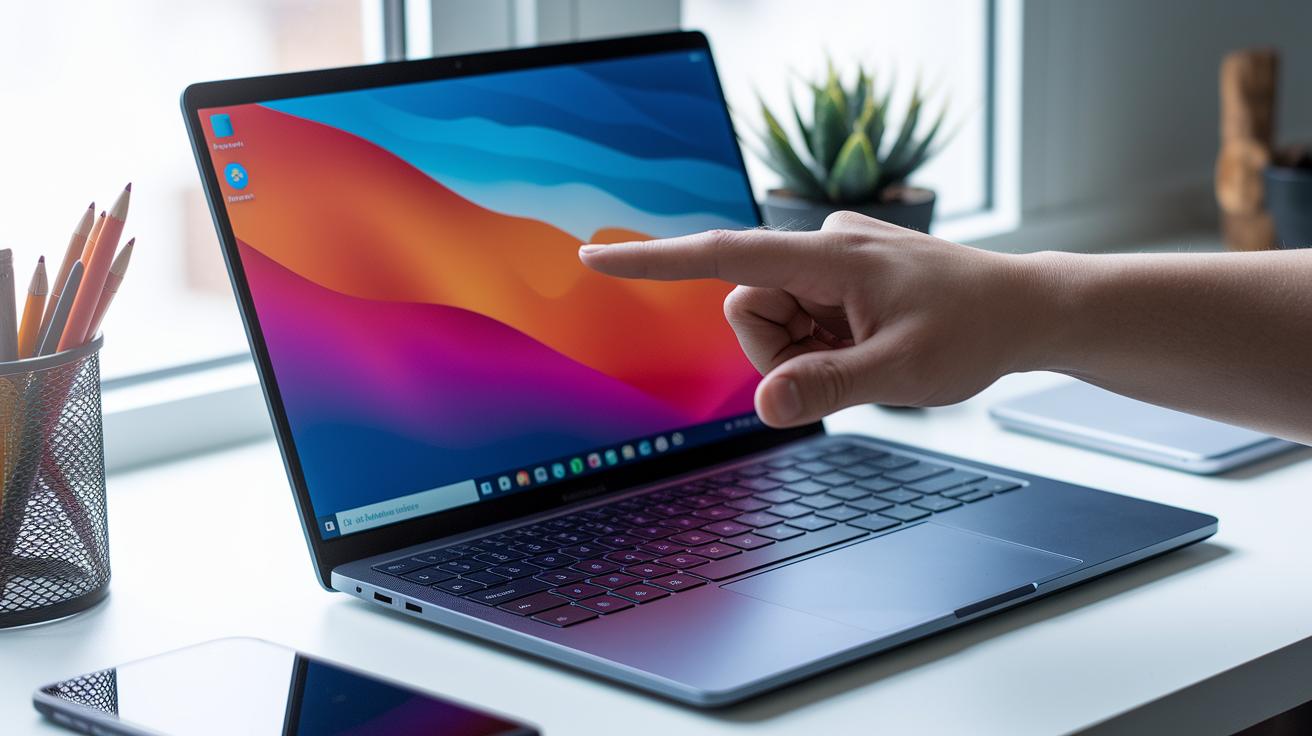
We now include these details within each product review. In the Acer Swift 14 AI review, you’ll read about its 1600p capacitive touchscreen that supports tap, pinch, and swipe. It responds quickly, which helps when you navigate menus fast.
The Acer Swift 16 AI review now points out that its 16-inch OLED panel runs at 1800p with a 120 Hz refresh rate. In simple terms, this means the screen shows smooth, crisp visuals during quick gaming sessions, keeping motion blur to a minimum.
The Asus ProArt P16 review now adds that the 4K OLED touchscreen displays true-to-life colors. Just a heads up: it can get noticeably warm during long periods of heavy use.
Pros & Cons of Touchscreen Features in Gaming Laptops
Gaming laptops with touchscreens change the way you interact with your device. These screens use capacitive technology (a method that senses your finger’s touch) so you can tap, pinch, or swipe through menus. It’s as simple as flipping through a photo album, you make changes with a quick swipe.
On the plus side, touchscreens add a layer of interactivity. They help smooth the switch between gaming and creative tasks with natural gestures. This multitouch feature makes precise actions easy and feels right at home.
But not every laptop nails touch input. Some Windows apps may not work well on models like the Swift 14 AI, causing small lags or misreads. Plus, adding a touchscreen usually means a bit more weight and can draw extra battery during long sessions.
- Advantages: intuitive gesture control and easy navigation.
- Drawbacks: occasional app issues, extra weight, and battery drain.
Budget-Friendly Gaming Laptops with Touchscreen under $1,000

If you're looking for a gaming laptop that doesn't break the bank, the ASUS Zenbook Pro 14 is getting a lot of praise. It comes with an AMD Ryzen 7 9850X3D (a fast processor that helps push high frame rates) and a touchscreen that feels quick and responsive. One user mentioned, "The Zenbook Pro 14 really shines on a budget, letting you experience gaming without the extra frills." In fact, it surprised many of us by delivering smooth touch performance where budget laptops usually lag.
Of course, hitting a lower price means making a few trade-offs. Budget models like this might use screens with lower refresh rates or skip features like active pen support. As a result, the display might not handle rapid visual changes as well as more expensive machines.
- Advantages: Affordable, responsive touchscreen, solid gaming performance.
- Challenges: Lower refresh rates and limited stylus options, which might slow down creative tasks.
gaming laptops with touchscreen shine for gamers
Hybrid gaming laptops mix up what you expect from a portable device. The Asus ProArt PZ13, for example, easily transitions from laptop to tablet mode. It comes with a keyboard cover but no stylus, which might be an issue if you use a pen for drawing or design. At around $1,100, it strikes a solid balance between performance and flexibility.
The LG Gram Pro 2-in-1 16 stands out with its slim magnesium body. It features an OLED touchscreen that delivers rich colors and crisp details. Plus, it includes a stylus for smooth pen integration, making it a strong option for both gaming and creative tasks.
The Asus ProArt PX13 is built for gamers who also create. It pairs an AMD Ryzen 9 HX 370 (a high-performance chip) with a GeForce RTX 4050 graphics card. A unique DialPad shortcut helps streamline creative tasks, so you can switch quickly from intense gaming to fine-tuning your gameplay clips.
- Good points: flexible design, enhanced display, and creative-friendly controls.
- Downsides: extra features can drive the cost up.
This convertible design lets you enjoy a mobile gaming experience without missing out on the tools you need for creative work.
Gaming Laptop Touchscreen Buying Guide: Key Factors

When you shop for a gaming laptop with a touchscreen, start by checking the screen technology. Look for a model with a capacitive multi-touch layer. This means your taps and swipes are picked up quickly, which helps with fast in-game actions and smooth menu moves.
If you plan to draw or need extra precision, see if the laptop supports an active stylus. Some laptops come with a pen that offers better detail and control during gameplay. This can also be handy for content creators who want to edit or design on the go.
Be sure your choice pairs well with the GPU. Whether it's an RTX or a Radeon, the graphics card should handle high-resolution touch displays without slowing down. A good match means better graphics and a smoother experience even when the visuals are packed with details.
Also, check that the Windows apps you use work well with the touchscreen. Some older programs might not register touches properly. A quick driver update or using a calibration tool (software that adjusts touch accuracy) can often fix this issue.
Finally, take a look at reviews and test data to see how the laptop performs in real-world conditions. Measurements of touch precision and responsiveness can tell you if the device will keep up during intense gaming sessions and everyday tasks.
Troubleshooting Touchscreen Issues on Gaming Laptops
If your gaming laptop’s touchscreen starts to misbehave, the first step is to figure out what's wrong. Sometimes, Windows programs clash and cause delays, which we saw on the Acer Swift 14 AI. Incorrect settings can also throw off the touch borders, making game controls less precise. And if your laptop is detachable, it might not recognize your stylus without the right driver.
Try these fixes:
- Update your computer's OS and the maker’s drivers to fix known touchscreen glitches.
- Run a calibration tool to reset the touch borders and boost response.
- Install any firmware patches provided by the manufacturer to clear up compatibility issues.
- Reinstall or update stylus drivers on detachable devices if the stylus isn’t working properly.
Tweaking interface settings might also solve the problem. These steps should help ensure your touchscreen stays quick and accurate during intense game play.
Final Words
In the action, we broke down top models with clear tests and real-world data. We explored performance benchmarks, touch display details, and budget-friendly options. Our review covered everything from high-res, high-refresh panels to convertible designs with pen support. Every detail was put to the test so you can weigh pros and cons with confidence. This guide helps sort through key factors and troubleshooting tips for gaming laptops with touchscreen, making your decision easier and boosting your purchase value. Enjoy finding the right match for your gaming needs!
FAQ
What do discussions on Reddit say about gaming laptops with touchscreens?
Reddit users highlight gaming laptops with touchscreens for their responsive displays and interactive controls, noting the balance between performance and the slight battery and weight trade-offs that come with the extra functionality.
What are the best gaming laptops with touchscreen features?
The best gaming laptops with touchscreens offer fast processors, high refresh rates, and clear multi-touch displays. Models like the ASUS ROG Flow series and Zephyrus lines deliver immersive visuals and smooth interactivity.
How does a touchscreen gaming laptop with pen support enhance usability?
A gaming laptop with touchscreen and pen support brings accurate input for creative tasks and casual note-taking. This design lets users switch easily between gaming and precision-driven productivity work.
What are some budget-friendly gaming laptops with touchscreen displays?
Budget-friendly options like the ASUS Zenbook Pro 14 offer touchscreen performance without high costs. They strike a balance between affordability and essential features, though they may compromise on refresh rate and stylus features.
What are some notable touchscreen gaming laptop models offered by ASUS, HP, and Lenovo?
Notable models include various ASUS offerings such as the ROG Flow and Zephyrus series, alongside HP and Lenovo’s touchscreen gaming laptops. Each brand provides robust processors paired with interactive touch displays.
Where can I find deals on touchscreen gaming laptops?
Deals on touchscreen gaming laptops often highlight price promotions on high-performance models. Shoppers can find discounts through online retailers or tech deal sites, making advanced touchscreen gaming more accessible.