

Have you ever thought about how a speaker can simplify your daily routine? Smart speakers with Google Assistant can truly change the way you live.
We tested top models by checking their sound, design, and smart features. This helps you find the one that fits perfectly in your space.
Imagine having a friendly helper that sets reminders, plays your favorite tunes, and even adjusts your room’s lights, all just by using your voice. In this article, we share real test data to show which smart speaker meets your everyday needs.
Comparing Top Models: Smart Speakers Powered by Google Assistant
We tested a range of smart speakers powered by Google Assistant. We focused on performance, connectivity, and unique features. We looked at price, sound quality, and how easy the speakers are to use. This helps you choose one that fits your space and lifestyle. Some speakers even work with two voice assistants, while others impress with portability or a touchscreen display.
| Model | Type | Price | Key feature |
|---|---|---|---|
| JBL Authentics 300 | Overall speaker | Mid-range | Works with both Google Assistant and Alexa |
| Sonos Move | Portable speaker | Higher | Battery-powered and built for outdoor use |
| Google Nest Audio | Standard speaker | Budget-friendly | Rich sound with deep bass |
| Google Nest Hub (2nd Gen) | Touchscreen display | Budget-friendly | Compact screen for smart home control |
| Sonos Era 100 | Standard speaker | Competitive | Clear sound and sensitive mic |
| Sonos Beam (Gen 2) | Compact speaker | Mid-range | Powerful audio in a small form factor |
When choosing a smart speaker, think about the room you'll put it in and what you need it to do. In a small room, a compact design like the Nest Audio or Beam Gen 2 works best. If you need visual control for your smart home, the Nest Hub (2nd Gen) could be the right call. And if you want a speaker that offers two voice assistants, try the JBL Authentics 300. Use these tips to find the speaker that fits your needs, whether it’s for casual listening, smart home tasks, or taking it anywhere you go.
Best Overall Google Assistant Smart Speaker

JBL Authentics 300 is a smart speaker that brings both Google Assistant and Alexa into one handy unit. Its modern look fits into any room and gives you hands-free control of your home gadgets. The small design and dual-assistant feature mean you can use voice commands in several ways. It works smoothly with smart home hubs, as we explain in our Smart Home Hub Guide. The design looks and feels premium, and the setup is straightforward.
This speaker fills your room with clear, rich sound. Its balanced mids and deep bass make music feel full and lively. Voice commands get quick responses, so playing music or running smart routines is easy. The Authentics 300 lets you set schedules, link your favorite streaming apps, and get going with an interface that is simple to use. For a mid-range price, it offers quality audio and steady connectivity for everyday listening.
On the plus side, the Authentics 300 gives you flexibility and reliable voice control without a high price tag. The dual-assistant support and many smart features make it a great match for busy homes. Some might find the setup a bit tricky at first, but once you get it working, the experience is smooth and modern. This speaker is a solid pick if you want quality sound along with smart home convenience.
Top Portable Google Assistant Smart Speaker
The Sonos Move offers a strong battery that lasts for hours and a tough build made to handle outdoor life. Its rechargeable battery keeps the music playing indoors and outdoors, and the weather-resistant design with a handy handle makes it easy to carry. Picture yourself enjoying your favorite songs on a picnic, with great sound following you wherever you go.
The sound quality is clear and full, filling cozy rooms with rich audio. The phone-like app lets you adjust settings quickly and link up with your Google Assistant routines, so you can control your music with your voice. Yes, it costs more than some other portable speakers, but its reliable performance and sturdy design make it a smart pick for those who value good sound and convenience.
Google Assistant Smart Displays: Touchscreen Speaker Models

Smart displays mix voice commands with a screen that shows you things like recipes and photos. They help you stay connected and manage your smart home no matter where you are.
Google Nest Hub (2nd Gen)
The Nest Hub (2nd Gen) features a small touchscreen that fits perfectly in kitchens and bedrooms. It makes following a recipe easy while you enjoy some background music. The speaker gives clear sound for quick tasks like checking the weather or switching smart lights on and off. Setup is quick, making it an ideal choice for those who want simple smart-home control without any fuss.
Google Nest Hub Max
The Nest Hub Max sports a bigger 10-inch screen that works as a digital photo frame and even lets you video call. This larger display is useful for home offices or living rooms where video meetings are common. Its sound is basic, but the added camera and media features let you do more, like sharing your screen during virtual catch-ups.
When you choose between these models, think about your space and your needs. The Nest Hub (2nd Gen) is great for smaller areas and easy tasks, while the Nest Hub Max is better if you want a larger screen and more interactive features.
Third-Party Smart Speakers with Google Assistant: Sonos Era 100 & Beam Gen 2
The Sonos Era 100 offers clear, lively sound that brings your favorite tunes to life. Its modern, simple design fits right into any room. In our tests, it delivered deep mids and crisp highs, making both music and voice commands easy to hear. The improved microphone captures even soft-spoken commands, so you can trust it as part of your Google Home setup.
The Sonos Beam (Gen 2) packs strong sound into a small design that works well on desks or in cozy spaces. It produces deep bass and clear treble for a full sound, and its microphone easily picks up your voice commands. This speaker works smoothly with Google Assistant and handles calls and daily tasks reliably. In short, the Era 100 stands out for clear, detailed sound while the Beam (Gen 2) brings powerful audio in a compact form.
Setup and Integration Tips for Google Assistant Smart Speakers
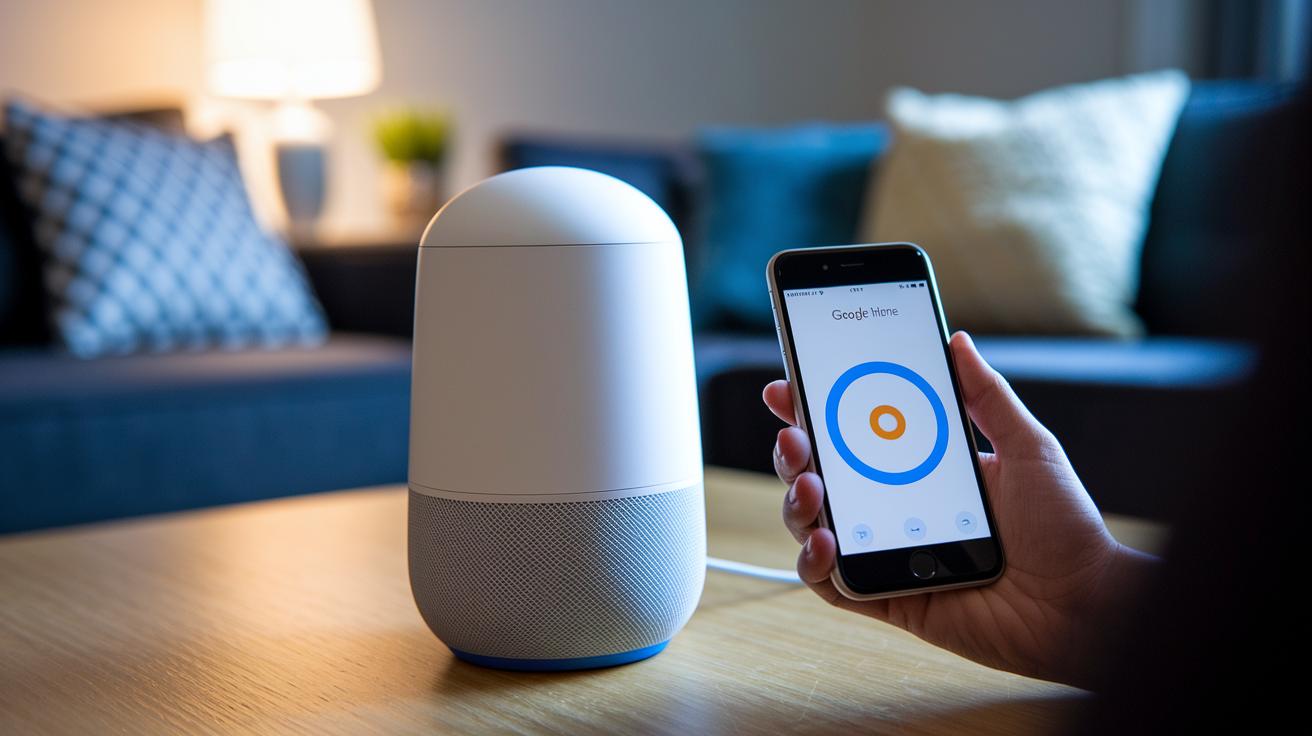
Before you begin, make sure you have the Google Home app installed on your phone and that you know your Wi-Fi name and password. The app helps you pair your speaker, assign it to a room, and set up voice match (which means the device can recognize your voice). This lets you control music, lights, timers, and smart routines easily. Placing the speaker in a good spot helps it pick up your voice better and spreads the sound well.
- Plug in your speaker using the power adapter.
- Open the Google Home app and follow the steps to add a new device.
- Connect the speaker by choosing your Wi-Fi network and entering your password.
- Set up voice match so the speaker can tell your voice apart.
- Follow the prompts to link your favorite streaming services.
- If you have more speakers, group them for multiroom audio (check the Getting Started Guide for details).
If you run into connection issues, try restarting your router or the speaker. Make sure the speaker is close to a strong Wi-Fi signal and not blocked by objects. The app may update with fixes, so keep it current. If problems continue, double-check that the speaker is assigned to the correct room, as this affects how well it responds to voice commands, especially in multiroom setups.
Troubleshooting Voice Commands on Google Assistant Smart Speakers
Many users ask if the speakers always listen or if they can control when the device hears them. They also worry that background noises might trigger voice commands by accident. You can stop this by muting the microphone through the settings in the Google Home app. This way, you decide when your speaker is actively listening. Many also ask about handling phone calls when background noise makes it hard to communicate clearly.
If your voice commands feel off, start by checking for firmware updates in the Google Home app. Updates can clear up glitches and add useful features. If an update doesn't help, try turning the microphone off and then on again. Then, make a test call to be sure the feature works as it should. These steps usually fix issues with command recognition and call quality, keeping your device working smooth day in and day out.
Privacy and Security with Google Assistant Smart Speakers

Google Assistant smart speakers use mics that are always on. This can worry some folks who care about privacy. The good news is you can mute or switch off the mic anytime. You also have account settings that let you decide what info the speaker can access, keeping your details safe.
If you need extra privacy, you can disable the always-on listening feature. For example, just mute the mic when you’re having a private conversation. This helps keep your voice data secure.
Google offers tools like the Privacy Dashboard to show what audio data is stored. It helps you manage your information easily. Also, features may change by region, so it helps to check and update your settings often to keep your setup secure.
Future Smart Speakers with Google Assistant: Upcoming Models & Features
Google is pushing the limits of voice control with its new Gemini AI. The new speakers use advanced generative AI (a type of system that creates natural conversation) to chat more like a real person. Imagine asking your speaker to plan your day while it sorts through your news, reminders, and smart home commands. It listens better and understands context more clearly, so every command feels natural and connected.
Next spring in 2026, the Google Home Speaker with Gemini for Home will hit the market. It's priced at about $100 and comes in four colors. The device sports a fresh design and faster processing power. Plus, you can upgrade your experience with the Google Home Premium subscription for $10 a month or $100 a year. This plan unlocks extra troubleshooting help and bonus Gemini AI features, making everyday tasks even smoother.
Final Words
In the action, we compared top models and dissected how each option meets everyday needs. We covered overall winners alongside portable choices, smart displays, and trusted third-party picks. Each section weighed design, audio, and ease of setup.
This guide shows how matching features to room size and use case makes decision-making easier. It also dives into setup, troubleshooting, and privacy matters. Enjoy exploring smart speakers with google assistant that blend performance with value. Happy listening and smart buying!
FAQ
Which smart speakers have Google Assistant?
The smart speakers that have Google Assistant include options like Google Nest Audio, Google Nest Hub, the Nest Mini, and even JBL models. These devices work wirelessly with Bluetooth and integrate easily into your smart home.
What is the best Google Assistant speaker?
The best Google Assistant speaker can vary by needs, but many users praise Google Nest Audio for its rich sound and value, while others appreciate dual-assistant options like the JBL Authentics 300.
What is replacing Google Assistant?
Google continues to update its Assistant with new features instead of replacing it. Emerging voice technologies are on the rise, but Google Home and related devices still run on the Google Assistant platform.
What is Google’s smart speaker called?
Google’s smart speaker lineup features models like Google Nest Audio, Google Nest Hub, and Google Nest Mini, all of which include built-in Google Assistant for voice-activated control and smart home management.
What are some affordable options for a speaker with Google Assistant?
Affordable options include the Google Nest Mini and other budget-friendly devices that provide core Google Assistant features at a lower cost, making them ideal for basic smart home control and music streaming.
Are there smart speakers that support both Google Assistant and Amazon Alexa?
Some smart speakers, such as the JBL Authentics 300, offer support for both Google Assistant and Amazon Alexa, giving users the flexibility to choose which voice assistant best meets their needs.
What smart displays feature Google Assistant?
Smart displays like the Google Nest Hub and Nest Hub Max include touchscreens combined with Google Assistant. They are great for tasks that benefit from visual feedback, including checking recipes or making video calls.
What smart speakers with Bluetooth are available for Google Assistant?
Many smart speakers with Google Assistant, including select JBL models, offer Bluetooth connectivity that makes it easy to stream music and connect multiple devices for a wireless, multi-room audio experience.
How do the Google Nest Mini and Google Nest Hub differ?
The Google Nest Mini is a small, compact speaker designed mainly for audio while the Google Nest Hub offers a touchscreen display. This distinction makes the Hub ideal for visual cues like recipes and smart home controls.