

Ever wonder if your phone can work like a full camera? Mobile photography has changed the game. Our phones now capture steady video and sharp images, making every scene pop. You can record a fun event or snap a clear portrait without lugging around extra gear. In this post, we break down how your device’s camera works and offer simple tips to boost your photos and videos using everyday tech.
Understanding Mobile Photography and Videography Fundamentals
Modern smartphones now offer several lens types like wide, ultra-wide, and telephoto. They use high-resolution sensors that can capture detailed shots up to 108 MP (one million pixels). Sensor sizes usually fall between 1/2.55" and 1/1.7", with apertures ranging from f/1.6 to f/2.2. This means your phone can easily snap vibrant landscapes, close portraits, or fast-moving scenes, imagine recording a busy wedding where even the ring’s sparkle stands out.
Optical and electronic image stabilization (OIS/EIS) work together to keep your videos smooth. These systems either physically adjust for tiny shakes or digitally correct the footage. With video capabilities up to 4K at 60 fps, you can film bustling or moving scenes without jitter. It’s like having a built-in steadicam that catches every moment as a pro would.
Computational photography modes, such as HDR and Night Mode, enhance your pictures by merging several quick shots into one balanced image. They combine the best parts of each frame to showcase details in both bright and dark areas, even in low light. Imagine taking a night shot where the lights and shadows work together perfectly to tell a clear story.
Device Camera Comparisons for Optimal Mobile Imaging
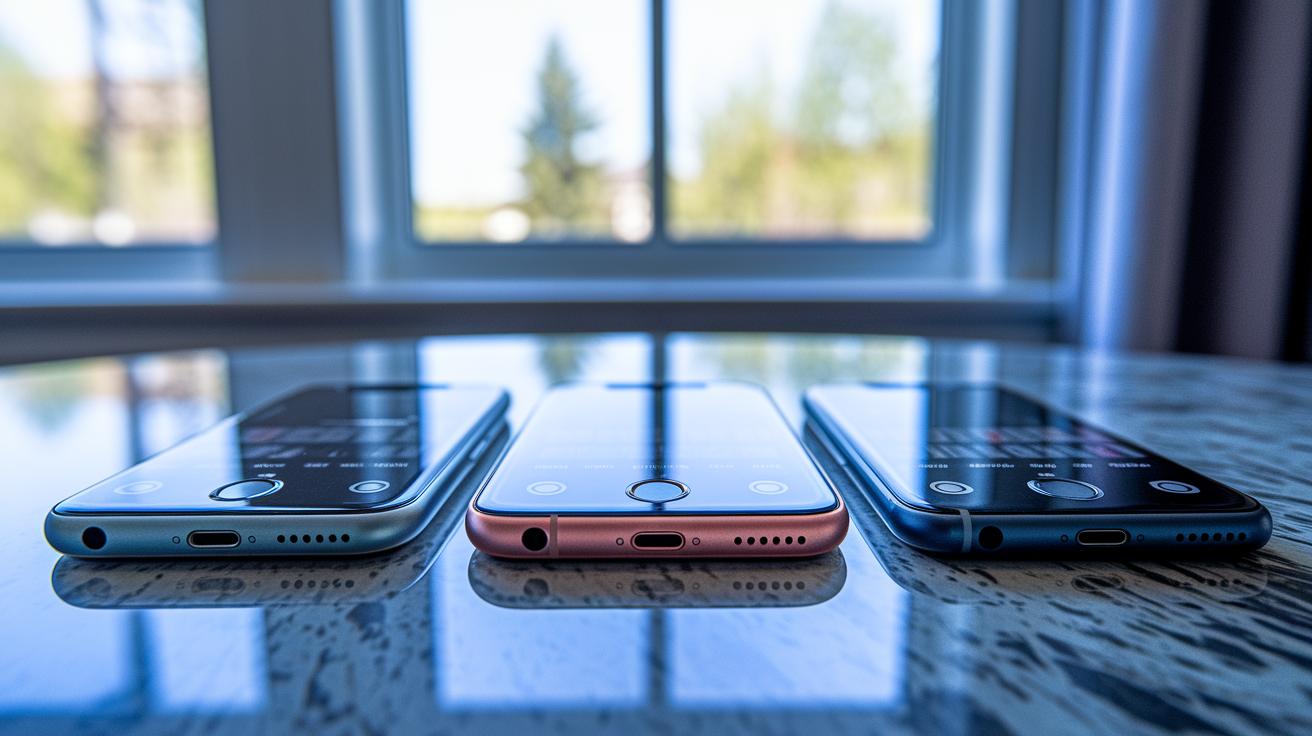
We've put together a clear side-by-side guide for four leading smartphones to help you choose the one that fits your photo and video needs. The iPhone 14 Pro offers a balanced setup with its 12 MP triple-camera system and sensor-shift stabilization (tech that steadies the camera for sharper shots).
The Samsung Galaxy S23 Ultra grabs attention with a huge 200 MP sensor and a Super Steady video mode that makes capturing fast-moving scenes a breeze. Google Pixel 8 gives you a smart imaging experience with a 50 MP sensor boosted by advanced RGBW (a tech that improves color accuracy) and live HDR+ video processing. Meanwhile, OnePlus 11 pairs optical stabilization with a fast recording mode to capture smooth 4K video at 120 fps.
Each phone shows its own strong points in sensor quality, aperture, stabilization, and video settings. Use this guide to quickly find the phone that matches your shooting style, whether you want a versatile everyday snapper or a tool with pro-grade features.
| Device | Sensor & Resolution | Aperture | Stabilization | Video Modes |
|---|---|---|---|---|
| iPhone 14 Pro | 12 MP triple-camera system | f/1.5 | Sensor-shift OIS | ProRAW, ProRes up to 4K 60 fps |
| Samsung Galaxy S23 Ultra | 200 MP main sensor | f/1.7 | Super Steady | Up to 8K 30 fps |
| Google Pixel 8 | 50 MP main sensor with advanced RGBW | f/1.68 | Standard stabilization | HDR+ real-time video processing |
| OnePlus 11 | 48 MP main sensor | f/1.8 | Optical stabilization | 4K 120 fps |
Essential Accessories and Gear for Mobile Filmmaking
Mobile filmmakers know that simple add-ons can take your smartphone videos from plain to polished. These extras help you control light, steady your shots, and capture clear sound that matches your visuals. They boost your phone's abilities and turn everyday scenes into cinematic moments. For example, a clip-on anamorphic lens gives you a wide 2.39:1 screen that turns an ordinary shot into something dramatic.
- Lenses: Clip-on anamorphic lenses offer a wide 2.39:1 view, giving your footage a movie-like look with very little setup.
- Filters: ND filter kits (ranging from ND4 to ND16) help you manage bright light outdoors, letting you capture smooth motion even in harsh sunlight.
- Gimbals: Smartphone gimbals with up to 3-axis stabilization smooth out shakes to provide steadier footage when you're on the move.
- Tripods: Ultra-compact tripods that weigh less than 300g give you a stable base for photos and videos without adding extra bulk.
- Mics: Directional shotgun mics with 3.5mm or USB-C connectivity pick up clear sound, so your audio stays crisp and in sync with your visuals.
Mobile Photography and Videography: Elevate Your Shots

Golden hour is a great time to snap photos with your phone. The soft light after sunrise or before sunset fills your scene with a warm, even glow. For example, shooting a park at dusk brings out real colors and gentle shadows.
You can step up your game using a simple DIY reflector made from white foam board. It bounces extra sunlight onto your subject, softening dark spots and adding depth without any extra gear.
When nature doesn't provide enough light, pocket-sized LED panels can help. These small lights let you adjust the color temperature (which means the warmth of the light, measured in Kelvin) between 3200 and 5600 so that your lighting stays consistent during indoor shoots or in the evening.
Another trick is to use diffusion with tracing paper or translucent plastic. By placing one over your light source, you soften harsh beams, giving your videos a natural glow and smoother shadows.
Achieving Stable and Cinematic Shots with Smartphones
Today's smartphones come with built-in stabilization (OIS/EIS) that cuts down on shake. They work automatically to smooth out the little jitters in your hand, keeping your video steady without extra gear. This tech provides a solid start for clear, smooth shots wherever you are.
If you want an even smoother look, handheld gimbals like the DJI OM 6 are a great choice. They use motors to keep your shot level by fighting off unwanted movements. Some creators even design DIY shoulder-rig mounts with 3D-printed brackets for added stability. These smart setups give you more control, especially when filming fast-moving scenes.
Try mixing up your shot styles to add a movie-like feel to your videos. Shooting from a low angle can add drama and highlight your subject from a fresh viewpoint. At the same time, smooth tracking shots paired with gentle pan moves help reveal the scene steadily. This approach guides your viewer’s eye and adds a dynamic, engaging energy to your visual storytelling.
Low-Light and Night Capture Techniques for Mobile Cameras
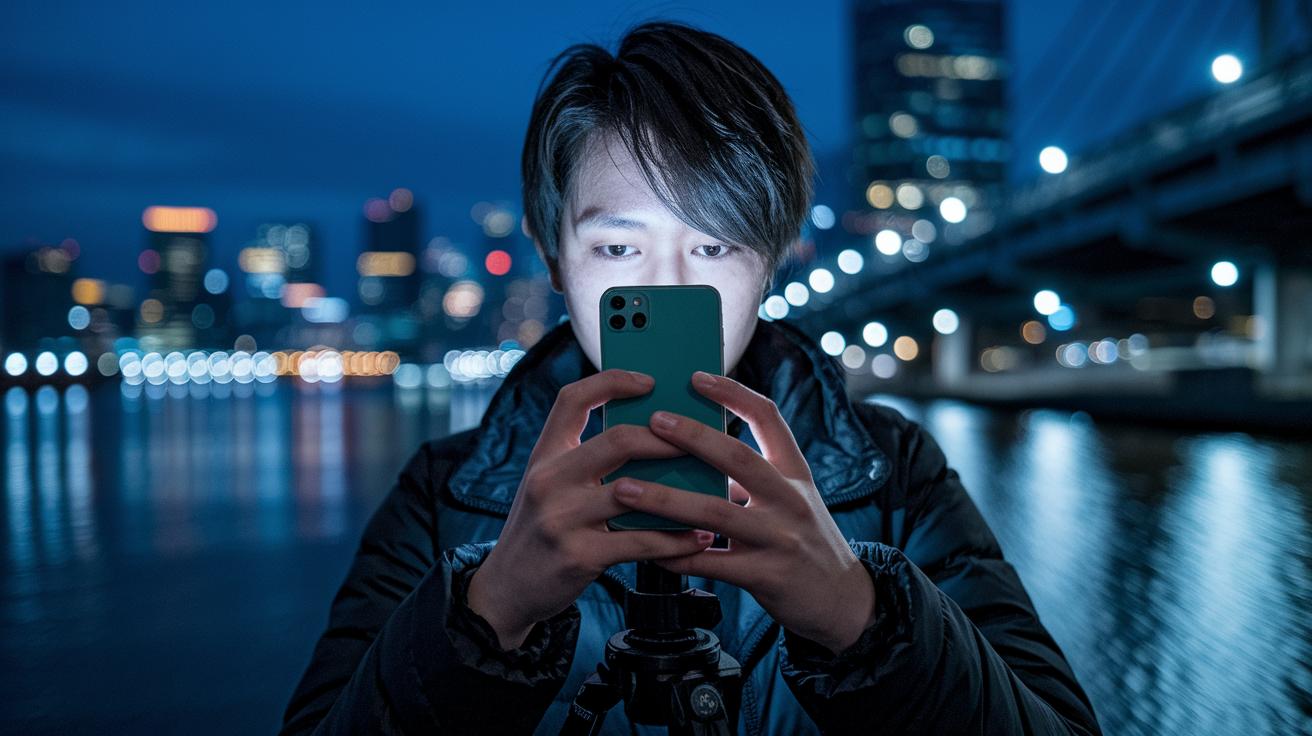
When you’re in low light, start by turning on Night Mode or use long exposures manually. Night Mode takes several quick photos and combines them (a method called multi-frame stacking) to brighten dark scenes while keeping details clear. If you want exposures longer than one second, try resting your phone on a tripod or any stable surface to avoid blurriness. You can also adjust the ISO (the camera’s sensitivity to light) between 400 and 1600 to find the right mix of brightness and noise, ensuring your scene looks natural.
Boost your results further by using HDR techniques and in-app RAW capture. HDR (high dynamic range) works by taking a few shots at different exposure levels and then blending them so both bright and dark areas show detail. Saving images as RAW means the file holds extra data with minimal compression, making it easier to reduce noise later when you edit. This three-step plan helps you get sharper, clearer pictures even when light is low.
Composition and Visual Storytelling in Mobile Imaging
Start with simple framing ideas. Use a rule-of-thirds grid (dividing your image into nine equal parts) to place your subject in a spot that stands out. Look for natural lines like roads or the edge of a building to pull your viewer into the picture. Add open space around your subject so it can breathe. For example, putting a lone figure off-center makes the image feel open and inviting.
Plan your shot sequence to tell a clear story. Use objects in the foreground to add depth and guide the eye through the scene. Rely on color contrast to set your subject apart from the background. Keeping your framing steady means every shot fits into a smooth, evolving narrative. This careful setup gives each frame a clear purpose and helps your story unfold with energy and clarity.
Mobile Editing and Post-Production Workflows

Photo editing apps and tricks
Adobe Lightroom Mobile makes quick work of large batches. You can import and export many photos at once, which saves time on busy events like weddings. It lets you fine-tune color and contrast without needing a desktop. Snapseed, on the other hand, offers smart tools on the fly. I often use its Curves tool for careful color correction and the Healing Brush to remove unwanted spots. Quick presets in these apps give your photos a polished look in no time. With backup options such as Google Photos or iCloud, your edits stay safe and your workflow remains smooth.
Video editing workflows and techniques
Editing videos on your phone is just as powerful. LumaFusion provides a multi-track timeline that helps you arrange clips with ease. You can import LUTs (lookup tables used for color adjustments) and use keyframe color corrections to keep your footage looking consistent. Apps like VSCO and KineMaster also offer preset filters and motion transition templates, making it simple to add stylish effects quickly. Using 3-point LUTs gives you even color grading, and speed ramps let you adjust the pace dynamically. These in-app techniques blend technical control with creative flair, so every clip stays true to its original look while you edit on the go.
Final Words
In the action, we broke down smartphone imaging techniques, revealing lens arrays, sensor specs, and frame rates for top models. We dug into accessories, lighting hacks, and stabilization for smooth shots. We also touched on low-light tricks and visual storytelling fundamentals.
We rounded it off with real-world editing tips for both photos and videos. This guide aims to help boost your mobile photography and videography skills while making smart, budget-friendly choices. Enjoy the ride and capture every moment.
FAQ
Where can I find mobile photography and videography services near me?
Finding mobile photography and videography near you means looking for local studios, freelancers, or community events. Many list their services on online directories and social media for easy access.
What does a mobile photography and videography course cover?
A mobile photography and videography course covers smartphone imaging basics, shooting techniques, editing skills, and equipment tips. It offers hands-on guidance for better photo and video production.
How do mobile video and photography reviews help me choose gear?
Mobile video and photography reviews break down device features and real-world performance. They provide clear insights backed by test data, helping you decide which phone or accessory best meets your needs.
What mobile videography equipment should I consider?
Mobile videography equipment includes clip-on lenses, ND filters, gimbals for smooth footage, compact tripods, and directional mics. These add-ons boost your smartphone’s filming capabilities and overall quality.
How does mobile video and photography on Instagram share creative ideas?
Instagram accounts and hashtags highlight creative mobile photography and videography. They share tips, editing techniques, and behind-the-scenes work that can inspire and guide your own mobile media projects.
What are George Street Photo and video reviews?
George Street Photo and video reviews offer detailed, test-based feedback on mobile imaging products. They focus on practical performance, helping you understand how gear handles daily photography and videography challenges.