

Have you ever thought about making your mornings a bit more exciting? Smart home automation really works and makes your daily tasks simpler. Imagine waking up as your lights slowly brighten, your coffee maker starts brewing, and your thermostat adjusts to the perfect temperature, all on its own. We looked at how smart hubs connect your devices so that your life runs smoother and you might even save on energy. This guide explains how these systems work and why they can make your daily routine feel a lot brighter.
smart home automation: Brighten Your Daily Routine
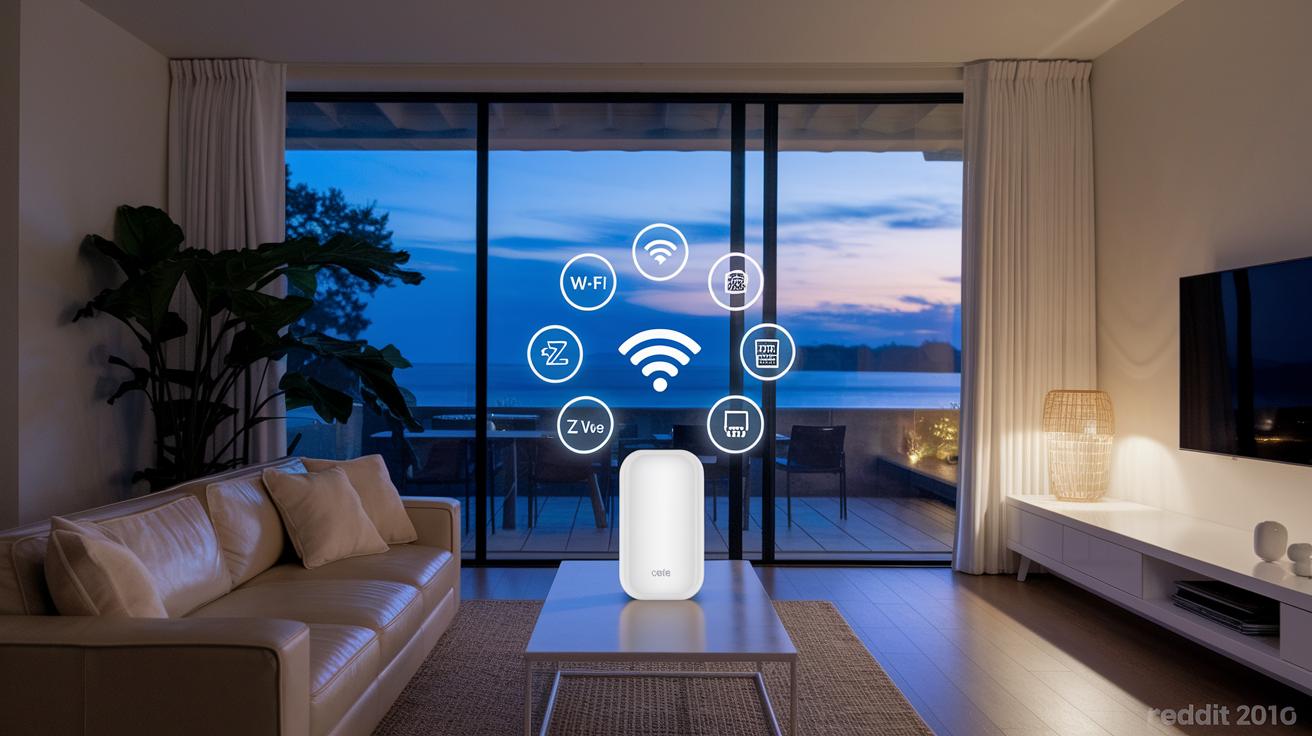
Smart home automation changes how you live by making daily tasks easier. It uses rules and schedules to trigger devices, so your lights might gradually brighten when your alarm goes off, easing you into the day.
At the heart of the system is the smart home hub. This device connects everything using Wi-Fi, Bluetooth, Zigbee, Z-Wave, or Thread (a tool that helps devices communicate). You can choose a hub that lets you control your home from anywhere via the cloud or one that keeps your data private on a local network. Imagine locking your door or adjusting your thermostat with just a tap on your phone, no matter where you are.
Setting up your devices is simple with a mobile app. You can monitor things in real time and add updates as needed. One press might turn off your lights, adjust your thermostat, and even start the coffee maker. This not only makes your life easier but also helps save energy.
All your smart devices, door locks, lights, thermostats, and entertainment systems, work together as one team. Voice commands add extra convenience; one say can trigger many actions at once. With such smart setups, daily routines become smoother and more enjoyable.
Comparing Top Smart Home Automation Platforms
Home Assistant
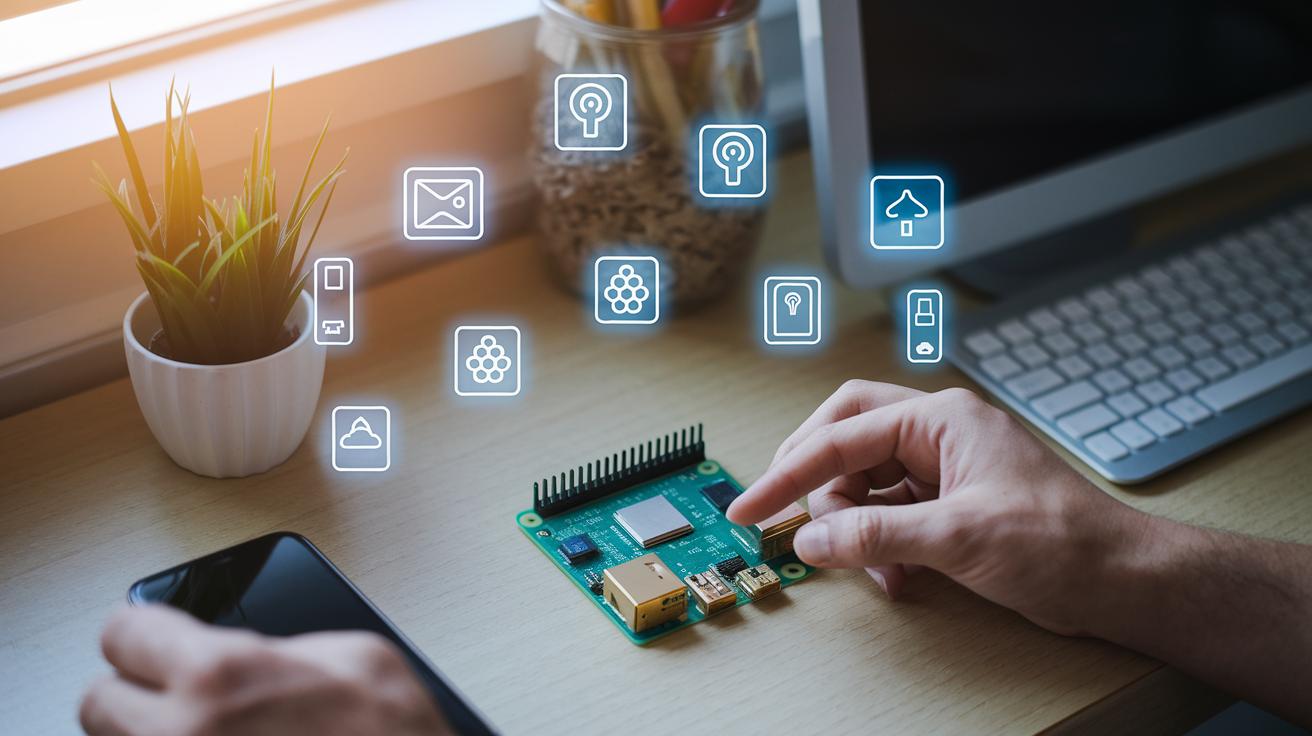
Home Assistant is a free, open-source system built to give you full control over your smart devices. It works well even if your internet goes down and supports over 1,000 different integrations, including Matter (a standard for smart gadgets). Many DIY fans like running it on a small, low-cost device such as a Raspberry Pi, which means you don't need an extra hub. Its flexible setup lets you adjust your system to suit your home, offering smooth, unified device management.
Apple HomeKit
Apple HomeKit is made for iPhone users who like a simple, private experience with a clean Home app interface. It uses devices like the HomePod mini or Apple TV 4K to handle your automation tasks. Focused on privacy, HomeKit keeps your smart home secure and straightforward. Plus, it works with Matter, which makes adding new gadgets a breeze in the Apple ecosystem.
Amazon Alexa
Amazon Alexa is popular for its smart voice assistant that lets you control your smart devices easily. It supports Wi-Fi, Bluetooth, Zigbee, and Matter, giving you lots of ways to connect your gear. Users can set up detailed automations with features known as Routines and Skills. Thanks to accurate voice control and broad protocol support, managing everyday tasks around the home is both efficient and user-friendly.
Google Home
Google Home offers an Android-friendly setup with a visually appealing app and wide device compatibility. Its easy setup and smooth voice command system make managing smart devices simple. With integrated support for Matter, Google Home creates a seamless smart home ecosystem that helps simplify your daily routines.
Must-Have Devices for Smart Home Automation by Room
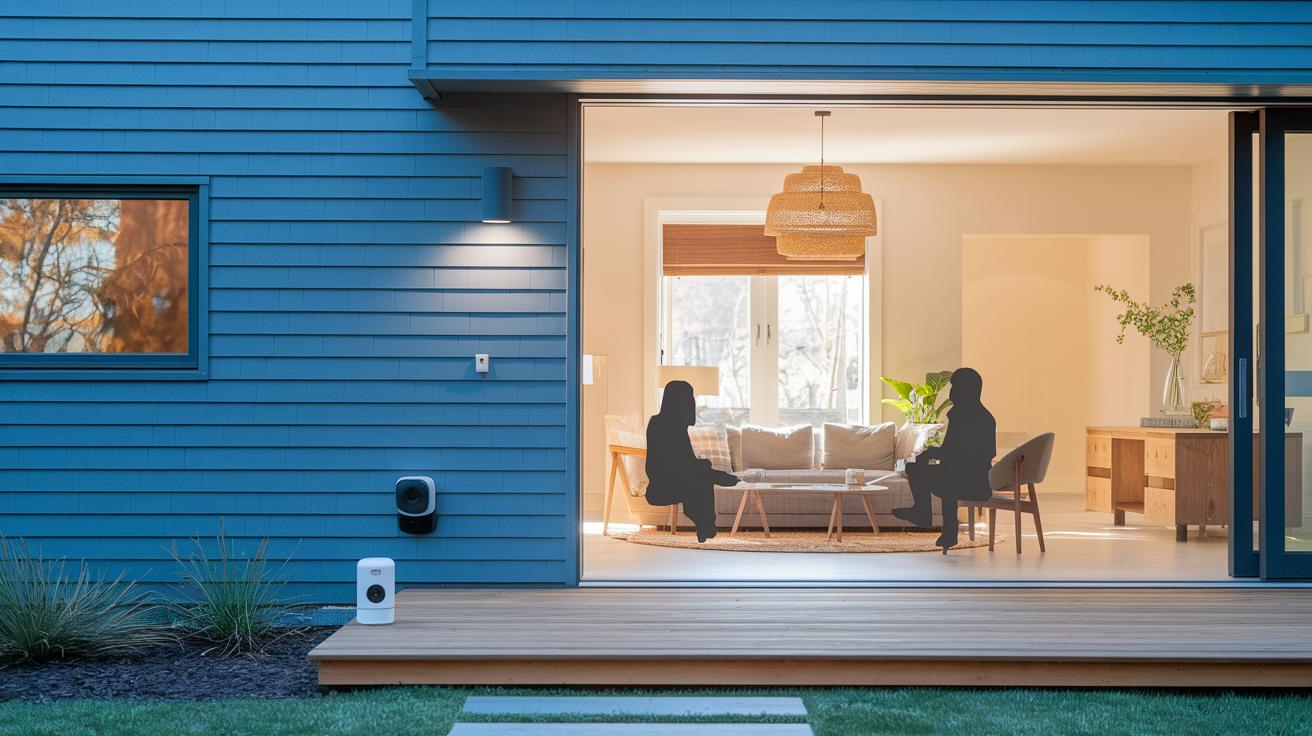
In your front yard, start with strong outdoor security. The Aqara Camera Hub G5 Pro stands out with weather resistance, clear 4K video, color night vision, and AI motion detection. It works with Matter, Thread, and Zigbee so you can easily add it to your broader security setup.
For your living room, keeping safe and connected matters. The Eufy E220 Indoor Cam gives crisp 1080p video and saves footage right on the device. It saves you money and keeps your space secure without clashing with your decor.
In the kitchen, smart tech makes life easier. The Simplehuman Dual-Compartment Sensor Can lets you work hands-free and responds to voice commands. It keeps your space tidy and adds a modern touch, all while being built to last.
In the bathroom, smart features boost hygiene. The Kohler Veil smart toilet uses UV light to clean itself, ensuring a spotless space. Plus, the U by Moen smart shower controller links up with Alexa, HomeKit, and Google Assistant so you can customize your shower.
Out back, smart lighting sets the mood and adds safety. The Govee Lynx Dream outdoor string lights connect via Bluetooth and Wi-Fi, lighting up your patio and enhancing security. These picks are great additions for any smart home.
DIY vs Professional Smart Home Automation Setup
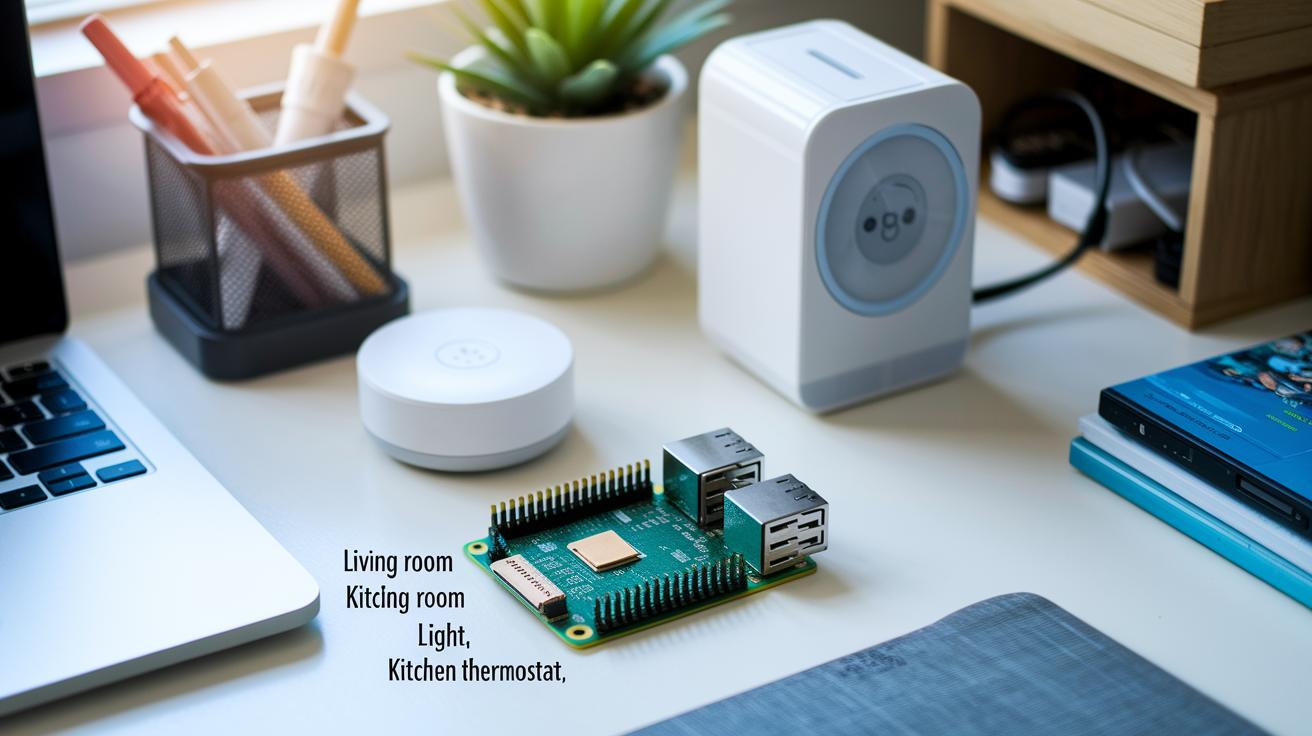
Many smart home builders choose a DIY route. With a setup like Home Assistant on a Raspberry Pi, you can cut startup costs and skip the need for extra hubs. You also get full control to tweak the interface and add your own dashboards for live tracking. Start by naming each device clearly, like "Living Room Light" or "Kitchen Thermostat", so you never get confused later.
On the flip side, professional installers take the stress out of setup. They design networks where all your devices work well together, no matter if they use Wi-Fi, Zigbee, or Z-Wave. Experts handle routine maintenance and fine-tune your system as it grows, so you don’t have to worry about tech details.
- DIY setups have a lower cost but need hands-on work and ongoing tweaks.
- Professional installations deliver steady performance, easy device pairing, and long-term support.
Choosing the right path comes down to your tech know-how, the size of your smart home, and whether you prefer more control or more help every day.
Security and Privacy in Smart Home Automation
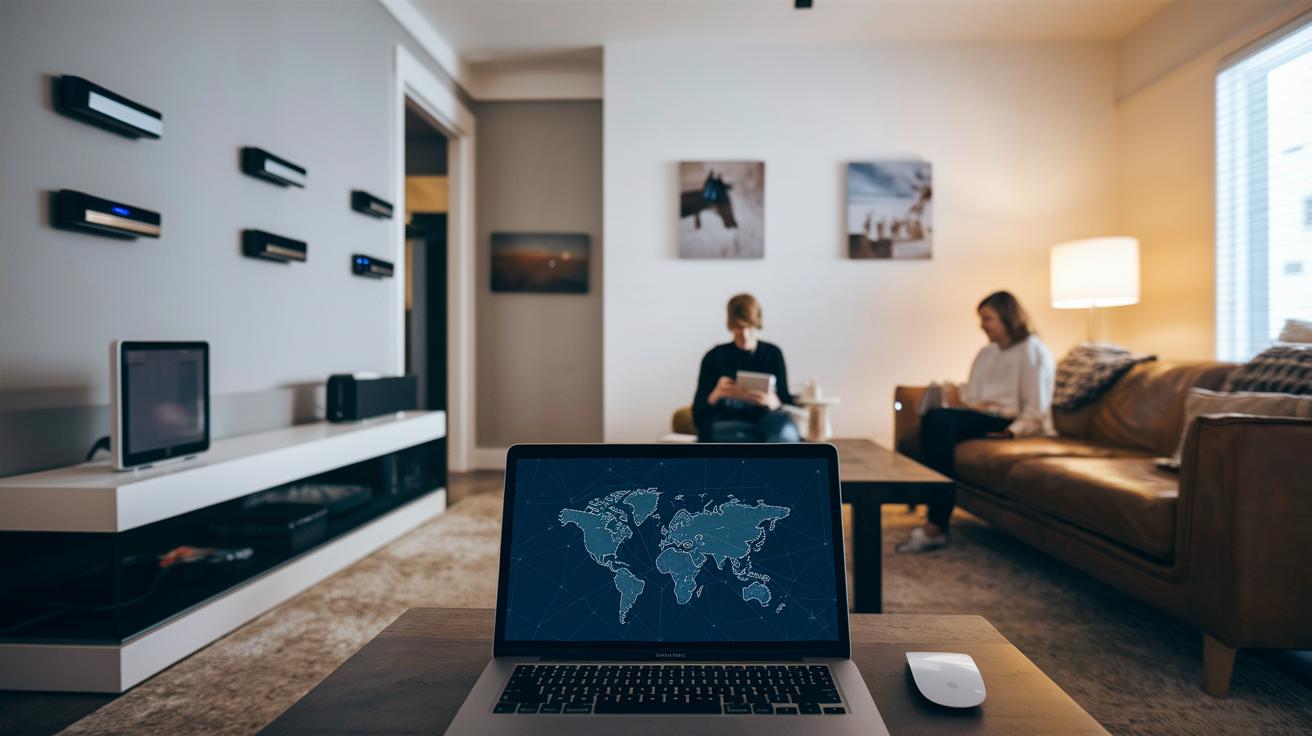
Smart home systems make everyday life easier, but they also bring risks if not set up right. Many early smart devices had little protection. Today, we need to use strong passwords, keep our devices on separate networks, and even create special network segments (VLANs) to lower the chance of hacks. Cloud hubs make it simple to access your system from anywhere, but they can expose personal data if they are not well secured. Using local hubs that run on protocols like Zigbee, Z-Wave, Bluetooth, or Thread helps keep your data inside your home, reducing privacy risks.
A big part of keeping smart homes safe is using encrypted connections like TLS (which stands for Transport Layer Security) and AES (Advanced Encryption Standard). These tools block unauthorized access. Regular firmware updates also help fix weak spots in the system. Encrypting the data shared between devices adds another solid layer of protection.
Real-time monitoring tools are also key. They alert you right away if something unusual happens and let you fix issues early. With secure remote monitoring, you can keep an eye on your system even when you’re away, making it easier to handle problems as they pop up.
- Use strong passwords and isolate your network
- Opt for local hubs to keep data close to home
- Depend on encrypted protocols and update firmware regularly
By combining these steps, you set up a smart home that is both convenient and secure.
Cost and Benefits of Smart Home Automation
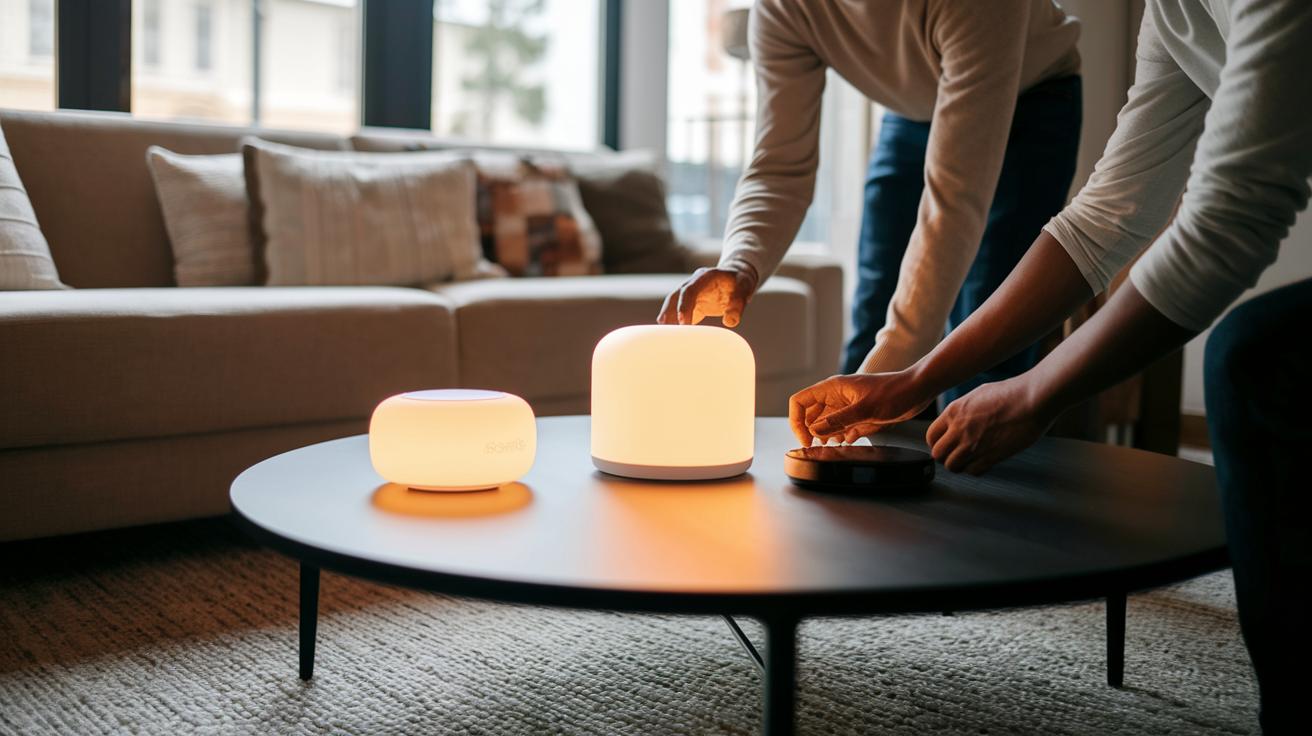
Smart home automation costs can vary widely. You might spend a few hundred dollars or even several thousand. How much you pay depends on the system's complexity, if you set it up yourself or hire help, and the number of devices you add. For example, choosing tools that manage energy use may boost your initial spending but cut your utility bills later.
There are also monthly fees to consider. For instance, Vivint Smart Home security starts at about $39.99 a month. A smart bulb might cost around $32, compared to about $5 for a regular one. That extra price tag can seem steep. However, smart features like scheduled operations and climate control can lower your energy bills by 10–20% over time, which may make the higher cost worth it.
Smart home automation brings real benefits. It improves home security, ties your entertainment systems together, and helps you save energy. Automated scheduling can make your home more efficient day to day, which leads to long-term savings and a smaller environmental impact. Plus, remote control and real-time status updates add extra convenience to modern home living.
Final Words
In the action, we showed how smart home automation reshapes everyday living with connected devices, voice-controlled systems, and remote home control. We broke down essential components, compared top platforms, and weighed DIY methods against professional setups. The post also covered setup details, security measures, and cost matters, all backed by clear data. We hope this guide helps you pick the right setup and grow your connected home with confidence. Enjoy the simple rewards of a smarter, more secure living space.
FAQ
What is smart home automation?
The smart home automation is a system that uses schedules, sensors, and a central hub to control connected devices. It offers hands-free tasks, energy savings, and remote access for everyday convenience.
Is smart home automation worth it?
The smart home automation is worth it for many users as it boosts convenience, improves home security, and helps reduce energy costs by allowing remote control of lights, locks, and thermostats.
What is the difference between home automation and smart home?
The home automation versus smart home difference lies in connectivity and control. Home automation follows set schedules, while smart home systems also support voice commands and remote, often cloud-based, management.
Which smart home device is best?
The best smart home device depends on your needs. For example, smart cameras, voice assistants, and lighting devices each offer unique features like improved security, hands-free operation, and energy management.
What are smart home automation companies and systems?
The smart home automation companies offer systems that integrate central controllers, wireless protocols, and various connected devices. They create setups that simplify device pairing, remote monitoring, and overall home management.
What is a smart home automation project?
The smart home automation project involves designing a network of connected devices controlled by central hubs. Project guides or PDFs often detail the steps, components, and wiring diagrams needed for a successful setup.
How does a smart home automation system using IoT work?
The smart home automation system using IoT works by connecting devices via protocols like Wi-Fi, Zigbee, or Bluetooth. Sensors trigger actions through a central hub, allowing remote control and automated routines.
What is the best professional home automation system?
The best professional home automation system typically features expert installation, seamless device pairing, and optimized network performance. It is designed for reliability, scalability, and secure, integrated living solutions.