

Ever felt like your smart home could do more than just follow basic routines? Open source home automation puts you in full control of your connected space, letting you set things up exactly how you like them. Imagine a system that learns your habits, helps cut costs, and keeps your data secure, all without any hidden fees or limits. You get complete freedom to tweak every setting and update as your needs change, making your home truly yours.
Benefits of Open Source Home Automation
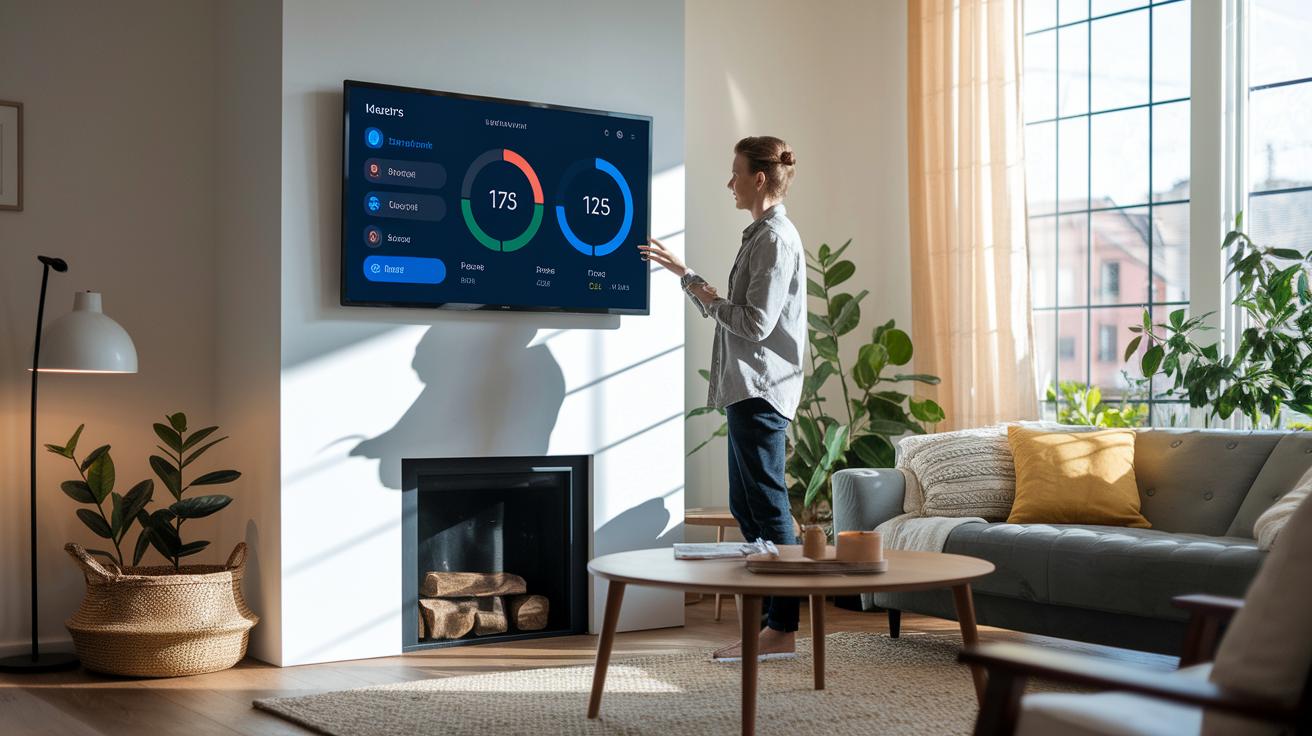
Open source home automation gives you full control over your smart devices. You work with platforms that you can easily tweak to fit your needs. There are no hidden fees or tight restrictions, so you can add new features as you go.
These systems help your home run smoother. They adjust your devices to your daily routine, which can boost energy savings and comfort. Plus, your personal data stays right with you, not on some remote server. The community behind these projects works together to spot issues and roll out fixes quickly.
- Local data ownership and privacy
- No or low licensing fees
- Strong community support and plenty of plug-ins
- Wide hardware compatibility and easy customization
- Better energy management and comfort automation
In short, open source home automation puts you in charge. You save money while keeping your data safe, and you can design your system to fit your lifestyle perfectly. It’s a smart, secure, and flexible choice that grows with you, offering a great alternative to fixed, commercial setups.
open source home automation: Amazing Flexibility Awaits
Picking a home automation system is all about matching what you need with the strengths of each option. These systems come with different user screens, ways to connect devices, and methods to set up your own rules. We looked at control over many devices, how easy it is to link with what you already have, and how active the community is. Knowing these points helps you pick a solution that runs your smart home and handles your gadgets without fuss.
| Platform | Main features | Compatible devices | Run on |
|---|---|---|---|
| Calaos | Server app, touchscreen panel, iOS/Android apps, ready-to-use Linux system, built-in config tools | Home gadgets, sensors, lights, HVAC (heating, ventilation, air conditioning) | Linux-based |
| OpenHAB | Works with over 200 tech types, event triggers, scripting, voice control | Thousands of devices from many smart systems | Linux, macOS, Windows, Raspberry Pi, PINE64, Docker, Synology |
| Domoticz | Lightweight, works in your browser, mobile alerts, easy monitoring | Lights, switches, sensors | Browser based, Linux, Windows |
| Home Assistant | Huge integration library, YAML (a code format) automation, Docker support, active forums | A wide range of smart devices plus DIY setups | Docker, Linux, Windows, macOS |
When you choose a platform, think about your home automation needs and the hardware you have. If you prefer a full setup with a ready-made interface and dedicated apps, Calaos gives you an all-in-one package with built-in tools. For a complex, scalable setup, OpenHAB stands out with its wide device support and customization options. If you need something light that works fast in your browser, Domoticz is a good pick. And for those who enjoy a vibrant community and lots of integrations for DIY tweaks, Home Assistant fits the bill. Consider these points to find the right mix of flexibility, control, and ease of use for your smart home.
Installing Open Source Home Automation on Ubuntu

If you want a smart home system that runs all day and night, start with Ubuntu Server. This free software lets you host your own home automation setup and keep it running continuously. Before you install, make sure your hardware meets these basic needs:
- 4 GB RAM: This helps the system run smoothly during real-time tasks.
- 32 GB SSD: Plenty of space for system files and logs.
- Static IP address: Keeps your server on a steady network spot.
- Ubuntu Server (20.04 LTS or later): Ensures long-term stability and security.
- Sudo or root access: Needed for installing software and tweaking the system.
Begin by updating your system’s package list and adding the Home Assistant repository. Open a terminal and run:
sudo apt update
sudo apt install software-properties-common
sudo add-apt-repository ppa:home-assistant/ppa
sudo apt update
Next, decide how you want to install Home Assistant. If you choose Docker for an isolated setup, run:
sudo apt install docker-ce docker-ce-cli containerd.io
sudo docker pull homeassistant/home-assistant:latest
Want to keep things simple? Try installing it in a Python virtual environment instead. Here’s how:
python3 -m venv homeassistant
source homeassistant/bin/activate
pip install homeassistant
After you install Home Assistant, set up SSL with Let’s Encrypt. Generate your certificate files, update your configuration, and enable the service to start automatically at boot (using systemctl commands, for example). To catch any errors, check the logs at /var/log/homeassistant.log.
When everything is set, open your browser and go to http://your-static-ip:8123. Follow the on-screen instructions to create your admin account and finish the basic setup. If you get stuck, the getting started guide at https://circuitcritics.com?p=226 has lots of helpful tips.
Customizing Automations and Integrations in Open Source Home Automation

Open source home automation platforms lean on simple scripting setups. You write rules in plain text files stored in clear, dedicated folders. Tools like OpenHAB and Home Assistant let you create your own automations with formats like YAML (a straightforward text format) and JavaScript. The system guides point you to key file locations so you can update your automations quickly.
Most rules run on events. A script starts when a device changes its state. For example, you might let your lights dim when a sensor notices it’s dark or kick on a fan when a room heats up. These triggers use easy conditions that can depend on the time of day or your direct actions. It makes handling lighting, climate control, and notifications a snap.
There are cool integrations too. You can hook up MQTT sensors (devices that share updates in real time), control Philips Hue lights with voice commands, or set your smart speaker to react. The scripting even lets you call REST APIs (a way for apps to talk to each other) so that different devices work together seamlessly. This all makes your smart home feel connected and ready to respond.
A big plus is the community sharing custom components on sites like GitHub. Both developers and everyday users contribute free tools that get better over time. This means you benefit from ongoing improvements and new features that help your smart home keep up with fresh ideas.
Open Source Home Automation vs Proprietary Systems
Proprietary home automation systems often come with extra hidden fees and recurring costs. You end up paying for licenses, subscriptions, or other add-on services that can really drive up the total cost over time. In contrast, open source systems cut out these ongoing fees, you pay only for the hardware and any extra features you want. This makes open source a smart choice if you're looking to keep costs low in the long run.
When it comes to device compatibility, proprietary systems can box you in to using only certain brands or products. That lock-in means you might miss out on mixing and matching devices from different makers. Open source systems, however, support a wide range of hardware. So if one device gets outdated, you can swap it out without rebuilding your whole setup, giving you more freedom to evolve your system as your needs change.
Privacy and data control also matter a lot. Commercial systems often send your data to remote servers and might even share it with third parties. With open source home automation, your data stays local on your network. You get to decide how and where your information is stored, which helps boost security and keep your privacy intact.
Open source projects also tend to update their software faster. Thanks to a strong community of users and developers, fixes and new features roll out quickly. You can even create custom features to meet your specific needs. On the other hand, corporate systems stick to their own update schedules, which can mean slower improvements and fewer options for customization.
Securing and Maintaining Your Open Source Home Automation Network

Security Best Practices
Using HTTPS and SSL certificates is an easy way to keep your home automation network safe. Set up your server with SSL certificates to scramble your data, and adjust your firewall to block visitors you don't trust. Splitting your network into sections means that if one part is hit, the others stay secure. Adding a VPN lets you connect safely when you're away. Think of your VPN and firewall as a digital moat that keeps intruders out.
Turn on two-factor authentication for your user interface and API. This adds a second check (like a text code) to stop unwanted control. These steps help protect your devices and secure your personal information for you and your family.
Maintenance Tips
Back up your configuration files and system settings on a regular schedule. Use snapshot tools to save a restore point before you make any changes. That way, if something breaks, you can quickly go back to a working setup. For example, back up your settings every week to save yourself hours of redoing work.
Keep a close eye on your automation logs and update your operating system and its components every month. Watching your logs helps you spot issues early, and regular updates close security gaps and add fixes. Routine care like this keeps your open source home automation network safe, quick, and ready to grow with your needs.
Community and Resources for Open Source Home Automation Enthusiasts

Open source home automation groups are lively spots where people share tips and learn together. You'll find busy forums, friendly Discord channels, and active Reddit groups where users swap setup hints, fix bugs, and explore creative automation ideas.
On GitHub, projects like Home Assistant, OpenHAB, and Domoticz attract both code developers and everyday users. They share code updates, report changes, and offer hands-on advice that anyone can use. This space works for beginners and seasoned tinkerers alike, making it simple to ask questions and try out new settings in real-life setups.
Community-built integrations, sample projects, and custom templates add great value to your home automation journey. Members often share custom cards and plug-in libraries that break down tough automation tasks. You can also explore detailed guides with ready-to-use code snippets that show fresh ways to connect your home devices. Regular updates and group tweaks keep these tools reliable and up to date. For even more ideas on how to integrate hardware, check out our smart home hub.
Final Words
In the action, we broke down open source home automation into clear benefits like improved privacy, lower costs, and strong community support. We compared popular platforms and shared a solid guide on installing and customizing your setup on Ubuntu. Our review also covered key security tips and maintenance practices to keep your system running smoothly. This approach helps you gain control and enjoy a smarter, safer home. Embrace open source home automation to boost performance, save money, and stay in charge of your smart home experience.
FAQ
What is open source home automation software?
Open source home automation software means using freely available code to control smart devices. It lets you keep your data local, customize settings, and avoid high licensing fees.
How do OpenHAB and Home Assistant compare?
OpenHAB and Home Assistant differ in device support and ease of automation. OpenHAB works with many technologies, while Home Assistant offers strong YAML-based automation and an active community.
What open source home automation hardware options exist, including Raspberry Pi?
Open source home automation hardware covers DIY controllers, Raspberry Pi-based setups, and other affordable devices. These options let you customize your system and work with a wide range of smart devices.
What is an open source home automation protocol?
An open source home automation protocol is a set of rules that devices follow to communicate with each other. It ensures your smart gadgets work together seamlessly and supports custom integrations.
Is open source home automation free?
Open source home automation is mostly free or involves very low licensing fees. This keeps costs down while giving you control, better privacy, and access to community-driven updates.