

Have you ever wondered if your speaker could do more than just play music? Imagine it sharing the weather, turning your lights on, or even reminding you of your next meeting. Wireless smart speakers mix clear sound with voice control and smart home tools that can change your daily routine. We tested three models to see if they deliver on both sound and smarts in real-life settings. Let's find out if these devices can truly improve your home audio experience.
Essential Features of Wireless Smart Speakers
Smart speakers have built-in mics and voice assistants that let you control music, check the weather, or run smart-home functions without lifting a finger. Unlike regular Bluetooth speakers that just play audio from your phone, these speakers listen for your voice and act right away.
They do more than play tunes. With hand-free control, you can get news updates, set reminders, or control smart devices like lights, plugs, and thermostats. Imagine asking your speaker to warm up a room or play your favorite podcast. It becomes a helpful hub in your home.
Key features include:
- Voice commands
- Wi-Fi streaming (playing sound directly from the cloud)
- Smart-home control
These features set wireless smart speakers apart. Voice commands let you talk naturally, while Wi-Fi streaming gives you higher-quality sound without messy cables. And smart-home control means your speaker can manage everything from lights to heating.
All in all, these features work together to create a simple, connected experience. Whether you’re setting the mood with music or running your daily routines, smart speakers make life a little easier and more fun.
Connectivity Options for Wireless Smart Speakers
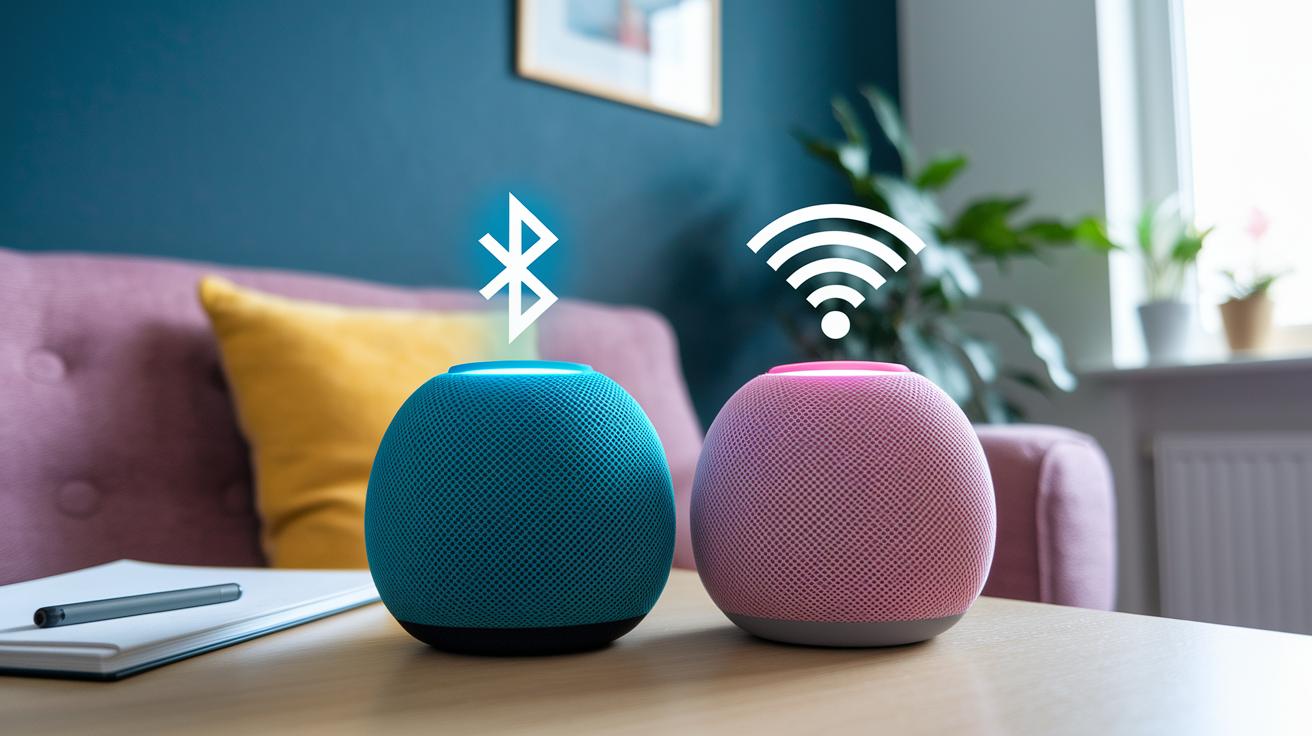
Bluetooth lets you link your speaker directly to a device for on-the-go music. It's fast and reliable when you're nearby, making streaming simple. In contrast, Wi-Fi connects through your home network and even the cloud, so you get richer sound without staying in one place. Bluetooth works great for portable use, while Wi-Fi is your pick when you want full-room sound and smart home integration.
Network performance can shift based on a few things. Other wireless gadgets, thick walls, or a less-than-ideal router setup might cause skips or delays. With a strong, well-placed router, your music flows without hiccups. Our tests show that speakers with solid Wi-Fi connections run more smoothly, especially when teamed with smart lights, plugs, or thermostats. Plus, many native mobile apps now help set up and troubleshoot the connection with just a few taps, making the whole experience seamless.
Voice Assistant Ecosystems in Wireless Smart Speakers
Amazon Alexa: device compatibility, app features, ecosystem skills
Amazon Alexa offers a wide range of devices that work well with both iOS and Android. You use the Alexa app to set up your Echo speakers and control smart gadgets like lights and thermostats. For example, you can say, "Alexa, dim the living room lights," and see it happen quickly. We appreciate Alexa’s regular updates and its strong support for many third-party devices, which makes it a dependable voice hub.
Apple Siri/Home: exclusive iOS integration, HomeKit support, routines
If you’re deep into Apple, then Siri and Home bring a smooth experience right to your iPhone, iPad, or Mac. HomePod and HomePod mini link up via the Home app, so setting up your smart-home routines feels natural. You can ask Siri to play music, adjust your thermostat, or check your calendar, all with fast and responsive replies. With HomeKit support (Apple’s smart home system), tasks like managing lights and security gear feel almost automatic.
Google Assistant: cross-platform support, wake-word options, third-party integrations
Google Assistant is known for its flexible design and how it understands everyday language. Devices like Nest and Google Home respond to wake words such as "Hey Google" or "OK Google," making it simple to use on Android, iOS, or other platforms. Its built-in support for third-party apps turns simple requests, like getting directions or checking your schedule, into a smooth conversation. We noticed that the natural control interface really makes daily tasks feel easier and more connected.
Wireless Smart Speakers: Feature Comparison and Pricing
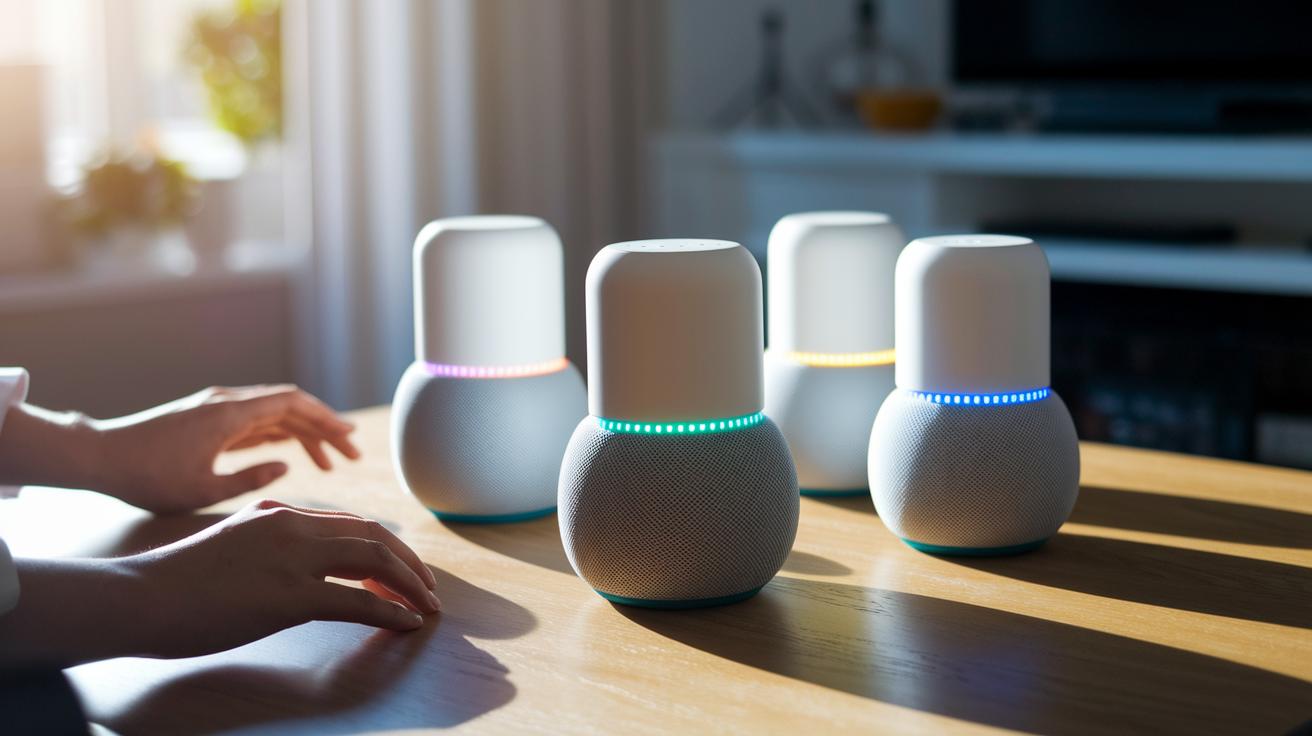
When we looked at wireless smart speakers, we cared about cost, sound quality, and smart-home compatibility. We checked devices based on your budget, room size, and how well they fit with your other gear. Our tests looked at real-use features: does the speaker fill the room with sound, set up multi-room pairing easily, and work well with your voice assistant? Each point helps decide if a speaker is good for your living room, kitchen, office, or bedroom.
| Model | Price | Best Use |
|---|---|---|
| Amazon Echo Studio | $220 | Living room immersive audio |
| Echo Spot | $80 | Compact areas like kitchens |
| Google Nest Mini (2nd Gen) | $49 | Budget-friendly, starter option |
| Apple HomePod mini | $99 | Apple ecosystem and small spaces |
| Sonos Era 300 | $479 | Room-filling audio with advanced features |
| Bose Portable Smart Speaker | $319 | High-quality portable sound |
Our lab tests and real user reviews showed that real-world performance often matches these points.
Wireless Smart Speakers for Every Room and Use Case
Smart speakers add a touch of convenience and great sound to any space. They help you get the latest news in the living room, guide you through recipes in the kitchen, or even boost your productivity in the office. These speakers fill your room with clear audio and easily link up with your smart home gadgets, making your house run smoother.
Here are some options:
- Echo Dot (5th Gen) for beginners: This speaker gives you quick updates on news and weather and handles basic smart-home tasks. It’s perfect if you're just getting started.
- Echo Show 11 for kitchens: With its clear 1080p touchscreen, it makes following recipes, setting timers, and managing meal prep simple.
- Google Nest Hub (2nd Gen) for bedside: Featuring a built-in clock, sleep tracking, and easy device control, it helps set a calm tone for your nighttime routine.
- HomePod (2nd Gen) for music: Engineered for rich, room-filling sound with Dolby Atmos (a sound technology that creates a more immersive audio experience) and deeper bass, it's ideal for music lovers.
- Echo Dot Kids Edition: It comes with parental filters and intercom features, ensuring fun and safe use for children.
- Nest Hub Max for office: With video calling and calendar management, this speaker is designed to boost productivity in your workspace.
Each speaker makes daily routines easier and more enjoyable. They stream high-quality audio and work well with other smart devices, so you can automate tasks and enjoy great sound no matter where you are.
Setup Guide and Troubleshooting Tips for Wireless Smart Speakers
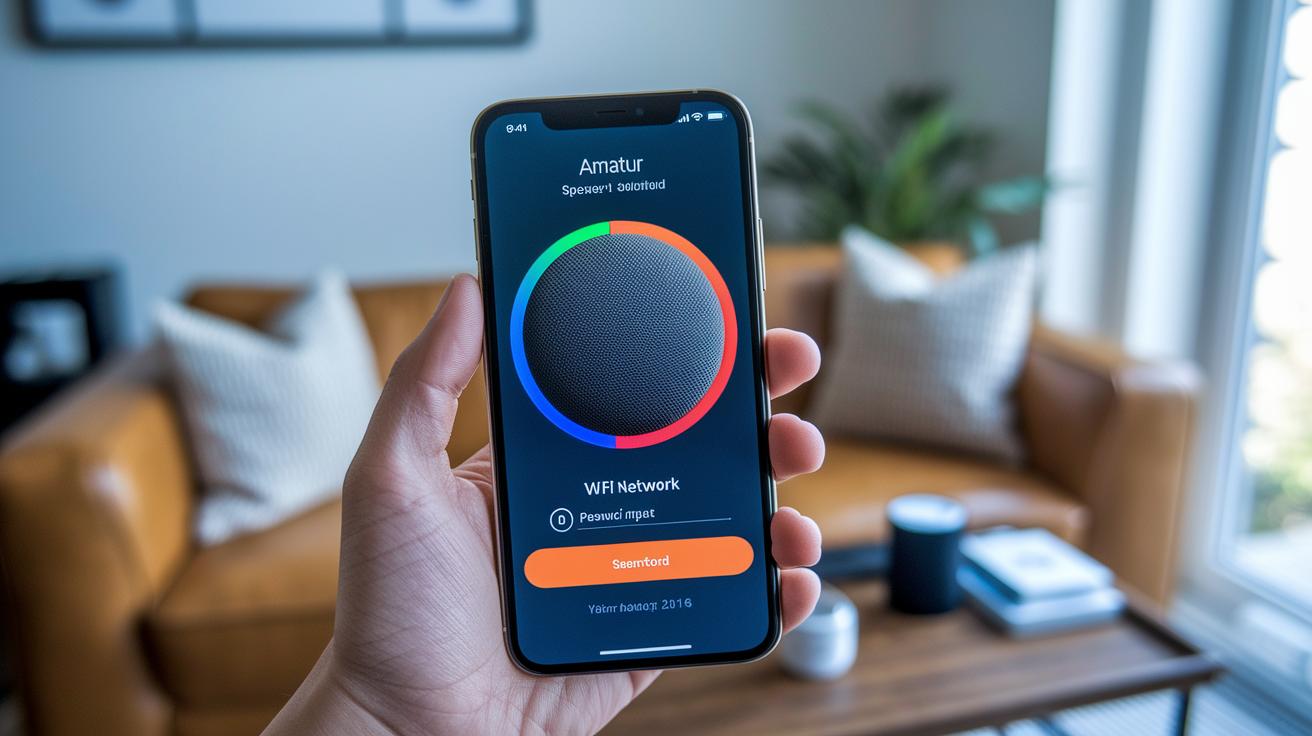
Begin by downloading the speaker’s app on your smartphone. The app walks you through setting up your account and choosing your Wi-Fi network. Make sure you enter your network password correctly so you get a strong, secure connection. Once your account is set, check the app for any updates. A quick update can fix issues and help your speaker work more smoothly with your other smart home devices.
If you run into problems, try these steps:
- Reset your network settings if your Wi-Fi cuts out.
- Restart the speaker if Bluetooth pairing fails or the connection feels off.
- Check that the firmware is current to fix any voice assistant issues.
- Use the app’s diagnostic tool to look for stray problems.
- Re-register the speaker in the app if it stops responding.
Following these tips can quickly solve common setup hiccups and keep your smart speaker working reliably every day.
Final Words
In the action, our review walked through key functions and connectivity options of wireless smart speakers.
We examined how built-in microphones and voice assistants boost daily ease, plus compared top models on price and features.
We broke down smart home integration and setup with clear, tested steps that help avoid buyer’s confusion.
Each section filled in real-world use cases that show how these devices turn tech into a handy and reliable tool for your home.
Wireless smart speakers can truly upgrade your space with smart, cost-effective audio solutions.
FAQ
What are the best wireless smart speakers?
The best wireless smart speakers offer Wi‑Fi streaming, voice control, and smart home integration for clear audio and hands‑free convenience.
Are smart speakers wireless and do they support Bluetooth?
Smart speakers work wirelessly using Wi‑Fi and typically include Bluetooth for local playback, giving you both hands‑free control and flexible connectivity.
What are portable smart speakers, and what makes the best portable option?
Portable smart speakers are compact, battery‑powered devices that combine voice control, clear audio, and multiple connectivity options, making them ideal for on‑the‑go use.
What is the best smart speaker for music?
The best smart speaker for music delivers rich bass, crisp highs, and supports your favorite streaming apps, so you get quality sound along with voice control features.
What features do Google smart speakers offer?
Google smart speakers use the Google Assistant to provide hands‑free control, quick info access, and smart home integration, making them a robust option for many users.
How do Amazon wireless smart speakers compare?
Amazon wireless smart speakers run on Alexa, offering voice‑activated control, easy streaming, and smart device management, making them a strong choice for smart home setups.
Which smart speaker has the best screen?
The best smart speaker with a screen features a touch display for visuals like weather, video clips, and recipes, alongside excellent audio quality and voice control.
What is the difference between smart speakers and Bluetooth speakers?
Smart speakers use Wi‑Fi and built‑in assistants to offer voice‑controlled features and smart home functions, while Bluetooth speakers focus on basic audio playback without smart extras.
How do I choose the best smart speaker to buy?
The best smart speaker for you depends on your needs, budget, and ecosystem. Compare sound quality, voice assistant options, and connectivity features to decide.