

Are you sure your current lock will keep your home safe? Wi-Fi smart locks let you keep an eye on your door from anywhere without needing keys. We put several models to the test, checking how easy they are to set up, how well you can control them, and how secure they are with your data. In this review, we cover a range of choices, from affordable options to those packed with extras. Find out which lock can best secure your home.
Top Wi-Fi Smart Locks Compared at a Glance
We looked at Wi-Fi smart locks that let you skip keys and manage your door from afar. Our team checked each lock for a fast install, simple controls, and solid connection choices. We also made sure they use strong encryption (a way to protect your data) and offer clear apps that work with home systems. We tested how long they take to install, the design quality, and if they have extra safety features.
Below is a side-by-side look that shows the cost, connection type, and standout features of each lock. This helps you quickly see which option fits your home's needs.
| Model | Price | Connectivity | Notable Feature |
|---|---|---|---|
| Schlage Arrive Smart Wi-Fi Deadbolt | N/A | Wi-Fi | Easy install with AES-256 security |
| Yale Assure Lock 2 (Wi-Fi) | $176 | Wi-Fi | Stylish zinc alloy design |
| Ultraloq U-Bolt Pro | $130 | Wi-Fi, HomeKit, Alexa, Google, SmartThings, IFTTT | Multiple access methods including fingerprint |
| August Wi-Fi Smart Lock | $148 | Wi-Fi | Retrofit design with auto-lock features |
| Eufy Smart Lock C34 | Budget-friendly | Hubless Wi-Fi (optional Matter hub) | Simple setup with data collection concerns |
This table shows the key details of each smart lock. It helps you compare prices, how they connect, and the special features they offer so you can find the right fit for your home.
Wi-Fi and Dual-Mode Connectivity in Smart Locks

Smart locks come with different ways to connect wirelessly to help secure your home. Many locks now have built-in Wi-Fi that lets you control them using your smartphone. Some locks, like Igloohome, require a special bridge to connect to the internet, while others, like Eufy, offer an optional hub. This means you can choose a setup that works best for your home.
Dual-mode locks mix Wi-Fi for remote control with Bluetooth for quick local use. Bluetooth lets you lock or unlock your door almost instantly when you're nearby, often in less than 2 seconds. Meanwhile, the Wi-Fi connection allows you to monitor and control your lock from far away. This combo gives you fast access at home and reliable control when you're out.
Many smart locks also work with Matter (a standard that helps smart devices communicate) and IFTTT (a service that connects different gadgets). They use TLS-encrypted (secure) communication to keep your commands safe from unauthorized access. In short, whether you use internet-connected access or local Bluetooth, these locks offer strong and steady security.
Installation Best Practices for Wi-Fi Smart Locks
Before you begin, make sure your door has the usual pre-drilled holes. Grab a Phillips-head screwdriver and fresh batteries before you start. A clear workspace and all parts ready makes the job easier.
- Remove any old lock or aftermarket parts.
- Check that the door latch lines up correctly so it doesn't stick.
- Place the smart lock following the manufacturer’s instructions.
- Fasten the lock with the supplied screws using your Phillips screwdriver.
- Insert fresh batteries (replace every 6 to 12 months) and double-check the battery contacts.
- Connect the lock to Wi-Fi using the companion app and follow the on-screen steps.
After you finish, check the Wi-Fi signal strength at the lock's spot. Run a quick test on the app to see if it responds right away. If you notice any delays, try repositioning your router or switch to Bluetooth troubleshooting. And always keep a physical key nearby in case of emergency.
Integrating Wi-Fi Smart Locks with Smart Home Hubs
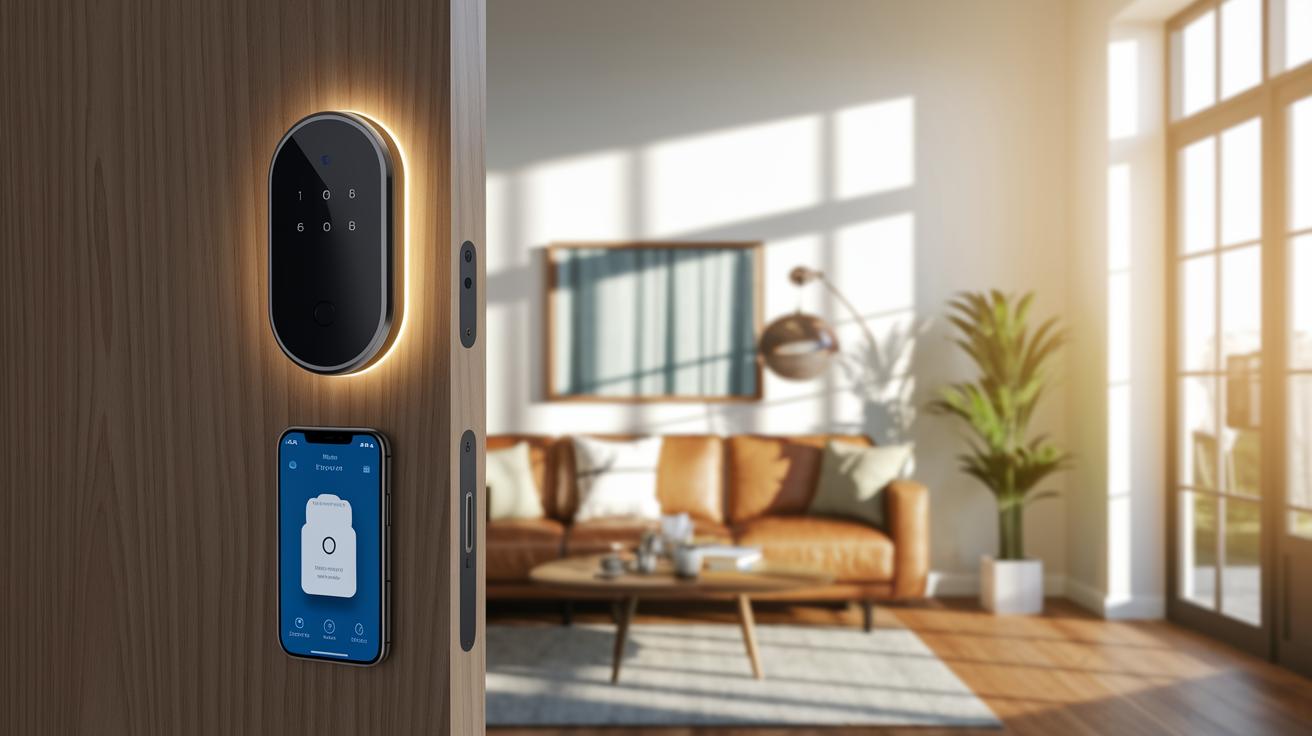
Wi-Fi smart locks now work with lots of home platforms. Many of these locks work with voice helpers like Amazon Alexa, Google Assistant, Apple HomeKit, and Samsung SmartThings. For instance, the Aqara U100 fits well with Apple's Home app, though it only accepts six-digit PINs. This means your lock can easily join your current smart home setup.
Voice integration turns door access into a quick, hands-free task. If your hands are full, you can simply ask Alexa or Google Assistant to lock or unlock your door. It makes entering your home feel natural by linking your lock to your daily habits.
Most companion apps let you manage access for many users. You can set up personal codes and even create temporary guest codes. The apps also offer extra security features like two-factor authentication and alerts. This gives each household member a custom way to use the lock while keeping out those who shouldn’t be there.
wifi smart locks: Secure Your Home Today
Smart locks depend on strong encryption (AES-256, a secure coding method, and TLS, a secure internet protocol) to keep each command safe over Wi-Fi or Bluetooth. This means your lock and unlock signals are shielded from eavesdroppers. Even as data travels through the air, it remains well protected.
Some smart locks use two-factor authentication for an extra layer of safety. This requires proving your identity in two ways: something you know (like a PIN) and something you have (like your phone). Models from Yale and August use this method, making it much tougher for intruders to break in.
Many smart locks include tamper alarms and event logging. If someone tries to open or interfere with the lock, an alert immediately goes off. A log is also kept so you can quickly spot any unusual activity.
Even with these digital safeguards, a backup physical key override is standard. This ensures you always have a way in if the network fails or power is lost. Plus, the locks send regular firmware update alerts to help fix any new security issues right away.
In-Depth Reviews of Leading Wi-Fi Smart Lock Models
Schlage Arrive Smart Wi-Fi Deadbolt
The Schlage Arrive Smart Wi-Fi Deadbolt makes installation a breeze on regular door frames and comes with an easy-to-use app. It uses strong AES-256 encryption (a top-notch security method) to keep your home safe, although it doesn’t include a tamper alarm or door sensor. This lock is perfect for those who want a simple setup with reliable remote control.
Yale Assure Lock 2 (Wi-Fi)
The Yale Assure Lock 2 sports a modern zinc alloy design that adds style to any front door. Setup might be a bit challenging, and heavy use of its smart features can drain the battery more quickly. Plus, you need a username and password for access. It integrates well with home systems, making it a solid choice if you value durability and multi-platform support.
Ultraloq U-Bolt Pro
The Ultraloq U-Bolt Pro offers multiple unlocking options, letting you use your fingerprint, a keypad, or the control app. It works across different platforms and uses sensors to quickly show you the door’s status. This lock gives you great value by combining affordability with diverse unlocking modes, ideal for the tech-savvy homeowner.
August Wi-Fi Smart Lock
The August Wi-Fi Smart Lock is designed to fit right over your existing deadbolt, which makes upgrading simple. You can set up auto-lock and auto-open schedules through its app, easing everyday access management. While its battery might not last as long with heavy use, it remains a smart retrofit option for those who love remote control.
Eufy Smart Lock C34
The Eufy Smart Lock C34 brings Wi-Fi connectivity without needing an extra hub, so setup is straightforward. The indoor part of the unit is a bit bulky, and its data privacy approach may give some pause. Still, it’s a budget-friendly option if you’re looking to upgrade without a big investment.
Common Questions and Troubleshooting for Wi-Fi Smart Locks
Why does my smart lock have setup errors?
If you're seeing errors during setup, first make sure the lock is in pairing mode and that your phone is on the right Wi-Fi network. Often, simply restarting both devices clears the issue.
How do I perform a network reset?
Use the lock’s app to reset its network settings, then reconnect it to your Wi-Fi. This step often fixes problems caused by brief network interruptions.
What steps should I follow for firmware updates?
When you see an update alert, open the app and follow the on-screen instructions. Keeping your firmware current means your lock will run smoother and stay secure.
How can I improve bridge placement?
If your system uses a hub, try moving the bridge where there are fewer obstacles and closer to the lock. This can reduce delay and boost the signal strength you depend on.
What does a battery-level warning indicate?
A battery warning means it's time to replace or recharge the batteries. Taking care of this helps keep your lock responsive and avoids surprise lockouts.
When should I contact manufacturer support?
If you've tried resetting the network and updating the firmware and the issue still sticks, it’s time to call technical support. They can offer additional guidance to sort things out.
Final Words
In the action, the review broke down top options in smart home locking technology, comparing ease of install, connectivity choices, and security features. We covered everything step by step, from installation tips to integrating remote access locking and digital entry systems.
Our hands-on approach shows how each unit, including wifi smart locks, performs in real-life use. This clear side-by-side view makes your choice smoother and more confident. Enjoy the smart upgrade and safe access every day.
FAQ
What are some top choices for Wi-Fi smart locks?
The top Wi-Fi smart locks include models like August Wi-Fi Smart Lock, Yale Assure Lock 2, and Ultraloq U-Bolt Pro. They deliver secure keyless entry options with smartphone app control and remote access features.
How does a Wi-Fi smart locks app work?
A Wi-Fi smart locks app lets you lock and unlock your door remotely. It provides keyless entry control, activity logs, and easy integration with smart home systems for added convenience and security.
Where can I purchase Wi-Fi smart locks online?
You can purchase Wi-Fi smart locks on platforms like Amazon and other online retailers. These sites offer various models with features such as smartphone control, voice assistant support, and secure remote unlocking.
Do Wi-Fi smart locks come with key backup options?
Wi-Fi smart locks often provide backup physical keys or key override methods for emergencies. This ensures there’s an alternative way to access your home if the digital or network systems fail.
How can I find smart door locks on sale?
Smart door locks on sale are available from online retailers, major electronics stores, and manufacturer websites. Checking during seasonal promotions or special events may help you find attractive discounts.
What are the main benefits of the August Smart Lock series?
The August Smart Lock series offers retrofit design using your existing deadbolt, auto-lock/open scheduling, and smartphone control. They integrate well with voice assistants like Alexa and Google for remote home access.
How do smart door locks enable unlocking with your phone?
Smart door locks connect via Wi-Fi or Bluetooth so you can unlock your door using a companion app. This method offers remote control, instant response, and secure digital logging for everyday convenience.
What is a smart lock deadbolt and handle combo?
A smart lock deadbolt and handle combo merges the digital locking system with the door handle. It provides a unified solution that offers both secure keyless entry and traditional physical interface in one unit.
What features does the Yale Approach Lock offer?
The Yale Approach Lock provides Wi-Fi connectivity along with a keypad touch interface. It supports remote unlocking and secure PIN entry while still offering a backup key option for added safety.
How does the Yale Assure Lock 2 work with smart features?
The Yale Assure Lock 2 uses smart Bluetooth and Wi-Fi connectivity with a touchscreen keypad for digital access. It allows multi-user setup via an app and backup key usage, ensuring versatile and secure entry.
What is unique about the Yale SL Key Free Assure Lock?
The Yale SL Key Free Assure Lock offers a sleek touchscreen deadbolt without a traditional key slot. It gives fast, secure keyless entry and simplifies the unlocking process by relying entirely on digital credentials.
What benefits does the Desloc B200 fingerprint smart door lock offer?
The Desloc B200 fingerprint smart door lock provides keyless entry using fingerprint scanning. It ensures fast user authentication and a secure alternative to passwords or physical keys, ideal for everyday use.