

Have you noticed your smartphone photos sometimes look a bit dull? It isn’t your phone’s fault. The real secret is the light. Good light can turn a plain shot into a lively scene.
When you use soft natural light and make a few smart tweaks, your photos suddenly feel brighter and more real. We tested these tips in different settings, both indoors and outdoors, and we saw a clear boost in image quality.
This guide offers simple, hands-on advice for handling tricky lighting. Give these steps a try and watch your smartphone photography come to life.
Fundamental Smartphone Photography Lighting Tips
Good lighting is key for great smartphone photos. Natural light gives you a soft, even glow that keeps colors true. Many of us have phones that take great pics, but mastering available light makes a big difference. Playing with sunlight and soft artificial light shows you just how much it improves your shot.
When you're indoors, use natural light as much as you can. Opening a window can add more daylight and cut out the harsh, uneven tones from indoor bulbs. These tips help you mix different lights and get better results with what you already have.
- Use both the room's light and any decorative lights for a balanced look.
- Skip the built-in flash, it makes the light stiff and harsh.
- Keep your phone steady with a tripod in low light.
- Avoid using digital zoom to prevent grainy, pixelated images.
- Tap your subject to set focus and adjust the brightness.
- Use exposure compensation to handle tricky lighting.
- Turn on HDR to bring out details in both dark and bright spots.
These techniques work together to boost image quality. By mixing natural light with careful adjustments, you control the mood and clarity of your shots. Try a few tweaks and see how much your photos come to life.
Optimizing Natural Light for Smartphone Photography
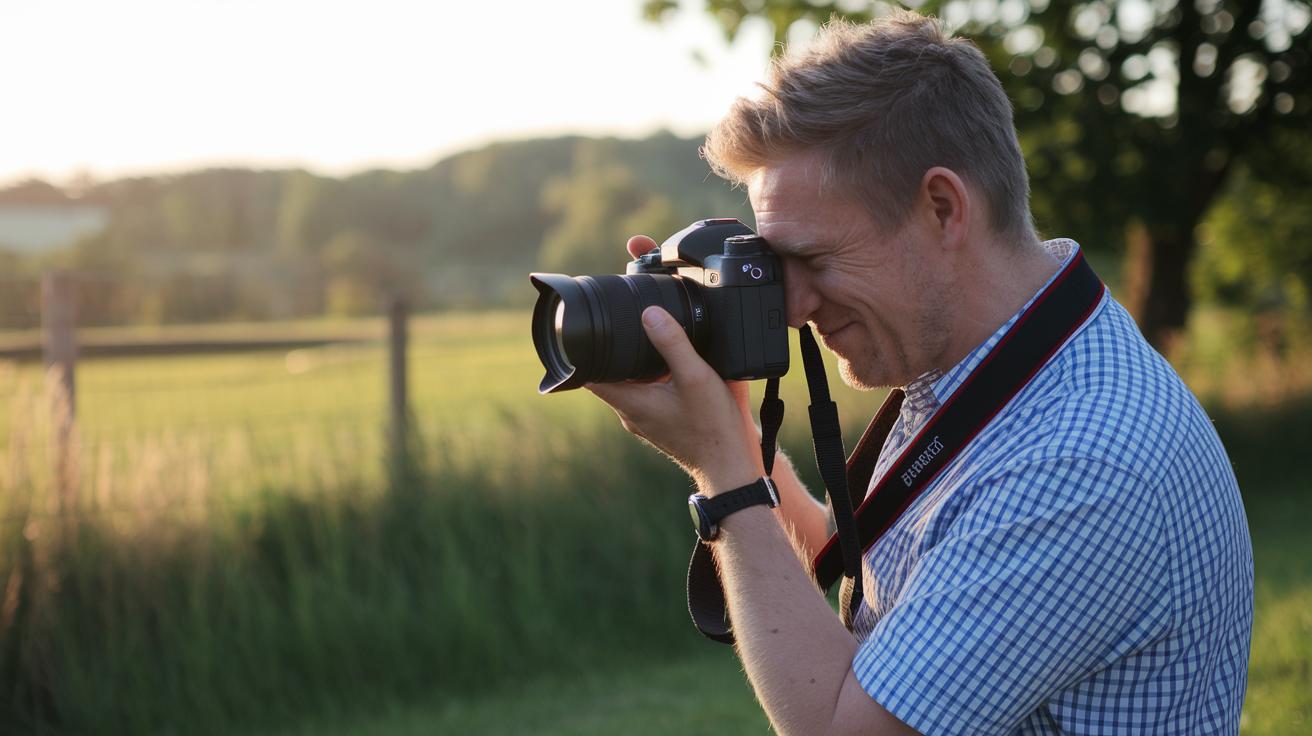
Natural light brings a soft, even tone that indoor lights can't match. When you shoot outside, you have plenty of steady light, which helps produce clear and lively pictures. Whether you use bright sunlight or the soft glow from a cloudy sky, each type has its own perk. For example, during the golden hour, the light is warm and gentle. It brings out details without harsh shadows. However, strong direct sunlight can make contrasts too sharp. In that case, try changing your angle or looking for some shade to even things out. On sunny days, set up your subject so the light naturally falls on them. This makes textures and colors pop without getting washed out.
Indoors, boost the light by opening all the windows. This lets in natural daylight and avoids the harsh shadows from artificial bulbs. Try placing your subject near a big window to fill the room with daylight. This trick keeps colors natural and soft. Playing with angles and distances helps you get the most out of the natural light in your everyday smartphone shots.
Enhancing Indoor and Low-Light Smartphone Photography Lighting
When indoor light fades, using the right artificial lighting becomes a lifesaver for your smartphone photos. Portable LED panels and ring lights give you steady, adjustable light. For instance, a ring light on a flexible stand instantly brightens up a dark room. These lights let you set the color temperature (the warmth or coolness of light) to keep colors true and skin tones natural. Adding a stable tripod also helps; it stops the camera from shaking when you need a longer exposure.
A simple kit can go a long way. Start with a portable LED panel placed near your subject to spread even light. To soften the beam, put a diffuser like a sheet of tracing paper in front of it. Then, use a small reflector, such as a white card or a piece of foil, to bounce extra light into the shadows. Adjust both the light and the reflector so they work together without overpowering your scene.
This setup fills in dark corners and balances the overall exposure. When you experiment with these simple tools, you gain better control over tricky lighting situations, making your photos clearer and more detailed.
Mastering Manual Exposure and Focus for Smartphone Photography Lighting
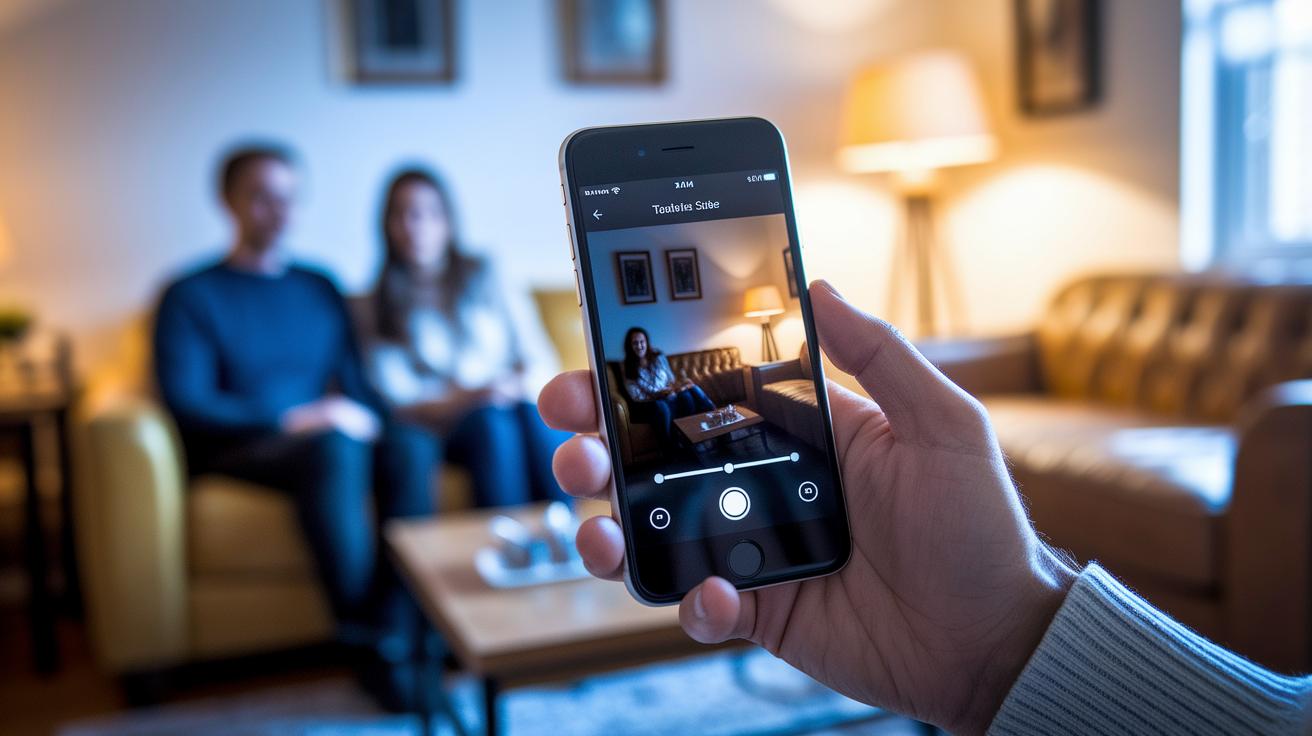
Tapping to Set Focus and Exposure
When you tap on your smartphone screen, it locks in the area you touched and adjusts the brightness there. This means you can pick what you really want in focus. For example, tapping a face in a low-light room brightens that spot while softening the background.
Adjusting the Exposure Slider
After you tap, most phones show an exposure slider. Drag this slider to make the image lighter or darker before you snap a photo. This is handy when your phone gets confused by tricky light. If a scene looks too dark, raising the slider brings out lost details. Lowering it keeps bright areas from getting washed out. This way, you're in charge of how your photo looks.
Locking AE/AF for Consistency
Some smartphones let you lock focus and exposure with an AE/AF lock. Press and hold on the spot you tapped until the lock shows, and you can then change your shot without losing your settings. For even more control, switch to manual modes where you can adjust ISO (the sensor's light sensitivity) and shutter speed (how long the sensor gets light). These tools help you handle different lighting conditions and capture photos that match your style every time.
Creative DIY Light Modifiers for Smartphone Photography
You can easily build a reflector with white foam board or aluminum foil to fill in shadows. Just place your DIY reflector on the opposite side of your main light to bounce extra light onto your subject.
You can also create a budget diffuser by covering your light with tracing paper or a clear shower curtain. This simple setup softens sharp beams and reduces glare, keeping details in your subject clear.
Try different spots and angles for your reflectors and diffusers. Move them closer or further from your subject and adjust the angle to change the light intensity and shadow balance. For example, you can line a cardboard box with white fabric to make a small softbox that gives a gentle, steady glow.
Final Words
In the action, we covered practical smartphone photography lighting tips, from balancing ambient and artificial light to fine-tuning manual exposure and focus. We broke down techniques for natural, low-light, and DIY light modifiers so you can immediately test these ideas on your phone.
These insights aim to help you shoot clear, detailed photos with ease. With these smartphone photography lighting tips, step up your photo game and capture moments with confidence.