

Ever imagine your door greeting you like a friendly face? Fingerprint smart locks mix modern tech with tried and true security to let you in. You can choose to unlock with your thumb or by tapping a keypad. In this post, we test a few top fingerprint smart locks that really make getting in easy and safe. We also check how they use Wi-Fi and Bluetooth (short-range wireless tech) to keep you connected without any extra hassle. Ready to see your home get smarter and safer?
Top Fingerprint Smart Locks Compared
Smart locks work best when you have more than one way to unlock them. You can use a fingerprint sensor, a keypad, a regular key, or even voice commands. This mix of options lets you avoid lockouts and keeps your home secure. We compared these locks and looked at how each one meets different needs with its fingerprint and digital access features.
Connectivity is key too. Modern smart locks connect using Wi-Fi, Bluetooth, or Matter-over-Thread (a way to send data smoothly between devices). This lets you manage your lock from afar and get alerts in real time. Battery life varies with each model, so you can choose one that suits your style and needs.
| Model | Access Methods | Connectivity | Battery Life |
|---|---|---|---|
| Wyze Lock Bolt | Fingerprint sensor, keypad, app access | Standard integration | ~1 year |
| Nuki Smart Lock | Fingerprint, app (keypad sold separately) | Bluetooth, Wi-Fi, Matter-over-Thread | Up to 12 months |
| Yale Assure Lock 2 Touch | Fingerprint, key, keypad, app, voice | Wi-Fi | 6–12 months |
| Schlage Encode Plus | Key, keypad, app, voice, Home Key | Wi-Fi | Up to 6 months |
| Eufy FamiLock S3 Max | Fingerprint, palm unlock | Wi-Fi | ~5 months |
| Lockly Visage | Fingerprint, facial recognition | Wi-Fi | ~8 months |
This easy-to-read overview shows you the key features like access methods, connectivity, and battery life. It helps you pick the lock that fits your home best while keeping security and ease of use in mind.
Fingerprint Smart Lock Security and Encryption
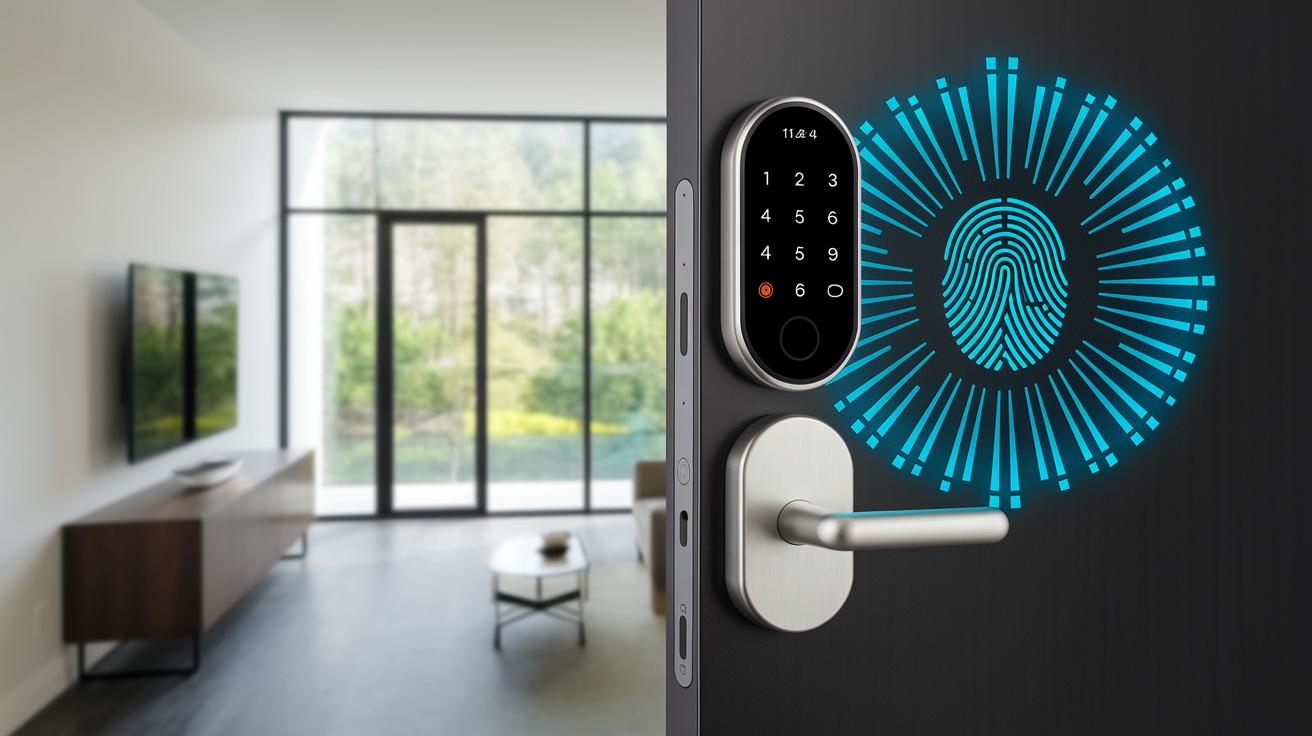
Our smart locks keep your data safe by using full AES encryption. This means that when you use your fingerprint or PIN, the info gets encoded as it travels from your door to the cloud and back. They even have built-in alarms that alert you if someone tampers with the lock or forces entry. Many of these locks meet ANSI/BHMA Grade 2-3 standards, showing they can handle tough physical attacks.
These systems give each user a virtual key that creates a unique, changeable code. You can quickly disable someone's access without resetting your whole system. Plus, they add a second layer of security by requiring both your fingerprint and a personal PIN. That way, even if someone copies your fingerprint, they still need your code to get in.
The locks also use encrypted wireless signals to manage commands in the cloud securely. Every message to and from your lock stays private. Your fingerprint data is stored safely, so your personal info stays protected. With strong, advanced encryption, these smart locks work to keep your home secure in the real world.
smart locks with fingerprint: Modern, Trusted Security
Fingerprint smart locks make it simple to add secure access to your smart home network. They work well with Amazon Alexa, Google Home, Apple HomeKit, and Samsung SmartThings. With built-in Wi-Fi, Bluetooth, and Matter-over-Thread (a feature that helps devices connect easily), these locks can link up with other smart gadgets in your home. This lets you check the lock status, see access logs, and get updates directly on your phone.
Remote control is a big win, too. A mobile app lets you lock or unlock your door from anywhere. Whenever the lock is used, you get instant push notifications. Plus, voice commands let you control the lock without using your hands, perfect when you're busy. You can also set automation routines that secure your door at set times.
Managing guest access is a breeze. The app shows clear records of who entered and when, and it lets you share virtual keys with time-limited permissions. This means temporary users can get in safely without putting your security at risk, keeping your entry system simple yet robust.
DIY Installation Guide for Fingerprint-Enabled Smart Locks
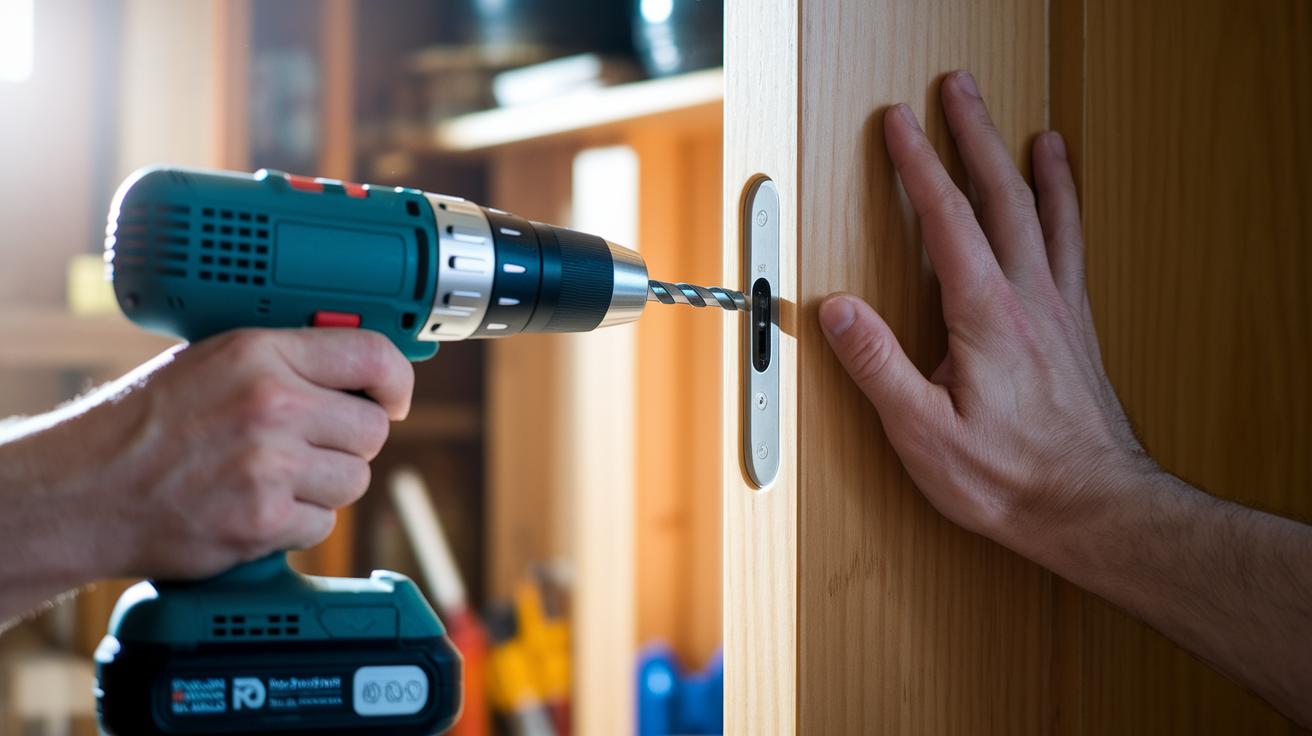
Want to secure your home with a fingerprint smart lock? This guide shows you how to set up your lock in about 30 minutes using simple tools and basic door preparation. We'll walk you through each step, from drilling for the deadbolt to programming your fingerprints with either the app or the keypad. The lock is built tough with ANSI/BHMA-rated durability to keep working for years.
- Door prep: Measure your door and mark where the parts will go. A bit of careful planning makes sure everything fits right.
- Latch installation: Drill holes for the deadbolt and install it along with the strike plate. This step locks the door firmly in place.
- Exterior unit mounting: Secure the fingerprint sensor on the outer part of your door. It needs to be set well so it picks up your prints accurately.
- Interior unit mounting: Attach the control panel inside the door using the screws provided. This piece communicates with the sensor.
- Fingerprint enrollment: Use the app or the onboard keypad to add your fingerprint templates. Follow the instructions carefully so the sensor recognizes you.
- Connectivity setup: Insert the battery pack (four AA batteries) or hook up a USB-C/9 V adapter. Then, pair your lock with your smart home network.
If the lock doesn’t work right away, double-check your connections. Also, make sure the sensor is aligned with your registered fingerprints to fix common issues.
Comparing Battery Performance in Fingerprint Smart Locks
Wi-Fi–only smart locks run on four AA batteries that typically last 3 to 6 months. Models with Thread or Bluetooth can stretch this to about 12 months. Some units use rechargeable lithium-ion batteries, which keep the lock running for 5 to 8 months on a single charge. A few even offer USB-C fast charging or solar panel options for extra flexibility.
Energy-efficient connectivity is a big deal. Smart locks that use low-power methods like Bluetooth and Thread use less energy than those that rely on constant Wi-Fi. Many of these locks also come with battery level indicators and alert you through their app when the power is running low. This helps you act before the battery dies and prevents unexpected lockouts.
Simple care can go a long way. Keep an eye on low-power alerts and check your battery levels regularly. Cleaning the contact points and updating the firmware can also ward off power loss. These small steps help ensure your lock always works when you need it most.
Advanced Features and Future Trends in Fingerprint Smart Locks
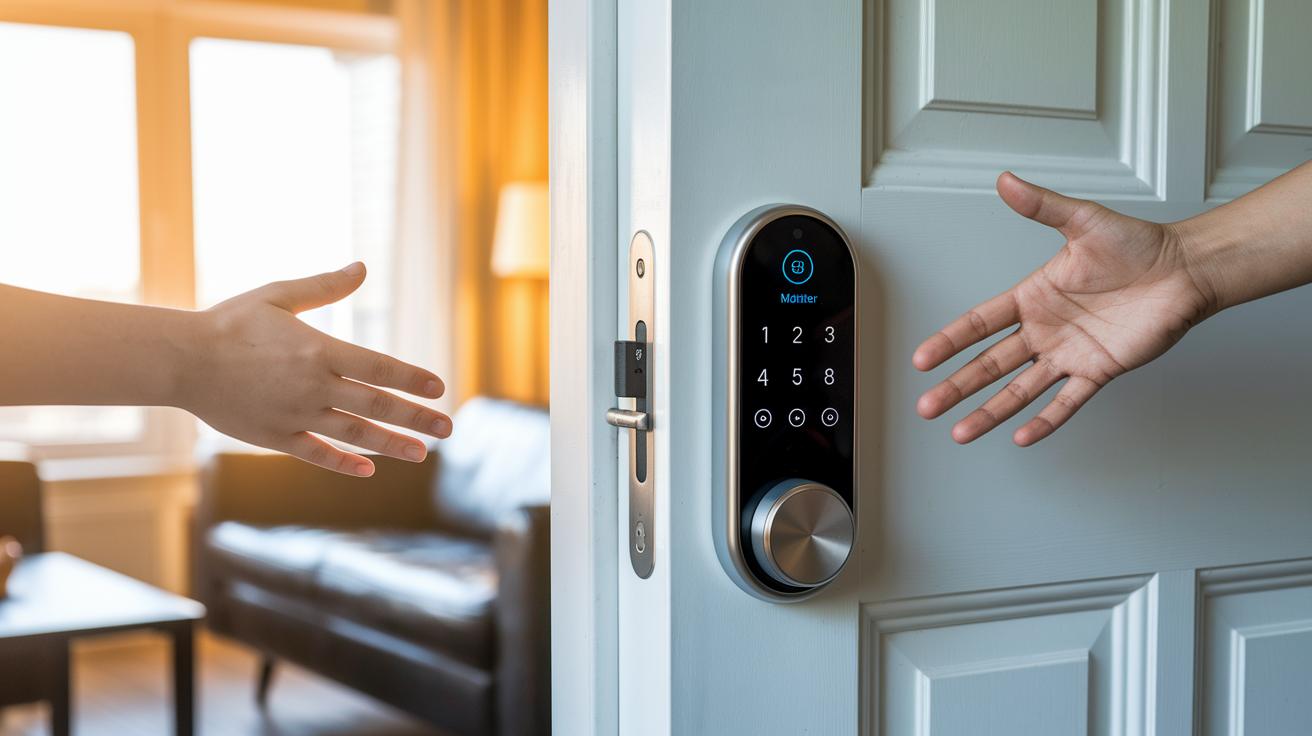
New models now use Matter and UWB (Ultra Wide Band) tech to let you unlock your door without touching it. As you approach, the lock senses your presence and opens automatically while sending real-time alerts so you always know what's happening.
Manufacturers are also rolling out AR (augmented reality) guides that help you set up the sensors with simple, visual steps. At the same time, AI-based recognition learns your routine to cut down on false rejections. Some locks even combine a fingerprint scan with an extra check, like a PIN or palm scan, to boost security.
Smart locks are getting smarter with multi-user access. Cloud profiles let you create digital keys that can be canceled or set to expire. You also get detailed logs that show who entered and when, keeping your access secure and easy to track.
Cost-Benefit Analysis of Fingerprint Smart Locks
The prices for fingerprint smart locks cover a wide range. For example, the Ultraloq U-Bolt Pro costs around $130 and offers the basic fingerprint and keypad features you need. Renters might appreciate the August Wi-Fi Smart Lock at about $249; its retrofit design and auto-unlock option make it a simple swap for existing setups.
Mid-range models hit a sweet spot between price and quality. The Yale Assure Lock 2, priced at $188, mixes sturdy build quality with support for several smart home systems. If you're willing to spend more, higher-priced options offer extra security features. The Lockly Visage Zeno Series at $348 includes both fingerprint and facial recognition, while the Level Lock Pro at $349 has a sleek look that blends into your home without drawing too much attention.
Budget models give you affordability and the core features for everyday security, though they might miss some advanced functions. On the other hand, premium locks bring enhanced security and extra features with a more refined design. Just keep in mind that higher-end models often cost more over time, especially when you factor in battery replacements or price changes driven by tariffs.
When choosing a smart lock, think about how you plan to use it. Simple systems work well if you're keeping an eye on your budget, whereas advanced locks are a better fit for homeowners who want deep smart home integration and modern security features without sacrificing ease of use.
Final Words
In the action, we broke down access methods, DIY installation tips, battery benchmarks, and advanced security features. We focused on key factors such as robust connectivity, ease of use, and evolving tech that bring real value to any setup. Our rundown helps you balance cost with performance while cutting through the noise of smart home integration and future trends. It’s all about making the right choice for everyday needs with smart locks with fingerprint.
FAQ
Q: What are smart locks with fingerprint and key?
A: Smart locks with fingerprint and key combine biometric scanning with a traditional key backup. This dual method ensures you can access your door even if the fingerprint sensor fails or the battery is low.
Q: Which fingerprint door locks work best for bedrooms and front doors?
A: Fingerprint door locks for bedrooms and front doors offer secure access using biometric verification along with backup options like keys or keypads. This makes them reliable for both private spaces and main entrances.
Q: What is a fingerprint door lock with a camera?
A: A fingerprint door lock with a camera integrates biometric scanning with video monitoring. This system allows you to verify visitors visually and keep an accurate record of door entries.
Q: How do biometric door locks suit businesses and school lockers?
A: Biometric door locks work well in business settings and for school lockers by providing secure, audit-friendly access control. Their design minimizes lost keys while tracking entry logs for accountability.
Q: What is the best smart lock with fingerprint?
A: The best smart lock with fingerprint balances accurate biometric recognition, versatile connectivity, strong battery performance, and effective backup methods. Choose one that fits your security needs and usage scenario.
Q: Are fingerprint door locks worth it?
A: Fingerprint door locks are worth it for those who seek enhanced security and convenience. They offer keyless entry and reduce key-related hassles while providing a modern solution for home access.
Q: What are the disadvantages of fingerprint locks?
A: Fingerprint locks may face issues with sensor accuracy in adverse conditions and often require frequent battery checks or replacements. These drawbacks should be considered alongside their convenience and security benefits.
Q: What locks do police recommend for door security?
A: Police often recommend locks with strong ANSI/BHMA-rated construction that combine advanced security features with reliable mechanical performance. This approach emphasizes a balance between smart technology and physical robustness.