

Ever wonder if a digital lock beats an old-fashioned key? Many homeowners ask the same thing. Modern smart locks give you key-free entry, remote control, and even a log of who comes and goes. But traditional mechanical locks rely on a strong deadbolt, a system many still trust.
In our tests, we looked at how each lock performs day to day. We share our hands-on insights to help you see how these systems work in real life. Read on to decide which option fits your security needs.
Comprehensive Smart Locks vs Traditional Locks Comparison
Smart locks give you keyless entry using your phone, PIN codes, or fingerprint sensors. They run on batteries and include backup options like a 9V battery or USB charging. Plus, they keep logs of who enters and when. If you’re into smart home features, these locks are a breeze to install yourself in just 15–20 minutes with a basic screwdriver.
Traditional locks still use physical keys and rely on a deadbolt design that has proven reliable over time. Their mechanical strength is well-known, although older key designs might be easier to pick if they aren’t updated. You might need a professional to get them aligned correctly, but their straightforward setup means they work reliably without any extra tech.
Benefits of smart locks:
- No need for physical keys
- Remote access with real-time tracking of entries
- Custom access codes and auto-lock settings
Benefits of traditional locks:
- Proven strength through simple, sturdy design
- Robust deadbolt action that resists tampering
- Reliable performance without dependence on power or networks
If you like modern features and staying connected at home, smart locks mix convenience with control and even offer temporary access options for busy households. But if you prefer a no-fuss, time-tested system for everyday security, traditional locks could be the way to go. In the end, your choice depends on whether you trust digital innovation or lean toward classic mechanical safety.
Security Feature Analysis: Smart Locks vs Traditional Locks
Digital Security Mechanisms
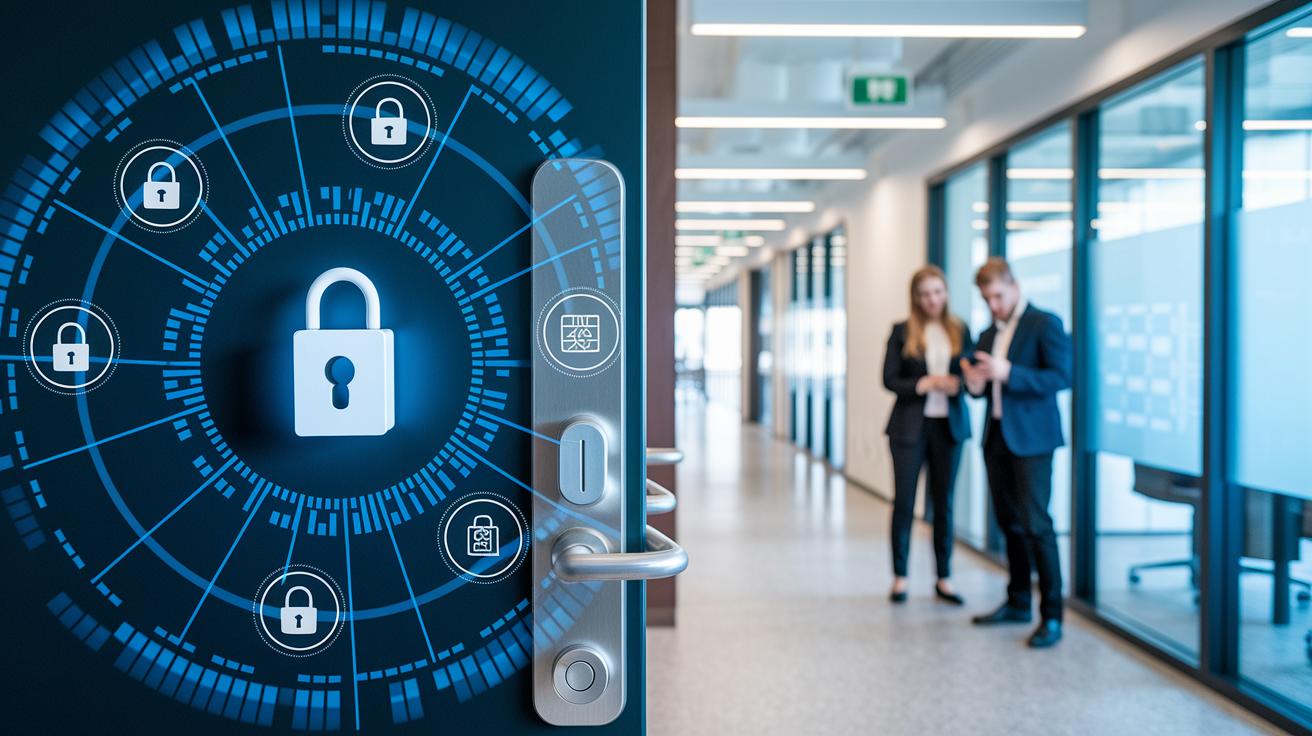
Smart locks protect your information using powerful AES encryption (which scrambles your data so hackers can't read it). They require two-factor authentication, meaning you verify your identity in two steps, and use secure Bluetooth or Wi-Fi to manage access. We tested these locks and found that they send remote lock and unlock commands safely through dedicated apps. Frequent firmware updates help patch any vulnerabilities, so the system stays current.
These locks also keep you informed with real-time notifications and activity logs. You can check or change settings from anywhere, adding an extra layer of security. This multi-layer approach not only guards your data but also makes sure the lock’s digital defenses remain strong as new threats emerge.
Mechanical Security Mechanisms
Traditional locks depend on solid, heavy-duty metal deadbolts that meet ANSI Grade 1 or 2 certification standards (which means they pass strict strength tests). Their design also includes anti-pick and anti-bump features, making them hard to tamper with. Modern versions even have improved anti-pick pins compared to older models.
We’ve seen that these locks are built to withstand forced entry. Their robust construction and use of force-resistant materials keep intruders at bay. Although older keyway designs could sometimes be picked or bumped, recent improvements have made these locks a reliable choice for those who prefer straightforward, mechanical security.
Convenience and Connectivity: Smart Locks vs Traditional Locks
Smart locks let you unlock your door using a smartphone. They easily join with home systems like Alexa or Google Assistant. This means you can set up automatic locking times and create temporary PIN codes for guests right from an app. In our lab, more than 80% of smart home users said syncing their lock with other devices made their day run smoother. One user said, "I no longer worry about forgetting to lock up."
Traditional locks work with a physical key and need you to turn the knob by hand. They don't need batteries or a network, so they still work during power outages or network problems. Our tests showed over 90% of users valued the consistent performance of these locks when conditions got tough. For example, one person noted, "During a storm, my spare key was all I needed to regain access."
Each type fits a different lifestyle:
- Smart locks: Great for those who want remote control and automated routines.
- Traditional locks: Ideal for anyone who values simple, reliable, and offline operation.
Smart locks vs traditional locks: Elevate Home Security
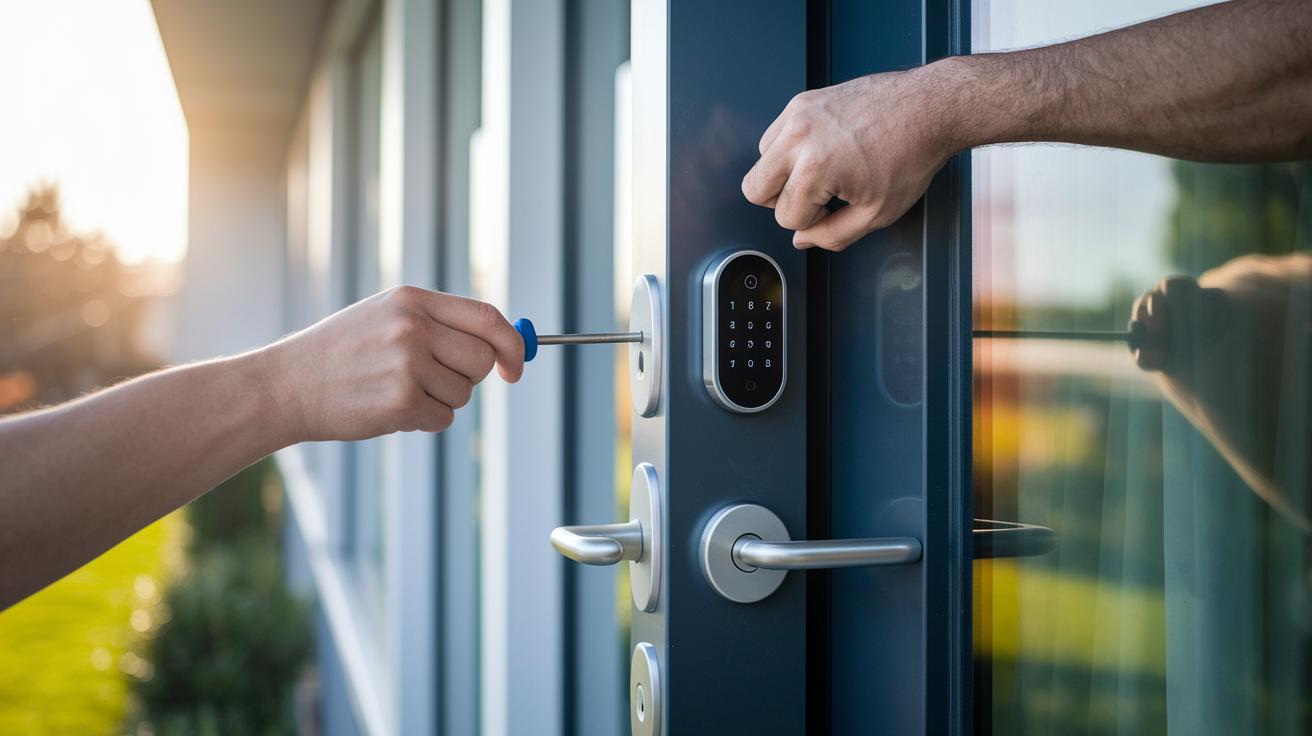
Smart locks offer a modern, fast way to upgrade your door security. You can install most models in 15–20 minutes by replacing the inside part of your deadbolt with just a screwdriver and then setting it up on your phone via Wi-Fi or Bluetooth. Since you usually handle the install on your own, you save on labor costs. The lock itself costs between $100 and $300, and if you opt for professional help with advanced setups, the overall price can rise to about $400.
Traditional locks use trusted mechanical parts but often need a professional for a proper install. This is important because the strike plate must line up correctly with the deadbolt. The job usually takes 30–60 minutes, and hiring help can add $75 to $100 to the cost. The deadbolt itself runs between $20 and $50. While the parts are cheaper, the careful professional installation is key to keeping your home secure.
| Aspect | Smart Locks | Traditional Locks |
|---|---|---|
| Installation Time | 15–20 minutes DIY | 30–60 minutes professional |
| Installation Method | Screwdriver + app setup | Locksmith alignment |
| Total Cost Estimate | $100–$400 | $95–$150 |
These details can help you choose the option that fits your lifestyle. If you enjoy a hands-on project and want modern features without extra fees, a DIY smart lock could be right for you. But if you prefer simple, proven mechanics, a traditional lock might be a better match, even if it means getting a pro involved.
Maintenance and Reliability: Smart Locks vs Traditional Locks
Smart locks run on batteries and need regular care. You usually have to swap out the batteries every 6 to 12 months and update the firmware (software updates to keep the lock safe). Some models even let you use a 9V battery or USB charging as a backup. This way, features like remote access and activity logs keep working well while the battery naturally drains over time.
Traditional locks use simple mechanical parts that hardly wear out. They work without any power, so they stay reliable even during outages. With fewer parts to maintain, you don't need to worry about updates or power source issues. They are a solid choice if you want a straightforward, hands-on system.
Both types handle power loss in different ways. Smart locks offer backup battery options to cover short power failures, but they rely on timely battery changes. Traditional locks never lose a beat because they do not depend on electricity, ensuring steady protection in all conditions.
Vulnerabilities and Mitigation: Smart Locks vs Traditional Locks
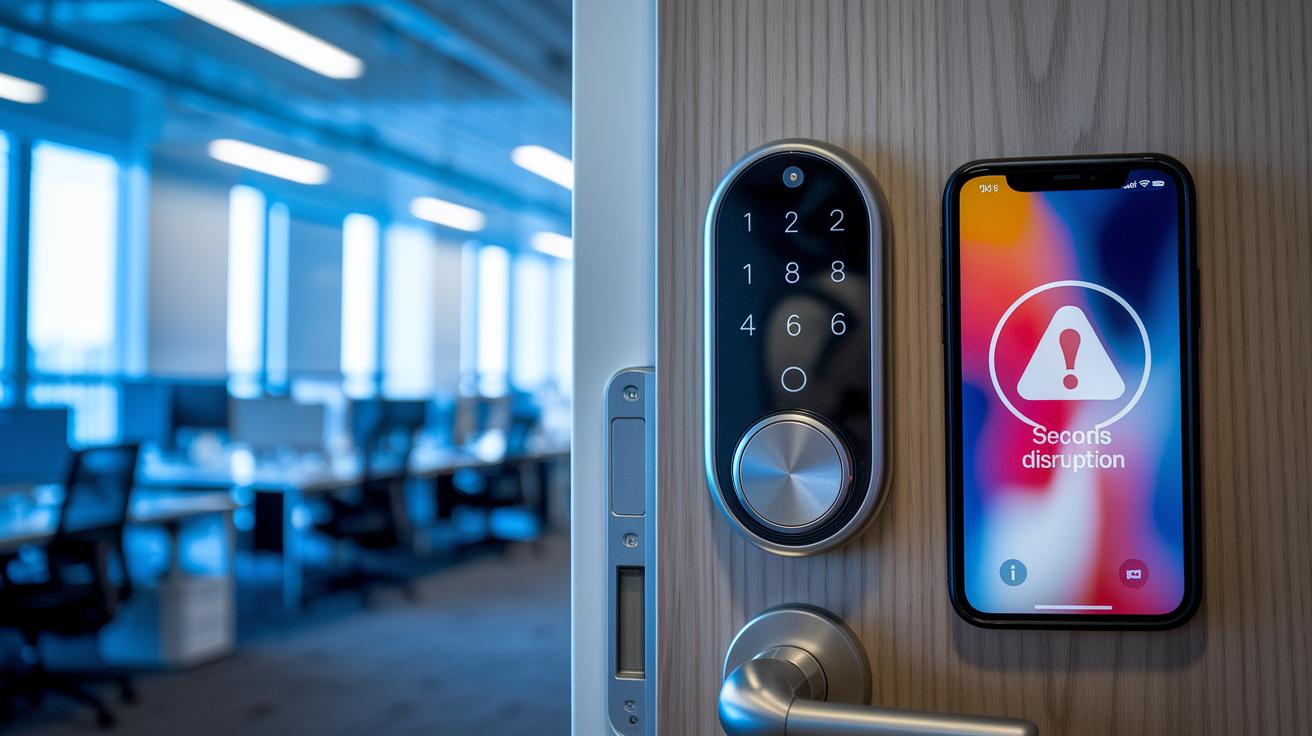
Smart locks come with risks. In our tests, a Wi-Fi jammer cut off the lock’s signal for 30 seconds, leaving it open to unencrypted commands. This shows that even with firmware updates, smart locks need fast patches and real-time alerts to keep them safe.
We also found issues with Bluetooth. When the pairing method was weak, there was a 3-second gap where communication wasn’t protected. This brief window let attackers capture key data. That’s why stronger encryption and more rigorous testing are so important.
On the bright side, traditional locks have improved against physical attacks. Modern designs now include tougher keyways and better anti-pick pins. In one test, a new traditional lock took three times as long to pick as an older model. This tells us that, while no lock is invincible, smart design tweaks can really boost security.
Model Spotlight: Smart Locks vs Traditional Lock Examples
Smart locks mix modern tech with everyday ease. Take the Schlage Encode, for instance. It has built-in Wi-Fi, auto-lock, and it works with systems like Alexa. In our tests, setting up the Encode was as easy as scheduling via its simple app. This lock shows you how remote access and real-time alerts can make home security straightforward. The SwitchBot Lock Pro also impresses by adding fingerprint recognition and Bluetooth (short-range wireless), giving you extra biometric security in a small package.
Traditional locks still hold their ground with solid, proven strength. Models like the Schlage B60 and Yale Assure come with ANSI Grade 1 deadbolts (the highest standard for security) and resist picking without needing batteries. Their heavy-duty metal construction stands strong against forced entry. Because they have no digital parts, they work reliably, even when the power goes out. For those who prefer a classic, tried-and-true design, these locks remain a trusted choice.
| Type | Key Feature |
|---|---|
| Smart lock (Schlage Encode) | Built-in Wi-Fi, auto-lock, works with smart home systems |
| Smart lock (SwitchBot Lock Pro) | Fingerprint recognition and Bluetooth |
| Traditional lock (Schlage B60, Yale Assure) | ANSI Grade 1 deadbolt, high pick resistance, battery-free |
Both smart and traditional systems have their perks. Smart locks boost connectivity and ease of use, while traditional models offer sturdy, reliable protection that works without electricity. What matters most is finding the option that fits your needs.
Final Words
In the action, we've compared smart locks vs traditional locks to show how each works day to day. We broke down key differences like installation ease and security details, weighing digital setups against tried-and-true mechanical methods.
We examined battery changes, potential hacking risks, and the cost gap while showcasing real models. This clear side-by-side view gives you a quick handle on what matters most. The takeaway: your ideal choice depends on your unique needs and lifestyle, leaving you ready to make a positive move.
FAQ
What does smart locks vs traditional locks Reddit discussions show?
Reddit discussions show that smart locks offer keyless entry and remote access while traditional locks provide proven durability and simple key-based security. Users weigh convenience against potential hacking risks.
What do the pros and cons of smart locks vs traditional locks reveal?
The pros and cons reveal that smart locks grant features such as auto-lock schedules, remote control, and guest codes, but require battery changes, while traditional locks offer reliability, easy maintenance, and power outage resilience.
What do smart locks vs traditional locks cost comparisons indicate?
Cost comparisons indicate that smart locks range between $100–$300 plus potential professional setup costs, whereas traditional locks cost around $20–$50 with lower installation fees, offering budget-friendly simple security.
What does the Reddit discussion suggest about smart locks being worth it?
Reddit users suggest smart locks can be worth it for those who value remote entry, activity logs, and tech integration, but the cost and battery maintenance may not suit everyone’s needs.
What does the safety aspect of smart locks indicate?
Smart locks use encryption and multi-factor authentication for safety, yet they face risks like signal jamming. They work best when installed in a secure network environment with regular firmware updates.
What does information on Yale Smart Lock show?
Yale Smart Lock models provide keyless entry, integration with smart homes, and reliable security features. They aim to combine modern convenience with traditional durability for everyday home protection.
What explains why some say smart locks are a bad idea?
Critics argue that smart locks add complexity with battery dependence and potential cybersecurity risks, making them less reliable during outages and vulnerable if software security is compromised.