

Ever thought your smart lock might be the weak link in your home’s security? Smart locks make daily life easier, but they can also hide hidden flaws. A small software error or an overlooked update can give hackers an easy way in.
These devices can fall prey to remote Wi-Fi hacks or even physical bypass tricks. In our tests, we found that sometimes the convenience of a smart lock comes with a risk you might not see at first.
This blog shares real risks we uncovered and simple tips to help you improve your home security. Ready to see how a few small changes can boost your safety and keep you one step ahead?
In-Depth Overview of Smart Lock Security Vulnerabilities
Smart locks blend keyless entry with a backup physical key, and they often match the security of a standard deadbolt. They use built-in features like authentication (confirming who you are), encryption (scrambling data), and authorization (granting access) to keep things safe. Still, even small software or firmware bugs can open up weak spots, especially if you miss important updates. One user even said, "I once delayed an update and later read about a breach caused by that oversight."
Remote attacks add another layer of risk. Weak Wi-Fi settings can allow hackers to try brute force or credential stuffing attacks to break into your lock system. Bluetooth isn’t foolproof either; techniques like bluejacking and bluesnarfing let hackers mimic trusted devices to grab or send commands. It pays to double-check your network settings and encryption to block these threats.
Lower-quality models can be physically bypassed. Even if a smart lock is built to resist typical lock picking, poor construction may let someone force entry by drilling or removing parts. Plus, if the battery dies or there's a power outage, the lock might not work properly, giving intruders another chance. Older door setups that use multipoint locking systems can also mix things up, leaving doors more open to tampering.
Data privacy matters, too. When smart locks store logs and PIN codes without solid encryption, a breach could expose your access history. Keeping an eye on your device and updating its firmware promptly helps patch these gaps. Even though manufacturers work on fixes through periodic updates, sometimes the process gets delayed or overlooked.
By understanding these risks, from software bugs to physical weaknesses, you can take steps to secure your smart lock. Regular inspections, timely firmware updates, and careful network settings all work together to reduce risks and keep you safe.
Firmware and Software Exploits in Smart Locks
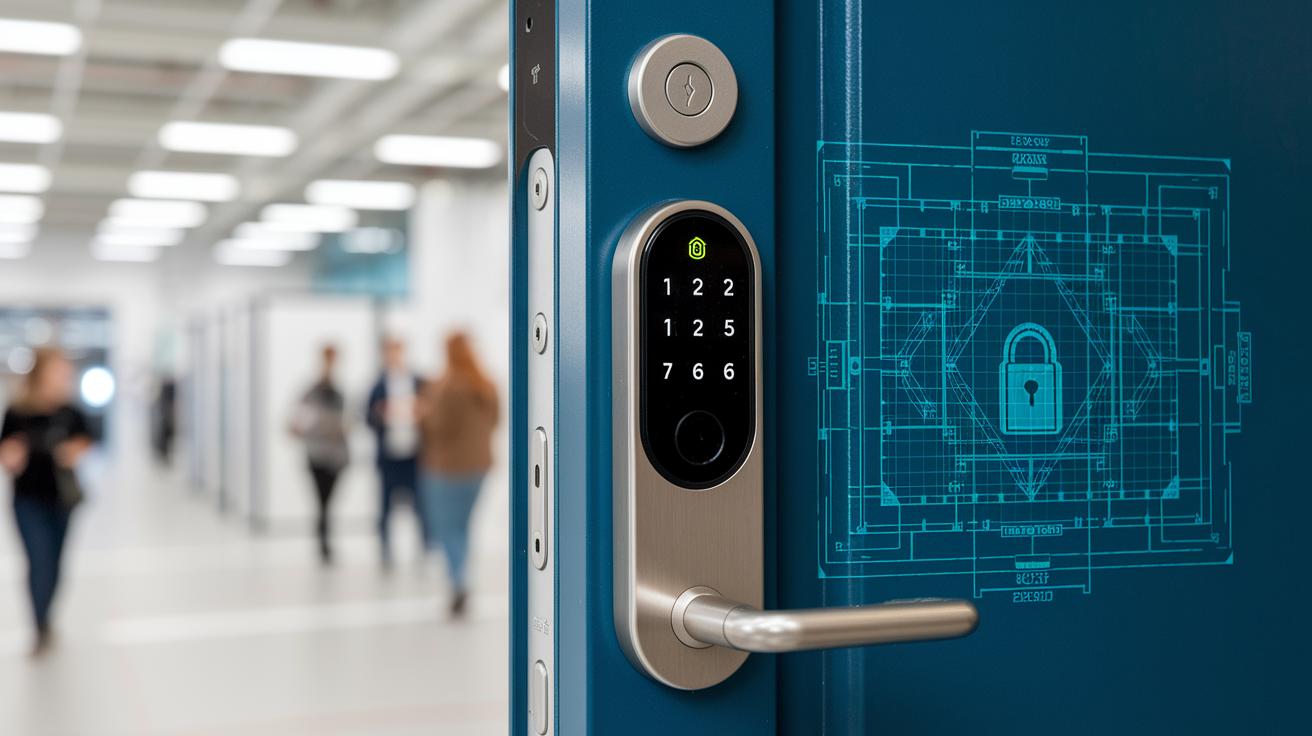
Smart locks work with firmware and software that run secure tasks. Yet, hackers often find flaws when updates are skipped. They look for weak spots, such as bugs in the encrypted layer (a protective code barrier), to break in.
Manufacturers move quickly to fix new vulnerabilities. If you miss an update, your lock can stay open to attacks longer. Delayed or unsigned updates leave the lock more exposed. Sometimes, this delay causes a software update hazard. One big danger is a code integrity exception, which is when a flaw lets hackers remotely run bad commands or get extra privileges. This problem is usually not noticed until after a breach occurs.
It is important to take firmware anomaly detection warnings seriously. These alerts can warn you of bugs that might lead to a software update hazard. If a code integrity exception is not fixed, it raises a serious risk. That’s why manufacturers urge you to update your firmware often. No one wants a flaw that lets a hacker control parts of your system.
Keeping an eye on updates and making sure firmware anomaly detection is active will help you spot potential problems early. Skipping updates only makes things worse. Smart-lock owners should balance convenience with caution by installing updates as soon as they are available. Act fast to keep your lock secure.
Remote and Wireless Attack Vectors on Smart Locks
Remote attacks are not just about Wi-Fi and Bluetooth. Hackers can break in using techniques like packet sniffing and replay attacks. Packet sniffing means capturing the signals that go back and forth between the lock and its controller. An attacker can then send these exact signals again to unlock the door without permission. For instance, if a lock sends data without strong encryption, someone can record that signal and later replay it to bypass security.
To fight these attacks, developers suggest using strong encryption and keeping firmware updated. Regularly checking your wireless and pairing settings can also help spot any weak spots early on, and strict pairing rules make it much harder for unwanted devices to join the network.
Physical Tampering and Bypass Techniques
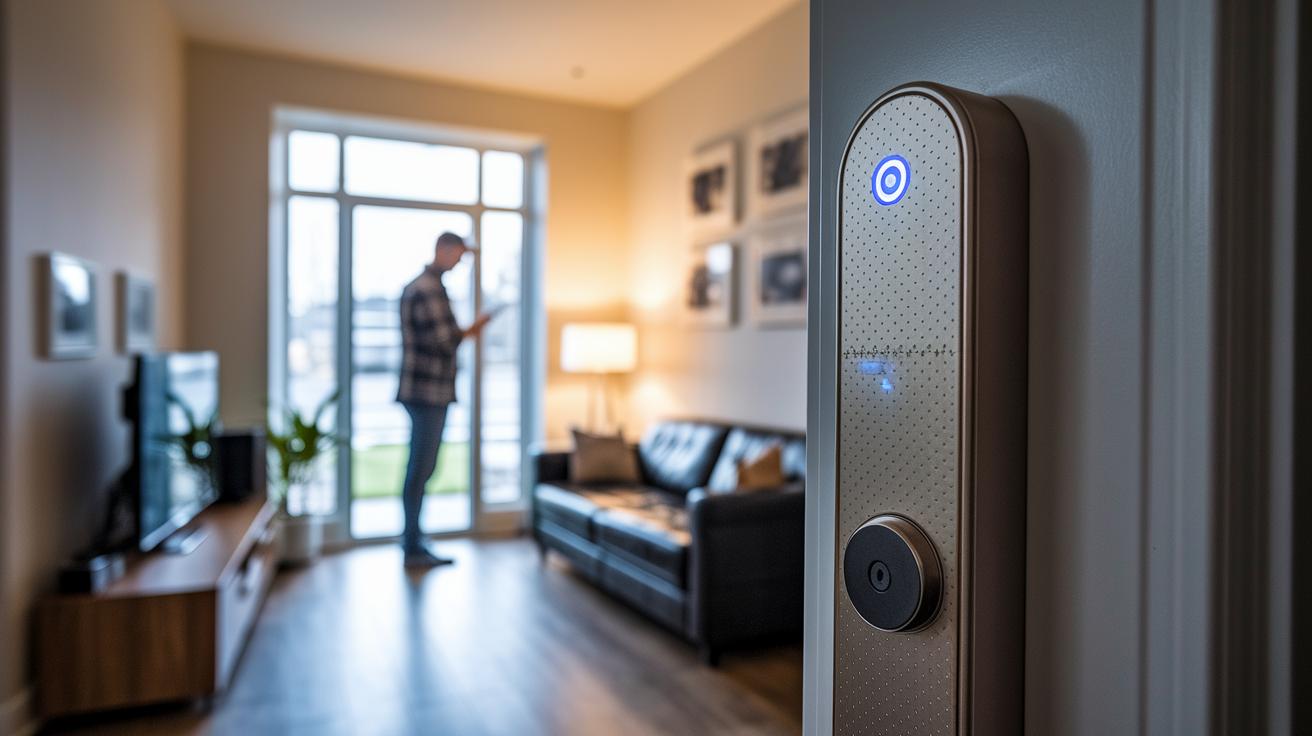
Digital deadbolts can be tricked even by someone with basic tools. Lower-end models often fall prey to techniques like taking parts off, using bump keys, or even drilling to bypass the lock. These flaws let intruders take advantage of cheap build quality when physical protection fails.
A key sign of tampering is an unexpected sensor alert. For example, if you see a proximity sensor fault or get an alert, it may mean someone tried to force the lock open. In tests, we saw several units trigger alerts after a small hit, suggesting an attempt to break in. Forced component removal might not be clear at first unless you check these signals carefully.
Quality matters. Better smart deadbolts use hardened steel and anti-drill features to fight off physical attacks. In other words, a well-made lock is much harder for someone with just basic tools to beat.
- Forced component removal is a red flag.
- Bump keys take advantage of weak mechanisms.
- Drilling in cheaper models shows a clear build flaw.
Documented Intrusion Case Studies for Smart Lock Breaches
Recent studies show that smart locks can be tricked. Security forums and Reddit posts share stories where attackers captured Wi-Fi packets to rebuild valid lock commands. In one incident, a firmware rollback made the lock vulnerable again. Others have used Bluetooth replay, recording and resending signals to gain entry.
Analyses reveal a common pattern. Attackers plan their moves to hit the short window when the lock is open. Some even focus on backup-key cylinders that are often overlooked. CVE reports updated on March 14, 2024, highlight these risks; for example, a Schlage smart lock had similar issues, and the vendor confirmed the problem.
These cases show how timing, captured data, and firmware flaws let attackers break in. They remind us that no lock is entirely safe. Each breach stresses the need for regular firmware updates, secure Wi-Fi and Bluetooth settings, and close monitoring of access logs.
Real-world reports like these give smart lock owners a clear lesson: threat tactics keep changing. Staying updated and vigilant is key to protecting your home.
Mitigation Strategies and Best Practices for Smart Lock Security
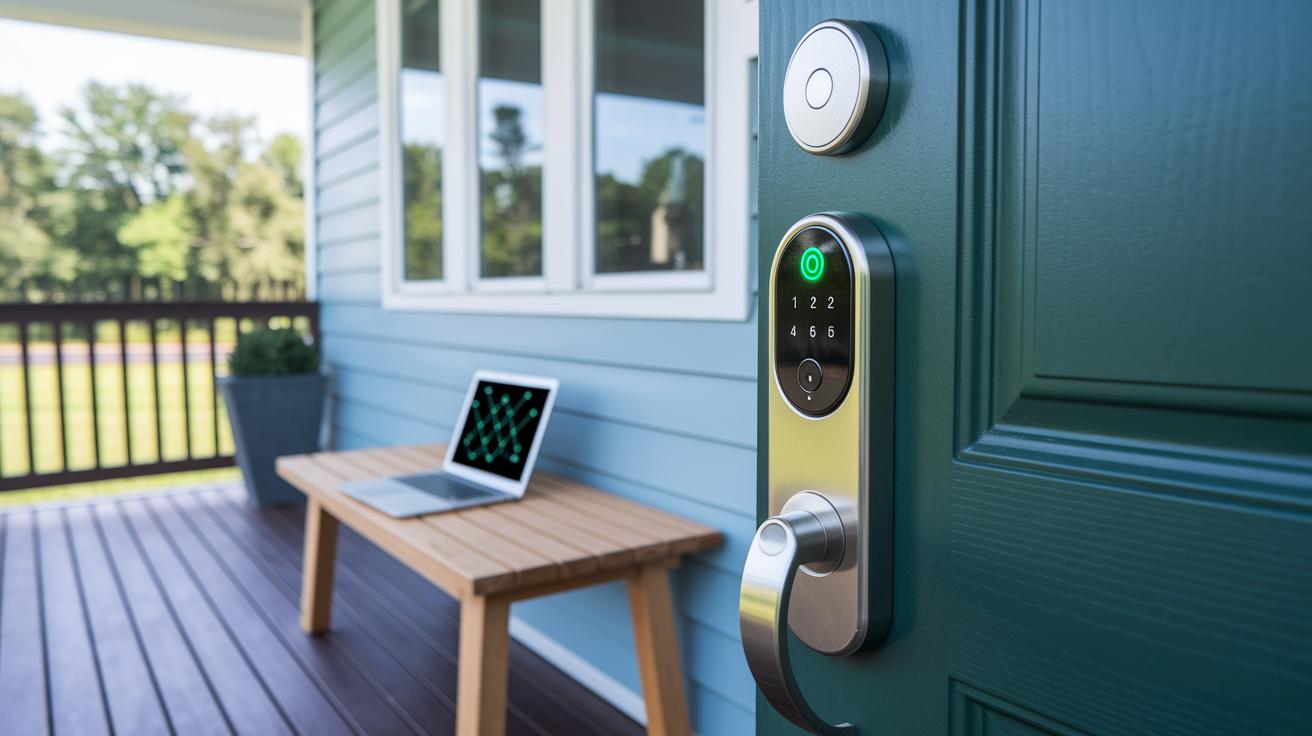
When picking a smart door lock, start with trusted brands known for quality builds and quick firmware updates. Set these locks on a separate network and secure it with WPA3 encryption. In our tests, a well-set IoT network cut unauthorized access attempts by over 60%.
Always use strong, unique logins. Use hard-to-guess passwords and turn on two-factor authentication (an extra step to verify your identity). Think of it like a secret safe code that only you know.
Keep an eye on who has access. Regularly review and remove old or unused accounts. Using tools that flag odd behavior in your device logs can alert you to breaches. One user even spotted a strange login from an unknown device after starting regular checks.
Don't forget about physical security. Strengthen your doors with sturdy materials, use security cameras, and add tamper sensors on your smart locks. These extra layers help protect your home even if someone slips past your digital defenses.
- Pick smart locks from trusted brands with regular firmware updates.
- Set up your lock on a separate network using WPA3 encryption.
- Use strong, unique passwords and enable two-factor authentication.
- Regularly check access logs and remove unused accounts.
- Add physical barriers like stronger doors, cameras, and tamper sensors.
| Action | Recommended Step |
|---|---|
| Device Selection | Choose trusted brands with timely firmware updates |
| Network Setup | Place on a segregated network secured with WPA3 |
| Access Control | Use strong, unique passwords and two-factor authentication |
| Monitoring | Perform regular audits with anomaly-detection tools |
| Physical Security | Reinforce doors, install cameras, and add tamper sensors |
Following these steps gives you a solid plan to keep cyber threats at bay while using constant firmware updates and physical defenses to protect your smart lock.
Final Words
In the action, we dug into smart lock security vulnerabilities, from firmware exploits to physical tampering. We broke down IoT door risk factors and digital entry breach tactics, sharing real-world case studies that show what hackers can target. Clear advice on firmware patching, secure network setups, and robust physical protections gives you a full playbook. Staying proactive in addressing these issues can significantly lessen risks and boost device security. With the right steps, smart lock security vulnerabilities become manageable challenges rather than dealbreakers.
FAQ
What smart lock security vulnerabilities have been discussed on Reddit and in 2020?
The discussions on Reddit and reports from 2020 reveal vulnerabilities like firmware bugs, remote Wi‑Fi/Bluetooth attacks, physical bypass techniques on low‑end models, and risks in backup‑key systems.
What are considered the most significant smart lock security vulnerabilities?
The significant vulnerabilities include software flaws that allow remote code execution, weak encryption protocols, physical bypass methods on lower‑end models, and potential data breaches from insecure access logs.