

Have you ever thought about swapping your old lock for a smart one? It might be easier than you think. A smart lock can boost your home's security without costing a fortune. You can grab a screwdriver and drill and try it yourself or call in a pro, there's an option that fits your skills and budget.
In this guide, we compare the DIY route to hiring an expert. We list the pros and cons for each and walk you through how to prep your door for the upgrade. Ready to make your home safer?
DIY vs Professional Smart Lock Setup
Many smart locks are built so you can install them yourself. They are made for homeowners who know basic handy work. DIY lets you save money on labor and work on your own schedule. If your door is a standard size and just needs basic wiring, a clear video tutorial can guide you safely through the process.
When you choose to do it yourself, you keep full control of the setup. This method works best for common systems like TUYA/TT LOCK APP devices, where all you need is a screwdriver and a drill. Working through each step on your own also helps you catch and fix mistakes right away. Here are some ups and downs:
-
Pros:
- Lower cost for tools and hardware.
- Flexible schedule with no waiting for an appointment.
- Quick fixing of small issues as they come up.
-
Cons:
- Your work is limited by your personal skills.
- Odd door designs can make things tougher.
- Some warranties might only cover professional installations.
For setups that seem more complicated, hiring a professional can be the better route. If you’re dealing with advanced locks that need wiring or custom door work, local specialists or ADT lock experts bring their advanced tools and deep experience into play. Plus, using a pro can help keep your warranty intact and they can even visit your home to check what’s needed.
The choice depends on your comfort with tools, the kind of door you have, and your budget. If you might run into wiring issues or need extra door work, turning to a professional might be the safest bet.
Pre-Installation Checklist for Smart Lock Setup
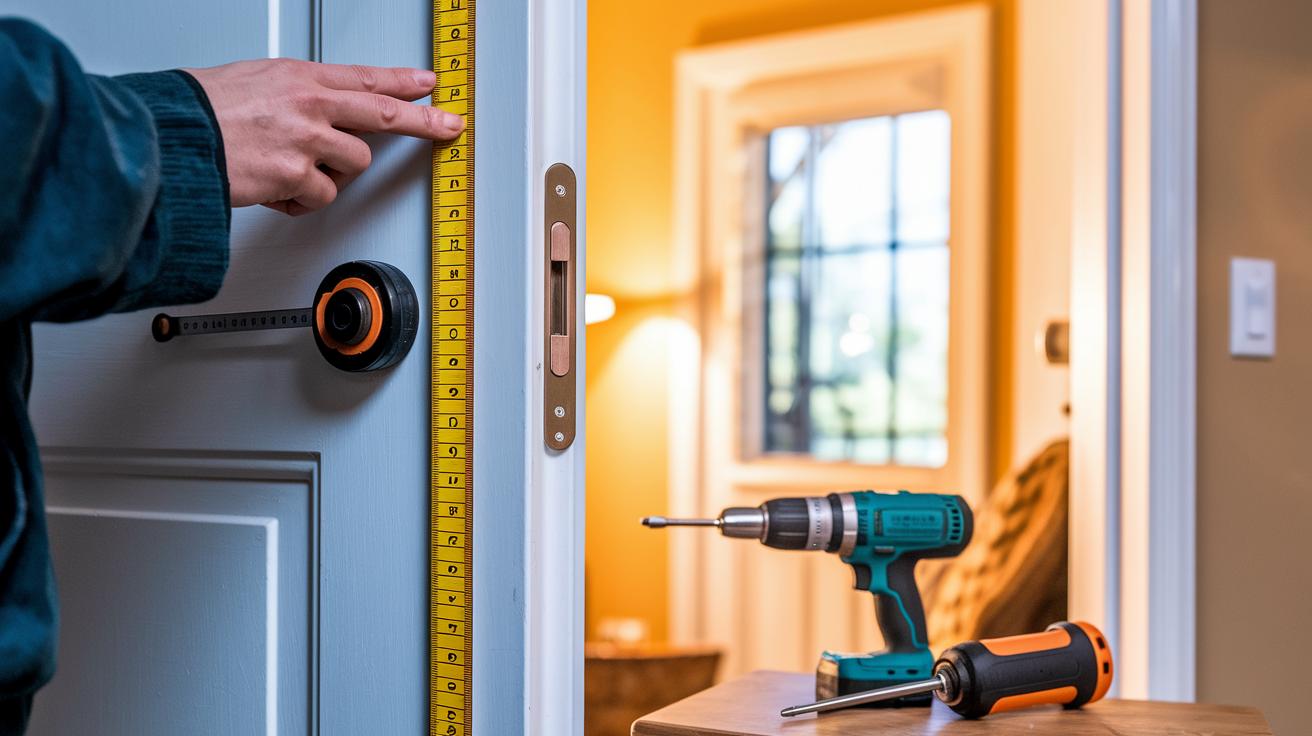
Before you start, gather your tools and check that your door fits the usual sizes. This checklist helps you get ready without surprises. Make sure you measure the door thickness and the hole diameter (usually 2-inch/54 mm) so you don't run into delays. Also, verify that your door is square and that the edge hole lines up with the template. Getting everything in order now saves time when you connect your smart lock to your phone.
Here is an eight-item checklist to get you started:
- A screwdriver to tighten screws.
- A drill (if needed) to make mounting easier.
- The new deadbolt to swap out the old one.
- A mounting plate for the outside setup.
- Lithium batteries already in place for power.
- Checked measurements for door thickness and hole diameter.
- Confirmed that the door is square with the correct edge hole.
- A smartphone ready for app setup.
Having these items and confirmations ready keeps the installation smooth and ensures your smart lock works safely right from the start.
Step-by-Step Smart Lock Installation Guide
-
Remove your old lock and deadbolt. Begin by unscrewing the mounting plate and taking out the old deadbolt. This clears the door for a fresh start.
-
Fit the new deadbolt assembly into the door edge. Line it up carefully so it sits firmly in the recess. This step builds a solid base for your new lock.
-
Mount the exterior panel. Place it over the deadbolt and thread any needed wiring through the door bore. Keeping wires hidden helps protect them.
-
Add the interior unit. Secure it firmly to the door and connect the power cable, the door-status cable (which checks if the door is open or closed), and any Wi-Fi cables. Neat connections help the lock work reliably.
-
Secure the lock mounting plate. Put it over the new lock parts and screw it in tightly so nothing shifts during everyday use.
-
Pair the two units. Activate pairing mode on both the exterior and interior units using Bluetooth or Wi-Fi. Watch for blinking lights or status signals that show they are connected.
-
Download the manufacturer's app and set up your access options. Install the app on your phone, then follow the prompts to create user codes, set up fingerprint access, or enable voice unlock.
-
Test the lock thoroughly. Try both the manual action and the app to ensure the deadbolt fully extends and retracts. This confirms that the installation is secure and working as it should.
Troubleshooting Common Smart Lock Setup Issues
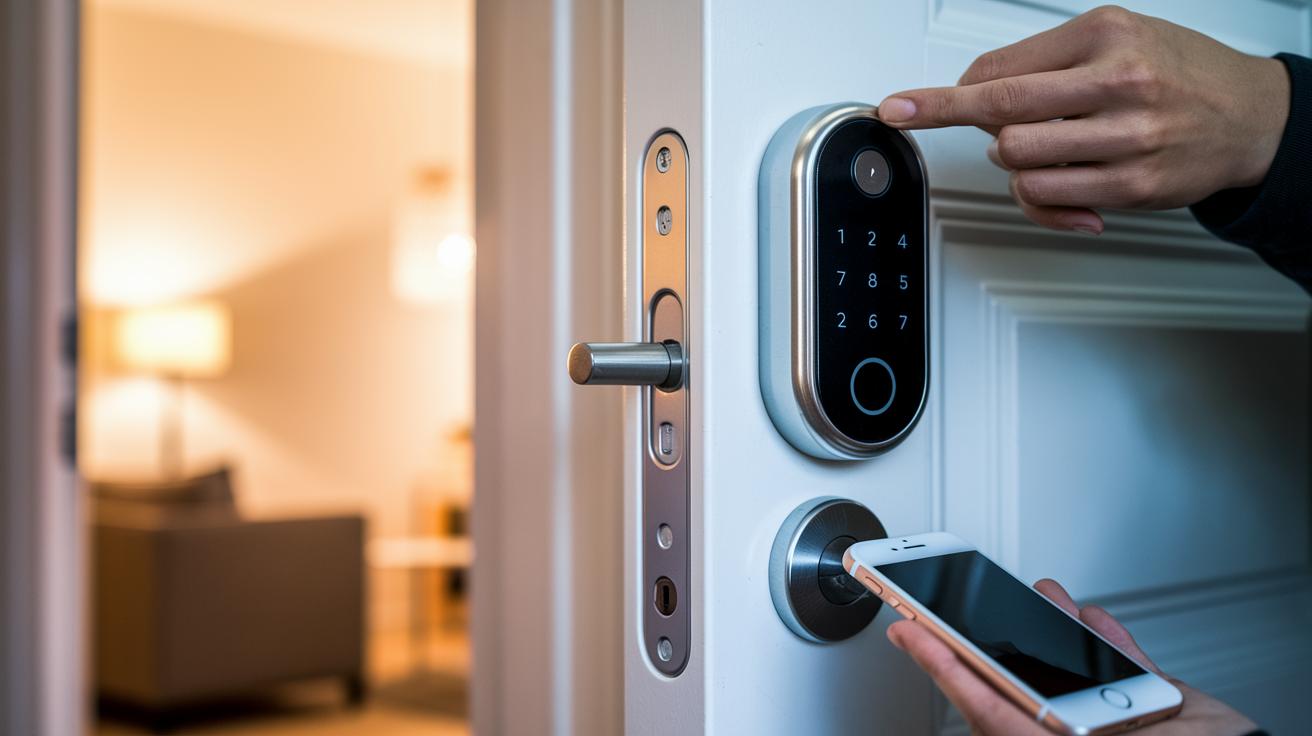
If your smart lock is acting up, here are some common fixes that might get it back on track:
- If the deadbolt doesn’t extend all the way, try adjusting the strike plate or re-align the door. A little tweak can help the bolt move smoothly.
- If your Bluetooth connection fails, restart both your lock and your smartphone. Also, check that your firmware is up to date; sometimes a quick update fixes the issue.
- If your lock keeps losing Wi-Fi, move your router closer or add a range extender. This can give your lock a stronger and steadier signal.
- If the app doesn’t detect your lock, make sure the network band is set to 2.4 GHz rather than 5 GHz. This change often helps the app find the lock.
- If the battery drains too quickly, swap in fresh lithium batteries and check for any wiring issues. Sometimes a small misalignment can lead to extra battery use.
For example, if your deadbolt isn’t latching properly, it’s like a door that won’t close right, a small adjustment might be all it takes.
Smart Lock Installation Cost and Service Options
If you're looking to upgrade your door lock, there are options for every budget. For a DIY setup, you'll mainly pay for the tools and the lock hardware. Most folks spend about $20–$50 on tools (if needed) and $100–$300 for the lock. That means a DIY install usually costs between $120 and $350. This route works best if your door is standard and you’re comfortable with some light installation work.
If your door setup is more challenging or you’d rather not tackle the work yourself, consider hiring a pro. Professional labor generally runs between $100 and $200. With the hardware still costing $100–$300, expect the total to come out around $200–$500. This option is great if warranty rules require a certified installer or if your door needs extra prep work.
When planning your budget, keep an eye on bundled deals and free-install offers from manufacturers. These deals can lower your overall cost and make your decision easier.
| Cost Category | DIY | Professional |
|---|---|---|
| Hardware | $100–$300 (plus $20–$50 for tools) | $100–$300 |
| Labor | $0 | $100–$200 |
| Total Outlay | $120–$350 | $200–$500 |
Comparing Top Smart Lock Brands for Easy Setup
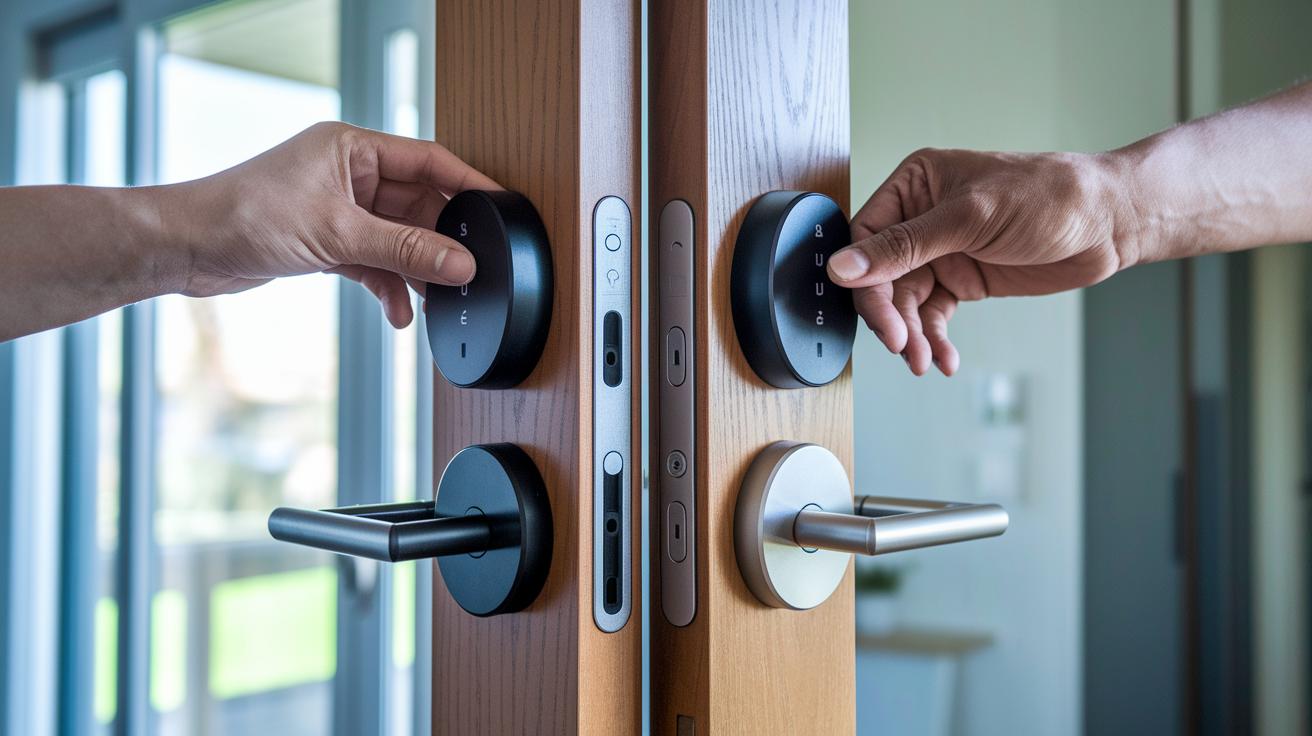
Smart locks come in many shapes and sizes. Each brand blends simple installation with modern design. This guide acts as a digital cheat sheet for setting up Kwikset, August, Schlage, Yale, and Eufy locks. It shows you the door prep and installation tips that work for different skills and door types.
Kwikset offers a complete deadbolt kit that fits a standard 2-inch hole in your door. August makes it easy by providing a mount that fits onto your current deadbolt, so you often avoid extra drilling. Schlage’s lock features a touchscreen and a strong back-plate for long-lasting use. Yale’s smart entry system needs a door with a pre-cut depth of 1¼ inch. Eufy includes Wi-Fi in its design and offers a smooth setup with easy-to-follow guides.
| Brand | Installation Type | Key Feature |
|---|---|---|
| Kwikset | Deadbolt kit | Fits standard 2-inch bore doors |
| August | Retrofit mount | No drilling required; fits existing deadbolt |
| Schlage | Touchscreen assembly | Strong back-plate for added durability |
| Yale | Recessed module | Needs door with 1¼ inch pre-cut depth |
| Eufy | Wi-Fi-enabled panel | Smooth integration with dedicated entry panels |
This guide helps you pick a lock that fits your door with little hassle while keeping your home secure.
Integrating Smart Locks with Home Automation Hubs
Pairing smart locks with your home system makes daily control fast and clear. You use the lock’s app to connect it with voice assistants and hubs. This lets you lock or unlock your door from anywhere and use voice commands for extra ease.
Start by hooking your lock to Apple HomeKit with Home Key or Matter. This makes it simple to control from your iPhone or iPad.
Next, add the lock to the Home app so that Google Assistant can work with it. Once set up, you can just say, "unlock the door" to get it done.
You can also set up an Alexa skill that links your lock to voice routines. A quick command like "Alexa, secure the house" will do the job.
If you use SmartThings or a Z-Wave hub, check that your lock updates its PIN codes across devices for smooth control.
- Link your smart lock with Apple HomeKit using Home Key or Matter.
- Add the lock in the Home app to work with Google Assistant.
- Set up the Alexa skill and assign the lock to voice routines.
- For SmartThings or Z-Wave hubs, sync the PIN codes for consistent control.
When to Call a Pro: Smart Lock Installation Services
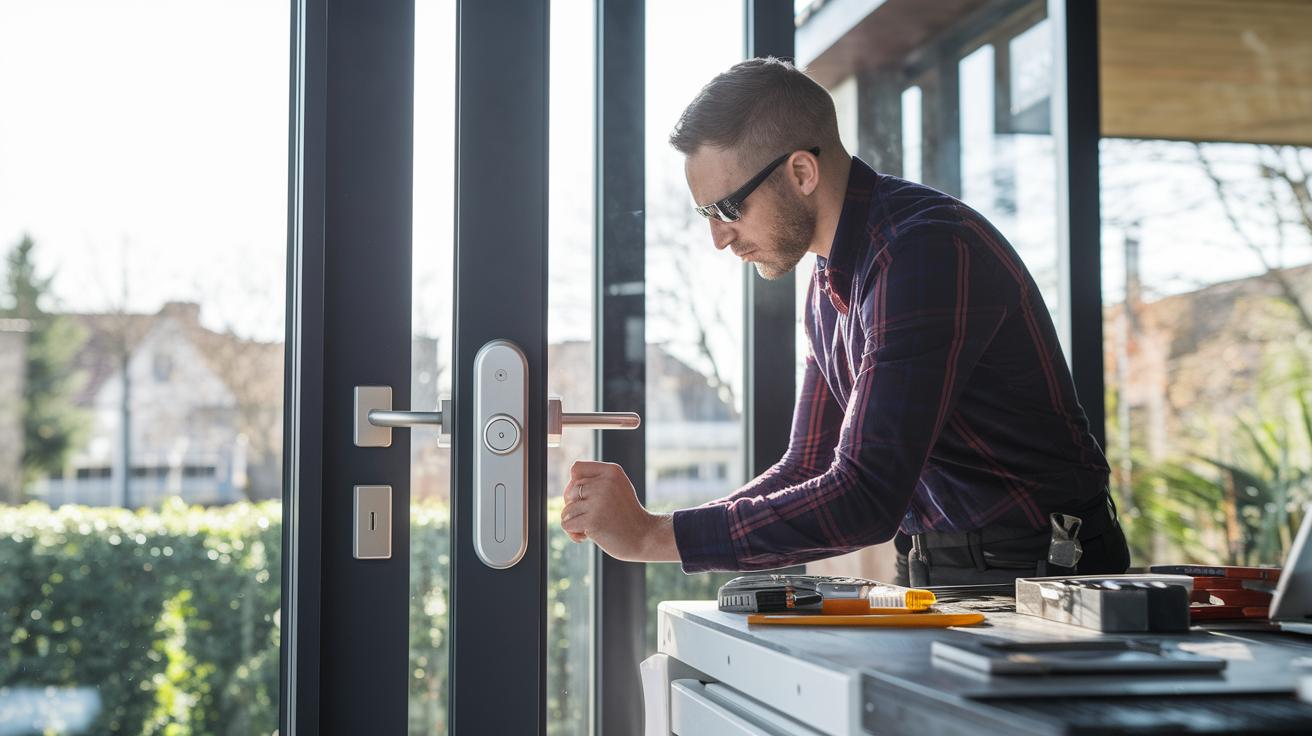
If your smart lock installation goes beyond a basic DIY job, take a look at our DIY vs Professional section. There you'll find clear cost breakdowns and step-by-step instructions.
Hire a pro if your door is custom-made or built from reinforced steel, or if you're working in multi-unit or commercial buildings. Complex wiring setups, like those for electrified strikes (where electricity powers the lock) or access control systems, also call for expert help. A certified installer can even keep your warranty in place. And if you’re unsure about your door’s wiring or structure, scheduling an in-home consultation can help spot issues before they turn into problems.
- Custom or reinforced steel doors
- Multi-unit or commercial properties
- Complex wiring for electrified systems
- Warranty rules that need certified installers
- On-site consultation for unique setups
Final Words
In the action, we covered the DIY versus professional debate. We walked through the pre-installation checklist, step-by-step guide, troubleshooting tips, and cost comparisons. We even compared top brands and integration with home automation hubs. The post helps you decide if you should go solo or call in expert help when needed.
Smart lock installation becomes easier with clear, practical guidance. The info provided helps you make smart choices and get your smart lock set up correctly. Happy installing!