

Have you ever worried that your home might not be as secure as it should be? Picture unlocking your door with a tap on your smartphone, even when you're out and about. Smart deadbolts let you skip the keys, run on backup power, and use strong encryption (a method to protect your data) to keep intruders away.
In this guide, we break down the main features, share real-world benefits, and point out what to check when picking one. We lean on hands-on data and clear takeaways so you can boost your home security with tech you can trust.
Smart Deadbolt Buying Guide: Key Features, Benefits, and Purchase Considerations
Smart deadbolts let you control your door even when you're far away. They run on batteries, so they work during power outages. Some even have backup power through USB ports or terminals. With Wi-Fi built in, you can unlock the door with your smartphone – imagine tapping to open your door while you’re still driving home.
Keyless entry means you can forget about carrying keys. These locks offer several ways to open your door. You can use a fingerprint (a scan of your finger), a numeric keypad, or even NFC cards. Many models work with voice commands via Alexa, Google Assistant, or Siri. This lets you build the lock into your home routines, like locking when you leave or sending an alert when the door opens.
They also use solid security. Many locks use strong encryption, like AES-128 or AES-256 (methods that scramble data for safety), during lock-to-app communication. Two-factor authentication, strong PINs, or biometric scans keep your data safe, and the tough build helps stop tampering.
Prices vary by features. Basic models that come with a keypad and Bluetooth start around $100. More advanced options with Wi-Fi and full home automation work for $200 or more, giving you extra convenience and security.
Smart Deadbolt Elevates Your Home Security
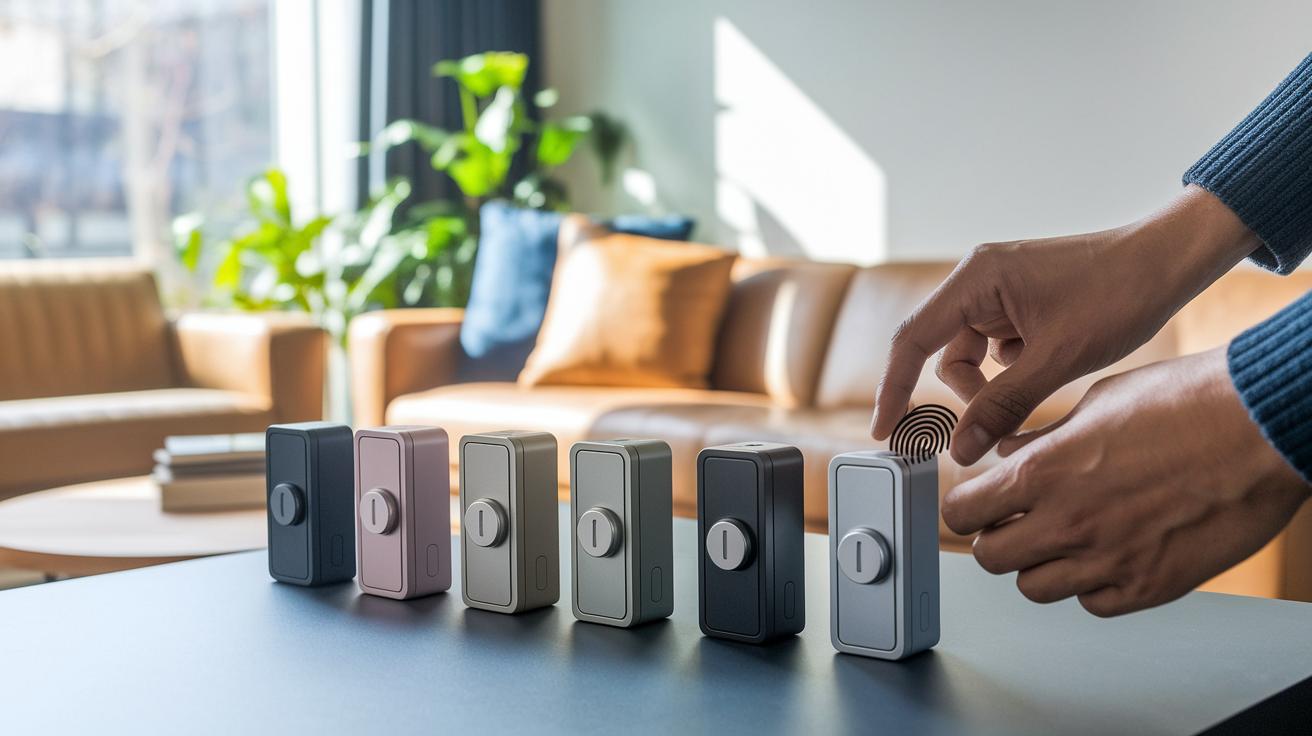
Check out this quick look at six smart deadbolts that add extra safety to your home. Each option brings its own mix of features like fingerprint scanning, facial recognition, and voice control. They also work with different home automation systems, so you can choose one that matches your daily routine and tech setup.
Below is a side-by-side table showing key details such as unlocking methods, price, and connectivity options.
| Model | Key features | Price | Connectivity |
|---|---|---|---|
| Ultraloq Bolt Fingerprint | Fingerprint scanner, keypad, traditional key slot, built-in Wi-Fi (no hub required) | $130 | Wi-Fi |
| Lockly Visage Zeno Series | Dual infrared facial recognition, fingerprint, Apple HomeKey, voice control via Alexa/Google/Siri | $348 | Works with voice assistants |
| August Wi-Fi Smart Lock | Retrofit interior thumb-turn design, supports various platforms, compact build | $249 | Wi-Fi and Bluetooth |
| Eufy FamiLock S3 Max | Integrates with a 2K video doorbell, palm scan, 15.5GB storage (expandable via HomeBase) | $185 | HomeBase dependent |
| Kwikset Halo Touch | Options for fingerprint, phone, voice and key entry, all in a subtle design | $200 | Phone and voice |
| Yale Assure Lock 2 | Bluetooth and Wi-Fi support, keypad/touchscreen, HomeKit integration, efficient design | $176 | Bluetooth and Wi-Fi |
This chart lets you compare the differences quickly. For example, the Ultraloq Bolt Fingerprint offers several unlocking options if you need flexibility. Look at which model fits with your budget and smart home setup.
Installation and Setup Procedures for Smart Deadbolts
Before you start, make sure you have a Phillips-head screwdriver, your smart deadbolt, and any extra parts that came with it. Check that your door already has the proper holes. If you have a retrofit lock, like the August model, you might only need to switch the interior thumb turn. Also, ensure your phone is ready for the mobile app and your Wi-Fi works near the door. Good alignment is key, measure twice before you begin.
- Remove the old lock or prepare the door face for the adapter. If screws need to be taken out, drill gently to avoid damage.
- Fit the new smart lock in place. Line it up with the pre-drilled holes or adapter, then slowly tighten the screws with your Phillips-head screwdriver.
- Connect the lock to your Wi-Fi by following the instructions on the mobile app. This links your door to your smart home system.
- Pair the lock with the mobile app by following the on-screen prompts.
- Set up access codes and add fingerprints or face data if your lock supports these features. Test them by trying a finger scan or face recognition.
- Test the lock several times to be sure it locks and unlocks automatically. This confirms it's ready for daily use.
Integrating Smart Deadbolts with Home Automation Systems

Linking your smart deadbolt to your home system is a breeze. Open the lock’s mobile app and follow its easy pairing steps to connect to your Wi-Fi network. Once it’s online, you can lock or unlock your door from anywhere using your smartphone.
Many smart locks play nicely with Amazon Alexa, Google Assistant, and Apple HomeKit. For example, you can set up a rule so the door unlocks automatically when you approach by using geofencing or tapping your iPhone or Apple Watch with NFC. Voice commands make it even simpler to manage your entry without any hassle.
You can also create advanced schedules using IFTTT or the in-app settings. Picture setting the deadbolt to auto-lock at night or after the door stays closed for a specific period. Some models even offer an Expressions Mode that keeps the door secure during a power outage. This reliable mobile setup helps your smart lock talk to other devices in your home, letting you get door alerts, adjust locks remotely, and control things without touching a thing.
Smart Deadbolt Security, Encryption, and Anti-Tamper Measures
Encryption forms the backbone of your lock’s safety. Most smart locks use AES-128 or AES-256 encryption (methods that scramble data) to secure communication with your app. AES-256 is tougher against advanced hacks. For instance, a study showed that a lock with weak encryption was breached in just 10 minutes, pushing the industry to improve security.
At the physical level, a solid build helps prevent disassembly or forced entry. Some models now feature anti-tamper alarms that trigger when the lock experiences a strong physical jolt, sending real-time alerts to your phone. Cloud connections add another safety layer by cross-checking protocol details to ensure data stays intact. Additionally, a few devices rely on two-factor authentication, which means you must pass an extra check before unlocking. Experts recommend using random, unpredictable PINs to further fend off intrusions.
Maintenance, Battery Management, and Firmware Updates
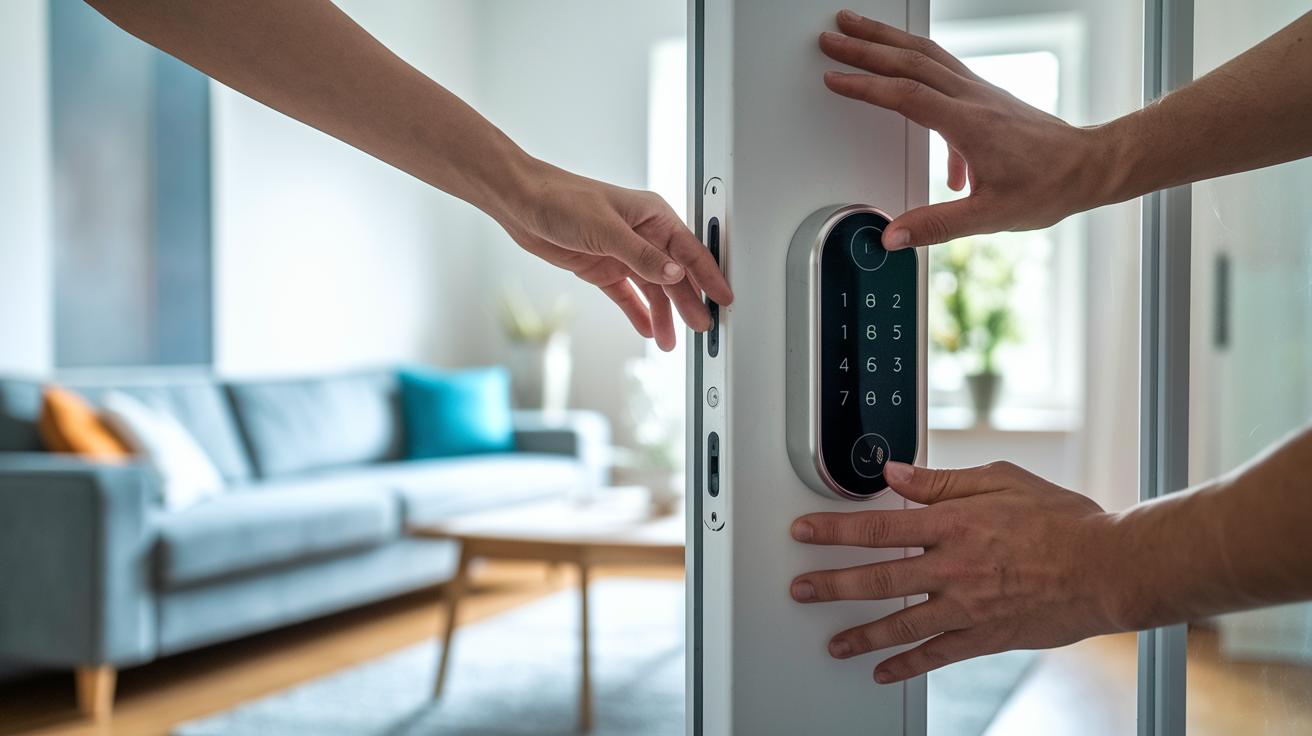
Keeping your smart deadbolt in good shape means checking its battery and managing power wisely. The Yale Wi-Fi lock may drain its battery fast, so it pays to check it often. Meanwhile, models like Ultraloq and Lockin Veno Pro can run for up to three months and even work with a solar panel for extra power. August locks use advanced features that require frequent CR123A battery changes. Some locks also offer a USB jump-start port for emergencies. We suggest checking the battery every couple of months and using high-quality alkaline batteries to avoid sudden shutdowns.
Updating the firmware is key for a secure and smooth lock. Use the lock’s mobile app to download updates that fix bugs and boost encryption (security measures to protect your data). If you have trouble with network connectivity, try rebooting your router and checking your Wi-Fi settings. Make sure your lock’s app is running the latest firmware, and if issues continue, reset the connection. These simple steps help keep your smart deadbolt reliable and extend its lifespan.
Pricing Breakdown and Consumer Review Highlights for Smart Deadbolts
Smart deadbolts come in a wide range of prices based on features and design. You can pick up a basic model for around $100 if you're on a budget. If you want extra features, the Ultraloq U-Bolt Pro with Wi-Fi is about $130, and the August Wi-Fi Smart Lock runs about $139. For those looking for a bit more, the Yale Assure Lock 2 offers added functions for roughly $176. For models with top-notch connectivity and design, consider the Schlage Encode at $214 or the Level Lock Pro at $349. This clear pricing guide can help you choose a lock that fits both your wallet and your tech needs.
Users have shared similar views in their reviews. Many rate installation ease around 4.5 out of 5, noting that clear guides and simple retrofit steps make setup a breeze. Reliability usually scores about 4 out of 5 on review sites. Customers love that Wi-Fi-enabled locks let them check status and update firmware remotely. Some have mentioned issues like shorter battery life or occasional connectivity hiccups. Overall, if you value a lock that works well with voice assistants and home automation, these insights can help you balance cost with performance and boost your home security without hassle.
Final Words
In the action, we broke down what makes a smart deadbolt worth buying, from remote access and keyless entry to app-controlled integration. We compared top models side by side, detailed installation tips, and discussed home-automation setups. We also looked into security features and maintenance tricks while considering pricing tiers and real user ratings. This quick guide helps you weigh budget, performance, and use-case to select the best smart deadbolt. Enjoy the process of upgrading your door security with confidence and ease.
FAQ
What is the best smart deadbolt?
The best smart deadbolt depends on your needs. Models with reliable remote control, smooth home automation, and multiple unlocking options typically offer the best mix of convenience and security.
What smart deadbolt options does Schlage offer?
Smart deadbolts by Schlage, like the Encode, offer sturdy build, simple installation, and dependable keypad entry. They combine modern features with trusted performance for secure home entry.
Which smart deadbolts come with a key option?
Smart deadbolts featuring a key option let you use a traditional key as backup. This setup ensures you can unlock your door even if the smart system malfunctions.
What do smart deadbolt reviews indicate?
Smart deadbolt reviews indicate that users appreciate easy installation, versatile unlocking methods, and seamless home integration, although battery life and connectivity can vary between models.
How is smart deadbolt installation performed?
Smart deadbolt installation is usually DIY-friendly. Most models install in 10–25 minutes using a Phillips-head screwdriver, syncing with mobile apps for hassle-free access code setup.
What benefits do smart deadbolts with a camera provide?
Smart deadbolts with a built-in camera add extra security by monitoring visitors. They offer real-time footage and alerts, helping you watch for package deliveries and unexpected activity.
What features define door smart locks?
Door smart locks offer keyless entry, app-controlled management, and voice command integration. They let you secure your home with modern technology while providing flexible entry options.
What is unique about the August Smart Lock?
The August Smart Lock stands out with its retrofit design that fits your existing deadbolt. Its easy-to-use app and keyless entry simplify daily access without replacing hardware.
How does the August Wi-Fi Smart Lock perform?
The August Wi-Fi Smart Lock uses built-in Wi-Fi for remote control and works across multiple platforms. Users enjoy its modern design and easy integration, though battery life may sometimes be a concern.
What does the Yale Approach Lock with Wi-Fi and Keypad Touch offer?
The Yale Approach Lock combines Wi-Fi connectivity, a touchscreen keypad, and traditional key access. This blend provides flexible entry methods and reliable remote control for home security.
What are the benefits of the Yale Assure Lock 2 series?
The Yale Assure Lock 2 series delivers touchscreen keyless entry with Bluetooth or Wi-Fi options. They integrate well with smart homes and allow flexible access methods, though battery life may vary with constant connectivity.
How does the Desloc B200 Fingerprint Smart Door Lock perform?
The Desloc B200 employs fingerprint recognition for fast, keyless entry. It offers secure access with alternative unlocking methods, providing a reliable and modern approach to home security.