

Ever seen your smart oven freeze or your fridge barely keeping cool? Small glitches like these can be early signs of hidden issues that might later cost you a lot.
In this post, I share some quick repair tips for your smart appliances. We show how you can spot warning signs using built-in sensors (tiny devices that check your appliance’s status) and companion apps on your phone. Sometimes, a simple restart is all it takes to clear minor faults.
These practical, hands-on tips can help you catch problems early and save money on bigger repairs.
Key Diagnostic Strategies for Smart Appliance Repair
If your smart appliance starts acting off, it might be trying to tell you something. Even small slowdowns or odd behavior can point to hidden issues. For example, if your smart fridge takes longer to cool or your dryer gives random error alerts, these clues might signal a bigger problem. It’s like a heartbeat; when the rhythm changes, it’s time to check what’s wrong. I once noticed my oven’s touchscreen slowing down and a quick check saved me a pricey repair later.
Today’s appliances come with built-in sensors that catch problems early. These sensors track things like temperature, vibration, and energy use and flag irregular data more often than manual checks. Most smart devices work with a companion app that shows diagnostic codes and live performance logs. For instance, my washer once sent an alert about a slight imbalance. A quick look at the app confirmed the error and helped me fix a small block before it turned into a major breakdown.
Sometimes a simple restart can fix the issue. Turning off your appliance for about 5 minutes can clear minor glitches. Try this quick troubleshooting guide:
This step-by-step method helps you decide if you can handle the fix yourself or if it’s time to call in a professional.
Firmware and Software Update Guidelines for Smart Appliance Repairs
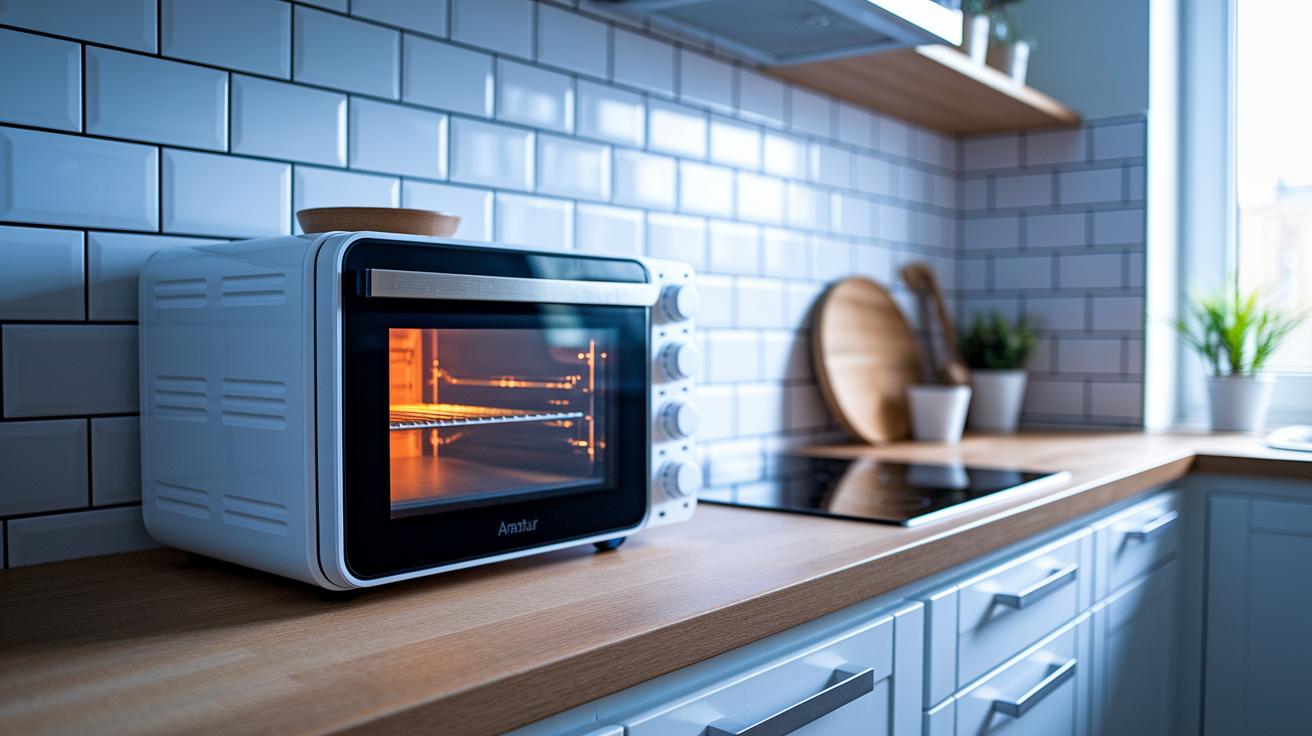
Every month, software patch updates help keep your appliance in top shape. They install security patches, fix bugs, and sometimes add new features. Whether your updates run automatically or you check them manually, regular updates stop glitches, like unresponsive screens or failed cycles, before they become a bigger problem. For example, one smart oven froze its display until a firmware update fixed a known bug.
Your user manual is a handy guide. It shows your current firmware version and explains how to spot any issues. Following these guidelines stops small problems from growing and makes your appliance more reliable.
Here are 3 steps to update your appliance firmware:
- Check your manual for the firmware version and see if there is an update.
- Set your device to update automatically or download the latest patch from the manufacturer.
- Restart the appliance to confirm the fixes take effect.
By following these steps, you can protect your appliance against glitches and boost its overall performance.
Network Connectivity Checks for Smart Appliance Repairs
Smart appliances need a solid Wi-Fi connection to work well. When you notice delays or lost updates, it may mean your connection is weak rather than the device failing. First, check if your router is in a good spot. Often, moving the router or your appliance clears up weak signals. For instance, if your smart oven stops syncing with the cloud or its updates lag, a simple signal check might be all you need.
A quick restart of your router can fix many of these issues. This simple step clears glitches and refreshes the network, giving your devices, from smart fridges to connected coffee makers, a fresh start. If you're looking to boost your signal further, check out your router maintenance tips.
Try these 4 quick connectivity checks:
- Check the signal strength using a mobile diagnostic app.
- Reposition the appliance or router to remove any obstacles.
- Restart the router to clear any temporary glitches.
- Verify that your network and cloud sync settings match the manufacturer’s recommendations.
These clear steps help you spot the issue fast and keep your smart devices running at their best.
Physical Cleaning and Preventive Maintenance for Smart Appliance Repairs

Keeping your smart appliances clean helps them work better and last longer. Dust often settles around vents and sensors, which can affect performance. Use a soft, dry cloth for cleaning, and check your user manual for any special care tips. For safe cleaning materials, refer to the Electronics cleaning guide.
Every three months, give your appliances a quick check. Look for loose connections, worn parts, or clogs near the vents. I once wiped down my smart fridge’s sensor area with a soft cloth and saw it cool faster right away. Keeping dust off not only boosts efficiency but also extends the life of your devices.
Simple steps like wiping surfaces and ensuring good airflow can turn small issues into easy fixes, stopping them from becoming major problems. A bit of regular cleaning now can save you from costly repairs later.
Remote Troubleshooting Tools and Tips for Smart Appliance Repairs
Smart appliances now come with tools that let you fix issues from afar. Many makers provide apps that show error codes and stats right on your phone. For example, if your fridge lights up with a warning, you can snap a screenshot of the code from the app and send it to support. In fact, about 40% of service calls now start with a mobile app. These tools can often help you solve problems fast with a few taps.
Top Mobile Diagnostic Apps: Brief overview of three platforms
Here are three apps that make checking your appliance easy:
- One app displays clear error codes and shows live data.
- Another highlights problem spots with simple visuals you can tap.
- A third mixes repair tips with links to online tutorials.
They send all the error details to the service team so you get the right help quickly when basic fixes don’t work.
Using Video Walkthroughs: Tips for following and pausing during repairs
Video guides can take you step-by-step through repairs. Watch the video and pause at key moments to catch error messages or tool tips. Good videos show you exactly where to look and how to do a quick reset, like turning the appliance off for a few minutes. Taking screenshots can help you follow along when you work on your appliance. This way, you get visual checkpoints that make remote troubleshooting more effective.
Cost-Efficient Repair Strategies for Smart Appliances
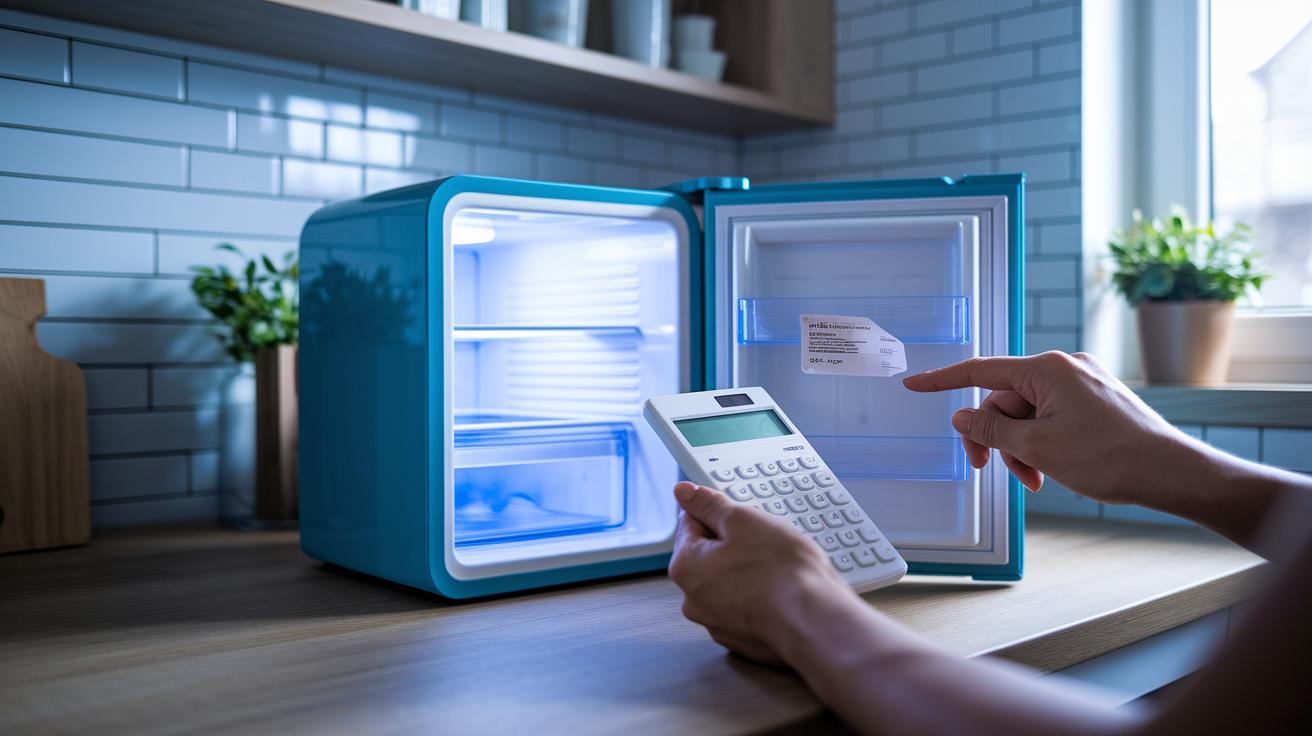
If your smart appliance starts acting up, it’s a good idea to look at repair costs versus replacement costs. For instance, a small fridge fix might cost between $125 and $500, while a new fridge could cost around $2,000. Check your warranty first because it might cover parts and labor and save you some cash.
Before calling a technician, try some simple troubleshooting at home. See if things like an unresponsive screen or odd noises are the problem. Sometimes a software reset or a quick clean-up of blockages can do the trick and keep your repair bill low.
When you’re ready to decide on a professional repair, ask yourself these key questions:
- Are there clear warranty terms or service agreements that you can use?
- Is this an issue that basic troubleshooting can’t fix?
- How does the repair cost compare to buying a new appliance?
- Is the fix likely to last for the long haul?
Your answers will help you choose if you should handle it yourself or call a pro.
Safety Precautions and Warranty Advice in Smart Appliance Repairs
Before you get started on any repair, grab your appliance’s user manual. It covers safety tips and warns you about specific risks. When you work on electrical parts, wear insulated gloves and safety goggles to keep yourself safe from live components.
If your appliance is still under warranty, contact the manufacturer’s authorized service center first. Doing DIY repairs might cancel your warranty. Certified technicians are trained to handle tricky parts like internal sensors and smart software. So, check your warranty details and follow its advice closely.
- Always unplug the appliance before working on it.
- Use the correct protective gear for electrical repairs.
- Reach out to certified service centers if the device is under warranty.
Final Words
In the action, we covered clear steps for smart appliance repair tips, from spotting early performance shifts to using smart sensors and reboot methods.
We walked through firmware and software checks, network fixes, and even cleaning routines that keep your appliance running well.
We also shared remote troubleshooting advice, cost-saving hints, and safety pointers you can rely on.
Each tactic is designed to help you handle repairs with confidence and ease.
Stay positive, small tweaks go a long way in keeping your tech on track.
FAQ
Q: What are the key diagnostic strategies for smart appliance repair?
A: The diagnostic strategies focus on identifying early performance shifts, using internal sensors and diagnostic apps, and performing simple system reboots to resolve issues promptly.
Q: How do firmware and software updates affect smart appliance performance?
A: The firmware and software updates deliver crucial security patches, bug fixes, and new features that maintain smooth operation and prevent glitches, keeping the appliance responsive and reliable.
Q: How can I check and improve network connectivity for smart appliances?
A: The method involves monitoring Wi-Fi strength, testing cloud synchronization, and occasionally restarting the router, all of which ensure a stable connection for effective appliance communication.
Q: What routine cleaning and preventive maintenance measures should I take for smart appliances?
A: Preventive maintenance involves using a soft, dry cloth for cleaning, scheduling quarterly inspections, and ensuring proper ventilation to keep sensors clear and circuits functioning well.
Q: What are the main remote troubleshooting tools and tips for smart appliance repair?
A: Remote troubleshooting includes using diagnostic apps, following online video guides, and taking screenshots of error logs, which all help speed up the repair process through clear error reporting.
Q: What should I consider for cost-efficient smart appliance repairs?
A: Consider repair cost comparisons, warranty terms, and DIY options versus professional services, which can help you save money by weighing part costs and avoiding unnecessary replacement fees.
Q: What safety precautions and warranty advice should be followed when repairing smart appliances?
A: Safety tips include reviewing the user manual, wearing the proper personal protective equipment, and contacting authorized service centers if the appliance remains under warranty to avoid voiding coverage.